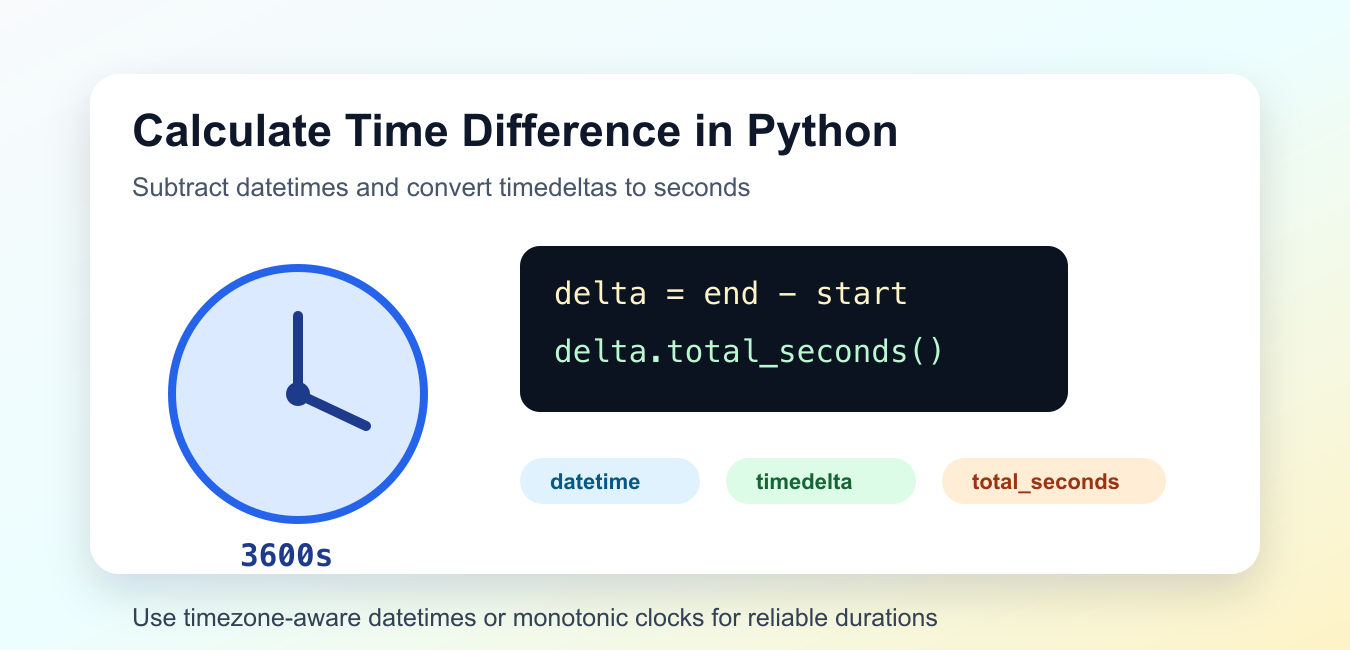
Quick answer: Subtract compatible datetime objects to obtain a timedelta, then call total_seconds() when the consumer needs a numeric duration. Keep the timezone policy explicit, because subtracting naive and aware values or mixing incompatible interpretations produces errors or misleading results.
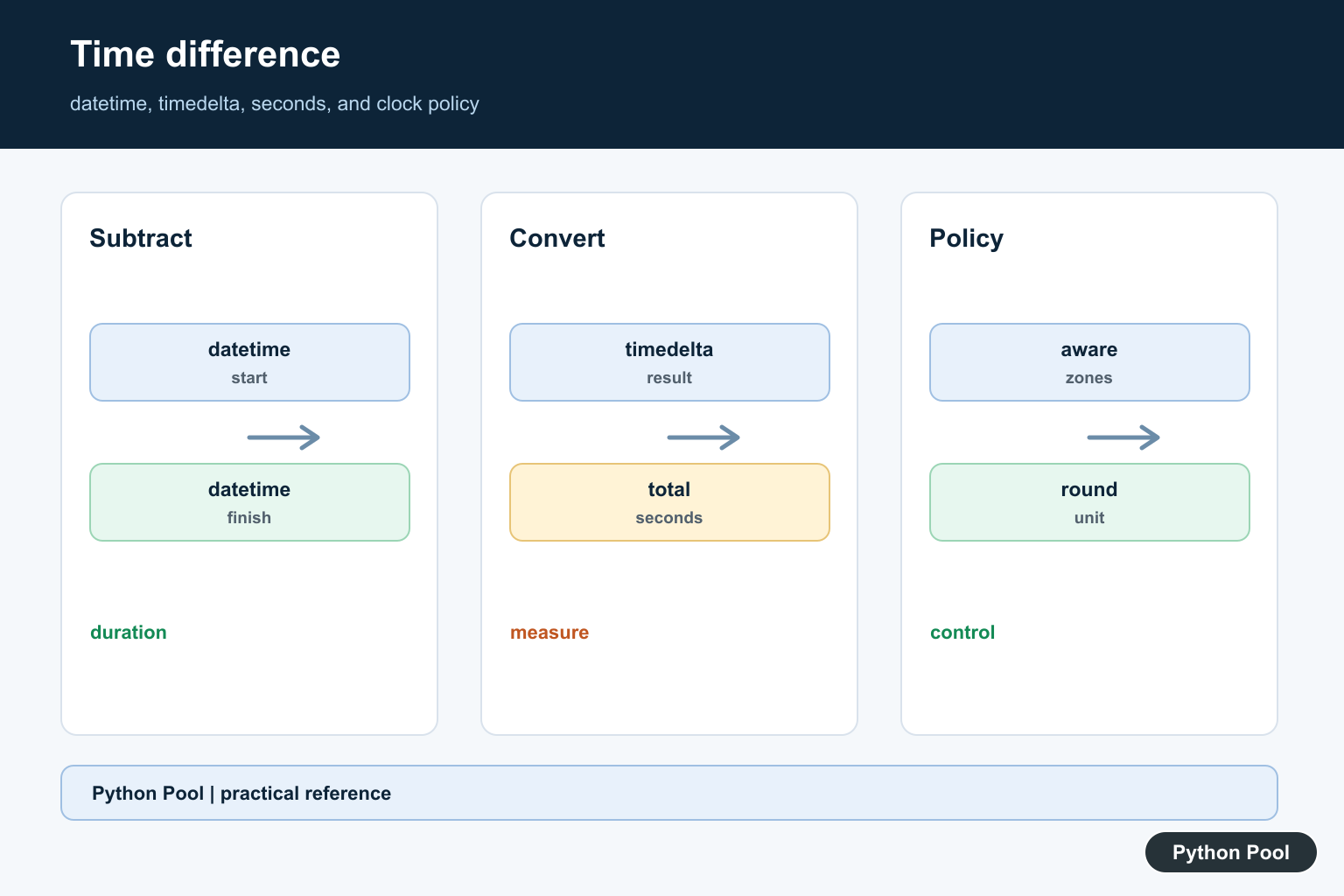
To calculate a time difference in Python, subtract one datetime from another. The result is a timedelta, and timedelta.total_seconds() converts the whole duration to seconds.
This is the right approach for calendar times, timestamps, logs, and stored dates. For measuring how long code takes to run, use a monotonic clock instead. The official timedelta.total_seconds documentation explains the conversion, the datetime documentation covers date-time objects, and the time module documentation covers runtime clocks.
Subtract Two datetime Objects
When both values are datetime objects, subtraction returns a timedelta.
from datetime import datetime

start = datetime(2026, 7, 9, 9, 0, 0)
end = datetime(2026, 7, 9, 10, 30, 15)

delta = end - start

print(delta)
print(delta.total_seconds())
This returns the full duration in seconds, including hours, minutes, and seconds. Use total_seconds(), not the seconds attribute, when the duration may span days.
The seconds attribute is only the seconds portion inside the day component. That distinction matters for long intervals.
Parse Strings Before Comparing
If your times are strings, parse them into datetime objects before subtracting.
from datetime import datetime

start_text = "2026-07-09 09:15:00"
end_text = "2026-07-09 09:45:30"

start = datetime.strptime(start_text, "%Y-%m-%d %H:%M:%S")
end = datetime.strptime(end_text, "%Y-%m-%d %H:%M:%S")

print((end - start).total_seconds())
The format string must match the input text. If the format differs, parsing raises an error instead of guessing.
Use parsing when reading logs, CSV exports, form input, or API responses that store times as text.
Use Timezone-Aware datetimes
For real-world timestamps, timezone-aware values are safer than naive values. Both sides of the subtraction should use compatible timezone information.
from datetime import datetime, timezone

start = datetime(2026, 7, 9, 9, 0, tzinfo=timezone.utc)
end = datetime(2026, 7, 9, 12, 0, tzinfo=timezone.utc)

seconds = (end - start).total_seconds()

print(seconds)
This avoids mistakes caused by local time zones or daylight-saving transitions. For events stored in databases, UTC is usually the simplest shared reference.
Do not subtract an aware datetime from a naive datetime. Python rejects that because the result would be ambiguous.
Compare Unix Timestamps
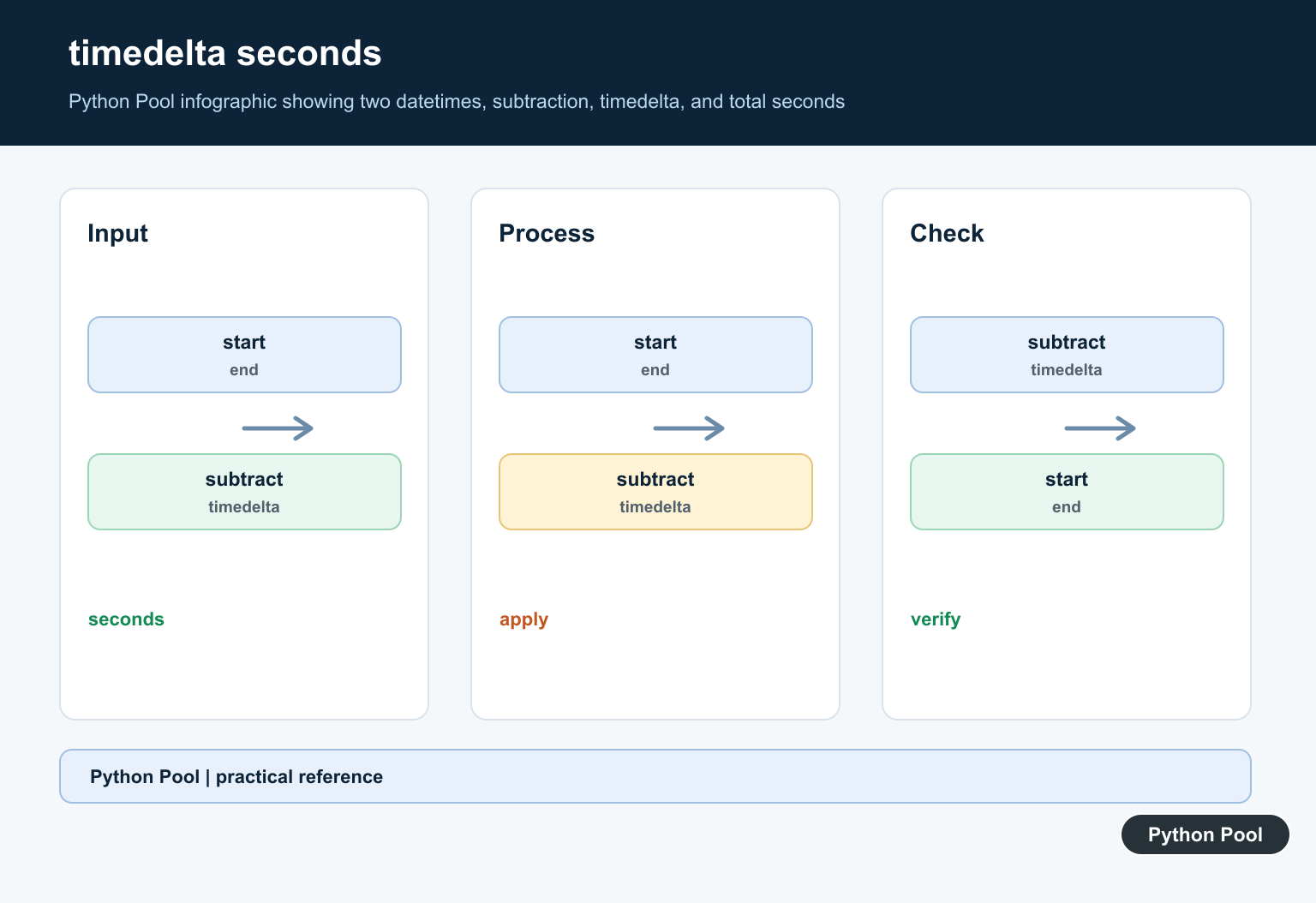
Unix timestamps are numeric seconds from the Unix epoch. Subtracting them directly gives a difference in seconds.
start_timestamp = 1783587600
end_timestamp = 1783591235

elapsed_seconds = end_timestamp - start_timestamp

print(elapsed_seconds)
This is useful when APIs or logs already provide epoch seconds. If the timestamps include fractions, the result may be a float.
Convert to datetime when you need calendar formatting, but keep numeric timestamps when you only need elapsed seconds.
Measure Runtime With monotonic
For measuring elapsed runtime, use time.monotonic(). It is designed for durations and is not affected by system clock adjustments.
import time
from threading import Event

start = time.monotonic()

Event().wait(0.2)

end = time.monotonic()
print(end - start)
This pattern is better for timers, retries, polling loops, and performance checks than subtracting wall-clock datetimes.
For detailed benchmarks, use timeit. For simple elapsed-time checks, monotonic() is a solid default.
Handle Negative Differences
If the end time comes before the start time, the result is negative. Decide whether that should be allowed, rejected, or converted to an absolute duration.
from datetime import datetime

start = datetime(2026, 7, 9, 12, 0)
end = datetime(2026, 7, 9, 11, 45)

seconds = (end - start).total_seconds()

print(seconds)
print(abs(seconds))
Negative results are useful when ordering matters. Absolute results are useful when you only care about the size of the gap.
Choose one behavior deliberately so later code does not hide out-of-order timestamps by accident.
Common Mistakes
Date-only values can also be subtracted, but the result is measured in whole days. If you need seconds from date-only input, decide what time of day those dates represent. Many programs treat a plain date as midnight, but that assumption should be explicit.
When showing elapsed seconds to users, choose a rounding rule. Raw total_seconds() may include fractions when microseconds are present. For logs and APIs, keeping the decimal part may be useful. For reports, rounding or converting to minutes and hours may be clearer.
Also decide whether the result should include both endpoints. Time differences usually measure elapsed time between instants, so a start at 10:00 and an end at 10:01 is 60 seconds. Counting events in a calendar range is a different problem and may need inclusive date logic.
For stored application events, keep the original timestamps and calculate the difference when needed. Storing only a derived duration can make later audits harder if the source times need to be checked.
Do not use delta.seconds for a full duration. It omits days and can return a misleading value for intervals longer than 24 hours.
Do not mix local naive datetimes with UTC-aware datetimes. Normalize both sides first, then subtract.
Do not use wall-clock time for runtime measurement. System time can change while a program runs. Use time.monotonic() or timeit for elapsed runtime.
The practical default is to subtract datetimes for calendar events, call total_seconds() for the full duration, and use monotonic clocks for measuring code or waits.
Use timedelta For Durations
datetime subtraction preserves a duration object with days, seconds, and microseconds. Keep that object when the caller may need comparisons, formatting, or another unit, and convert to seconds only at the interface that requires a number.
Choose Float Or Integer Deliberately
total_seconds() can return a fractional value. Round only when the product requirement defines a rounding policy, and avoid truncating a duration silently when a fraction changes billing, timeout, or measurement behavior.
Use Timestamps For Instants
Numeric timestamps are useful at a system boundary, but they inherit the meaning of the epoch and the precision of the source. Convert to aware datetime values when timezone semantics, formatting, or human review matters.
Keep Timezone Awareness Consistent
Naive values may represent local clock readings, while aware values identify instants. Normalize inputs before subtraction and document how legacy naive values should be interpreted rather than attaching UTC by guesswork.
Measure Elapsed Time Separately
For runtime measurement inside one process, a monotonic clock is usually more appropriate than wall-clock datetime values because system clock adjustments should not make elapsed time go backward.
Test Boundary Durations
Test zero, negative, fractional, multi-day, timestamp, aware, naive, and DST-adjacent values. Assert the unit and rounding behavior so a later caller cannot mistake seconds for milliseconds or minutes.
The official datetime documentation covers timedelta and total_seconds(), while time.monotonic() is the reference for elapsed-clock measurement. Related guidance includes timezone handling and duration tests.
For related clock policy, compare timezone-aware values, runtime measurement, and duration tests before choosing a unit or rounding rule.
Frequently Asked Questions
How do I get a time difference in seconds in Python?
Subtract two compatible datetime objects to get a timedelta, then call total_seconds() to convert the duration to a numeric number of seconds.
What is the difference between timestamp subtraction and datetime subtraction?
Timestamp subtraction operates on numeric instants, while datetime subtraction preserves the datetime and timezone semantics that produced the duration.
Can total_seconds() return a decimal value?
Yes. total_seconds() returns a float when the duration includes fractions of a second; round or convert deliberately if the application needs an integer.
Why can timezone-aware times not be subtracted from naive times?
The two values do not have a shared interpretation of the instant; normalize or attach the correct timezone policy before comparing or subtracting them.