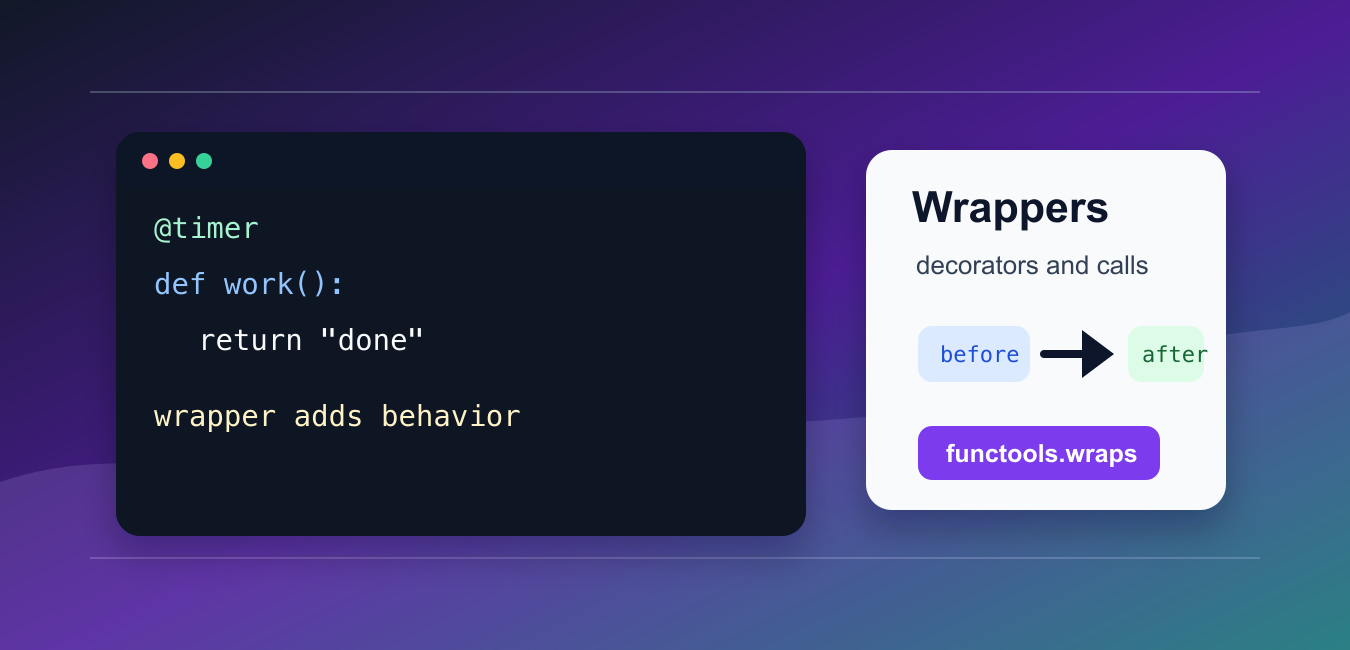
Quick answer: A Python wrapper calls another function while adding behavior before, after, or around that call. Use a closure and functools.wraps for a normal decorator, accept *args and **kwargs when the wrapped function can vary, and keep the wrapper focused on a cross-cutting concern such as logging, timing, authorization, retries, or validation.
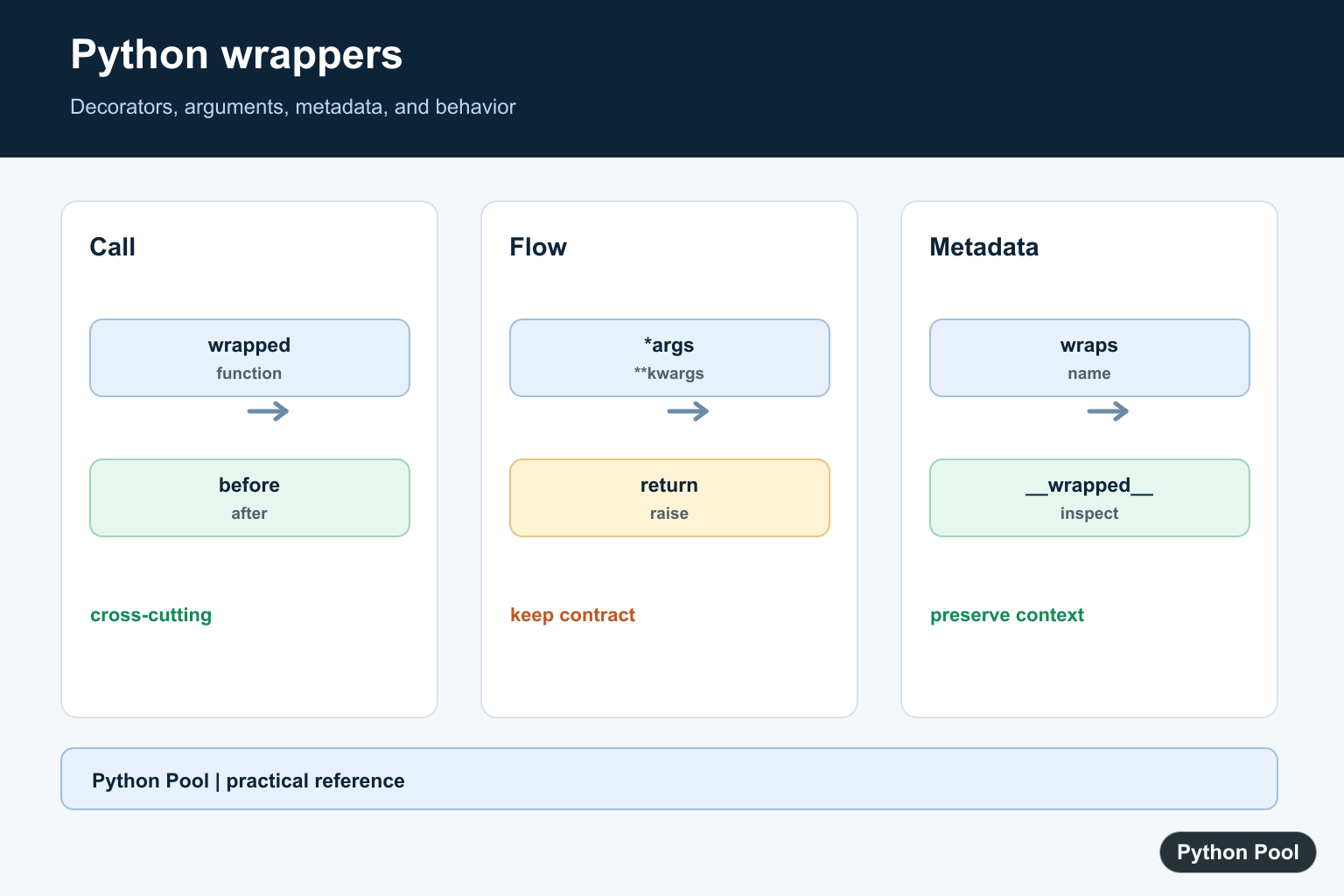
A Python wrapper is a function that calls another function while adding behavior before, after, or around that call. Decorators are the common syntax for applying wrappers.
The main references are Python’s decorator glossary entry, the functools.wraps documentation, and the function definition reference.
Wrappers are useful for logging, timing, authorization checks, retries, caching, and validation. The wrapped function still does the core work, while the wrapper handles cross-cutting behavior.
The key rule is to preserve the original function’s return value and metadata unless you intentionally want to change them.
A good wrapper is transparent. Callers should still understand what arguments to pass, what result comes back, and what extra behavior the wrapper adds.
Use wrappers for behavior that is repeated across several functions. If the behavior is needed only once, a normal helper call inside the function may be easier to read.
Write A Simple Wrapper
A wrapper can be written manually by defining an inner function and returning it.
def make_wrapper(func):
    def wrapper():
        print("before")
        result = func()
        print("after")
        return result
    return wrapper

def greet():
    return "hello"

wrapped = make_wrapper(greet)
print(wrapped())
The wrapper receives the original function, calls it, and returns the result.
This manual form helps explain what decorator syntax does behind the scenes.
Manual wrapping is also useful in tests or setup code where you want to choose whether a function is wrapped at runtime.
Use Decorator Syntax
The @decorator syntax applies a wrapper at function definition time.
def announce(func):
    def wrapper():
        print("starting")
        return func()
    return wrapper

@announce
def task():
    return "done"

print(task())
This is equivalent to assigning task = announce(task) after the function is defined.
Decorator syntax is clearer when the wrapper is part of the function’s intended behavior.
Place decorators close to the function they affect. A reader should not need to search far to understand why the function logs, retries, or checks permissions.
Preserve Metadata With wraps
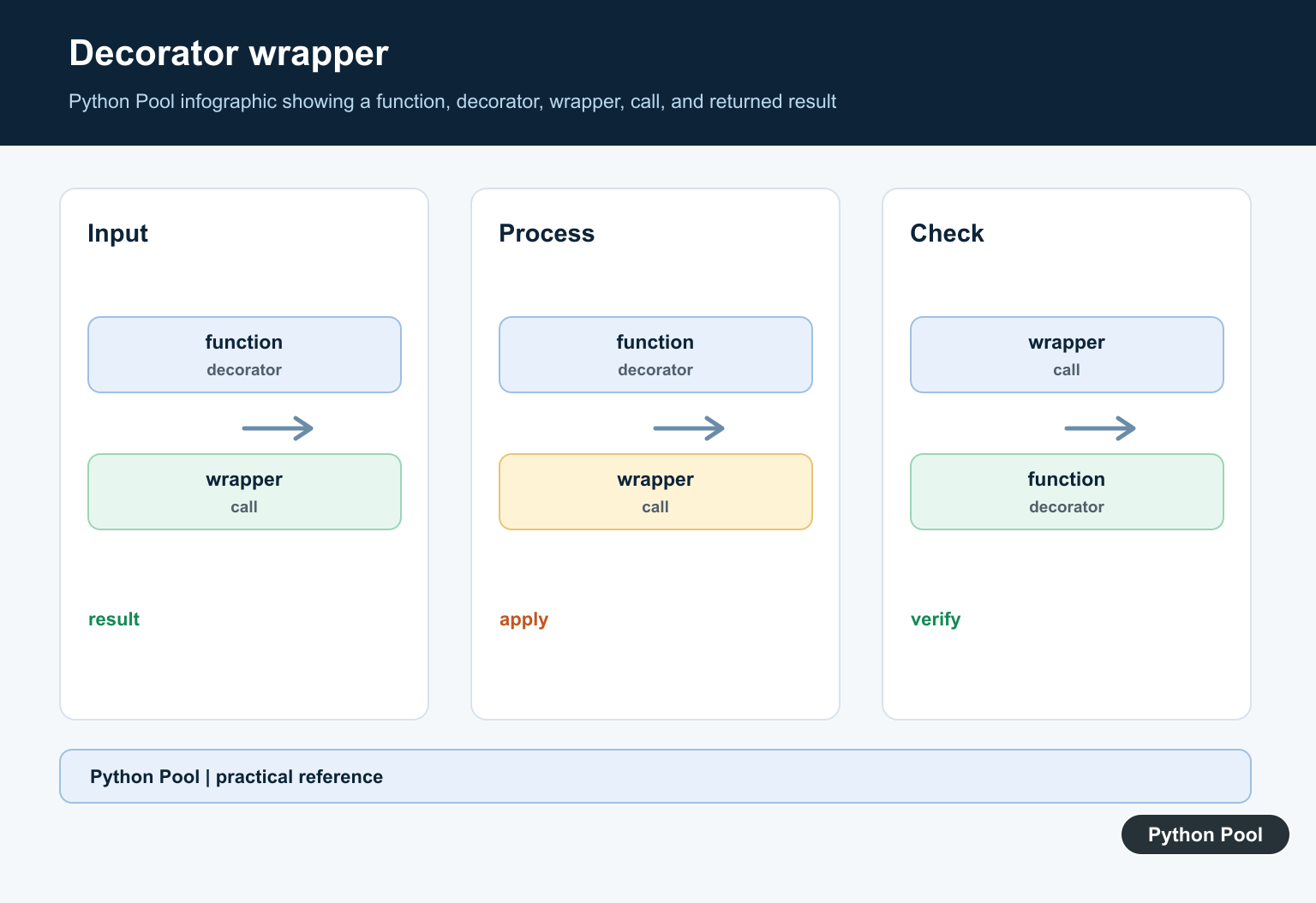
Use functools.wraps inside decorators so the wrapped function keeps its name and documentation.
from functools import wraps

def announce(func):
    @wraps(func)
    def wrapper():
        print("starting")
        return func()
    return wrapper

@announce
def task():
    """Return a task result."""
    return "done"

print(task.__name__)
print(task.__doc__)
Without wraps, tools may see the wrapper’s name instead of the original function name.
This matters for debugging, documentation, tests, and frameworks that inspect functions.
Use wraps by default in decorators you write for application code. It costs little and prevents confusing names in tracebacks.
Support Arguments
Most real wrappers need to accept whatever arguments the wrapped function accepts.
from functools import wraps

def trace(func):
    @wraps(func)
    def wrapper(*args, **kwargs):
        print(f"calling {func.__name__}")
        return func(*args, **kwargs)
    return wrapper

@trace
def add(left, right):
    return left + right

print(add(2, 3))
*args captures positional arguments, and **kwargs captures keyword arguments.
The wrapper passes both through to the original function.
Do not silently drop arguments in a generic wrapper. If the decorator changes the accepted signature, document that change clearly.
Time A Function Call
A timing decorator can measure how long a function takes without changing the function body.
from functools import wraps
from time import perf_counter

def timer(func):
    @wraps(func)
    def wrapper(*args, **kwargs):
        start = perf_counter()
        try:
            return func(*args, **kwargs)
        finally:
            elapsed = perf_counter() - start
            print(f"{func.__name__}: {elapsed:.4f}s")
    return wrapper

@timer
def work():
    return sum(range(1000))

print(work())
The finally block runs even if the wrapped function raises an exception.
This pattern is useful for diagnostics, but production timing is often better handled by structured logging or monitoring.
Timing wrappers should avoid changing business behavior. They should measure and report, then let the original return value or exception continue normally.
Write A Decorator With Options
A decorator with options returns the actual decorator from an outer function.
from functools import wraps

def repeat(times):
    def decorator(func):
        @wraps(func)
        def wrapper(*args, **kwargs):
            result = None
            for _ in range(times):
                result = func(*args, **kwargs)
            return result
        return wrapper
    return decorator

@repeat(times=3)
def say_hi():
    print("hi")

say_hi()
The outer function stores the option, the middle function receives the target function, and the inner wrapper handles the call.
The practical rule is to keep wrappers small and transparent. Preserve metadata with wraps, pass arguments through deliberately, and return the original result unless the decorator’s purpose is to transform it. Decorator wrappers should preserve the wrapped function’s metadata; functools.wraps in Python: Preserve Decorator Metadata shows the standard-library pattern.
If a wrapper becomes hard to explain, move the added behavior into a named helper and call that helper from the wrapper.
Be cautious when stacking multiple decorators. Python applies the decorator closest to the function first, then wraps outward. The order can change logging, validation, caching, and exception handling.
For public APIs, prefer simple decorators with clear names. A wrapper that hides too much control flow can make debugging harder than the duplicated code it replaced.
Tests should cover the wrapped function through the public decorated name. That confirms both the original behavior and the added wrapper behavior work together.
If a decorator changes timing, retries, or authorization, test those added rules directly as well.
Small wrappers stay easier to trust and maintain.
Preserve The Wrapped Function
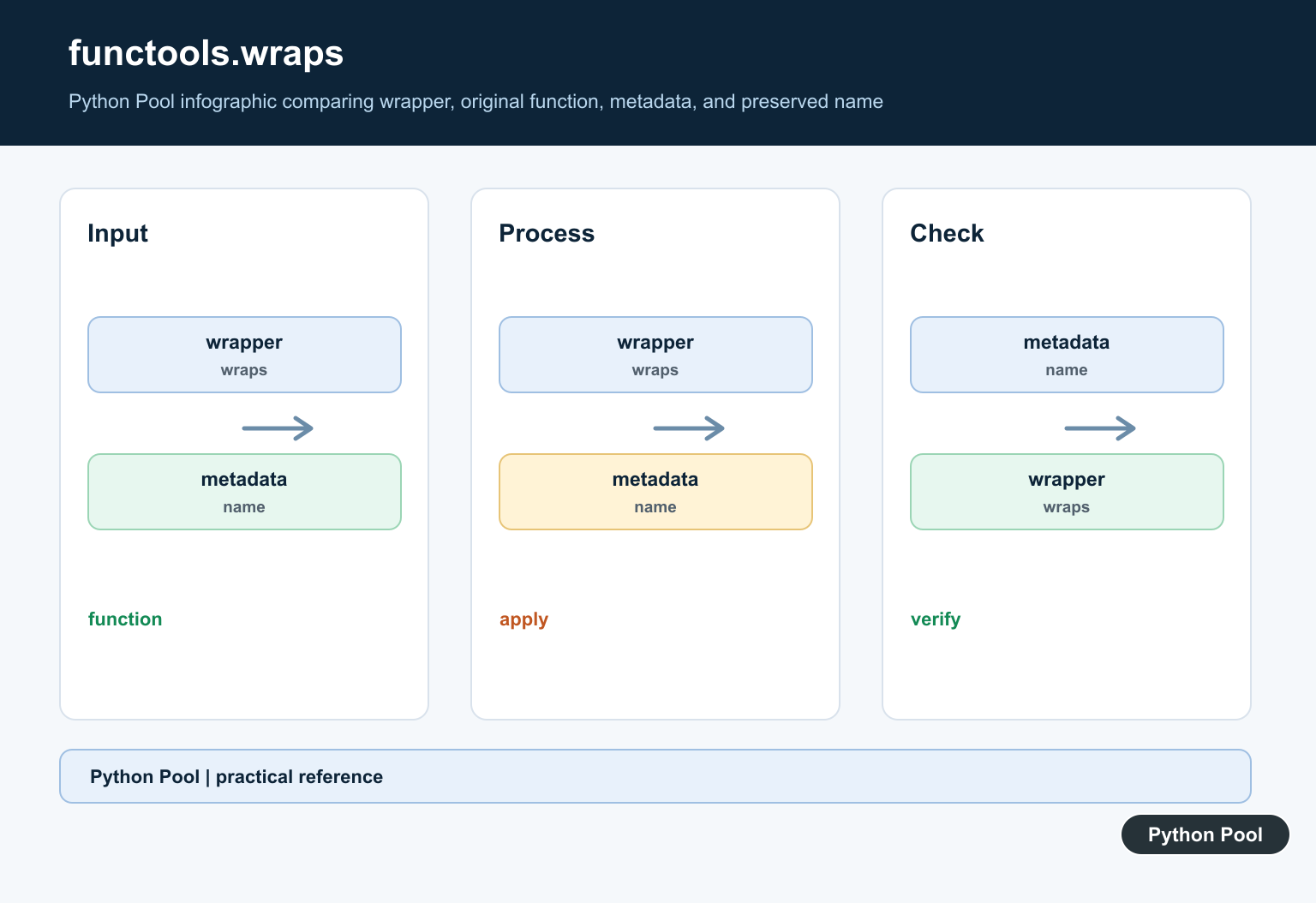
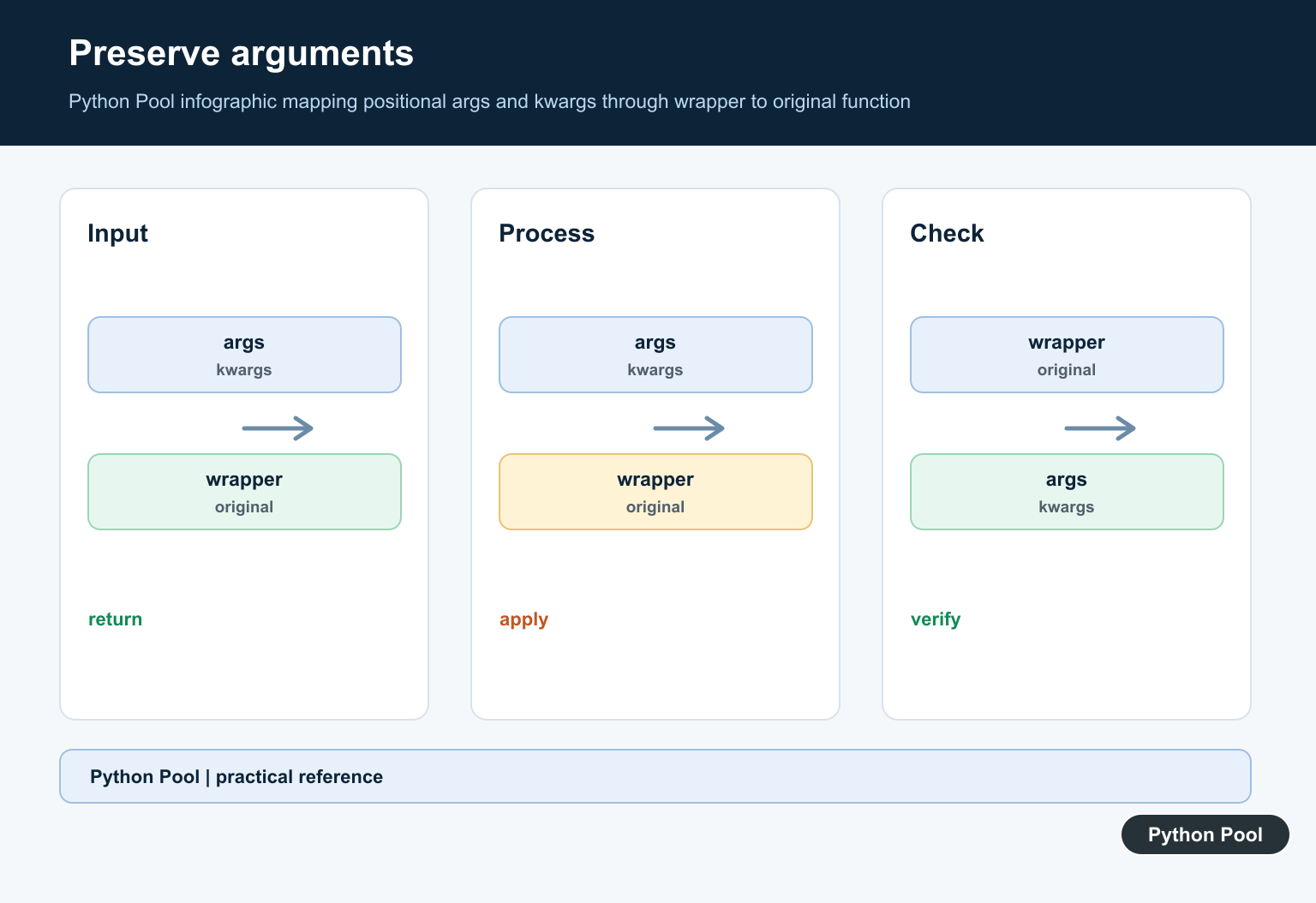
functools.wraps copies useful metadata and exposes __wrapped__, which helps documentation tools and introspection find the original function. Apply it to the inner wrapper rather than copying a name manually.
from functools import wraps


def announce(function):
    @wraps(function)
    def wrapper(*args, **kwargs):
        print("calling", function.__name__)
        return function(*args, **kwargs)
    return wrapper


@announce
def add(left, right):
    """Add two values."""
    return left + right

print(add(2, 3))
print(add.__name__)
print(add.__doc__)
Keep Argument Flow Explicit
A generic wrapper should forward positional and keyword arguments without changing their meaning. If a decorator only supports one signature, say so in the function contract instead of hiding unexpected arguments with broad mutation.
from functools import wraps


def trace(function):
    @wraps(function)
    def wrapper(*args, **kwargs):
        result = function(*args, **kwargs)
        print("result:", result)
        return result
    return wrapper


@trace
def greet(name, punctuation="!"):
    return f"Hello, {name}{punctuation}"

print(greet("Ada", punctuation="."))
Build A Configurable Decorator
When callers need options such as a label or threshold, add a decorator factory outside the decorator. The three layers are configuration, decoration, and the runtime wrapper.
from functools import wraps


def repeat(times):
    def decorator(function):
        @wraps(function)
        def wrapper(*args, **kwargs):
            result = None
            for _ in range(times):
                result = function(*args, **kwargs)
            return result
        return wrapper
    return decorator


@repeat(2)
def show(value):
    print(value)

show("Python")
Return Values And Exceptions Intact
A wrapper should normally return the wrapped result and allow exceptions to propagate unless the decorator’s documented purpose is to translate or handle them. Logging an exception is different from silently returning a fallback.
from functools import wraps


def log_failure(function):
    @wraps(function)
    def wrapper(*args, **kwargs):
        try:
            return function(*args, **kwargs)
        except Exception as error:
            print(type(error).__name__, str(error))
            raise
    return wrapper
These patterns follow the official functools.wraps reference and Python’s decorator glossary entry. Compare functools.wraps and functools.partial when deciding whether you need a wrapper or a preconfigured callable.
For related callable composition, compare functools.wraps, functools.partial, and the Python @ symbol when choosing a decorator or preconfigured function.
Frequently Asked Questions
What is a wrapper in Python?
A wrapper is a function that calls another function while adding behavior before, after, or around the original call.
Why should I use functools.wraps?
functools.wraps copies important metadata and adds __wrapped__, so the decorated function keeps a useful name, docstring, and introspection path.
How do I write a decorator that accepts arguments?
Use a decorator factory with an outer configuration function, a decorator function, and an inner wrapper that accepts *args and **kwargs.
When should I use a wrapper?
Use one for cross-cutting concerns such as logging, timing, authorization, retries, caching, or validation, while keeping the wrapped function focused on its core work.