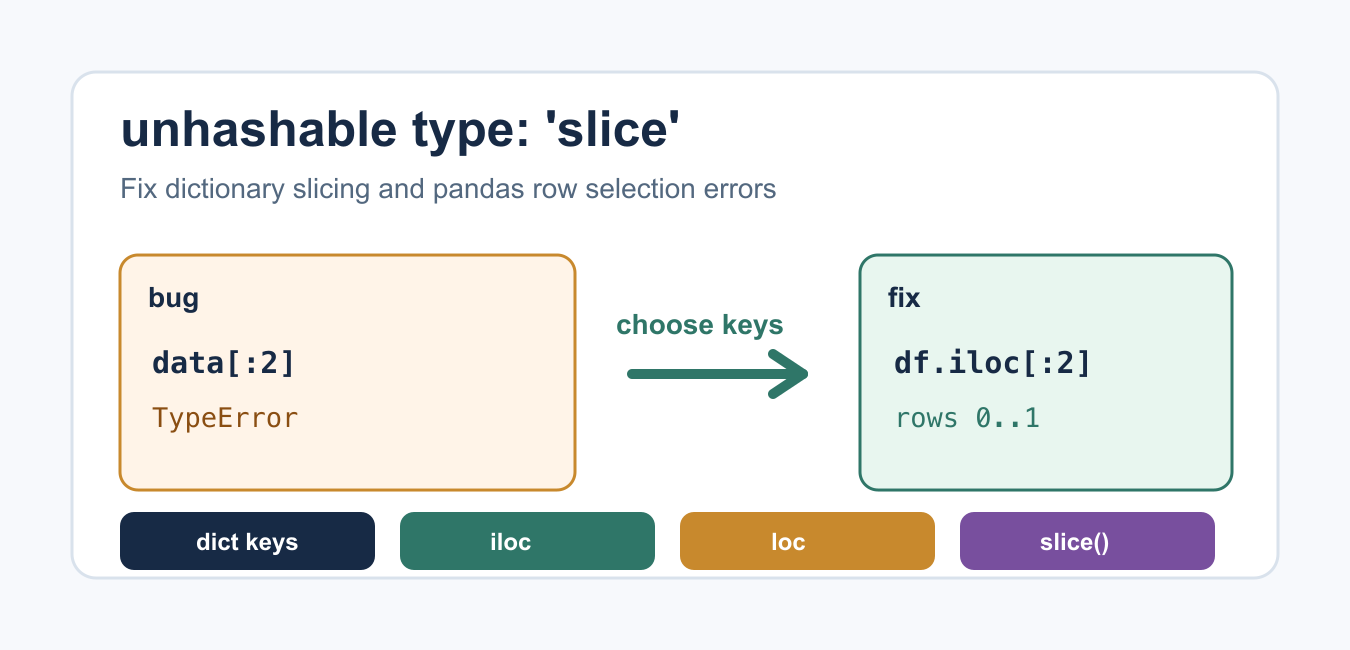
Quick answer: The unhashable-slice error usually means slicing syntax was applied to a dictionary rather than a sequence. Check the data type first, then use sequence slicing, nested indexing, or an array library’s multidimensional selector as appropriate.
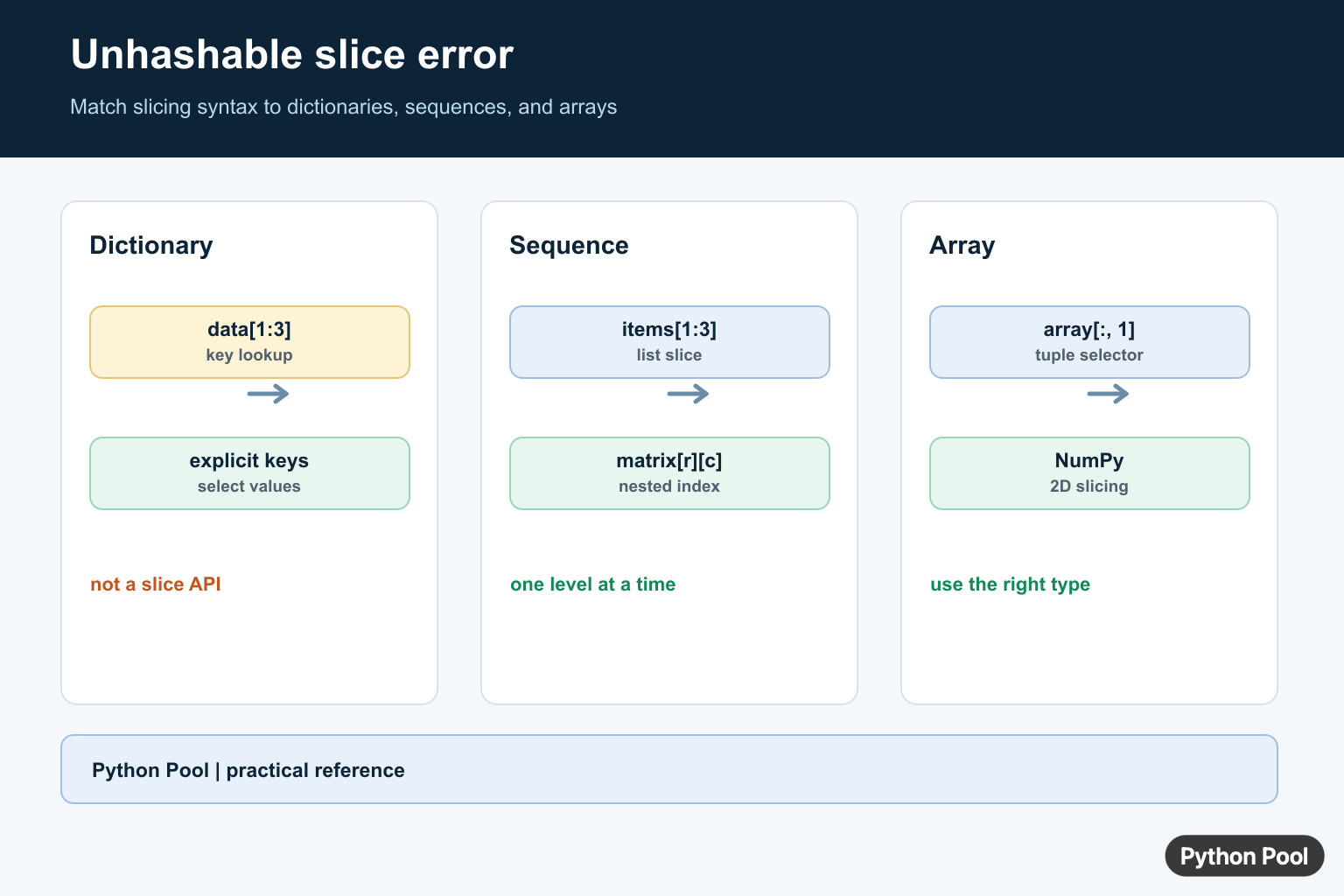
TypeError: unhashable type: 'slice' usually means Python received a slice object, such as : or 1:3, in a place that expects a hashable key. The most common cause is trying to slice a dictionary like a list. Dictionaries are mappings, so you select values by key instead of by position.
Quick Fix
If the failing code looks like data[:2] and data is a dictionary, convert the keys or items to a list first, or select explicit keys. If the failing object is a pandas DataFrame, use .iloc for integer-position slicing or .loc for label-based selection.
data = {"name": "Ada", "role": "Developer", "city": "London"}

# Wrong for a dictionary: data[:2]
first_two_items = list(data.items())[:2]

print(first_two_items)
The key idea is to confirm the object type before choosing the indexing syntax. Lists and tuples support positional slicing. Dictionaries support key lookup. DataFrames have their own indexers.
Why a Slice Can Trigger TypeError
Python raises TypeError when an operation is applied to an object of an inappropriate type. A slice is the object created by syntax such as start:stop; Python also exposes it through the built-in slice() function. Dictionary keys must be hashable, and the Python glossary defines hashable objects as objects with a hash value that does not change during their lifetime.
part = slice(0, 2)
print(part)
print(type(part))

# This raises TypeError because a slice is not a valid dict key here.
# print({"a": 1, "b": 2}[part])
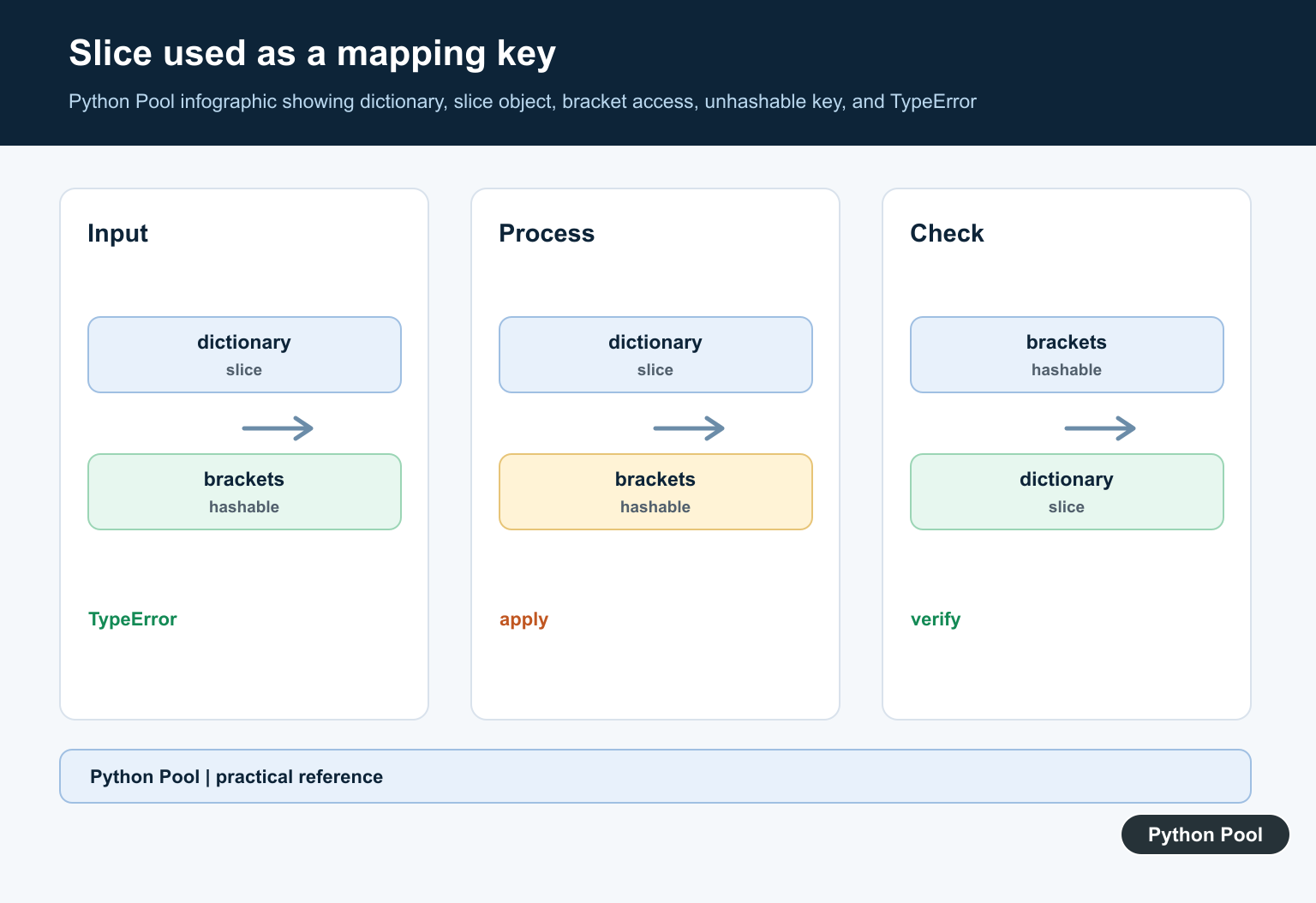
That is why the message mentions slice. The colon syntax is being interpreted as a slice object, but the target object is trying to use it as a mapping key.
Fix Dictionary Slicing
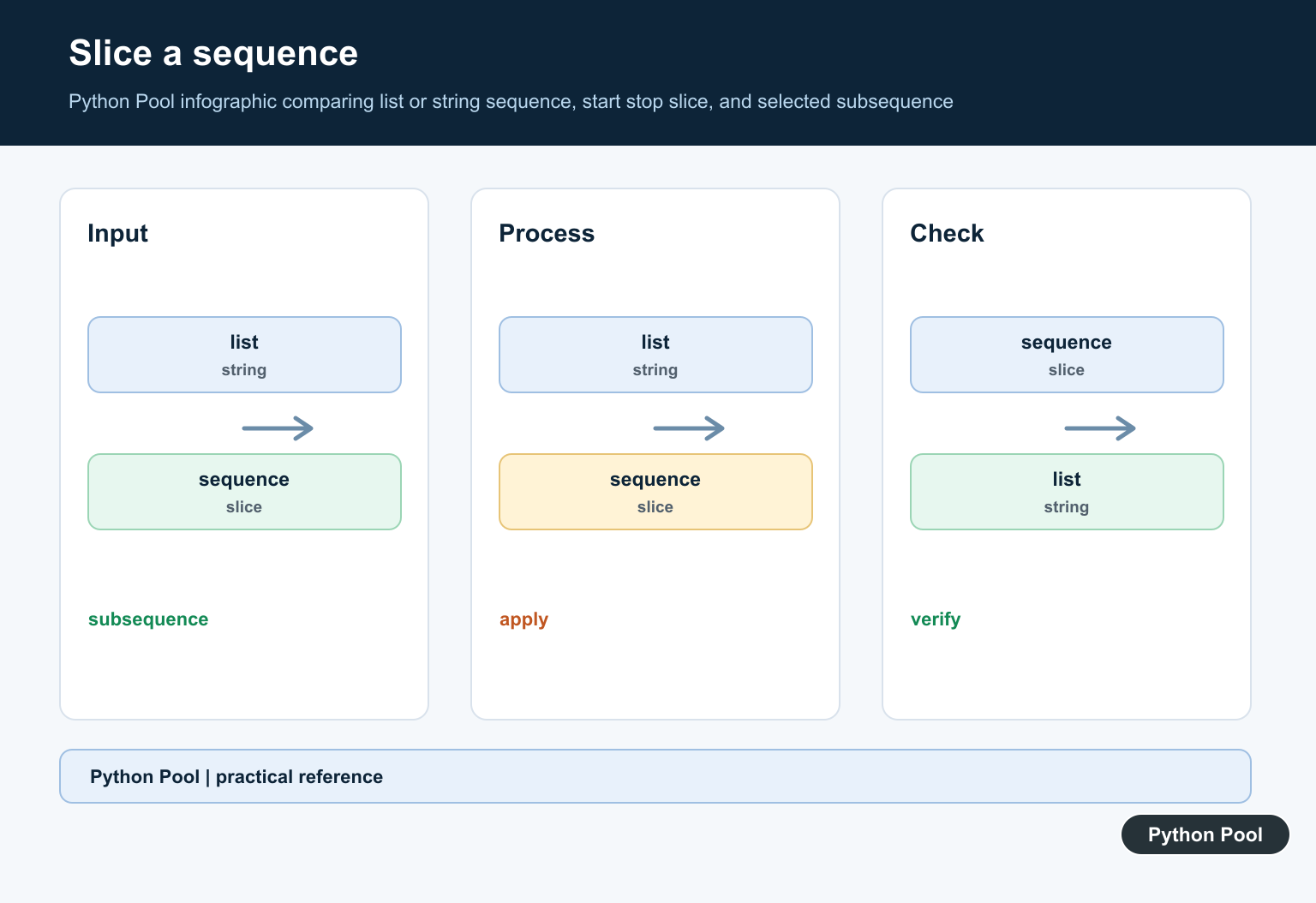
Dictionaries are documented as mapping types. They preserve insertion order in modern Python, but they still do not become list-like sequences. If you need the first few keys, values, or items, convert the relevant view to a list and slice that list.
settings = {
    "debug": True,
    "timeout": 30,
    "retries": 3,
}

first_keys = list(settings.keys())[:2]
first_values = list(settings.values())[:2]
first_items = list(settings.items())[:2]

print(first_keys)
print(first_values)
print(first_items)
Use this when order matters and you intentionally want a positional subset. If you know the key name, direct lookup is clearer and faster than converting the dictionary to a list.
Fix pandas DataFrame Slicing
In pandas, choose the indexer that matches your intent. The official DataFrame.iloc documentation describes integer-location based selection. The official DataFrame.loc documentation covers label-based selection.
import pandas as pd

df = pd.DataFrame({
    "name": ["Ada", "Grace", "Linus"],
    "score": [95, 98, 91],
})

first_two_rows = df.iloc[:2]
name_column = df.loc[:, "name"]

print(first_two_rows)
print(name_column)
This is a common fix when code uses DataFrame syntax in a context where the object is actually a plain dictionary or JSON-like data. Check type(obj) before applying pandas indexing.
Fix JSON-Like Data
Parsed JSON in Python often becomes a mix of dictionaries and lists. You can slice the list parts, but not the dictionary parts. Access dictionary keys first, then slice a list value if that value is actually a list.
payload = {
    "users": [
        {"name": "Ada"},
        {"name": "Grace"},
        {"name": "Linus"},
    ]
}

first_two_users = payload["users"][:2]
print(first_two_users)
If you get the error in web-scraping or API code, print the structure you received. Many bugs come from assuming a response is a list when the outer object is a dictionary with a list nested under one key.
Use itertools.islice for Iterators
Some objects are iterable but do not support normal slicing. In those cases, itertools.islice can take a positional subset without converting the entire iterable first.
from itertools import islice

numbers = (n * n for n in range(10))
first_three = list(islice(numbers, 3))

print(first_three)
Use islice for generators and other iterators. Use normal list slicing for lists. Use explicit keys for dictionaries.
Which Syntax Should You Use?
Use obj[start:stop] only when the object supports slicing, such as a list, tuple, string, or pandas indexer. Use dict[key] when the object is a dictionary and the key name is known. Use list(dict.items())[start:stop] only when you truly need a positional subset of dictionary data. For pandas, prefer df.iloc[start:stop] when you mean row positions and df.loc[:, "column"] when you mean a named column.
This distinction prevents a common debugging trap: the same square brackets can mean very different things depending on the object. The fix is not to remove the colon everywhere; it is to match the colon syntax to an object that supports slicing.
Debug Checklist
- Print
type(obj)on the object being sliced. - If it is a dictionary, select keys or convert
keys(),values(), oritems()to a list first. - If it is a pandas DataFrame, use
.ilocfor positions and.locfor labels. - If it is JSON-like data, access the list inside the dictionary before slicing.
- If it is an iterator, use
itertools.islice.
Summary
TypeError: unhashable type: 'slice' is a sign that slicing syntax reached an object that expects hashable keys. Do not slice dictionaries directly. Convert dictionary views to lists when you truly need a positional subset, use pandas .iloc or .loc for DataFrames, and inspect nested JSON before slicing.
Dictionary Lookups Are Not Slices
A dictionary lookup such as data[1:3] treats the slice expression as a key. On Python versions where slice objects are unhashable, that produces this error; even where slices are hashable, it is still a dictionary key lookup, not a range operation. Convert the data to a sequence or select explicit dictionary keys.
records = {0: "zero", 1: "one", 2: "two"}
print([records[index] for index in range(1, 3)])
print(list(records.items())[1:3])
Use The Matching Selector
Lists and tuples accept start:stop:step slices. A regular nested list does not interpret a comma-separated row-and-column selector as a matrix operation, so index one level at a time. NumPy arrays are designed for tuple-based multidimensional slicing.
matrix = [[1, 2, 3], [4, 5, 6]]
print(matrix[0][1])

import numpy as np
array = np.array(matrix)
print(array[:, 1])
Check Version-Specific Details
Python 3.12 made slice objects hashable when their start, stop, and step components are hashable. That changes whether a slice can technically be used as a dictionary key, not whether a dictionary supports slicing. The durable fix is to use the data structure’s documented access model.
items = ["a", "b", "c", "d"]
print(items[1:3])
print(slice(1, 3).indices(len(items)))
Python’s slicing rules explain how a slice becomes an object passed to __getitem__().
For related indexing errors, compare two-dimensional list access, converting arrays to lists, and list index boundaries.
Frequently Asked Questions
Why does Python say unhashable type: slice?
A common cause is using dictionary syntax such as data[1:3], which tries to use a slice object as a dictionary key instead of slicing a sequence.
How do I slice a Python list?
Use list[start:stop:step] with a list or another sequence; a normal list accepts slice objects for indexing.
How do I select rows and columns from a nested list?
Index one level at a time, such as matrix[row][column], or use NumPy when tuple-based multidimensional slicing is required.
Are slice objects hashable in every Python version?
Slice objects became hashable in Python 3.12 when their components are hashable, but dictionaries still do not gain general slice syntax; use a sequence or array API for slicing.