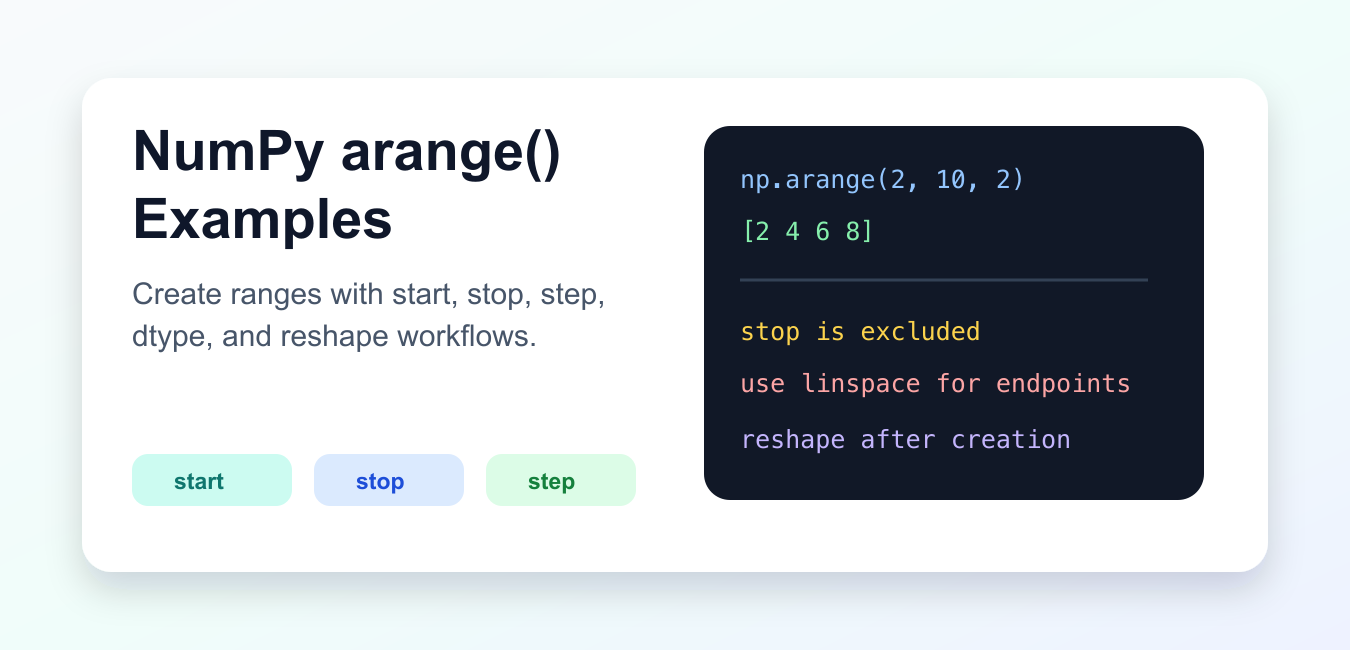
numpy.arange() creates a NumPy array from a start value, a stop boundary, and a step. It resembles Python’s built-in range(), but returns an array and supports numeric dtypes. The most important rule is that stop is excluded. Use arange() when the step size is the requirement; use linspace() when the number of samples or an included endpoint is the requirement.
Quick answer
Call np.arange(stop) for values beginning at zero, or np.arange(start, stop, step) for a custom sequence. The result follows repeated steps while staying on the valid side of the stop boundary. The official NumPy arange documentation covers the parameters, dtype behavior, and endpoint notes.
Create a basic range
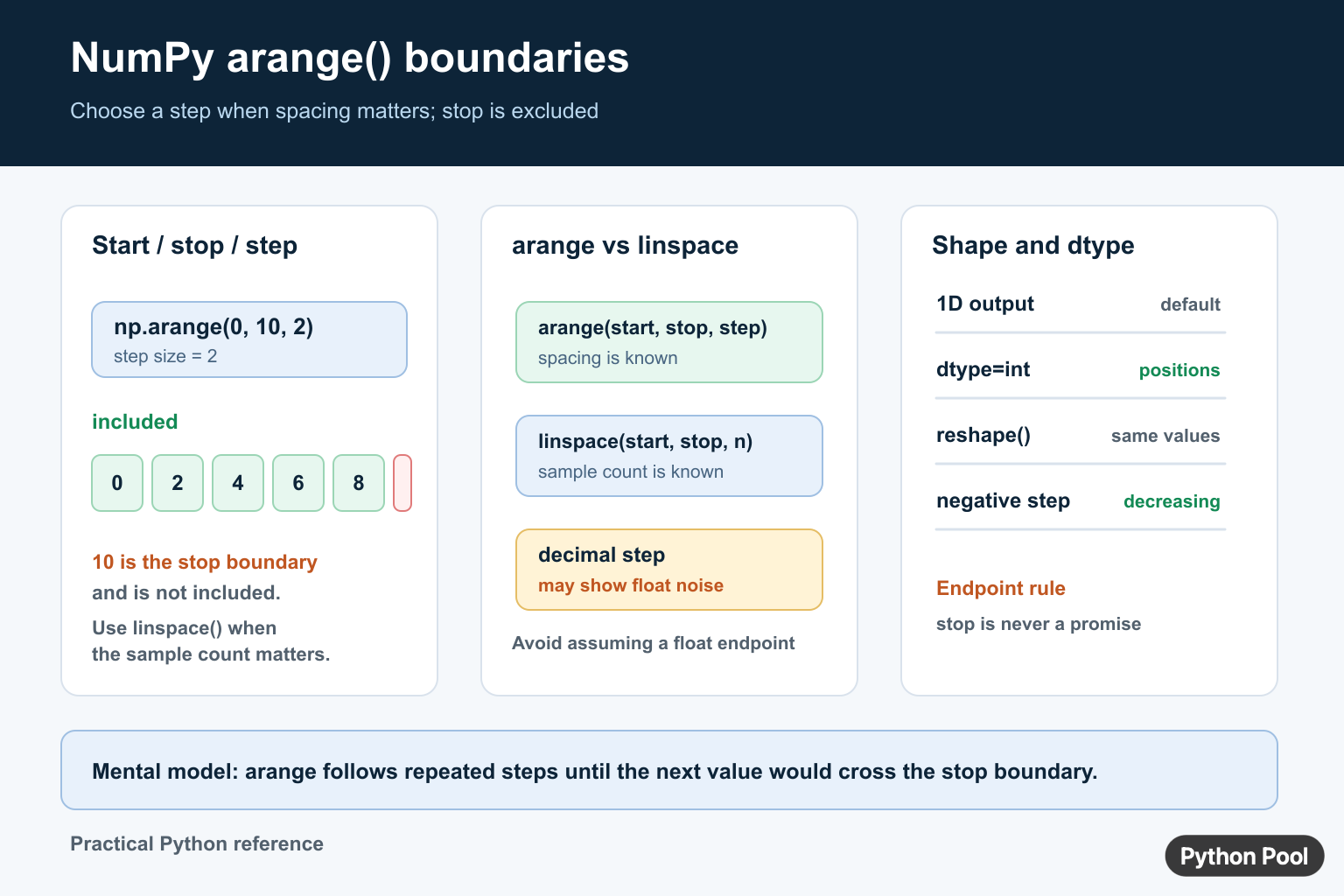
With one argument, arange() starts at zero and advances by one until the next value would reach the stop value.
import numpy as np

numbers = np.arange(5)
print(numbers)
The output contains 0 through 4. The value 5 is the boundary, not an item in the result. This form is useful for array positions, small test inputs, and labels that correspond to zero-based indexes.
Use start, stop, and step
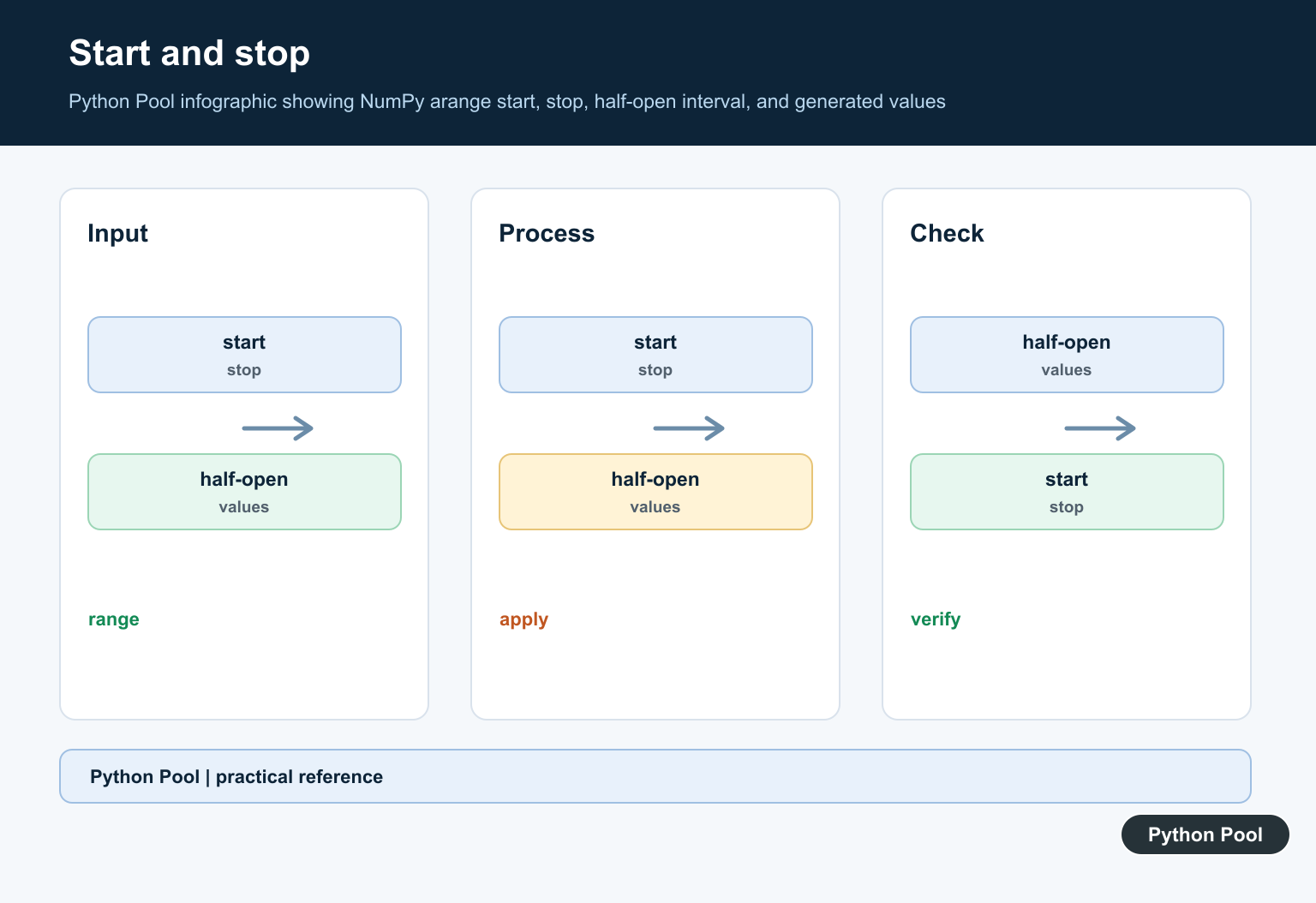
Pass all three arguments when the first value or spacing is meaningful. A positive step produces an increasing sequence, and a negative step produces a decreasing sequence.
import numpy as np

even_numbers = np.arange(2, 10, 2)
odd_numbers = np.arange(9, 0, -2)

print(even_numbers)
print(odd_numbers)
For an increasing range, the start should be below the stop and the step should be positive. For a decreasing range, the start should be above the stop and the step should be negative. A direction mismatch produces an empty array rather than reversing the sequence automatically.
Remember that stop is excluded
If the step does not land exactly on the stop value, NumPy still omits the next value once the boundary would be crossed. Do not assume that the last element is always stop - step; it depends on whether the repeated steps fit the interval.
import numpy as np

values = np.arange(1, 10, 3)
print(values)
If the consumer needs a guaranteed endpoint, calculate the sequence with np.linspace() and specify the sample count. Its endpoint behavior is different and is documented in the NumPy linspace reference.
Choose dtype deliberately
NumPy infers a dtype from the inputs, but you can pass dtype when the output type is part of the contract. Integer arrays are useful for positions and indexes. Floating arrays are appropriate for measurements, but floating-step values can show small representation differences.
import numpy as np

indexes = np.arange(4, dtype=np.int64)
fractions = np.arange(0, 1, 0.2, dtype=np.float64)

print(indexes.dtype)
print(fractions)
For decimal values where exact spacing or exact endpoints matter, use linspace() or generate integer ticks and scale them afterward. Compare floating arrays with tolerances instead of exact equality.
Use a negative step
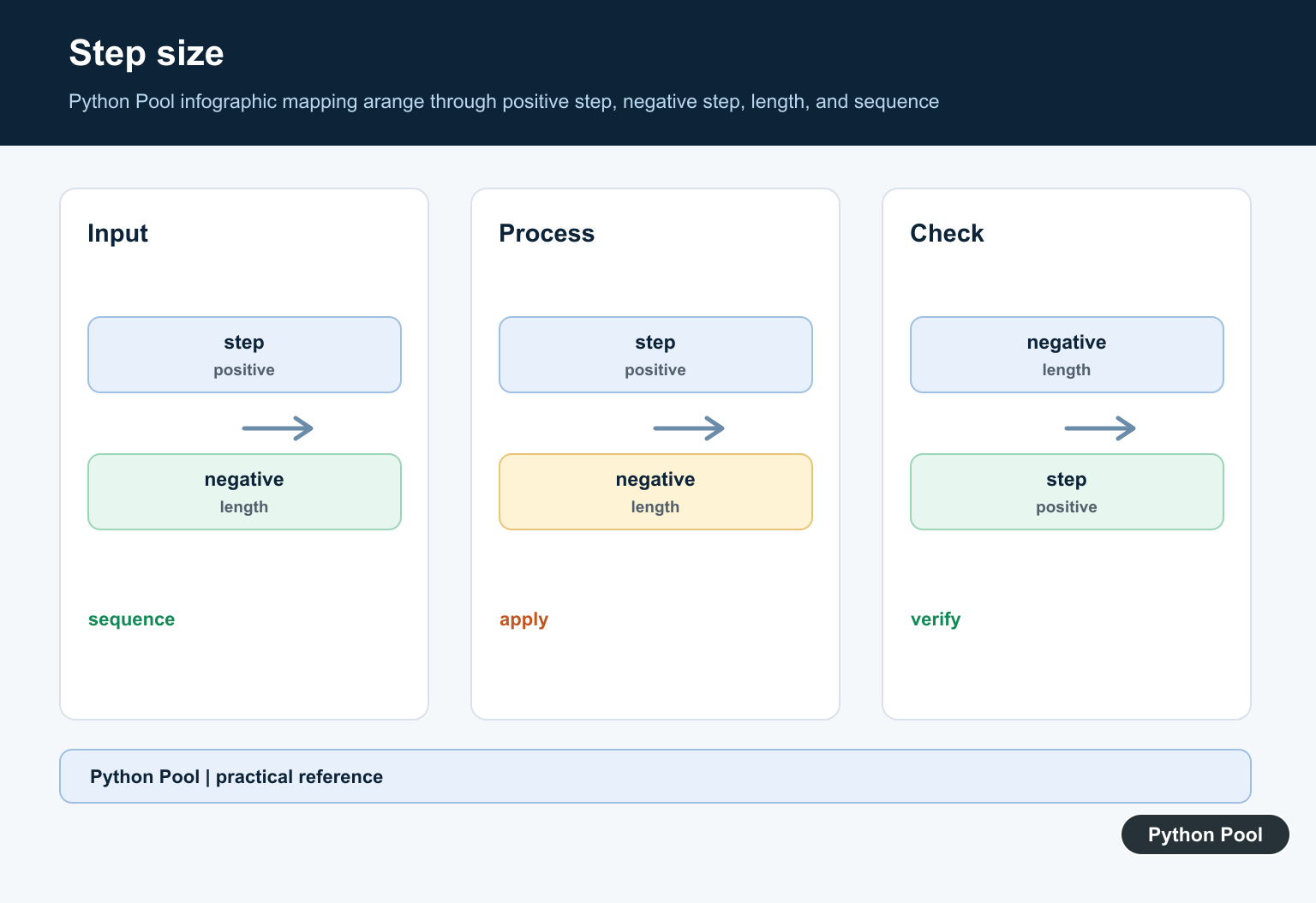
A negative step is a concise way to count down. The stop boundary remains excluded, but the comparison direction changes.
import numpy as np

countdown = np.arange(5, -1, -1)
print(countdown)
If the direction and step disagree, such as np.arange(0, 5, -1), the result is empty. Validate the sign when the step comes from user input or configuration.
Reshape generated values
arange() returns a one-dimensional array. Use reshape() when the number of generated values matches the target shape. Reshaping changes the view of the values, not the sequence itself.
import numpy as np

grid = np.arange(12).reshape(3, 4)
print(grid)
Keep the element count consistent: a twelve-element array can become (3, 4) or (2, 6), but not (3, 5). For large ranges, consider memory usage because the complete array is materialized immediately.
Decide between arange and linspace
Choose arange() for a known step, indexes, and discrete ticks. Choose linspace() for a known sample count, evenly spaced numerical experiments, or a required endpoint. This choice is more important than the superficial similarity between their outputs.
For related array operations, see NumPy sin(), NumPy reshape(), and NumPy asarray().
Test the boundary cases
When start, stop, or step comes from configuration, test the values that change the sequence shape. A zero step is invalid and raises an error. Equal start and stop values produce an empty array. A direction mismatch also produces an empty result. These cases are useful validation points for a helper that wraps arange().
import numpy as np

for start, stop, step in [(0, 0, 1), (0, 5, -1), (5, 0, -1)]:
    values = np.arange(start, stop, step)
    print(start, stop, step, values)
Do not treat an empty array as an exception automatically. It can be the correct representation of an interval with no values, but it can also indicate that a caller supplied the wrong step sign. The surrounding API should make that distinction explicit.
Be cautious with floating steps
Binary floating-point cannot represent every decimal fraction exactly. A decimal step may therefore contain values that print slightly differently from the values written in a specification, and the endpoint can be affected by accumulated representation error. Use integer ticks and scale them for predictable decimal grids, or use linspace() when a fixed sample count is the requirement.
Keep memory in mind
arange() materializes every value immediately. That is convenient for vectorized NumPy operations, but a very large range can consume significant memory. If the consumer only needs one value at a time, consider Python’s lazy range() or a generator. If the consumer needs array operations, choose a dtype that does not use more precision than the calculation requires.
Document the endpoint contract
Functions that accept an arange-style interval should say whether the stop is exclusive and whether a floating endpoint is approximate. Naming a parameter stop_exclusive or documenting the half-open interval can prevent callers from adding an unexplained step to force a desired final value.
That contract also makes index calculations easier to review.
Frequently Asked Questions
What does NumPy arange() do?
np.arange() returns an array of evenly spaced values from start up to, but not including, the stop boundary.
Is the stop value included in np.arange()?
No. The stop value is excluded, so the final item depends on whether repeated steps fit before the boundary.
When should I use linspace instead of arange?
Use linspace when the number of samples or an included endpoint matters more than specifying a step size.
Why can np.arange() show floating-point noise?
Decimal steps cannot always be represented exactly in binary floating point, so use linspace or tolerances when exact spacing matters.