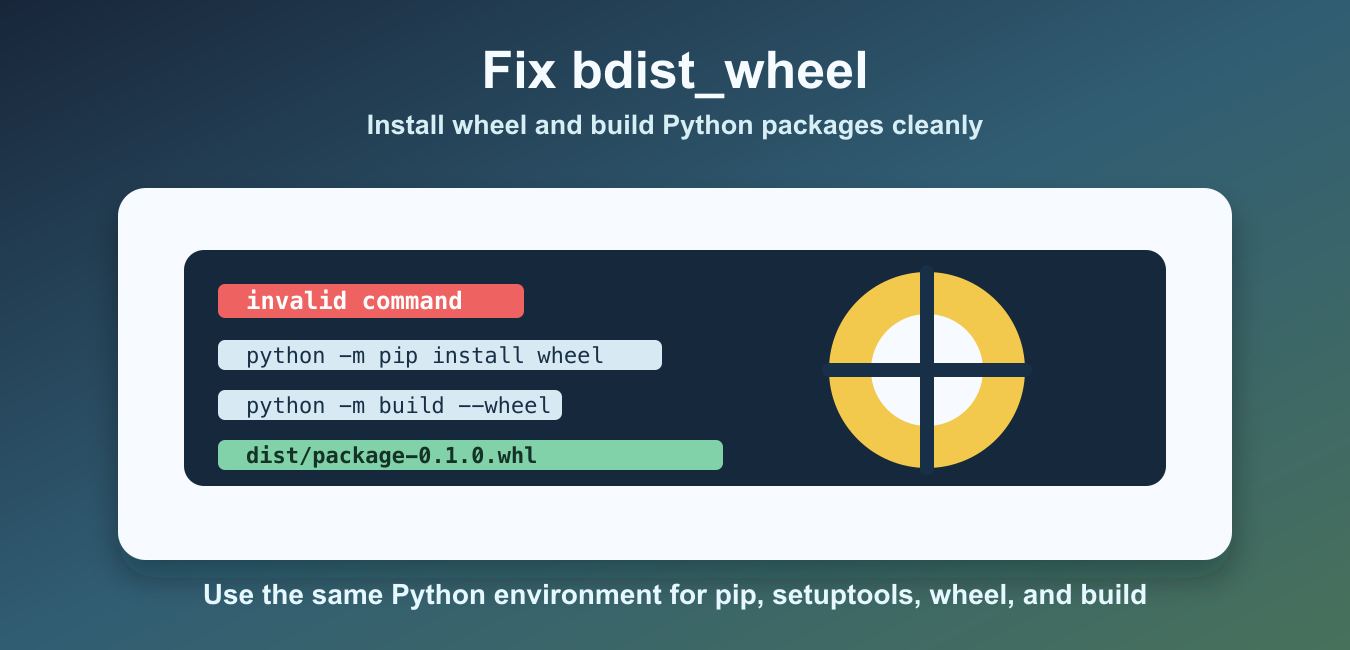
Quick answer: invalid command ‘bdist_wheel’ usually means a legacy setup.py build cannot find the wheel command or the project is using an outdated packaging path. Prefer declaring a build backend and requirements in pyproject.toml, install build in the target environment, and run python -m build –wheel. Diagnose the package’s build metadata before adding a global workaround.
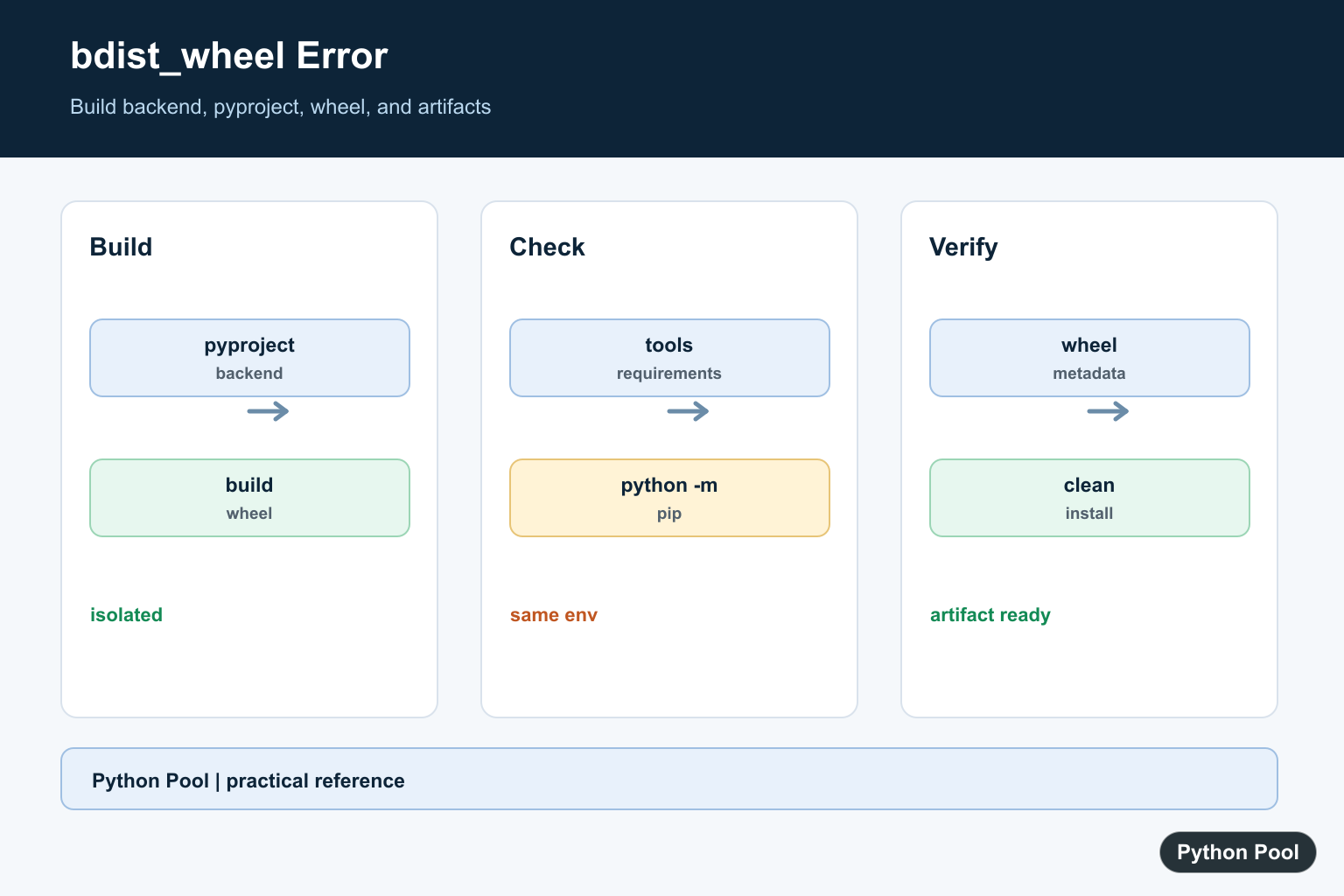
The error invalid command 'bdist_wheel' usually appears when a Python project tries to build a wheel but the active Python environment does not have the wheel package installed. It can also happen when old packaging tools are being used or when the command is run from a different interpreter than the one where wheel was installed.
A wheel is Python’s built distribution format. Tools such as pip, setuptools, build, and wheel work together to create or install that file. If setuptools cannot find the wheel command, it reports the bdist_wheel error instead of producing a .whl file.
The quickest fix is to install or upgrade the packaging tools in the same environment that runs the build. The usual command is python -m pip install --upgrade pip setuptools wheel. Using python -m pip matters because it connects pip to the exact interpreter you are using.
The wheel package page confirms the package name, and the Python Packaging User Guide explains the modern build configuration approach. For the related build helper, see the Python setuptools guide.
Check The Setup File
A traditional setup.py file uses setuptools to describe the package. This file should import from setuptools, not the older distutils package.
from setuptools import find_packages, setup

setup(
    name="demo_package",
    version="0.1.0",
    description="Small package used for a wheel build example",
    packages=find_packages(),
)
This file alone does not guarantee that the wheel command exists. It only describes how the package should be built. The environment still needs the packages that provide build commands and backends.
Confirm The Active Interpreter
Many fixes fail because wheel is installed in one Python environment while the build runs in another. Confirm the interpreter path and check whether Python can import the wheel package from that same place.
import importlib.util
import sys

print(sys.executable)
print(importlib.util.find_spec("wheel") is not None)
If the second line prints False, install wheel through that interpreter. In virtual environments, activate the environment first or call the full interpreter path directly.
Install The Required Packaging Tools
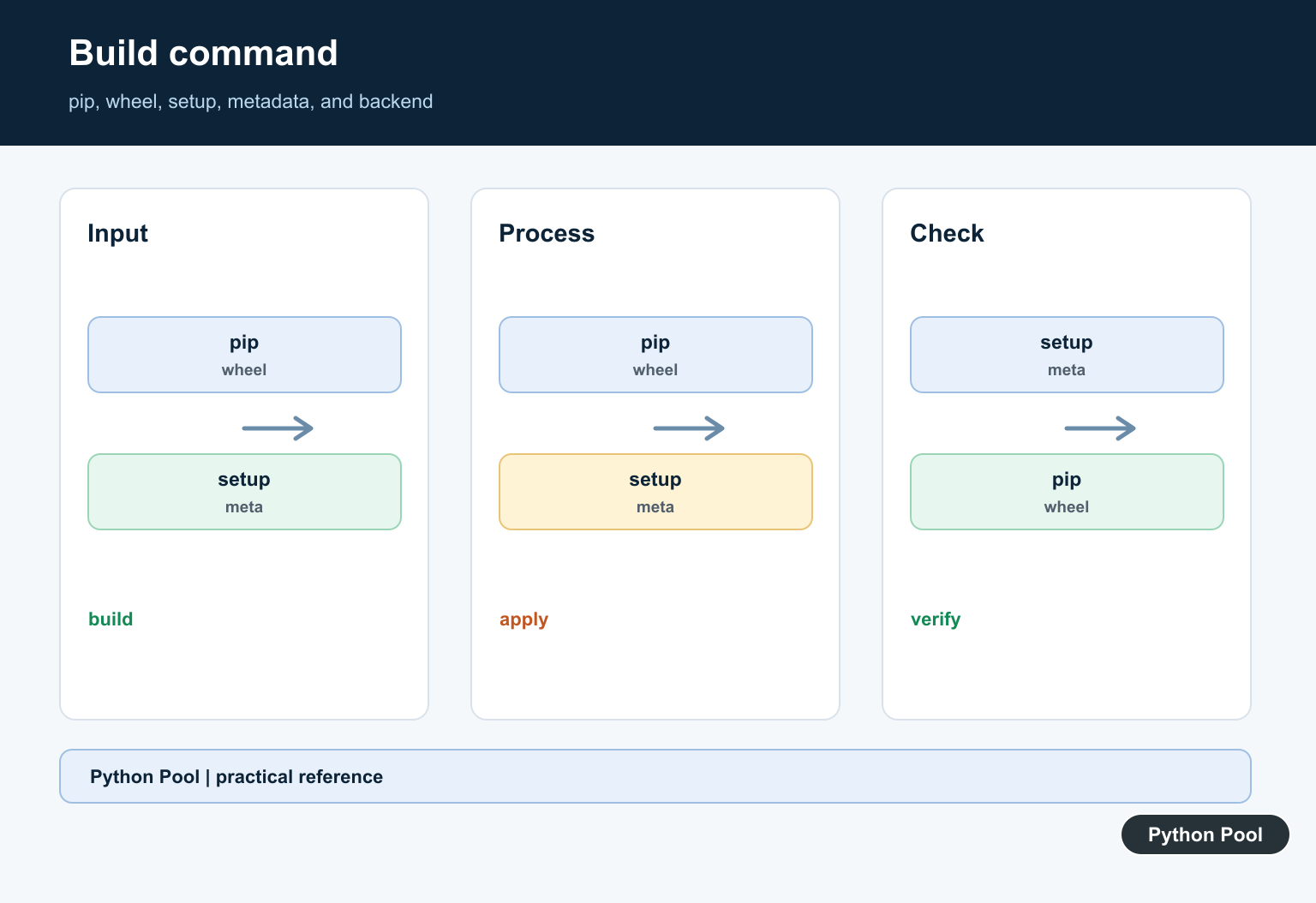
Run the installation through the same interpreter that will build the project. This avoids the common mismatch between a system pip, a virtual environment pip, and an IDE-selected interpreter.
import subprocess
import sys

subprocess.run(
    [sys.executable, "-m", "pip", "install", "--upgrade", "pip", "setuptools", "wheel"],
    check=True,
)
You can run the same command directly in a terminal as python -m pip install --upgrade pip setuptools wheel. If you use python3 to run the project, use python3 -m pip for the install command too.
Add A Modern Build Configuration
Modern Python packages should include a pyproject.toml file that declares the build backend. This tells build tools which packages are needed before the wheel is created.
from pathlib import Path

lines = [
    "[build-system]",
    "requires = [\"setuptools>=68\", \"wheel\"]",
    "build-backend = \"setuptools.build_meta\"",
]
Path("pyproject.toml").write_text("\n".join(lines) + "\n", encoding="utf-8")
This configuration keeps the build requirements explicit. Newer projects can often use pyproject.toml with python -m build instead of calling setup.py bdist_wheel directly.
Build The Wheel
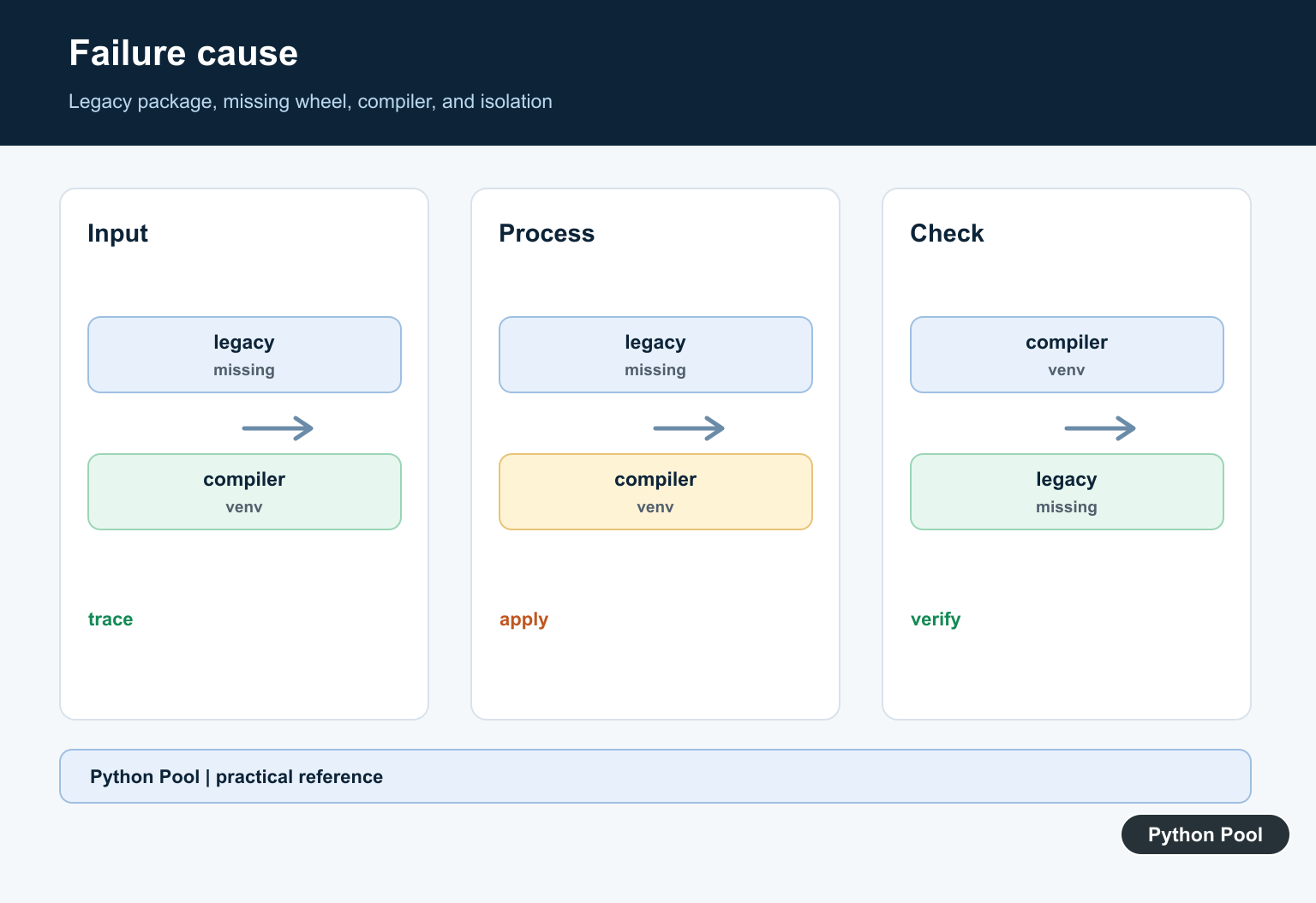
After installing the tools and adding build configuration, build the wheel from the project root. The modern command is python -m build --wheel, which creates output under the dist directory.
import subprocess
import sys

subprocess.run([sys.executable, "-m", "pip", "install", "--upgrade", "build"], check=True)
subprocess.run([sys.executable, "-m", "build", "--wheel"], check=True)
If you must support an older workflow, python setup.py bdist_wheel can still work after wheel is installed. For new maintenance work, the build module is cleaner because it follows the packaging standards around pyproject.toml.
Verify The Output
A successful wheel build creates one or more .whl files in dist. Listing the directory is a simple way to confirm that the build finished and produced the expected artifact.
from pathlib import Path

wheel_files = sorted(Path("dist").glob("*.whl"))

for wheel_file in wheel_files:
    print(wheel_file.name)
If the list is empty, read the build error above the final failure line. Missing metadata, bad package discovery, an unsupported Python version, or a broken dependency can all stop the wheel build even after the original bdist_wheel command is fixed.
Common Causes
The most common cause is simply that wheel is not installed. The second most common cause is installing it with the wrong pip. Use python -m pip because it removes guesswork about which environment receives the package.
Another cause is relying on old packaging files. Projects that still depend only on setup.py may work, but adding pyproject.toml makes build requirements explicit and gives modern tools enough information to prepare the build environment.
Finally, check your project root. Run build commands from the directory that contains setup.py or pyproject.toml. Running the command from the wrong directory can produce confusing errors that look like missing tooling.
On hosted build systems, make the same checks in the build job instead of only checking your laptop. Add the install step before the wheel build, print the Python executable during debugging, and keep the build command tied to python -m. That makes local and CI behavior easier to compare.
In most cases, the fix is short: activate the correct environment, run python -m pip install --upgrade pip setuptools wheel, add a basic pyproject.toml when the project needs one, and build with python -m build --wheel. That resolves the missing bdist_wheel command and leaves the project on a cleaner packaging path.
Use An Isolated Build Configuration
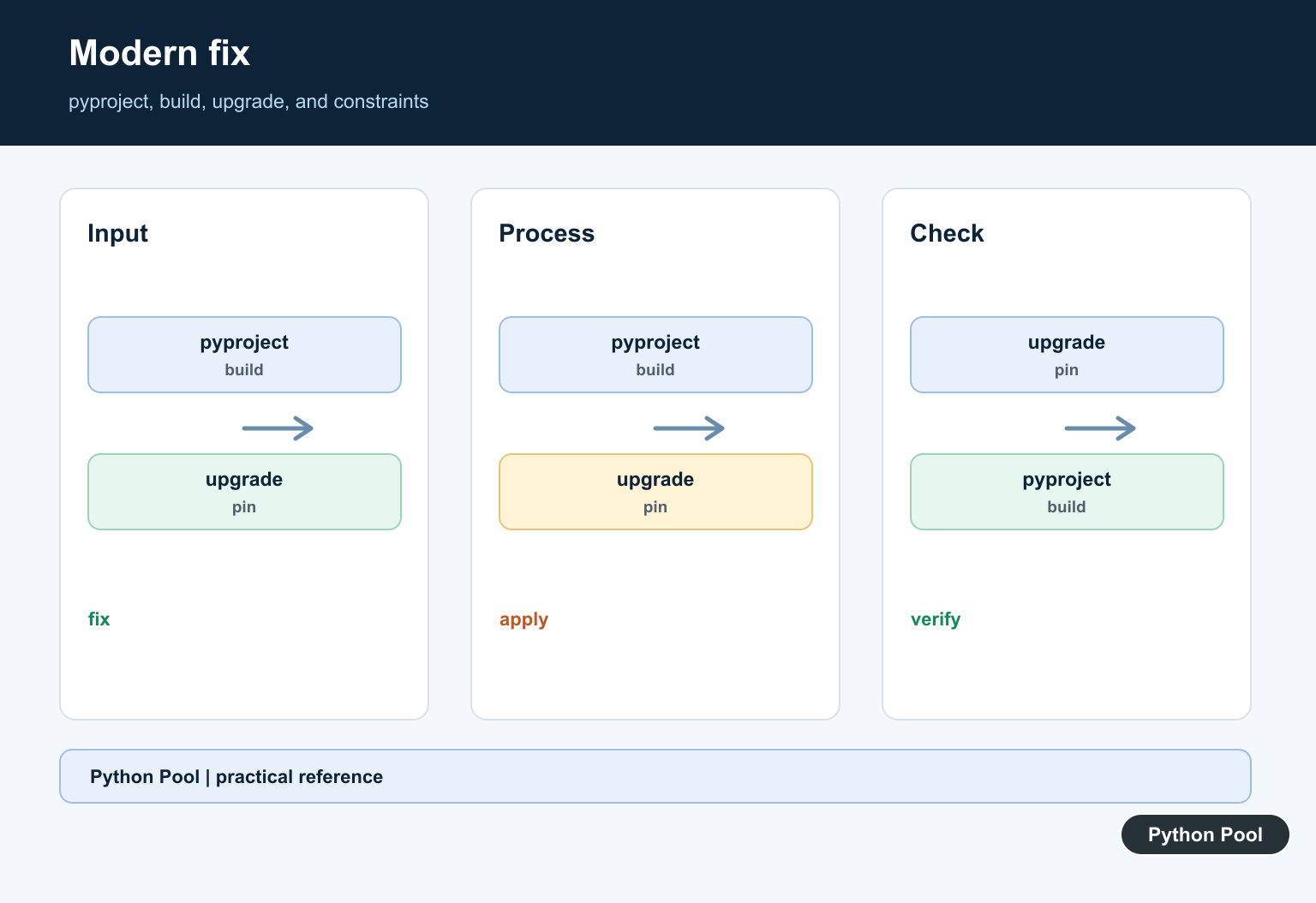
A pyproject.toml declares the backend and its build requirements so the build tool can create an isolated environment. This avoids depending on whatever wheel package happens to be installed globally.
# pyproject.toml
[build-system]
requires = ["setuptools>=68", "wheel"]
build-backend = "setuptools.build_meta"
Build A Wheel With The Target Python
Run the build tool through the interpreter that owns the project environment. The modern command creates a wheel in dist without requiring a direct setup.py bdist_wheel invocation.
import subprocess
import sys

subprocess.run([sys.executable, "-m", "pip", "install", "build"], check=True)
subprocess.run([sys.executable, "-m", "build", "--wheel"], check=True)
Separate Environment And Project Errors
If the build backend cannot import a dependency, inspect the isolated build requirements and project metadata. If the command works but a compiled extension fails, check compiler and platform requirements separately.
from pathlib import Path

project = Path("pyproject.toml")
if not project.is_file():
    raise FileNotFoundError("declare a build system in pyproject.toml")
print(project.resolve())
Check The Artifact
A successful command is not the end of a release workflow. Inspect the wheel filename, metadata, supported tags, and installation in a clean environment before publishing it.
from pathlib import Path

artifacts = sorted(Path("dist").glob("*.whl"))
if len(artifacts) != 1:
    raise RuntimeError("expected one wheel artifact")
print(artifacts[0].name)
The Python Packaging User Guide recommends modern build and wheel workflows. Related references include setuptools, requirements files, and pip selection.
For related packaging workflows, compare setuptools, requirements files, and pip selection when fixing a build environment.
Frequently Asked Questions
What causes invalid command bdist_wheel?
The environment or project build configuration cannot find the wheel command, often because build dependencies are missing or the legacy setup path is outdated.
How do I fix it with modern packaging?
Declare build requirements in pyproject.toml and run python -m build –wheel in the intended environment.
Should I install wheel globally?
Install build requirements in the project or isolated build environment instead of relying on a global package.
What is the difference between a wheel and source distribution?
A wheel is an installable built artifact, while a source distribution contains source and build metadata for a later build.