
Quick answer: The import error usually comes from older code that imports escape from Jinja2 even though the helper belongs to MarkupSafe in current environments. Update the import or the dependent extension, inspect the traceback and installed versions, and avoid downgrading blindly.
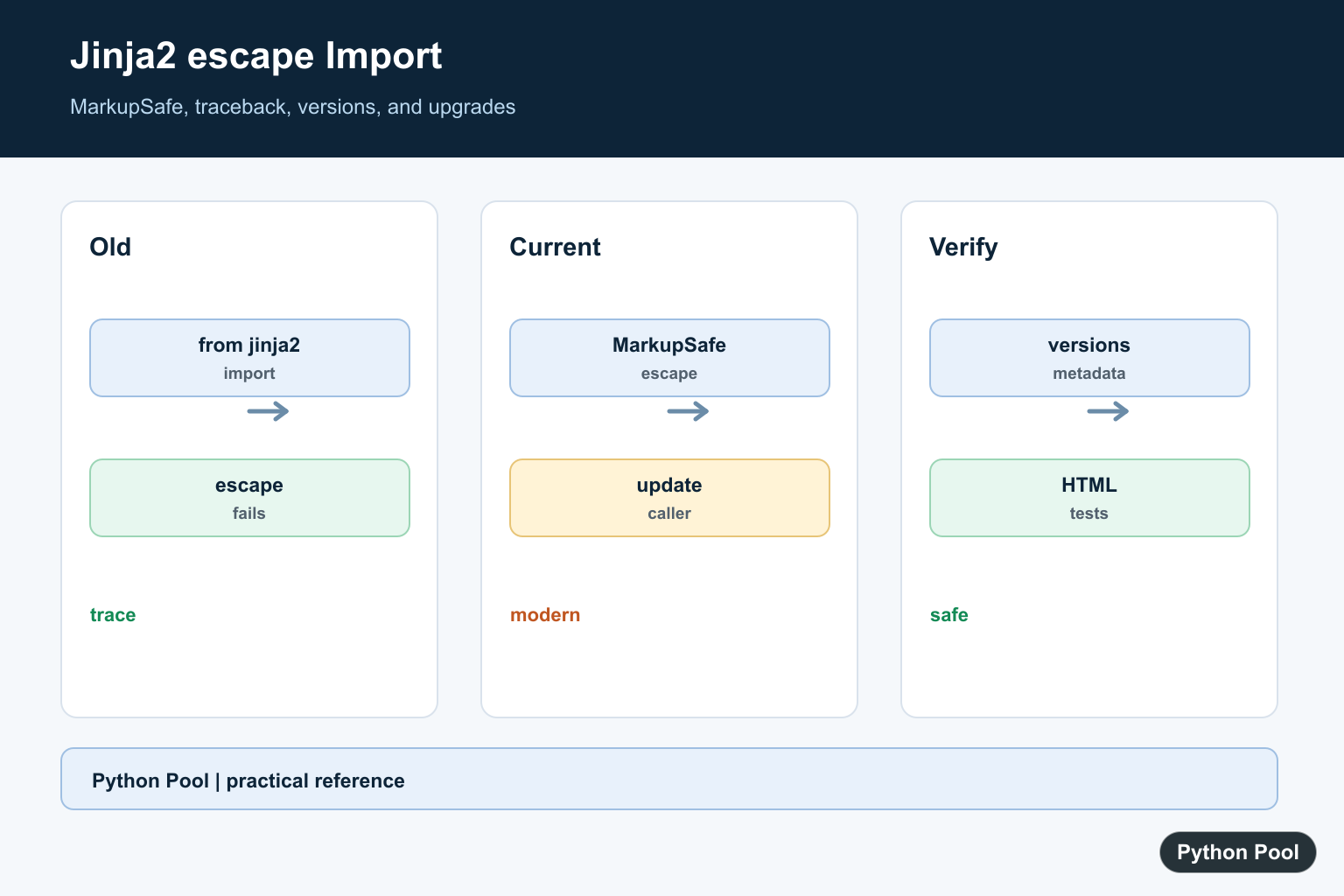
The error cannot import name 'escape' from 'jinja2' usually appears when code written for an older Jinja2 API runs with a newer Jinja2 release. HTML escaping helpers belong in MarkupSafe, so current code should import escape from markupsafe, not from jinja2.
The fix is often a one-line import change, but the error can also come from an older extension, Flask plugin, or internal helper module that still imports escape from Jinja2. Search your project and dependency stack before pinning packages downward.
Downgrading Jinja2 may hide the import error temporarily, but it can leave the project on older security and compatibility behavior. Prefer updating imports or upgrading the package that still expects the old location.
This error commonly appears during dependency upgrades because Jinja2 and MarkupSafe are installed together in many Flask and template-rendering projects. One package update can expose an import that had been deprecated for a long time. Treat the traceback as a map: the file path in the traceback tells you whether the old import lives in your code or inside a dependency.
The official Jinja changelog, MarkupSafe escaping documentation, MarkupSafe documentation, importlib.metadata documentation, and Python Packaging environment guide are the primary references.
Import escape From MarkupSafe
Replace old Jinja2 imports with MarkupSafe imports. MarkupSafe provides the escaping helpers used by Jinja templates.
from markupsafe import escape

unsafe_text = "<strong>Hello</strong>"
safe_text = escape(unsafe_text)

print(safe_text)
This keeps the escaping behavior explicit and works with current Jinja2 versions. It also makes future upgrades easier to review.
If the import is used in many files, update the shared helper first. Then replace direct imports gradually. That keeps the migration small and avoids mixing old and new import locations across the project.
Use Markup When Text Is Already Safe
Use Markup only when content is already trusted and should not be escaped again. Do not wrap untrusted user input in Markup.
from markupsafe import Markup, escape

trusted_html = Markup("<em>trusted</em>")
user_text = "<script>alert('x')</script>"

print(trusted_html)
print(escape(user_text))
Escaping untrusted text is still necessary. The import location changes, but the security rule stays the same.
Find Old Imports In A Project
Search your source tree for imports that still reference escape from Jinja2.
from pathlib import Path

needle = "from jinja2 import escape"

for path in Path("src").rglob("*.py"):
    text = path.read_text(encoding="utf-8")
    if needle in text:
        print(path)
Check application code, extensions, and small helper modules. A single old import can break startup even if most templates still render correctly.
Check Installed Package Versions
Use importlib.metadata to inspect the versions loaded in the active Python environment.
from importlib.metadata import PackageNotFoundError, version

for package in ["Jinja2", "MarkupSafe", "Flask"]:
    try:
        print(package, version(package))
    except PackageNotFoundError:
        print(package, "not installed")
Run this in the same environment that raises the error. Package versions from another terminal, notebook kernel, or deployment worker may not match.
When versions look correct locally but the server still fails, check the server runtime separately. Deployment systems can reuse an older virtual environment, cached container layer, or worker process until it is rebuilt and restarted.
Patch A Local Compatibility Import
If you own the failing helper module, import from MarkupSafe directly and keep the helper name stable for the rest of your project.
from markupsafe import escape as html_escape

def clean_label(text):
    return html_escape(text).strip()

print(clean_label("<b>Project</b>"))
This avoids spreading import changes throughout the codebase while still using the correct package.
Keep Template Autoescape Enabled
For Jinja templates, prefer template autoescape instead of manually escaping every value in application code.
from jinja2 import Environment, select_autoescape

environment = Environment(
    autoescape=select_autoescape(["html", "xml"])
)

template = environment.from_string("<p>{{ name }}</p>")
print(template.render(name="<Admin>"))
Autoescape helps keep template rendering consistent. Use manual escaping for small helper outputs, not as a replacement for template configuration.
Manual escaping is useful for small strings that are assembled outside a template. For full HTML templates, let Jinja handle escaping through environment configuration so individual render calls do not need to remember it.
Fix Checklist
First, replace from jinja2 import escape with from markupsafe import escape in code you control. Then search the project for remaining old imports.
Next, check package versions in the exact runtime that fails. If the old import comes from a third-party package, upgrade that package before considering a Jinja2 pin.
Finally, rerun the application startup path and one template-rendering path. The import error should be gone, and escaping should still happen through MarkupSafe or Jinja autoescape.
If you must pin temporarily for an emergency deploy, write down the package that forced the pin and remove the pin after upgrading that package. A pin should be a short-term rollback, not the final fix.
Use The Current Import
Application code that needs the helper directly should import escape from markupsafe. Keep the change narrow, then run the template and framework tests that exercise the affected path.
Trace The Real Caller
The failing import may be in your code, a Flask extension, or another installed package. Read the traceback path and inspect the package version before changing a top-level dependency.
Inspect Dependency Metadata
Use the same interpreter that runs the service to inspect installed distributions and dependency requirements. A global pip command can examine a different environment from the one producing the error.
Upgrade Before Pinning Back
Prefer a maintained extension or a compatible upgrade when an old import has been removed. Pin an older version only when a documented application constraint requires it, and record the reason and security tradeoff.
Verify The Template Surface
An import fix is incomplete if escaping behavior changes silently. Test HTML text, attributes, quotes, non-ASCII content, autoescaping, and the exact framework integration that failed.
The MarkupSafe escaping documentation defines escape and its safety behavior. Related references include package metadata, runtime inspection, and regression tests.
For related dependency debugging, compare package metadata, runtime inspection, and regression tests when updating template packages.
Frequently Asked Questions
Why does Jinja2 not provide escape?
Older code may import escape from Jinja2 even though current escaping helpers are provided by MarkupSafe.
What is the modern import for escape?
Use from markupsafe import escape in application code that needs the helper directly.
Should I downgrade Jinja2?
Usually no. First update the application or extension that uses the old import, then pin only when a documented compatibility constraint requires it.
How do I find which package causes the error?
Read the traceback path, inspect installed versions and dependency metadata, and reproduce the import in the same environment.