
Quick answer: The ssl module is part of Python’s standard library but depends on a usable OpenSSL-backed interpreter build. Run the check with the exact Python executable that fails, inspect ssl.OPENSSL_VERSION, and repair the base interpreter or environment rather than disabling certificate verification.
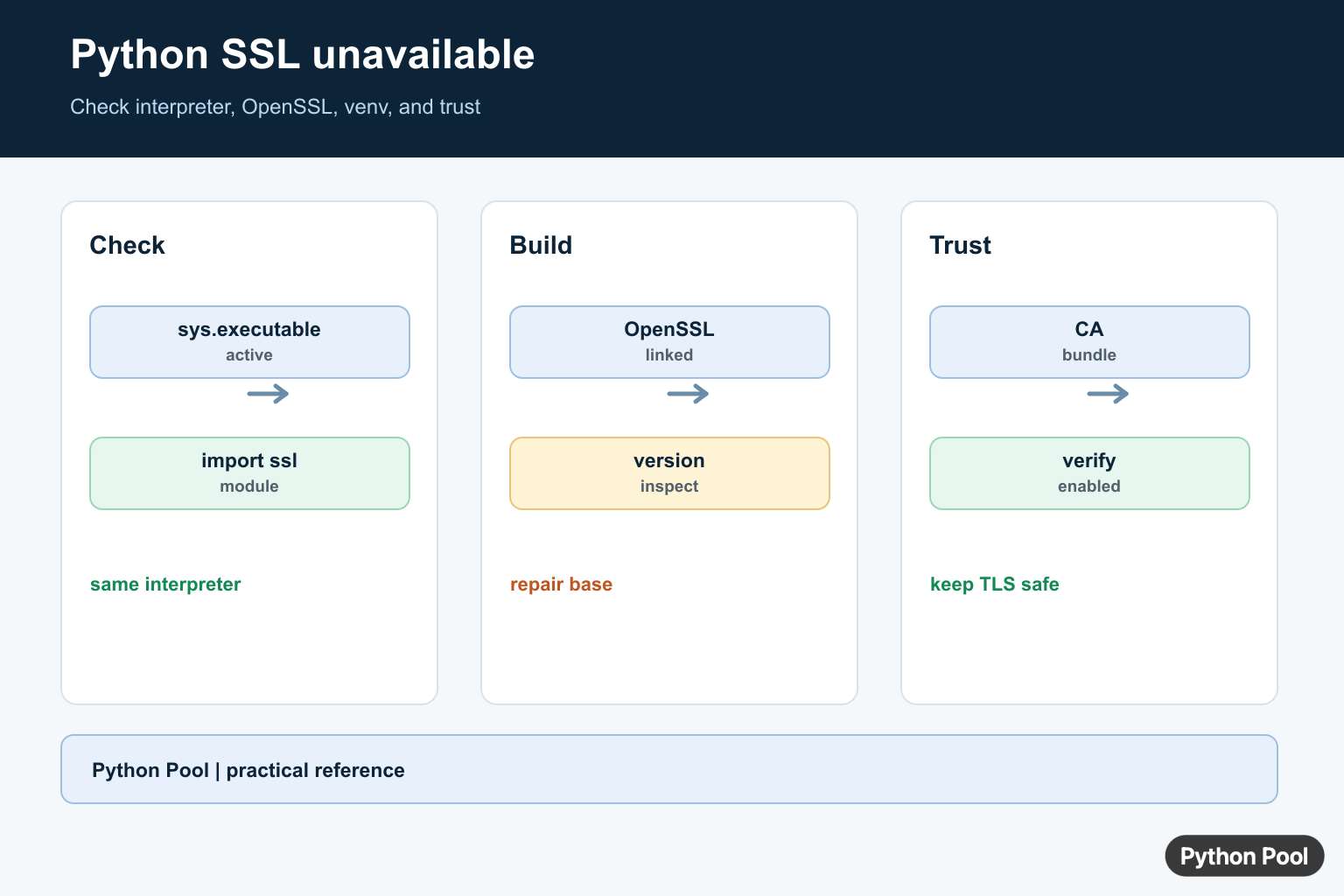
The error SSL module in Python is not available usually means the current Python installation was built without working OpenSSL support. It often appears when using pip, connecting to HTTPS URLs, installing packages, or running code that imports ssl.
This is different from an expired certificate or a failed HTTPS request. If Python cannot import ssl or the lower-level _ssl extension, the interpreter itself needs to be repaired, rebuilt, or replaced with a build that includes OpenSSL.
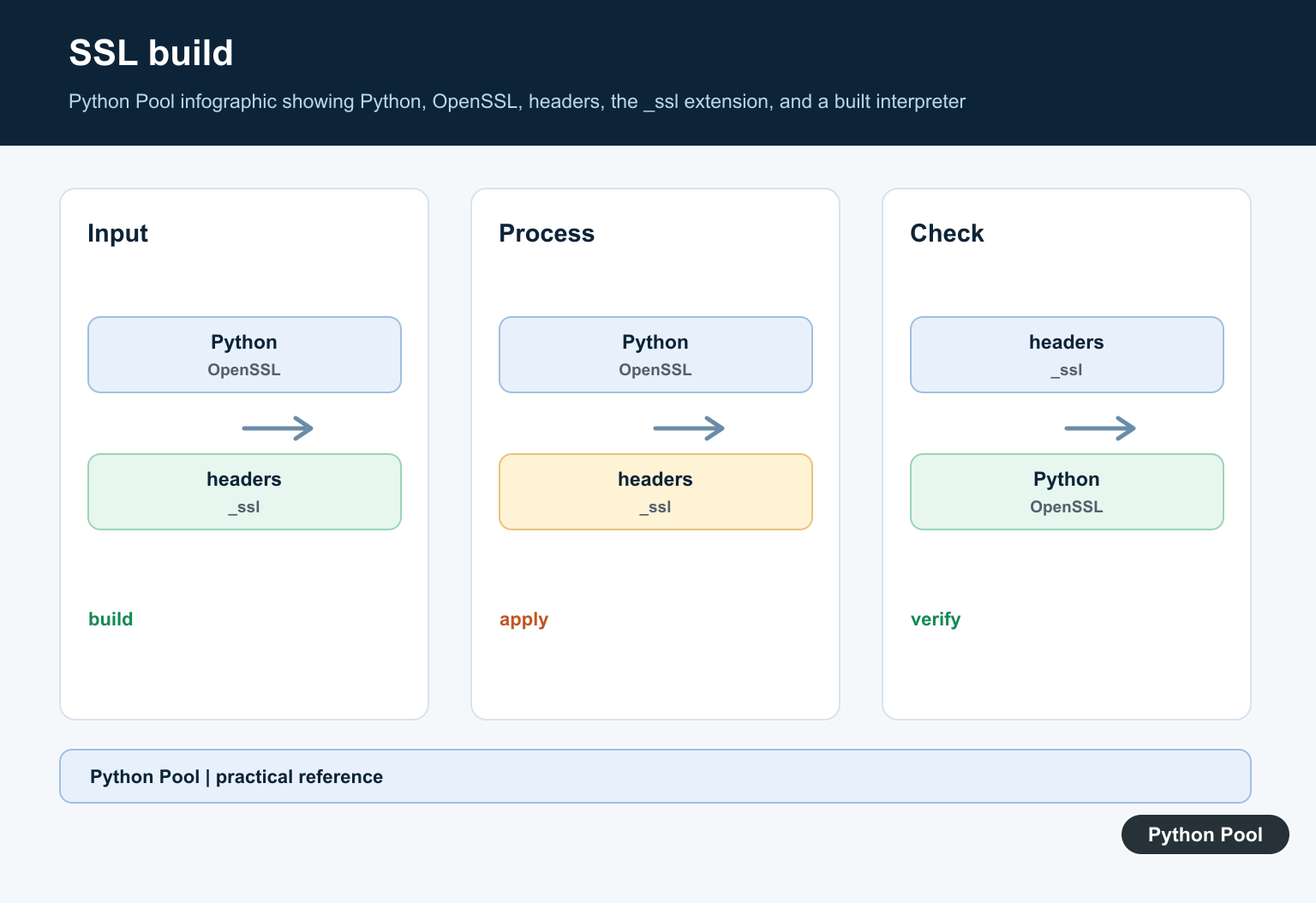
The error is common after building Python from source, using pyenv before installing OpenSSL headers, slimming a container image too aggressively, or moving an environment between machines. The application code may be fine; the Python runtime simply lacks the compiled TLS support it needs.
The official Python ssl documentation explains the module. For related setup checks, see how to check your Python version and how to start a Python HTTP server for local testing.
Check Whether ssl Imports
Start with the smallest possible import test in the same interpreter that shows the error.
try:
    import ssl
except ModuleNotFoundError as error:
    print("ssl import failed:", error)
else:
    print("ssl imported")
    print(ssl.OPENSSL_VERSION)
If this fails, the issue is not a missing package from pip. The ssl module is part of Python’s standard library and depends on native OpenSSL support.
Because pip uses HTTPS for package downloads, pip itself may fail once SSL support is broken. That is why reinstalling packages from inside the damaged interpreter often cannot repair the root cause.
Check The Compiled Extension
The public ssl module depends on the compiled _ssl extension. Check both names.
import importlib.util

for module_name in ["ssl", "_ssl"]:
    spec = importlib.util.find_spec(module_name)
    print(module_name, spec is not None)
If ssl exists but _ssl is missing, the standard-library wrapper is present but the compiled OpenSSL extension is not available.
This split is useful for diagnosis. It shows that the Python files may exist on disk while the native extension needed for real TLS work was never built or cannot be loaded.
Confirm The Active Interpreter
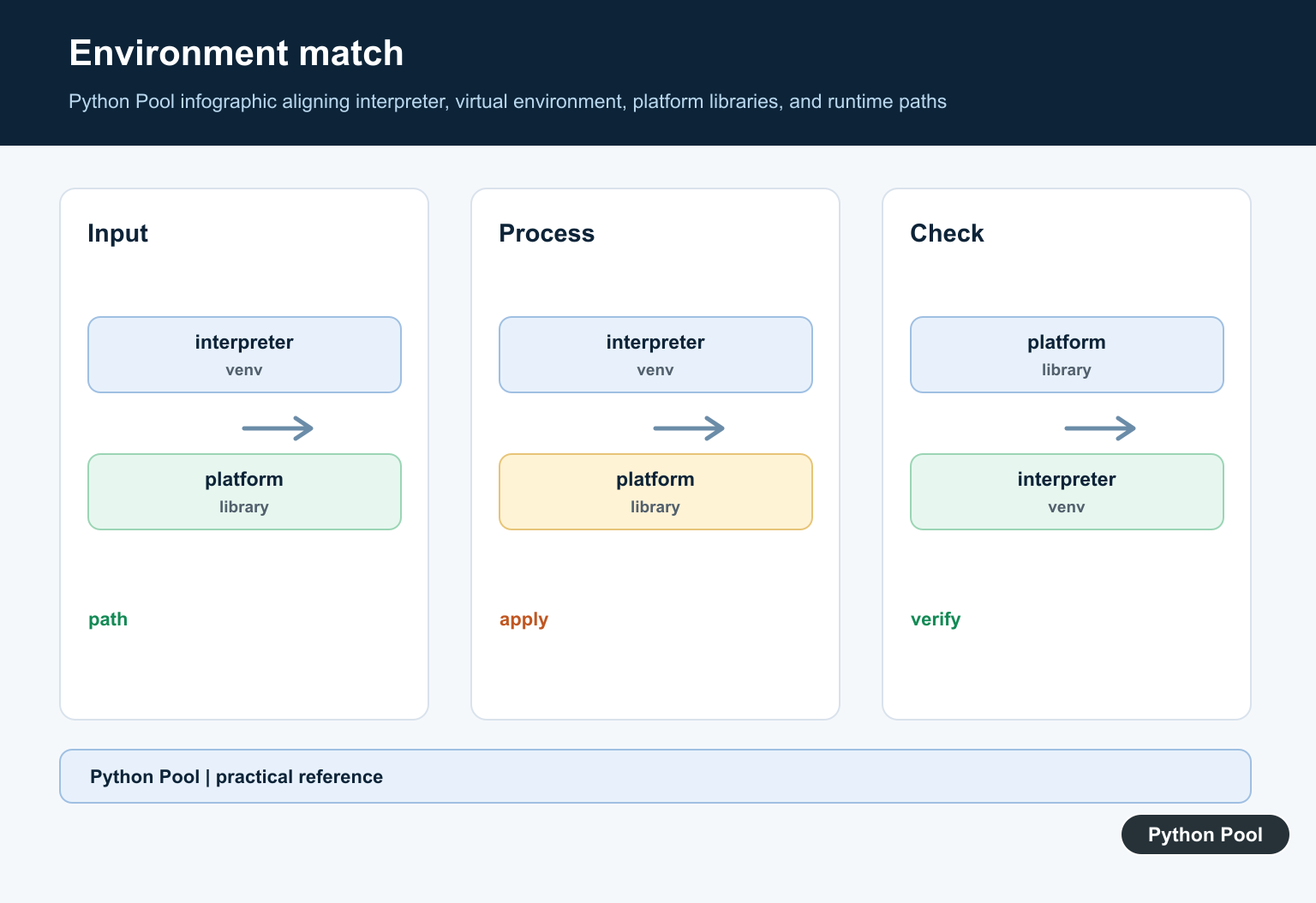
Print the executable path, Python version, and platform from the failing process. This prevents fixing one Python while the application uses another.
import platform
import sys

print("Executable:", sys.executable)
print("Python:", sys.version)
print("Platform:", platform.platform())
This matters with pyenv, Conda, Homebrew, system Python, Docker images, editors, and notebook kernels. The fix must target the executable that actually fails.
Do not assume that the shell command named python is the same interpreter used by your web app, cron job, editor, or notebook. Print the path from the failing process whenever possible.
Run A Fresh Process Check
A child-process check confirms that a clean Python process can import ssl.
import subprocess
import sys

result = subprocess.run(
    [sys.executable, "-c", "import ssl; print(ssl.OPENSSL_VERSION)"],
    capture_output=True,
    text=True,
)

print(result.returncode)
print(result.stdout or result.stderr)
If the return code is not zero, reinstalling packages inside that environment will not fix the core problem. Repair the Python installation first.
This fresh-process check is also useful after a repair. It proves that a new Python process can load SSL support without relying on state from an existing session.
Inspect Certificate Paths
After ssl imports, certificate paths help diagnose HTTPS verification issues.
import ssl

paths = ssl.get_default_verify_paths()

print("cafile:", paths.cafile)
print("capath:", paths.capath)
print("openssl cafile:", paths.openssl_cafile)
print("openssl capath:", paths.openssl_capath)
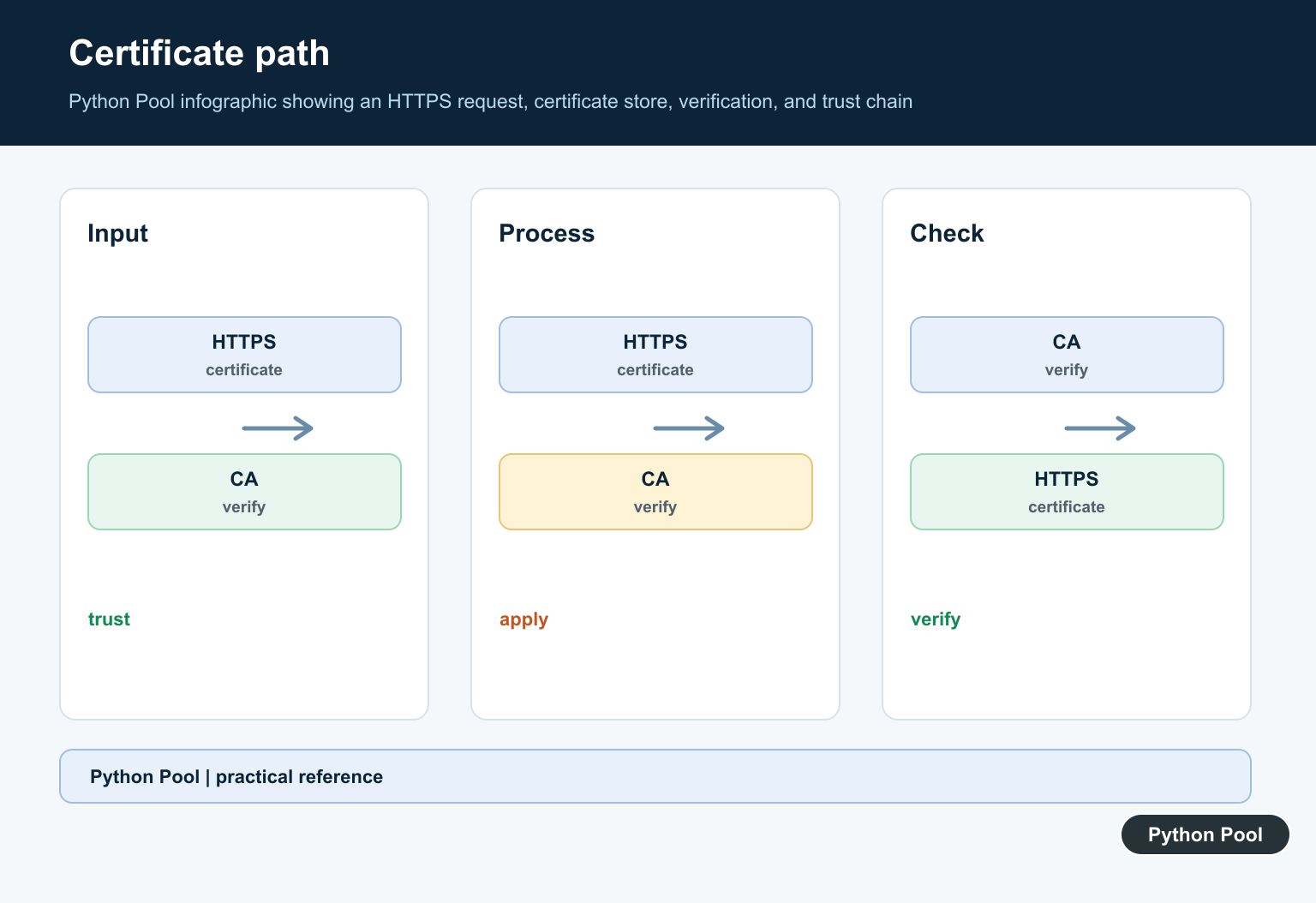
If ssl works but HTTPS verification fails, the certificate store may need attention. That is a separate problem from the module being unavailable.
Keep those two issues separate while debugging. Missing _ssl is a build or runtime dependency problem. Certificate verification errors happen later, after the SSL module is already available.
Test A Real HTTPS Request
Once OpenSSL support is repaired, test a simple HTTPS request from the same interpreter.
from urllib.request import urlopen

with urlopen("https://www.python.org/", timeout=10) as response:
    print(response.status)
    print(response.url)
A successful HTTPS request proves that the interpreter can import ssl, negotiate TLS, and verify certificates for a public site.
How To Fix The Installation
If Python was built from source or with pyenv, install the operating-system OpenSSL development package first, then reinstall that Python version. If you use Conda, repair or recreate the environment through Conda. If you use a system package manager, install a Python build that includes SSL support.
On macOS, a package-manager Python is usually easier to maintain than a source build with missing OpenSSL paths. In containers, make sure OpenSSL libraries and certificate packages are present in the final runtime image, not only in the build image.
Do not try to solve this by installing a random pip package named like ssl. The missing piece is Python’s compiled standard-library extension, not a normal third-party dependency.
After repairing the interpreter, recreate virtual environments that were built from the broken Python. A virtual environment points back to the base interpreter, so it may continue to fail until the base installation is fixed and the environment is recreated.
The reliable pattern is to identify the failing interpreter, install OpenSSL support at the system or environment level, rebuild or reinstall Python, and rerun a direct import ssl test before retrying pip or HTTPS code.
Check The Active Interpreter
Shell aliases and virtual environments can point at a different Python than the one running pip or the application. Print the executable and attempt the import from the same command path that reports the error.
import sys

print(sys.executable)
try:
    import ssl
except ImportError as error:
    raise RuntimeError("this interpreter has no usable ssl module") from error

print(ssl.OPENSSL_VERSION)
Understand The OpenSSL Dependency
Python’s ssl module wraps TLS functionality supplied by the interpreter’s build and linked libraries. Installing a package named ssl does not repair a Python binary built without SSL support. Reinstall or rebuild Python with the system and build-tool dependencies required by the platform.
import ssl

print(ssl.OPENSSL_VERSION)
print(ssl.create_default_context())
Recreate A Virtual Environment After Repair
A virtual environment uses the base interpreter; it does not add missing standard-library modules. After fixing or replacing the base Python, create a fresh venv, install dependencies from a lock or requirements file, and verify the new executable.
import subprocess
import sys

subprocess.run([sys.executable, "-m", "venv", ".venv"], check=True)
print("created from", sys.executable)
Keep Certificate Verification Enabled
A missing module and a certificate trust failure are different problems. Do not use verify=False or a disabled hostname check as a general fix. For a trust-store problem, update the platform CA bundle or configure the client with a trusted CA path while retaining hostname verification.
import ssl

context = ssl.create_default_context()
print(context.check_hostname)
print(context.verify_mode == ssl.CERT_REQUIRED)
Python’s official ssl documentation defines the TLS wrapper and default context; the venv documentation explains how environments relate to their base interpreter.
For related TLS troubleshooting, compare the verify_mode and hostname-checking error, Python HTTP servers, and Requests-based HTTPS clients without disabling certificate verification as a workaround.
Frequently Asked Questions
Why is the SSL module unavailable in Python?
The interpreter may have been built without a usable OpenSSL library, or the active environment may not be the interpreter you expected.
How do I check whether Python has SSL support?
Run import ssl and inspect ssl.OPENSSL_VERSION from the same interpreter that runs the failing command.
Can a virtual environment fix a missing ssl module?
A venv reuses the base interpreter, so it cannot add SSL support to a Python build that lacks it; recreate the venv after fixing the base installation.
Is disabling certificate verification a fix?
No. It weakens TLS security and does not repair a missing ssl module; fix the interpreter, OpenSSL linkage, or trusted certificate configuration instead.