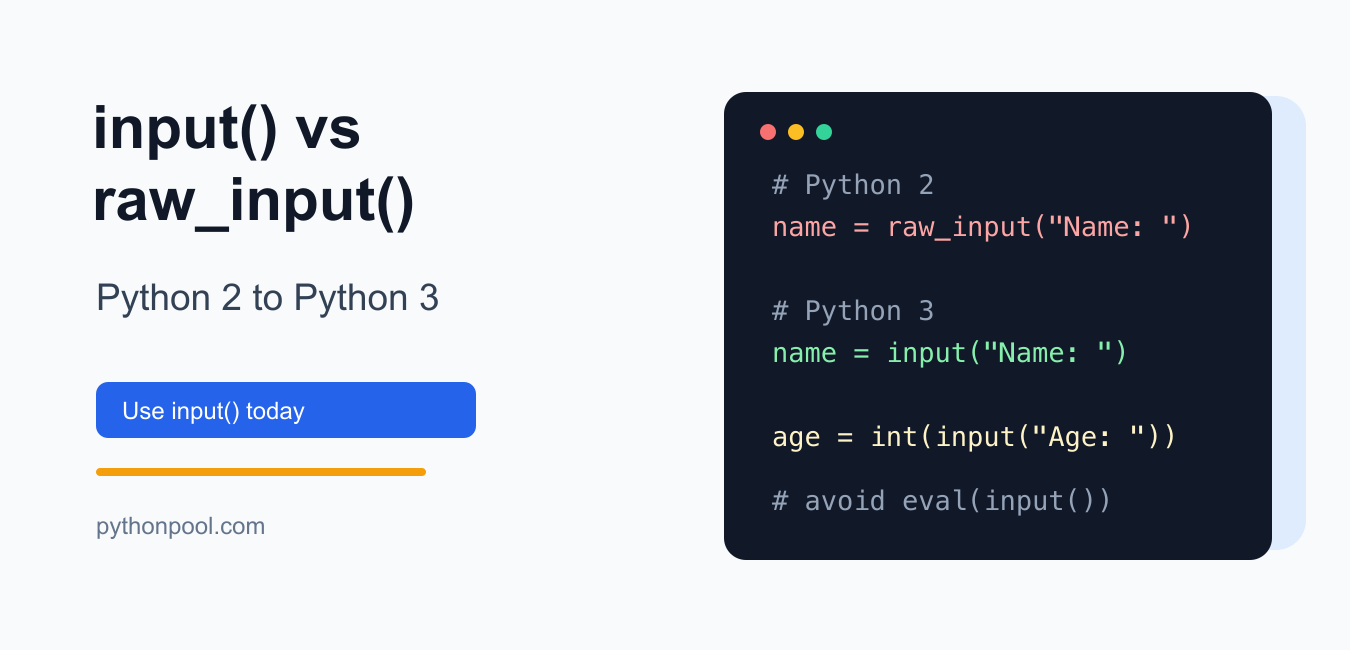
Quick answer: Python 3 input returns text, while Python 2 raw_input was the text-reading function. During migration, replace raw_input with input and parse numbers explicitly. Never rely on Python 2 input behavior, which evaluated entered text as code and was unsafe for untrusted input.
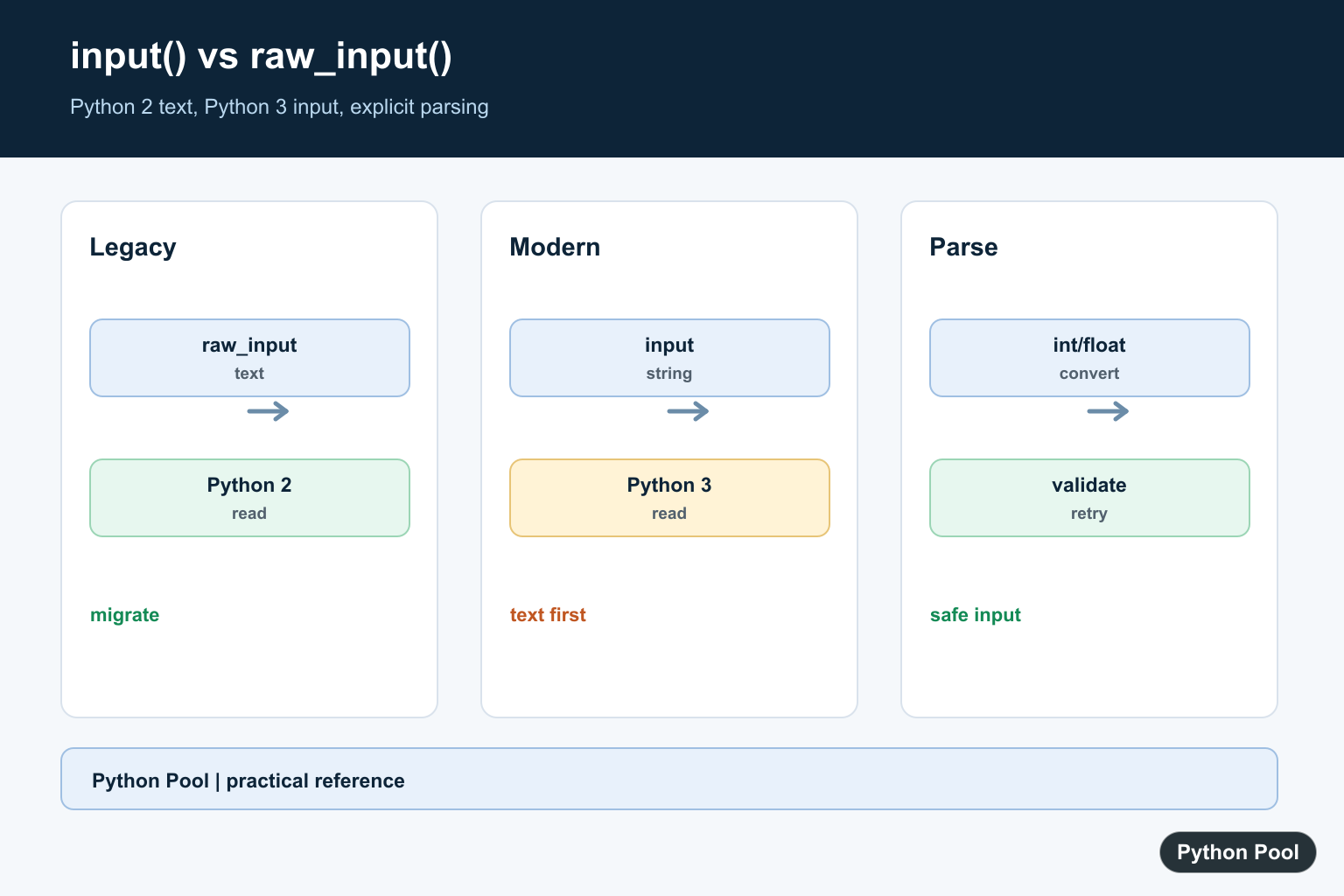
The short answer is: use input() in Python 3. The old raw_input() function existed in Python 2 and was renamed to input() in Python 3.
This distinction matters when you are reading old tutorials or migrating old code. In Python 3, input() reads one line from standard input and returns it as a string. It does not evaluate the text as Python code.
Quick comparison
| Function | Python version | Behavior | Modern replacement |
|---|---|---|---|
raw_input() |
Python 2 | Reads a line and returns a string | input() in Python 3 |
input() |
Python 2 | Reads input and evaluates it as a Python expression | Avoid; parse explicitly |
input() |
Python 3 | Reads a line and returns a string | Use this |
Python 3 input()
In Python 3, input() accepts an optional prompt and returns a string.
name = input("Name: ")
print(f"Hello, {name}")
If the user types Sara, the variable name contains the string "Sara".
For numbers, convert the returned string yourself:
age = int(input("Age: "))
print(age + 1)
For a broader modern guide, see Python user input.
Python 2 raw_input()
In Python 2, raw_input() was the safe function for ordinary keyboard input because it returned the user-entered text as a string.
# Python 2 only
name = raw_input("Name: ")
print name
When migrating this code to Python 3, replace raw_input() with input() and update old print statements:
# Python 3
name = input("Name: ")
print(name)
Python 2 input() was different
Python 2 input() behaved like evaluating the result of raw_input(). That made it surprising and unsafe for normal user input.
# Python 2 behavior, do not copy into modern code
value = input("Value: ")
If the user typed 2 + 3, Python 2 would evaluate it as an expression. In modern code, do not use eval(input()) to recreate that behavior. Convert only the exact type you expect:
quantity = int(input("Quantity: "))
price = float(input("Price: "))
Fix NameError: name ‘raw_input’ is not defined
This error means Python 3 is running code written for Python 2:
NameError: name 'raw_input' is not definedReplace raw_input(...) with input(...):
# Before
username = raw_input("Username: ")

# After
username = input("Username: ")
If the file also uses old Python 2 names such as unicode or xrange, see the Python Pool guides to NameError: name ‘unicode’ is not defined and Python xrange.
Compatibility wrapper for old code
If a legacy script must temporarily support both Python 2 and Python 3, you may see this alias:
try:
    input_func = raw_input
except NameError:
    input_func = input

name = input_func("Name: ")
Use this only for migration. New code should target Python 3 and call input() directly.
Common mistakes
- Using
raw_input()in Python 3. It raisesNameError; useinput(). - Assuming
input()returns an integer. It returns a string in Python 3; wrap it withint()orfloat()when needed. - Using
eval(input()). It can execute code from user input. Parse specific formats instead. - Following Python 2 examples unchanged. Update
raw_input,printstatements,xrange, andunicodenames together.
Official references
The Python 3 documentation describes input(). The archived Python 2 documentation covers raw_input() and Python 2 input(). Python’s “What’s New in Python 3.0” notes the raw_input() to input() rename.
Conclusion
For modern Python, choose input(). Treat raw_input() as Python 2 migration context, and remember that Python 2 input() had unsafe evaluation behavior. Convert Python 3 input strings explicitly with int(), float(), or a parser that matches the data you expect.
Know The Version Difference
Python 2 and Python 3 assign different behavior to input. Treat the migration as a data-contract change: decide whether each response is text, an integer, a decimal, or a validated choice.
Parse Numeric Input Explicitly
After input returns a string, strip or normalize it and pass it through int or float with a clear error path. Do not use eval to recover the old behavior.
Validate User Choices
Interactive input can be empty, malformed, or outside the allowed range. Keep prompting or return a useful error according to the interface, and avoid exposing secrets through ordinary input because it echoes text.
Migrate Automated Code
Scripts that previously used raw_input may run under a service or test harness where stdin is unavailable. Prefer function parameters or a command-line parser for automation and test the input boundary separately.
Keep Compatibility Intentional
If one codebase must support multiple Python generations, isolate compatibility code and document the supported versions. New Python 3 code should use input and explicit conversion directly.
Input handling is an interface boundary, so the correct migration also considers encoding, prompts, validation messages, interruption, and automation. Keep the raw text separate from the parsed value when an audit trail or retry is needed, and never treat user text as executable Python. Decide whether whitespace is meaningful, whether an empty response is allowed, and how a user retries after invalid input. Document the conversion rule for every field. Python’s input() documentation defines Python 3 behavior. Related references include clear conditional logic, secret input, and input tests.
For related input handling, compare secret input, conditional choices, and input tests when migrating interactive code.
Frequently Asked Questions
What replaced raw_input in Python 3?
Python 3 input provides the text-reading behavior that Python 2 raw_input provided.
Does input return a number?
No. Python 3 input returns a string, so convert it with int or float after validating the input.
Why did Python 2 input behave differently?
Python 2 input evaluated entered text as Python code, which was both surprising and unsafe for untrusted input.
How should I migrate raw_input code?
Replace raw_input with input and add explicit parsing and validation where the old code expected a number.