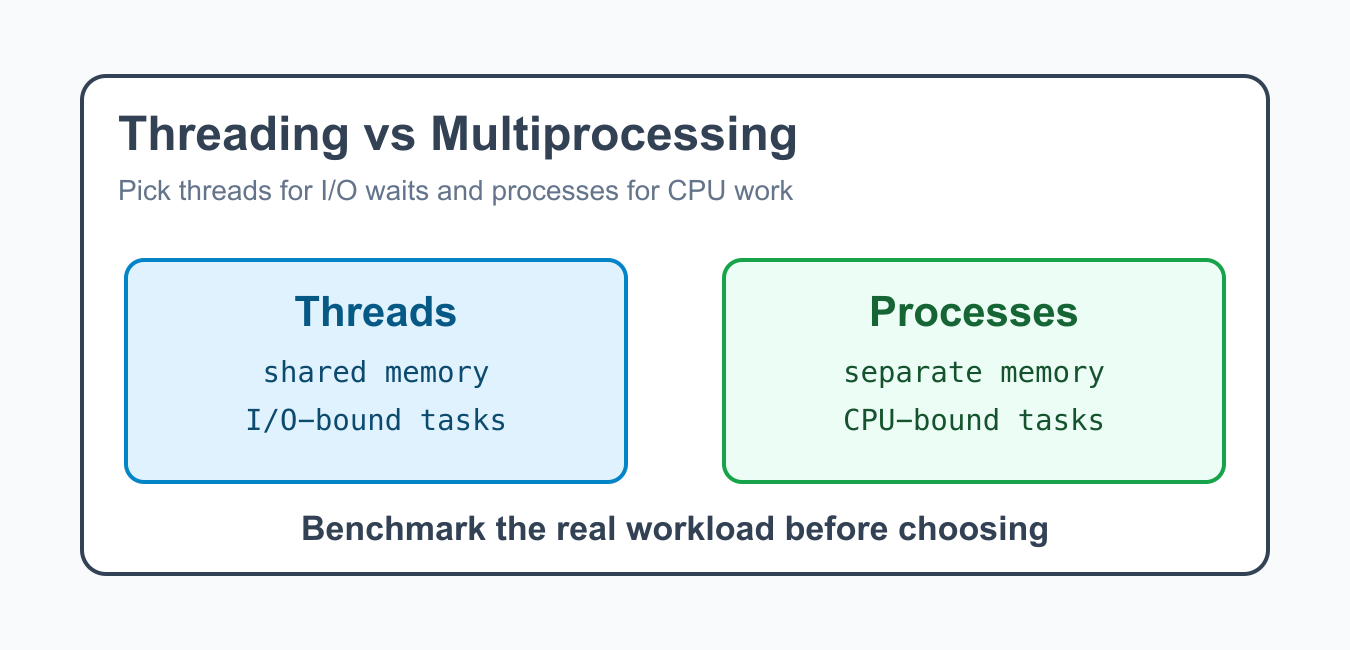
Quick answer: Threads share one Python process and are usually a good fit for I/O-bound work, while multiprocessing starts separate processes and can isolate or parallelize CPU-heavy work. Compare startup, memory, serialization, failure handling, and the actual workload instead of choosing by label alone.
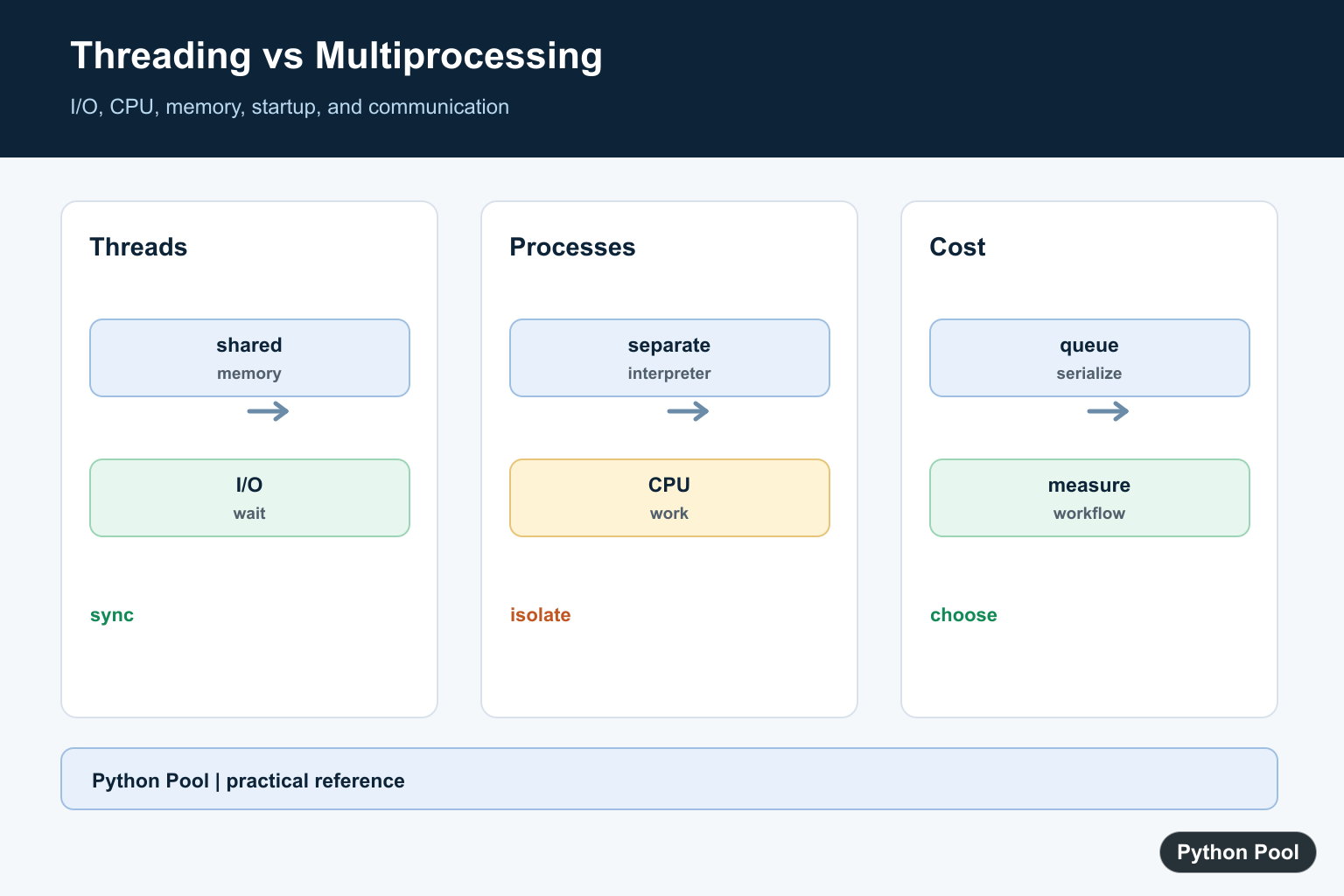
Python threading and multiprocessing both run work concurrently, but they solve different problems. Threads share one process and are often useful for I/O-bound tasks. Processes run in separate Python interpreters and are often better for CPU-bound work.
The main practical difference is isolation. Threads share memory inside one process, so communication is easy but shared state needs care. Processes have separate memory, so they avoid many shared-state bugs but require serialization and inter-process communication.
The fastest option depends on the workload. If tasks mostly wait for sockets, files, APIs, or databases, threads can keep the program responsive. If tasks spend most time doing Python calculations, processes are often the better starting point.
The official threading documentation and multiprocessing documentation explain the APIs. For related synchronization topics, see Python threading locks and Python locks.
Use Threads For I/O-Bound Work
Threads are useful when tasks spend much of their time waiting on network, disk, or other external operations.
import threading
from threading import Event

def download(name):
    Event().wait(0.1)
    print(f"finished {name}")

threads = [
    threading.Thread(target=download, args=(f"file-{index}",))
    for index in range(3)
]

for thread in threads:
    thread.start()

for thread in threads:
    thread.join()
While one thread waits, another can make progress. This is why threads often help clients, crawlers, file watchers, and small background workers.
Threads do not make every program faster. If each task is busy calculating in Python, the overhead and shared-state complexity may not pay off.
Use Processes For CPU-Bound Work
CPU-heavy calculations often benefit from separate processes because each process has its own interpreter.
from multiprocessing import get_context

def square(number):
    return number * number

if __name__ == "__main__":
    context = get_context("fork")
    with context.Pool(processes=4) as pool:
        results = pool.map(square, [1, 2, 3, 4, 5])

    print(results)
The if __name__ == "__main__" guard is important for multiprocessing, especially on Windows and macOS spawn-based process starts.
Processes have more startup cost than threads. They are best when each unit of work is large enough to justify sending data to another process.
Share State Carefully With Threads
Threads share memory, so protect shared state with a lock when multiple threads update it.
import threading

counter = 0
lock = threading.Lock()

def increment():
    global counter
    for _ in range(1000):
        with lock:
            counter += 1

threads = [threading.Thread(target=increment) for _ in range(4)]

for thread in threads:
    thread.start()
for thread in threads:
    thread.join()

print(counter)
A lock makes the update predictable. Without it, thread scheduling can interleave operations in ways that create incorrect results.
Shared state is one of the main costs of threading. Keep shared objects small, protect them consistently, and prefer queues or immutable data when possible.
Send Data Between Processes
Processes do not share normal Python objects. Use queues, pipes, managers, files, or return values from pools to exchange data.
from multiprocessing import get_context

def worker(queue):
    queue.put("done")

if __name__ == "__main__":
    context = get_context("fork")
    queue = context.Queue()
    process = context.Process(target=worker, args=(queue,))
    process.start()
    process.join()

    print(queue.get())
This isolation is safer for many CPU-bound jobs, but the data must be serializable and copied between processes.
Large data transfers can erase the performance gain from multiprocessing. Measure serialization and transfer cost, not only the worker calculation.
Use ThreadPoolExecutor
The concurrent.futures module provides a cleaner interface for managing thread pools.
from concurrent.futures import ThreadPoolExecutor
from threading import Event

def fetch(item):
    Event().wait(0.1)
    return f"result-{item}"

with ThreadPoolExecutor(max_workers=3) as executor:
    results = list(executor.map(fetch, [1, 2, 3, 4]))

print(results)
This style is often easier to read than manually creating and joining many thread objects.
Executors also centralize worker limits. Setting a sensible max_workers prevents a script from creating too many concurrent tasks at once.
Use ProcessPoolExecutor
ProcessPoolExecutor gives a similar interface for separate processes.
from concurrent.futures import ProcessPoolExecutor
from multiprocessing import get_context

def cube(number):
    return number ** 3

if __name__ == "__main__":
    context = get_context("fork")
    with ProcessPoolExecutor(max_workers=2, mp_context=context) as executor:
        results = list(executor.map(cube, [1, 2, 3, 4]))

    print(results)
Use process pools for pure functions and data that can be serialized cleanly. Avoid passing open sockets, database connections, or large mutable objects unless you have a clear design.
Process pools are easiest to reason about when functions receive plain inputs and return plain outputs. Side effects are harder to coordinate across separate processes.
Choosing Between Them
Choose threading when tasks wait on I/O and can share memory safely. Choose multiprocessing when tasks are CPU-heavy, independent, and can exchange data through serializable inputs and outputs.
Threading usually has lower overhead and simpler communication. Multiprocessing usually has higher startup and memory cost but better isolation and better CPU parallelism for Python code.
Also consider deployment. Some platforms limit process creation, while others make threads easier to observe. Logging, shutdown handling, and error reporting should be part of the decision.
Measure with realistic input sizes. A tiny example can make either model look fine, while production data may expose process startup cost, queue transfer cost, lock contention, or slow external services.
The reliable pattern is to benchmark the real workload. If the program mostly waits, try threads or async I/O. If it mostly computes, try processes. Keep shared state small, handle errors explicitly, and choose the simpler model that meets the performance goal.
Use Threads For Waiting Work
Threads can overlap waits for sockets, files, APIs, and other external systems while sharing process memory. Protect shared mutable state with appropriate synchronization and make shutdown behavior explicit.
Use Processes For CPU Work
Separate processes have separate interpreters and memory, which can make CPU-heavy Python work scale across cores. The tradeoff includes process startup, memory duplication, serialization, and more involved error propagation.
Respect The Start Method
Process behavior differs between fork and spawn environments. Put process creation behind if __name__ == __main__, keep worker functions importable, and pass data that can be serialized reliably.
Measure The Whole Workflow
Benchmark useful work plus setup, queueing, serialization, scheduling, and collection. A tiny task may become slower with either concurrency model, while a long I/O wait or expensive CPU operation can justify the overhead.
Keep Communication Deliberate
Queues, events, locks, pools, and futures make coordination visible. Avoid accidental shared state, bound queues where backpressure matters, and close or join workers so a program does not hang during exit.
Python’s threading documentation and multiprocessing documentation define the two APIs and their communication models. Related references include thread locks, workload characteristics, and concurrency tests.
For related concurrency decisions, compare thread locks, iteration patterns, and concurrency tests when coordinating workers.
Frequently Asked Questions
When should I use Python threading?
Use threads when work spends significant time waiting on I/O and shared process state is useful or manageable.
When should I use multiprocessing?
Use processes when CPU-bound Python work needs separate interpreters or when stronger memory isolation is worth the startup and communication cost.
Do threads make CPU-bound Python code faster?
Pure Python CPU work is limited by the interpreter’s execution model, so threads often do not provide the expected parallel speedup.
What must multiprocessing code protect on Windows?
Put process-starting code behind if __name__ == __main__ and make worker arguments serializable, because spawned processes import the main module.