
Quick answer: Install the pip-autoremove distribution with the same interpreter that runs your code: python -m pip install pip-autoremove. The distribution uses a hyphen while its import name uses an underscore; then distinguish import resolution from the command’s PATH and dependency-cleanup behavior.
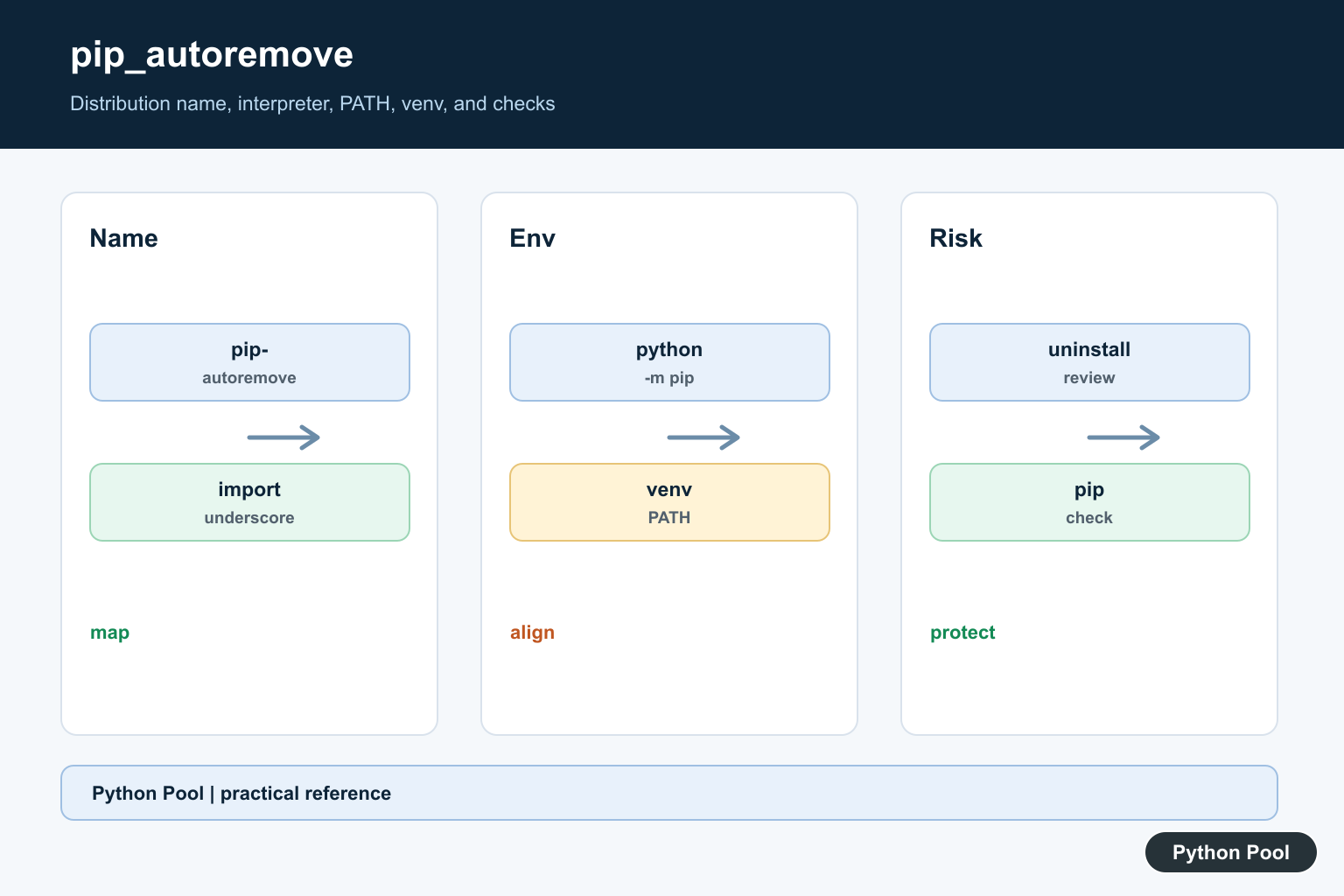
The error ModuleNotFoundError: No module named 'pip_autoremove' means Python cannot import the module behind the pip-autoremove command. The package name on PyPI uses a hyphen, pip-autoremove, while the importable module name uses an underscore, pip_autoremove.
The usual fix is to install the package in the same Python environment that is running your command:
python -m pip install pip-autoremoveOn Windows, if you use the Python launcher, run:
py -m pip install pip-autoremoveInstall the correct package
Do not install pip_autoremove. The PyPI distribution is pip-autoremove.
python -m pip install --upgrade pip
python -m pip install pip-autoremove
The official pip install documentation recommends running pip as python -m pip, which helps ensure you install into the interpreter you are actually using.
Verify the installation
Check whether pip can see the package:
python -m pip show pip-autoremoveThe official pip show documentation covers this command. If it prints package details, test the import:
python -c "import pip_autoremove; print(pip_autoremove.__file__)"If pip show works but the import fails, you are probably running a different Python interpreter than the one used for installation.
Use the command-line tool correctly
pip-autoremove is mainly a command-line tool. After installing it, run:
pip-autoremove --helpTo remove a package and dependencies that are no longer needed by other installed packages, the basic form is:
pip-autoremove package-nameUse this carefully. In shared or global Python installations, automatic dependency cleanup can remove packages another project expects. It is usually safer to work inside a virtual environment.
Check the active Python environment
Most pip_autoremove import errors come from installing into one environment and running another.
python -c "import sys; print(sys.executable)"
python -m pip --version
Both commands should point to the same environment. If you are using Windows and commands are not resolving correctly, see python is not recognized as an internal or external command.
Fix virtual environment issues
If your project uses a virtual environment, activate it before installing:
python -m venv .venv
source .venv/bin/activate
python -m pip install pip-autoremove
On Windows PowerShell:
python -m venv .venv
.venvScriptsActivate.ps1
python -m pip install pip-autoremove
Python’s venv documentation covers virtual environments. If an environment is already messy, it may be faster to recreate it; see remove Python venv safely.
If pip-autoremove command is not recognized
If the import works but pip-autoremove is not recognized as a shell command, the Python Scripts or bin directory may not be on PATH. You can still run the installed module check with Python:
python -c "import pip_autoremove; print('installed')"Then either activate the virtual environment, add the scripts directory to PATH, or run the command from the environment where it is installed.
Use safer alternatives when possible
pip-autoremove is a third-party tool, not part of pip itself. For ordinary uninstall work, start with pip’s built-in uninstall command:
python -m pip uninstall package-nameThe official pip uninstall documentation covers the built-in command. After uninstalling, run:
python -m pip checkThat checks installed package dependencies. If pip itself is warning about broken metadata, fix that first with our guide to WARNING: Ignoring invalid distribution in pip.
Common mistakes
- Installing the wrong name: install
pip-autoremove, notpip_autoremove. - Using plain
pipwith the wrong interpreter: preferpython -m pip. - Forgetting to activate the virtual environment: install tools after activating the environment.
- Expecting it to be a normal library:
pip-autoremoveis mainly a CLI cleanup tool. - Running cleanup globally: avoid dependency-removal tools in system Python or shared environments unless you know the impact.
Conclusion
To fix No module named 'pip_autoremove', install the PyPI package named pip-autoremove using python -m pip install pip-autoremove in the active environment. Verify with python -m pip show pip-autoremove, check the import, and use virtual environments so package cleanup cannot damage unrelated projects.
Separate Distribution And Import Names
The name used by an installer, the import name, and the console-script name can differ. Confirm each one from the package documentation instead of replacing hyphens and underscores by guesswork.
Use The Active Interpreter
Run sys.executable, python -m pip –version, and python -m pip show pip-autoremove from the failing environment. A successful install attached to another Python does not make the module available to the application.
Distinguish Import From PATH
The module can import while the pip-autoremove command is not found because the environment’s Scripts or bin directory is absent from PATH. Diagnose those as separate boundaries and activate the intended venv.
Treat Cleanup As High Impact
pip-autoremove is a third-party cleanup tool and can remove dependencies another project needs. Prefer a dedicated virtual environment, review the proposed changes, and use pip uninstall and pip check when the built-in tools are enough.
Recreate Broken Environments
A venv depends on its base Python installation. If package metadata or the interpreter is damaged, record requirements, repair or replace the base, recreate the environment, and reinstall through python -m pip.
Verify Without Leaking Secrets
Use importlib metadata, sys.executable, and a minimal import or –help command. Keep output limited to paths and versions, and do not paste private package indexes or credentials into logs or public issues.
Use the official pip install, pip show, pip uninstall, and venv references. Related guidance includes package setup and environment tests.
For related environment cleanup, compare venv recreation, package metadata, and verification tests before removing dependencies.
Frequently Asked Questions
What package fixes No module named pip_autoremove?
Install the pip-autoremove distribution with python -m pip install pip-autoremove in the active environment.
Why are pip-autoremove and pip_autoremove different names?
The PyPI distribution uses a hyphen while Python’s importable module name uses an underscore; package and import names can differ.
How do I verify the active pip environment?
Compare python -c ‘import sys; print(sys.executable)’ with python -m pip –version and python -m pip show pip-autoremove.
Is pip-autoremove part of pip itself?
No. It is a third-party cleanup tool; use pip uninstall and pip check when the built-in commands are sufficient, especially in shared environments.