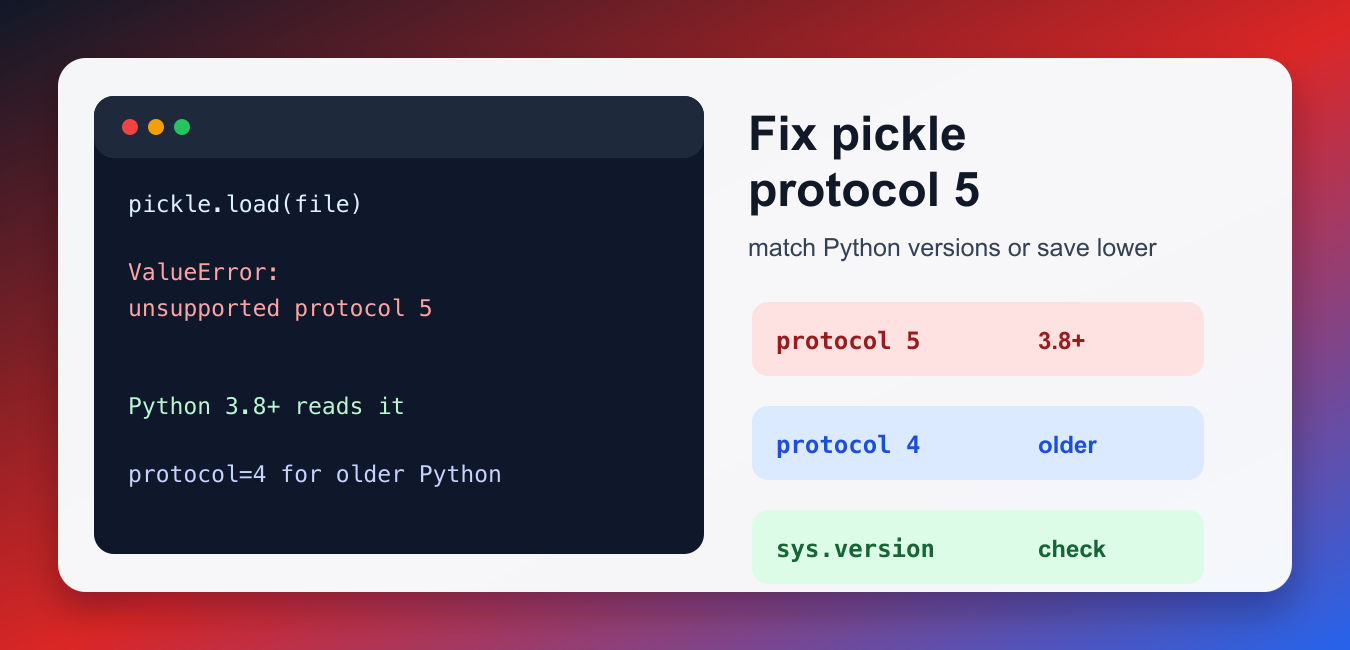
Quick answer: Protocol 5 was added in Python 3.8. The error means the reader is older than the writer’s pickle format, so upgrade the reader or deliberately save with a protocol supported by every target runtime. Never load untrusted pickle data because unpickling can execute code.
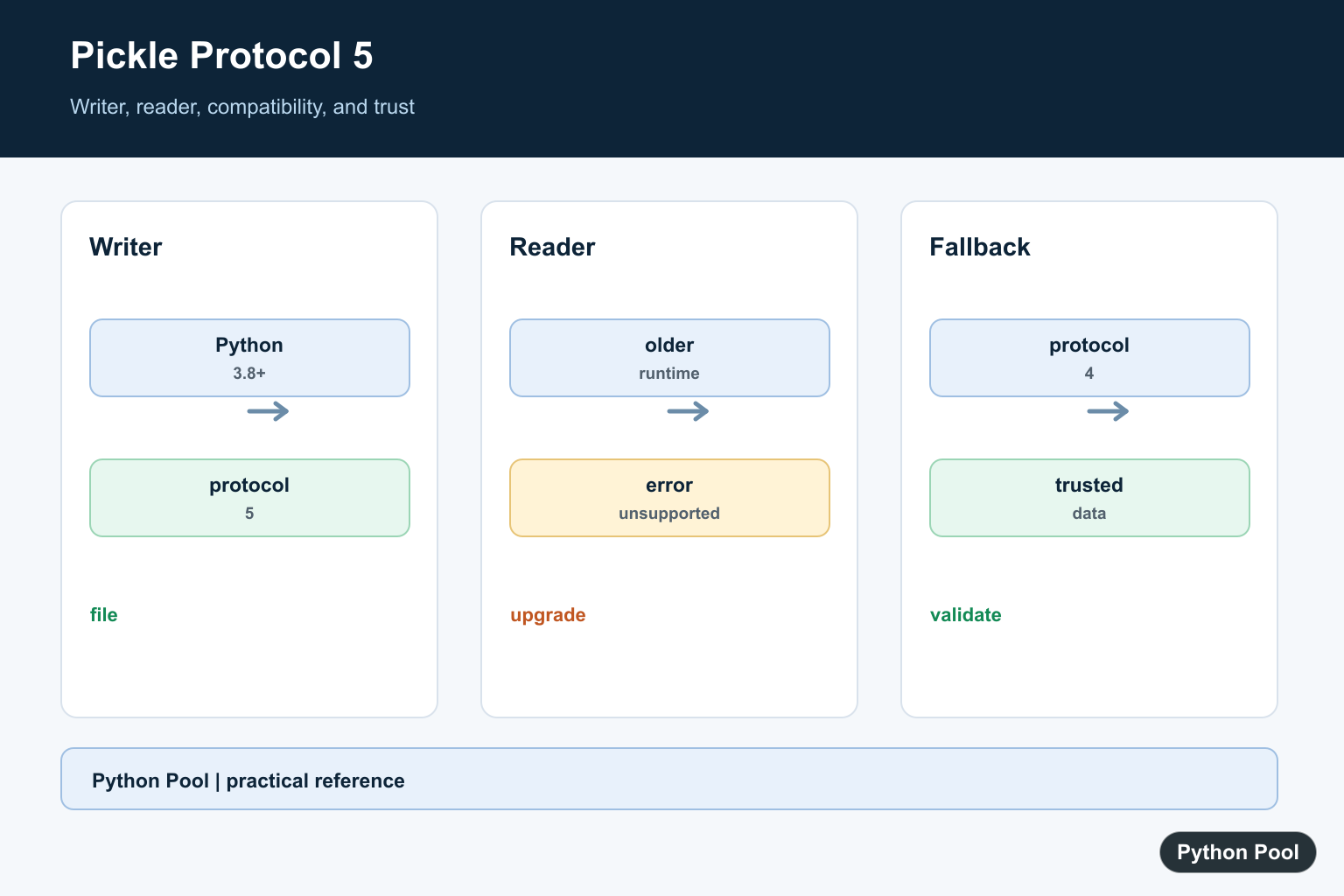
The ValueError: unsupported pickle protocol 5 error happens when an older Python runtime tries to read a pickle file that was written with protocol 5. Protocol 5 was added in Python 3.8, so Python 3.7 and older cannot load that file format directly.
The fix is to match the Python versions or save the file with an older protocol. If you control the system that creates the pickle file, write it with protocol=4 for compatibility with Python 3.4 through 3.7. If you only control the system that loads the file, upgrade that environment to Python 3.8 or newer.
This error is common when a model, cache, or exported object is created on a newer laptop and then moved to an older server. The file extension may still be .pkl, but the internal protocol is newer than the reader understands. Treat the pickle file and the Python runtime as a pair.
Why Protocol 5 Fails
Pickle files include a protocol number. Newer protocols can store objects more efficiently, but older Python versions do not know how to read future protocols. The loading code may look normal, but the file itself was created by a newer interpreter.
import pickle

with open("model.pkl", "rb") as file:
    obj = pickle.load(file)

print(type(obj))
If this fails with protocol 5, inspect the Python version and the highest protocol supported by that runtime. This is the fastest way to confirm whether the problem is the file or the interpreter.
Check Python and Pickle Protocol Support
Run this in the environment that loads the file. Python 3.8 and newer can read protocol 5, while older runtimes cannot.
import pickle
import sys

print(sys.version)
print("Highest pickle protocol:", pickle.HIGHEST_PROTOCOL)
If the highest protocol is 4, that environment cannot load a protocol 5 pickle. Use this Python version guide if you need to confirm which interpreter your script, notebook, or service is actually using.
Save With Protocol 4 for Older Python
When you need to share a pickle file with Python 3.7 or older, save with protocol 4. This is usually the cleanest fix because the reader does not need a custom loader.
import pickle

data = {"name": "example", "values": [1, 2, 3]}

with open("data-py37.pkl", "wb") as file:
    pickle.dump(data, file, protocol=4)
Use binary mode when writing pickle files. This related guide on writing bytes to a file in Python covers the file-mode details behind wb and rb.
Load the Compatible File
After the creator saves with protocol 4, older Python versions can read the file normally. Keep the producer and consumer versions documented so future exports do not silently switch back to protocol 5.
import pickle

with open("data-py37.pkl", "rb") as file:
    data = pickle.load(file)

print(data)
The official pickle documentation covers loading and dumping objects, while the pickle data stream format section explains protocol compatibility.
Convert a Protocol 5 File
If you already have a protocol 5 file, load it once in Python 3.8 or newer, then re-save it with protocol 4 for older consumers. This conversion requires access to a newer Python runtime because the older runtime cannot open the original file.
import pickle
from pathlib import Path

source = Path("protocol5.pkl")
target = Path("protocol4.pkl")

with source.open("rb") as file:
    data = pickle.load(file)

with target.open("wb") as file:
    pickle.dump(data, file, protocol=4)
Do this only with pickle files from trusted sources. Pickle can execute code during loading, so it is not a safe interchange format for untrusted data. If the object is simple data, consider JSON, CSV, Parquet, or another safer format instead. Do not download a random pickle file and load it just to convert the protocol.
Guard Exports in Shared Code
When code runs across several machines, choose the protocol based on the oldest supported Python version. A small helper keeps the choice explicit and avoids accidental incompatibility after someone upgrades their local interpreter.
import pickle

OLDEST_SUPPORTED_PROTOCOL = 4

def dump_for_team(data, path):
    with open(path, "wb") as file:
        pickle.dump(data, file, protocol=OLDEST_SUPPORTED_PROTOCOL)

print("Runtime highest protocol:", pickle.HIGHEST_PROTOCOL)
Protocol 5 was introduced for better out-of-band buffer support, described in PEP 574. Use it when every reader supports Python 3.8 or newer; otherwise choose protocol 4 deliberately.
Quick Fix Checklist
- Check the loading environment with
pickle.HIGHEST_PROTOCOL. - Upgrade the reader to Python 3.8 or newer if protocol 5 is required.
- Save with
protocol=4when older Python versions must read the file. - Convert protocol 5 files from a Python 3.8+ environment.
- Only load pickle files from trusted sources.
- Document the protocol in team scripts so files are portable across servers.
- If the failure is about object pickling rather than protocol support, see this guide to can’t pickle local object.
- Use conditional imports in Python when optional serialization dependencies vary by environment.
Identify The Writer And Reader
A pickle file does not carry a promise that every Python version can read it. Record the Python version and pickle protocol used to write the file, then inspect the runtime and highest protocol available in the environment that loads it.
Upgrade The Reader
If the deployment can move to Python 3.8 or newer, upgrading the reader is usually the cleanest fix for a protocol 5 file. Test dependencies and native extensions in the target environment before changing the production runtime.
Save For Older Runtimes
When older Python versions must remain supported and you control the writer, pass a compatible protocol such as protocol 4. Confirm that every object and feature in the serialized graph behaves correctly after choosing the compatibility target.
Treat Pickle As A Trusted-Data Format
Pickle is convenient for Python-to-Python persistence but is not a safe interchange format for untrusted input. Use JSON, a domain-specific format, or another validated representation when the source cannot be fully trusted.
Make Compatibility Testable
Add a fixture created by the oldest supported writer and load it in every supported reader. Include protocol metadata in artifacts or logs so a future deployment does not have to infer compatibility from a ValueError.
The Python pickle documentation describes protocol versions and warns about untrusted data. Related references include Python version checks, compatibility tests, and runtime inspection.
For related compatibility fixes, compare Python version checks, runtime inspection, and compatibility tests when moving serialized data.
Frequently Asked Questions
Which Python version added pickle protocol 5?
Python 3.8 added pickle protocol 5, so older runtimes cannot read files written exclusively with that protocol.
How do I fix the error if I control the reader?
Upgrade the reading environment to Python 3.8 or newer and verify that its pickle implementation supports the file.
How do I fix it if I control the writer?
Save with protocol 4 or another protocol supported by every target runtime, after considering the objects and features involved.
Is pickle safe for untrusted files?
No. Never unpickle untrusted data because loading a pickle can execute arbitrary code; use a safer interchange format when trust is not established.