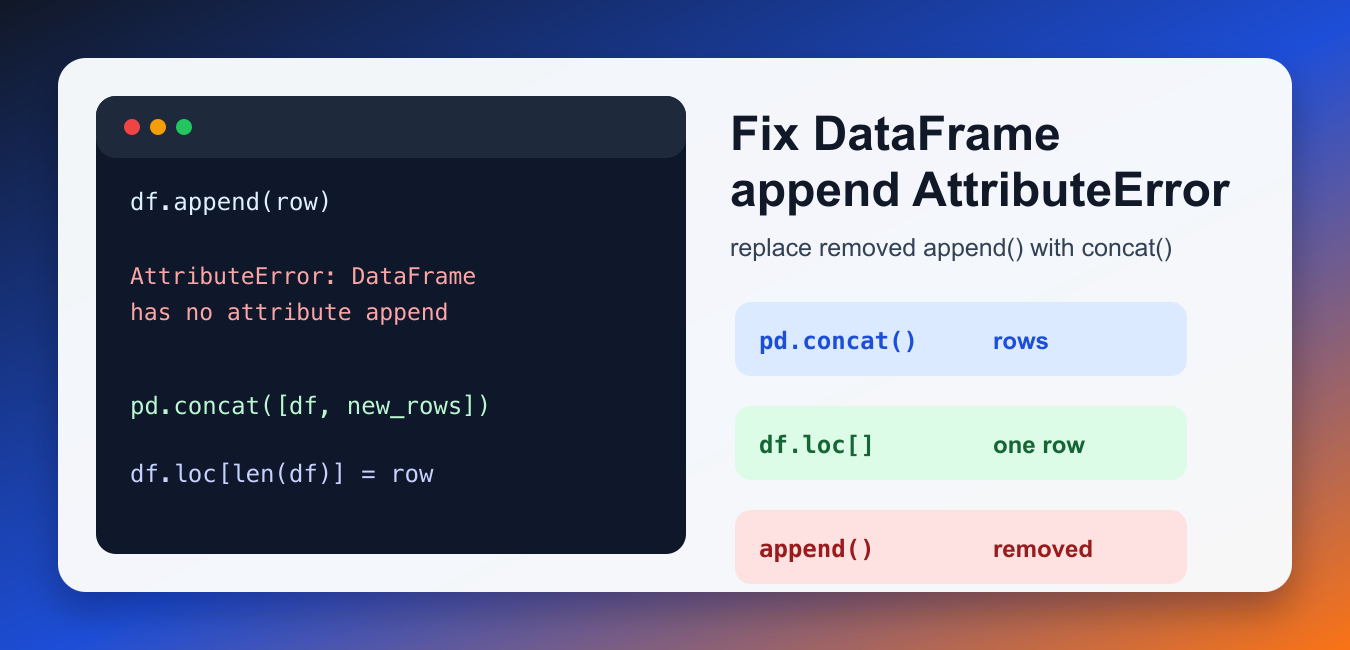
Quick answer: Modern pandas removed the deprecated DataFrame.append() method. Use pd.concat() to combine existing DataFrames, or collect dictionaries and build one DataFrame after a loop. This is usually clearer and faster because repeated concatenation can repeatedly allocate and copy the growing table.
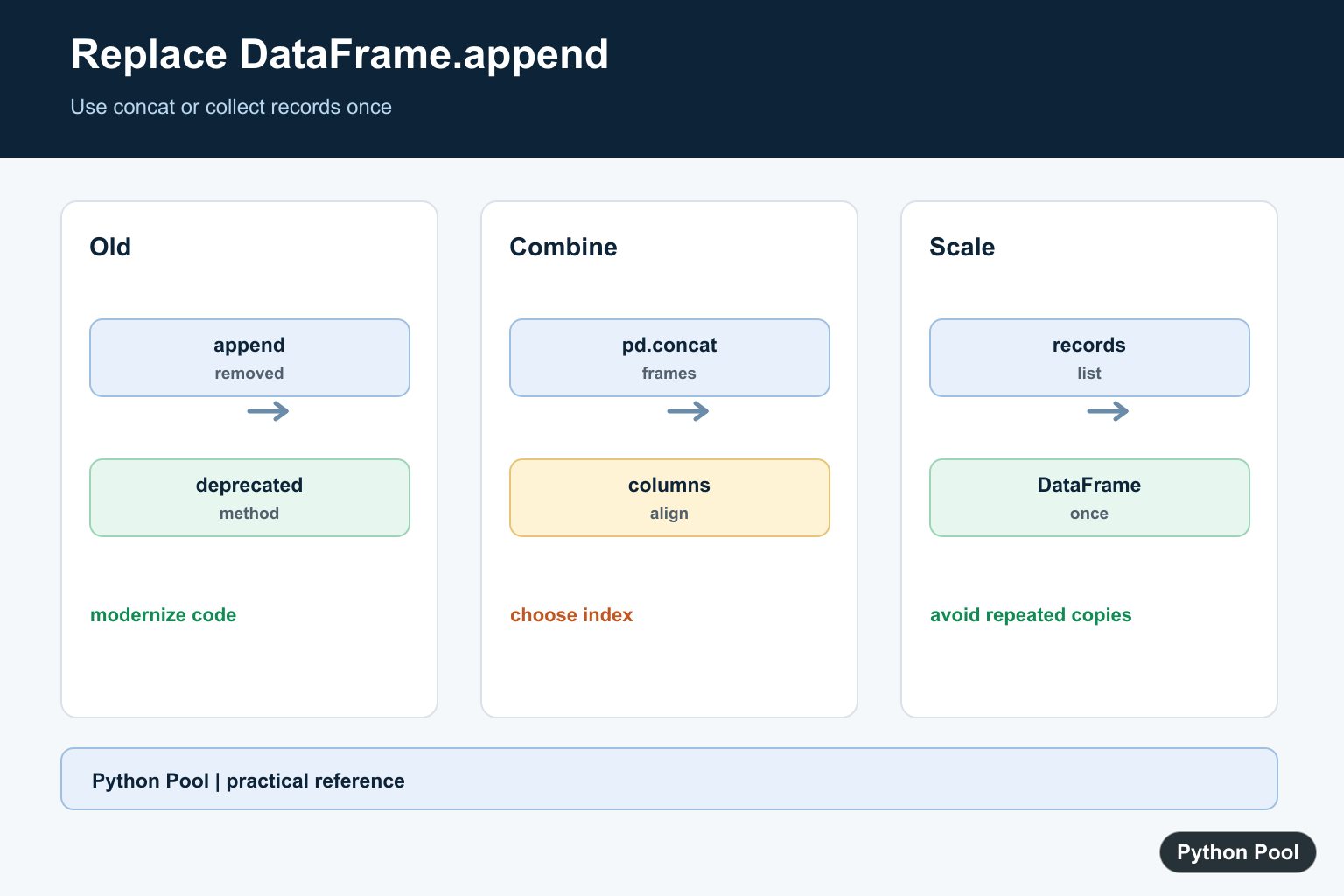
AttributeError: 'DataFrame' object has no attribute 'append' happens when code calls the old Pandas DataFrame.append() method in a newer Pandas version. The method was deprecated and then removed, so current Pandas code should use pd.concat() or direct row assignment patterns instead.
The best replacement depends on what the old code was doing. Use pd.concat() when combining DataFrames or adding many rows. Use df.loc[len(df)] = row when adding one row in simple scripts. For loops, collect rows first and build a DataFrame once instead of repeatedly growing a DataFrame.
This error is common after upgrading to Pandas 2.x or running old notebook examples in a fresh environment. The goal is not to downgrade Pandas; it is to replace the removed method with the current Pandas API.
Why the Error Happens
Older Pandas examples often used df.append(). In newer Pandas releases, that method no longer exists on DataFrame objects, so the same code raises an AttributeError.
import pandas as pd

df = pd.DataFrame({"name": ["Ada"], "score": [91]})
row = {"name": "Linus", "score": 84}

updated = df.append(row, ignore_index=True)
print(updated)
The code is valid Python syntax, but it fails at runtime because the method was removed. Replacing it is usually straightforward once you know whether you are adding one row or combining larger objects. Do not confuse this with Python list append(), which still exists.
Use pd.concat() to Add a Row
To replace a single-row append with pd.concat(), turn the row into a one-row DataFrame and concatenate it with the original DataFrame.
import pandas as pd

df = pd.DataFrame({"name": ["Ada"], "score": [91]})
row = pd.DataFrame([{"name": "Linus", "score": 84}])

updated = pd.concat([df, row], ignore_index=True)
print(updated)
ignore_index=True creates a clean integer index in the combined result. This is the closest modern replacement for many old append(..., ignore_index=True) examples. It returns a new DataFrame, so assign the result to a variable.
Use pd.concat() for Multiple DataFrames
If you are combining several DataFrames, pass them as a list to pd.concat(). This is faster and clearer than appending one DataFrame at a time.
import pandas as pd

first = pd.DataFrame({"name": ["Ada"], "score": [91]})
second = pd.DataFrame({"name": ["Linus"], "score": [84]})
third = pd.DataFrame({"name": ["Grace"], "score": [99]})

combined = pd.concat([first, second, third], ignore_index=True)
print(combined)
This pattern is best for batch-style workflows where all pieces are already available. It also avoids the repeated allocation cost of growing a DataFrame in a loop. If your data comes from several files or API responses, collect each small DataFrame and concatenate once.
Add One Row With loc
For a quick one-row insert in a small DataFrame, assign through loc. This modifies the DataFrame in place.
import pandas as pd

df = pd.DataFrame({"name": ["Ada"], "score": [91]})

df.loc[len(df)] = {"name": "Linus", "score": 84}

print(df)
This is readable for scripts and notebooks. For larger repeated inserts, collect rows in a list and build a DataFrame once instead. Repeated loc inserts can become slow for large datasets.
Collect Rows Before Building the DataFrame
If old code appended inside a loop, the best fix is usually to collect dictionaries in a list and create the DataFrame after the loop.
import pandas as pd

rows = []
for name, score in [("Ada", 91), ("Linus", 84), ("Grace", 99)]:
    rows.append({"name": name, "score": score})

df = pd.DataFrame(rows)
print(df)
This keeps the loop simple and avoids repeated DataFrame growth. It is also easier to test because the row-building step is separate from the DataFrame construction step. When performance matters, this is usually the cleanest replacement.
Check Your Pandas Version
If code works on one machine but fails on another, check the Pandas version. The error often appears after an environment upgrade.
import pandas as pd

print(pd.__version__)
print(hasattr(pd.DataFrame, "append"))
If the second line prints False, use the modern replacements above. If you see another Pandas-related import issue, PythonPool’s module pandas has no attribute DataFrame guide covers a separate problem.
Choose the Right Replacement
Use pd.concat() when the new data is already a DataFrame or when you have multiple pieces. Use loc for a single quick row. Use a list of dictionaries when rows are produced gradually in a loop. Choosing the right replacement keeps the code both compatible and efficient.
Downgrading Pandas can make the error disappear temporarily, but it leaves the project on older APIs. Updating the code is the better long-term fix. Also decide whether old indexes should be preserved or reset, because that controls whether ignore_index=True belongs in the replacement.
Checklist
- Use
pd.concat([df, new_df], ignore_index=True)instead ofdf.append(). - Use
df.loc[len(df)] = rowfor simple one-row additions. - Collect rows in a list before building a DataFrame in loops.
- Check your Pandas version when old examples stop working.
This error is about Pandas DataFrames, not Python list append or string append patterns. For Python sequence behavior, see PythonPool’s append vs extend guide and the append strings in Python guide.
References
- Pandas documentation: concat()
- Pandas documentation: DataFrame.loc
- Pandas documentation: DataFrame
- Pandas 2.0 release notes
Replace Append With concat
For two or more existing DataFrames, put them in a list and call pandas.concat once. Decide whether the original indexes are meaningful. ignore_index=True creates a fresh sequential index; without it, source indexes remain visible and may duplicate.
import pandas as pd

left = pd.DataFrame({"name": ["Ada"], "score": [95]})
right = pd.DataFrame({"name": ["Grace"], "score": [98]})
combined = pd.concat([left, right], ignore_index=True)
print(combined)
Collect Rows Before Building The Frame
When data arrives one record at a time, append dictionaries to a normal Python list and construct the DataFrame once. This avoids growing a DataFrame through repeated allocation and makes the expected record schema easy to validate.
import pandas as pd

records = []
for name, score in [("Ada", 95), ("Grace", 98)]:
    records.append({"name": name, "score": score})

frame = pd.DataFrame.from_records(records, columns=["name", "score"])
print(frame)
Align Columns And Types
concat aligns columns by label, so a missing column becomes a missing value and a mismatched dtype may be promoted. Inspect columns, null counts, and dtypes after combining. Normalize names and types before the merge when the source systems are under your control.
import pandas as pd

first = pd.DataFrame({"id": [1], "value": [10]})
second = pd.DataFrame({"id": [2], "value": [20], "source": ["api"]})
result = pd.concat([first, second], ignore_index=True, sort=False)
print(result)
print(result.dtypes)
Preserve Or Reset The Index Deliberately
An index may identify the source row, or it may only be a temporary position. Choose one policy and test it. If indexes are identifiers, preserve them and resolve duplicates upstream; if rows are a new sequence, reset them with ignore_index=True or reset_index().
combined = pd.concat([left, right], ignore_index=True)
assert list(combined.index) == [0, 1]

with_index = pd.concat([left, right], ignore_index=False)
print(with_index.index.tolist())
The official pandas.concat() reference documents the supported replacement and alignment behavior. Keep DataFrame export separate from the combine step so output formatting does not hide a schema problem.
For related DataFrame workflows, compare CSV export with to_csv(), data inspection tools, and spreadsheet output after combining records and validating the resulting schema.
Frequently Asked Questions
Why does DataFrame append no longer exist?
The deprecated DataFrame.append() method was removed from modern pandas, so code should use pandas.concat or a list of records instead.
What replaces DataFrame append?
Use pd.concat([left, right], ignore_index=True) for DataFrames, or collect dictionaries and construct one DataFrame after the loop.
How do I append one row in modern pandas?
Build a one-row DataFrame or record with matching columns and concatenate it, while deciding whether the original index should be preserved.
Why is concat in a loop slow?
Repeated concatenation repeatedly allocates and copies data; accumulate rows or frames and concatenate once when the data volume is meaningful.