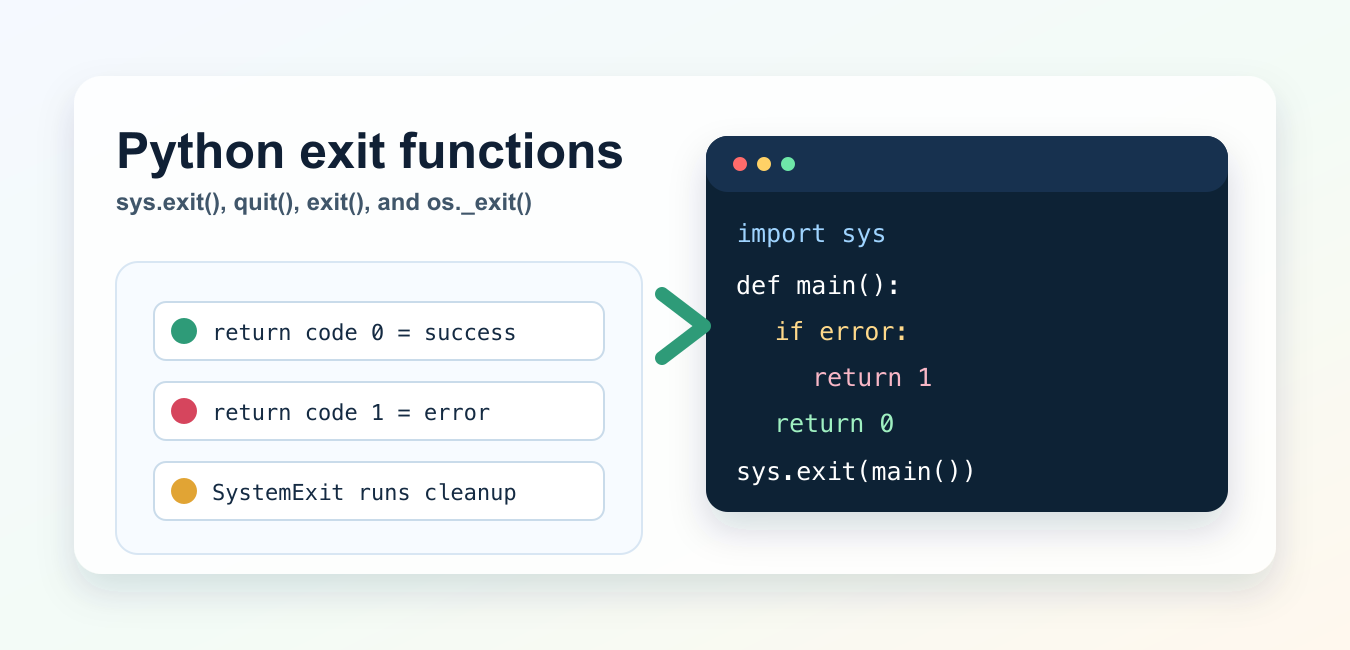
Quick answer: Use sys.exit(status) to stop a Python program through normal interpreter shutdown and return an exit code. Reserve os._exit(status) for low-level process-control cases because it skips normal cleanup.
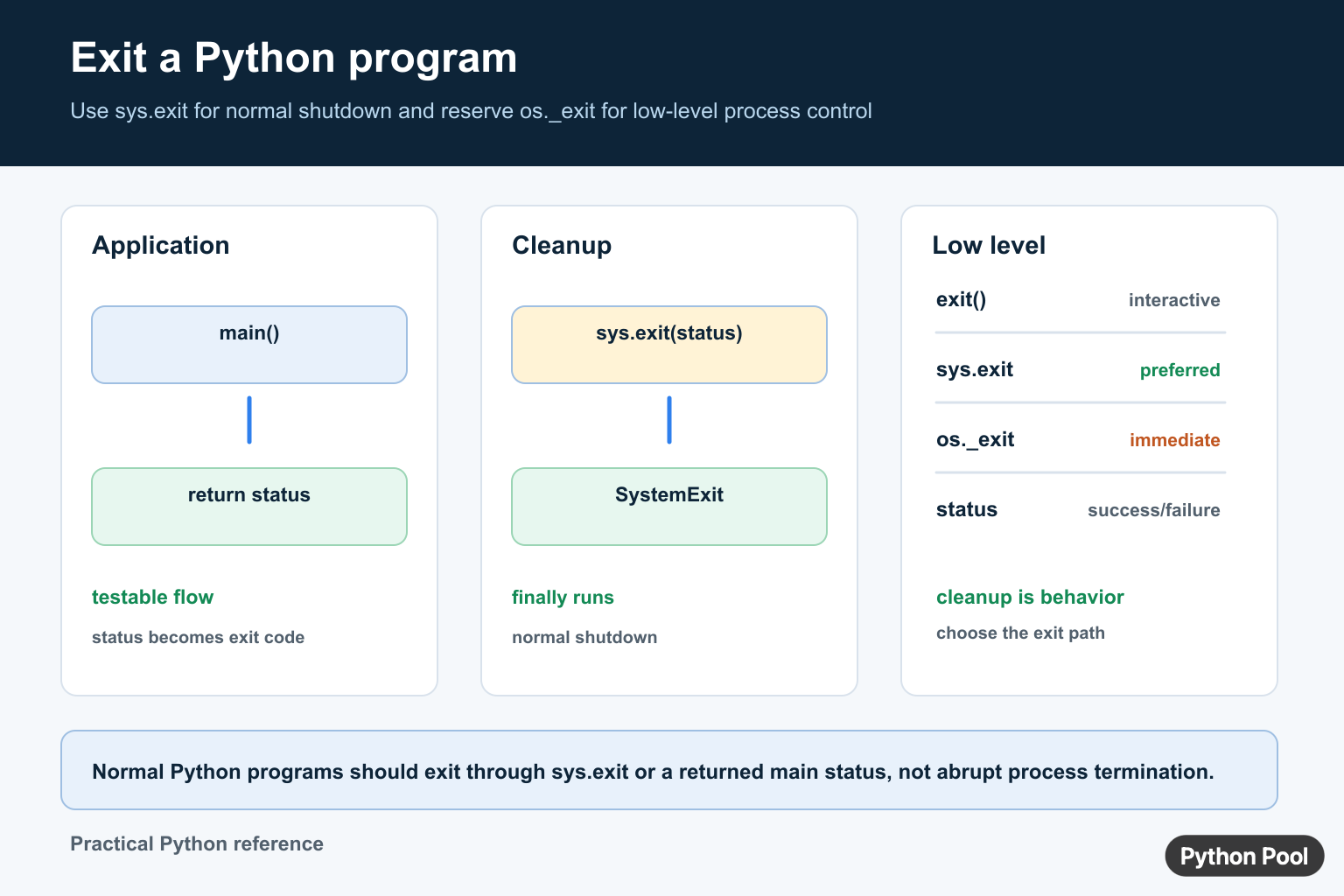
Python exit behavior is simple once you separate normal script exits from interactive-shell helpers and immediate process termination. In most scripts, use sys.exit() or return an integer from main() and pass it to sys.exit(). Use exit() and quit() only in the interactive interpreter, and reserve os._exit() for rare low-level cases.
This guide explains the practical differences between sys.exit(), exit(), quit(), SystemExit, and os._exit(), with examples you can use in command-line programs.
Best default: sys.exit()
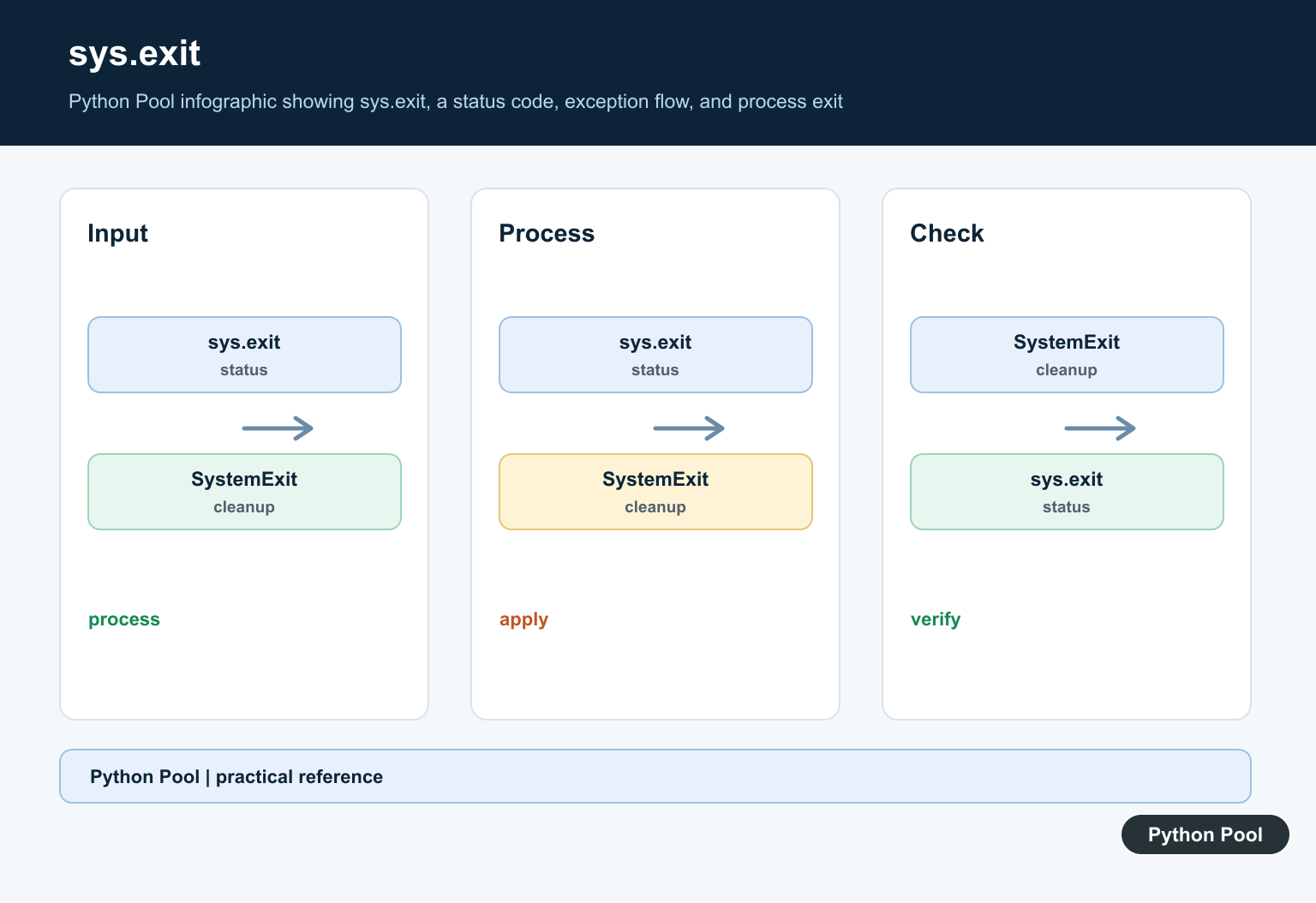
The standard way to exit a Python program early is sys.exit(). It raises SystemExit, which normally terminates the interpreter after cleanup code has a chance to run.
import sys

if not config_is_valid:
    sys.exit(1)

print("Program continues")
Exit code 0 usually means success. A nonzero exit code usually means an error. That convention matters when your Python script is called from a shell, a cron job, a Docker health check, or CI.
import sys

sys.exit(0)  # success
sys.exit(1)  # error
Use sys.exit(main()) for scripts
A clean pattern is to put the program logic in main(), return an exit code, and call sys.exit(main()) at the bottom of the file.
import sys


def main():
    filename = input("File name: ").strip()

    if not filename:
        print("Missing file name")
        return 1

    print(f"Processing {filename}")
    return 0


if __name__ == "__main__":
    sys.exit(main())
This structure keeps your exit behavior testable because main() returns a value instead of ending the process from the middle of the function. If your script reads from the terminal, the guide to Python user input is a useful companion.
Exit with an error message
You can pass a string to sys.exit(). Python prints that string to standard error and exits with code 1.
import sys

sys.exit("Missing required --input option")
This is concise for small command-line scripts. For larger programs, print or log a clearer message and return a code from main(). If your condition is compact, a Python ternary expression can help build simple status values without spreading logic across many lines.
What SystemExit means
SystemExit is the exception raised by sys.exit(). It inherits from BaseException, not Exception, so broad handlers like except Exception do not accidentally swallow normal exit requests.
try:
    raise SystemExit(2)
except SystemExit as exc:
    print(exc.code)
    raise
Most application code should not catch SystemExit. It is mainly useful in tests, frameworks, and wrappers that need to inspect or re-raise the exit request. This is different from KeyboardInterrupt in Python, which is raised when a user interrupts a running program.
exit() and quit() are interactive helpers
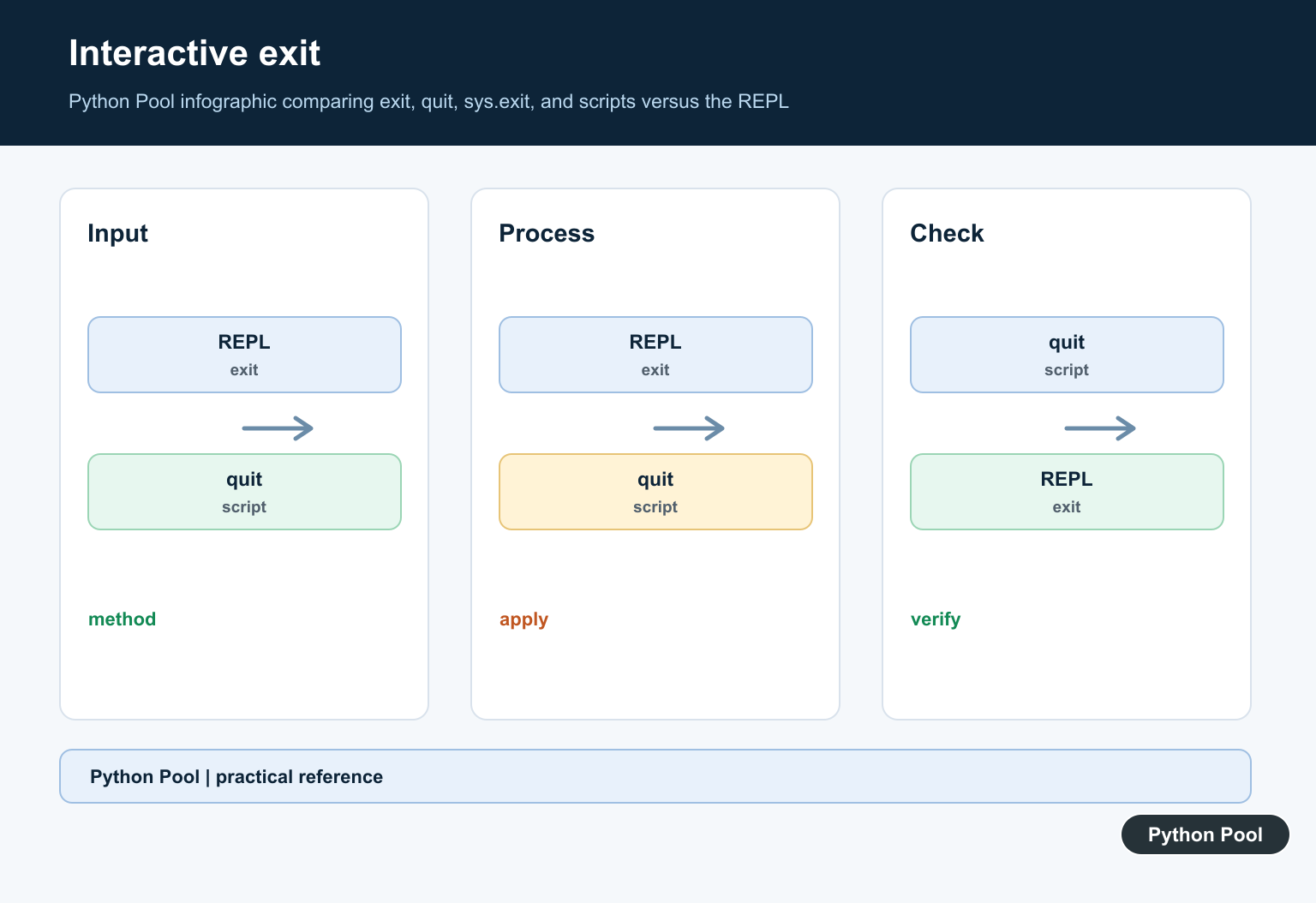
exit() and quit() are added by Python’s site module for interactive use. They are convenient in the REPL, but Python’s own documentation says they should not be used in programs.
# Fine in the interactive Python shell:
exit()
quit()

# Prefer this in scripts:
import sys
sys.exit(0)
The reason is portability and clarity. A script should import the module it depends on and use sys.exit() explicitly. That also makes the code easier to understand when someone runs it outside the interactive shell. If you are checking which interpreter is running the script, see how to check your Python version.
When to use os._exit()
os._exit() exits the process immediately. It does not call cleanup handlers, does not flush standard I/O buffers, and skips normal interpreter shutdown behavior.
import os

os._exit(1)
That makes it the wrong choice for ordinary scripts. Use it only when immediate termination is required, such as low-level child-process handling after fork(). For normal command-line tools and web scripts, use sys.exit() instead.
Cleanup handlers and finally blocks
Because sys.exit() raises SystemExit, Python still gives finally blocks and normal exit handlers a chance to run.
import sys

try:
    print("Working")
    sys.exit(1)
finally:
    print("Cleanup still runs")
This behavior is important for closing files, releasing locks, writing final logs, or cleaning up temporary resources. If your script launches a local service while testing, the Python HTTP server guide shows another workflow where clean shutdown behavior matters.
Exit code examples
The following outcomes were checked with local subprocess runs:
sys.exit(0)              - return code 0
sys.exit(1)              - return code 1
sys.exit("bad input")    - prints bad input, return code 1
raise SystemExit(2)      - return code 2
os._exit(3)              - return code 3
Use clear exit codes when another program needs to know whether your script succeeded. For simple branching logic, also review Python inline if and break outside loop errors, since both often appear in beginner control-flow code.
Quick comparison
| Method | Use in scripts? | Notes |
|---|---|---|
sys.exit(code) |
Yes | Standard choice for normal program exits. |
return code from main() |
Yes | Best structure when combined with sys.exit(main()). |
exit() |
No | Interactive-shell helper. |
quit() |
No | Interactive-shell helper. |
os._exit(code) |
Rarely | Immediate process exit; skips cleanup. |
Official references
The behavior described here follows the Python documentation for sys.exit(), SystemExit, exit() and quit(), os._exit(), and atexit cleanup handlers.
Conclusion
For almost every Python exit case, use sys.exit() or sys.exit(main()). Keep exit() and quit() for the interactive shell, and avoid os._exit() unless you truly need immediate process termination without cleanup.
Prefer sys.exit For Application Code
sys.exit() raises SystemExit. At the top level, the interpreter converts that exception into a process exit, runs normal cleanup, and lets finally handlers execute. Use an integer status such as 0 for success or a non-zero status for failure; a string is printed as an error message and produces a failure status.
import sys

def main():
    if not configuration_is_valid():
        print("Invalid configuration", file=sys.stderr)
        return 2
    return 0

sys.exit(main())
Do Not Use exit() In Production Scripts
exit() and quit() are conveniences intended for interactive sessions. A script should import sys and call sys.exit(), or return an integer from main() and exit once at the entry point. This keeps testing and cleanup easier to reason about.
When os._exit Is Different
os._exit() terminates the process immediately without flushing normal Python cleanup or running finally handlers. It can be appropriate after a fork in a child process when running interpreter cleanup would be unsafe, but it is the wrong default for validation errors, command-line failures, or ordinary application shutdown.
Frequently Asked Questions
How do I exit a Python script?
Use sys.exit() or return an integer from main() and call sys.exit(main()) at the program entry point.
What does sys.exit() do?
sys.exit() raises SystemExit; normal interpreter shutdown turns it into a process exit and allows ordinary cleanup to run.
What is the difference between exit() and sys.exit()?
exit() and quit() are interactive conveniences, while sys.exit() is the explicit choice for scripts and applications.
When should I use os._exit()?
Use os._exit() only for low-level process-control cases such as carefully handled post-fork child termination because it skips normal Python cleanup.
I want to end the code, not the shell.
May I know what exactly are you looking for?
exit() and sys.exit() both exit your code and don’t have to do anything with the shell. Are you using python IDLE to run python? If yes, in that case, it will exit from the window.
Hi,
Thank you for your article which is informative and helpful.
You suggested using sys. exit() in production. I ran your code of sys.exit() and I got the message: warn(“To exit: use ‘exit’, ‘quit’, or Ctrl-D.”, stacklevel=1)
I used Jupyter to run the code. My python version is 3.7.4.
Am I missing something?
Sophia
Yes, there is a difference when you use IPython Notebook (Jupyter). sys.exit() only raises the SystemExit exception. Normally, Python would stop executing the program when this error is raised, but IPython keeps running even after this which causes a Traceback to this Exception :(.
There is no correct way of closing the Jupyter code programmatically. The best way is to raise an exception to close the block.
Hope this helps!
Regards,
Pratik