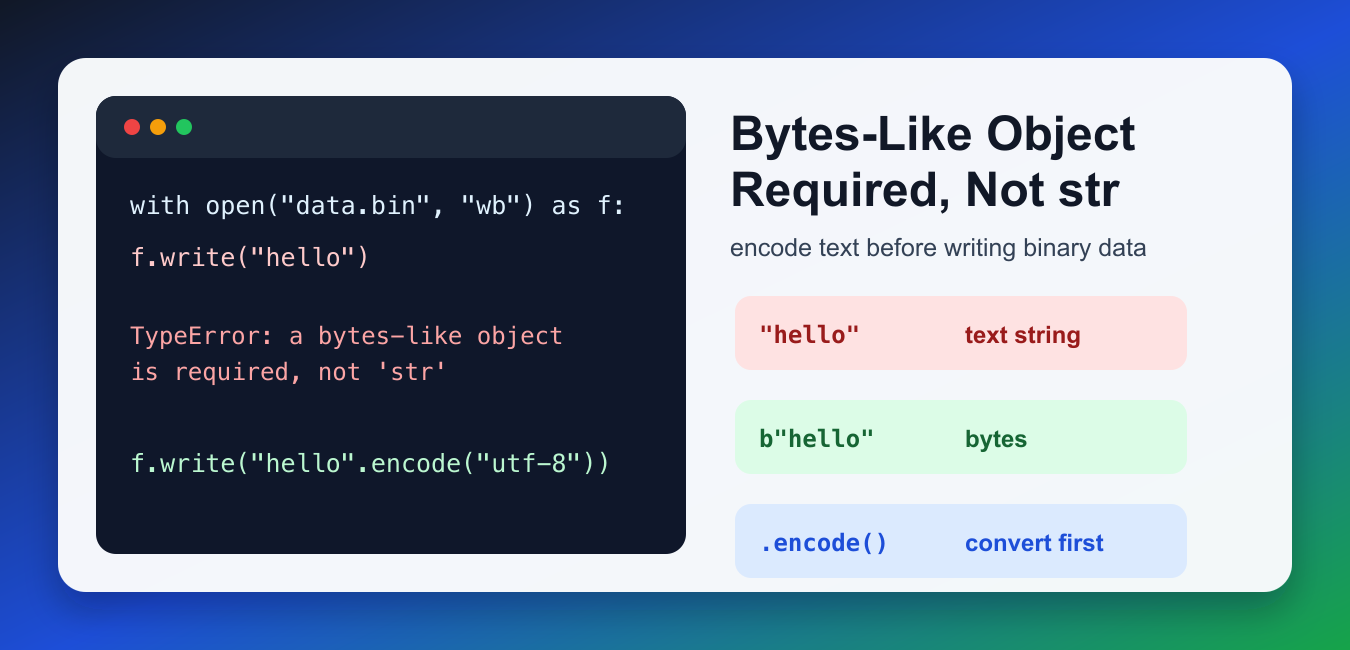
Quick answer: This TypeError means a binary API received a text str. Keep text and bytes separate, encode at the boundary where bytes are required, decode when bytes represent text, and check whether the API expects a bytes pattern, payload, file, hash input, or serialized value.
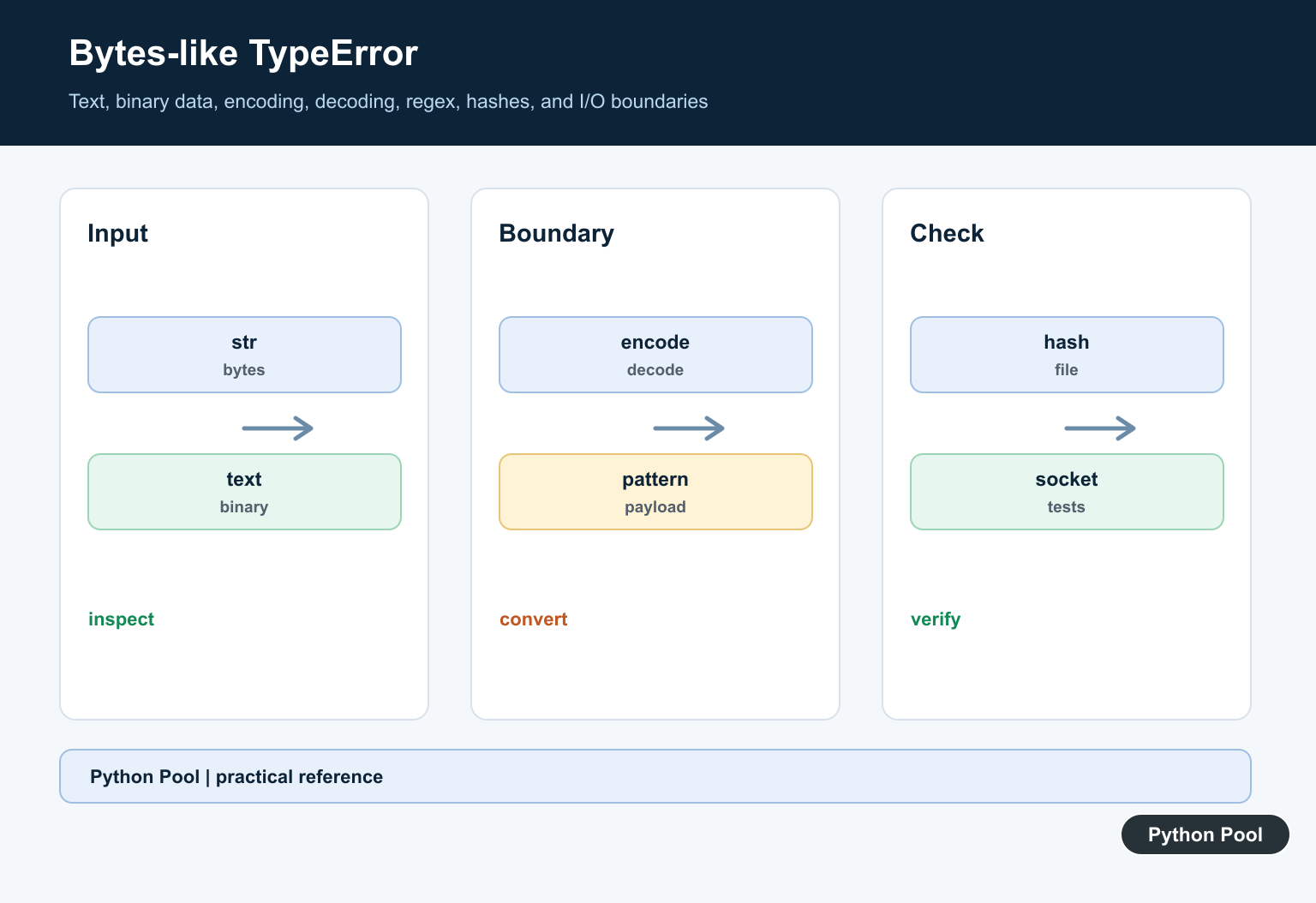
TypeError: a bytes-like object is required, not 'str' means Python expected binary data but received a text string. In Python 3, str and bytes are different types. A string stores text characters, while bytes store raw byte values for files, sockets, hashes, and binary protocols.
The fix is to convert at the boundary where your code changes between text and binary data. Use .encode() when a binary API needs bytes. Use .decode() when bytes should become text. For files, choose text mode or binary mode based on the data you actually want to write.
Why the TypeError Happens
A common trigger is opening a file in binary mode and then writing a normal string. Binary mode expects bytes, so file.write("hello") is the wrong shape of data.
with open("data.bin", "wb") as file:
    file.write("hello")
The file mode "wb" means write bytes. A quoted value like "hello" is a string, not bytes, so Python raises the TypeError before writing anything. This is useful because it prevents silent data corruption: Python will not guess which encoding should be used for your text.
Encode Text When Binary Data Is Required
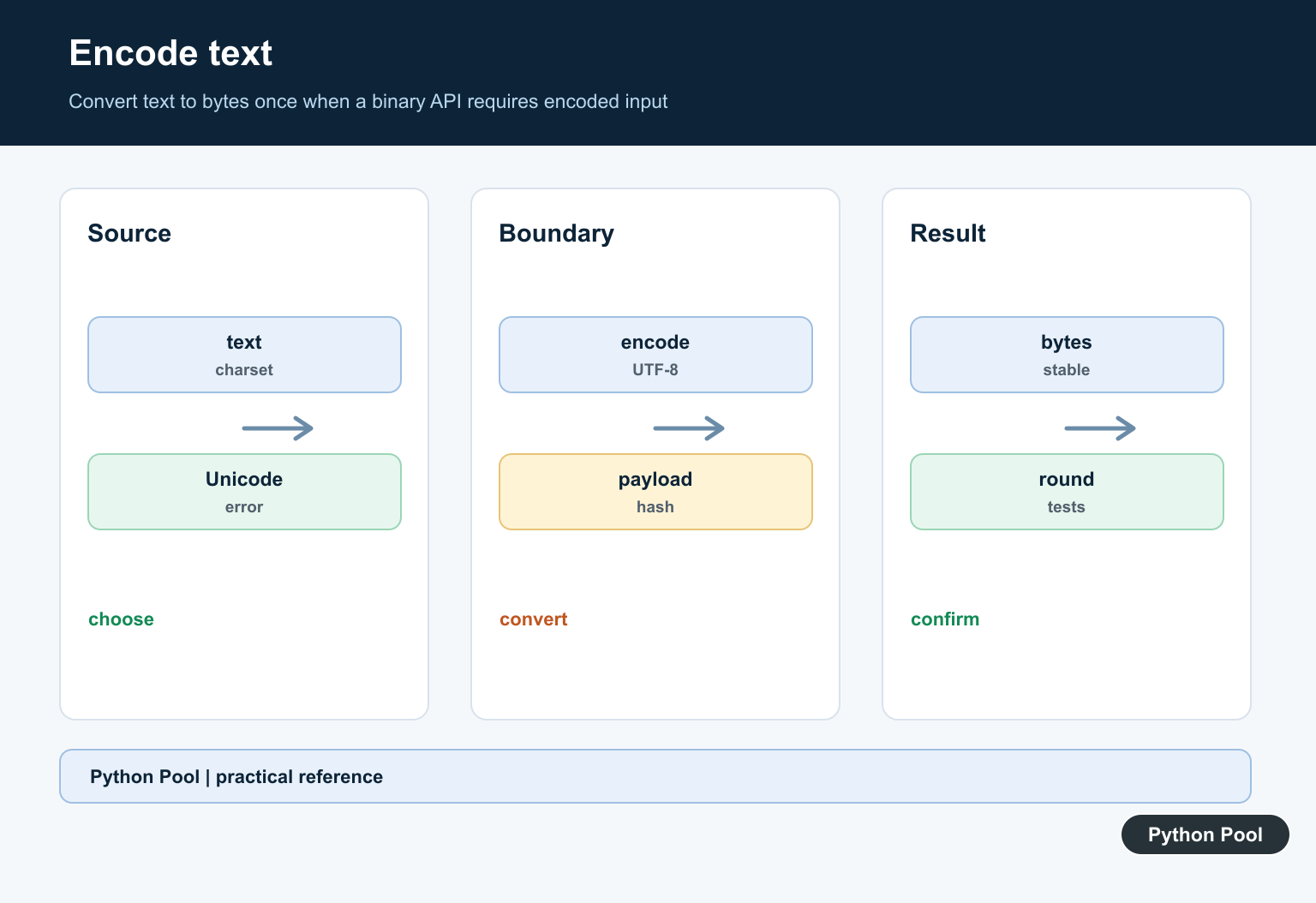
Use str.encode() to turn text into bytes. UTF-8 is the usual encoding for modern text unless a protocol or file format requires something else.
text = "hello"

with open("data.bin", "wb") as file:
    file.write(text.encode("utf-8"))
This writes the byte representation of the text. The same pattern applies when sending text through binary sockets, hashing text, or passing text into APIs that explicitly ask for bytes. Encoding should happen once, as close as possible to the binary operation, so the rest of your program can continue working with readable strings.
Use Text Mode for Text Files
If you are writing a normal text file, you may not need bytes at all. Open the file in text mode and provide an encoding. Python will handle the conversion while writing.
text = "hello"

with open("data.txt", "w", encoding="utf-8") as file:
    file.write(text)
This is usually clearer for logs, CSV files, configuration files, and other human-readable output. PythonPool’s write bytes to a file in Python guide covers the binary version in more detail. The important choice is whether the file should contain human-readable text or raw bytes.
Decode Bytes When You Need Text
The opposite problem happens when your code receives bytes but later needs a string. Use bytes.decode() with the matching encoding.
raw = b"hello"

text = raw.decode("utf-8")
print(text)
print(type(text))
This converts bytes into a string. If the bytes came from a file or network response, use the encoding documented by that source. For character conversion examples, see PythonPool’s ASCII to string in Python guide. If decoding fails, inspect the original source instead of trying random encodings.
Encode Before Hashing Text
Hashing functions operate on bytes because hashes are defined over byte sequences. If you want to hash a string, encode it first.
import hashlib

text = "pythonpool"
digest = hashlib.sha256(text.encode("utf-8")).hexdigest()

print(digest)
This keeps the conversion explicit and repeatable. PythonPool’s Python SHA-256 guide explains this pattern for strings, files, and HMAC values. Two programs will only produce the same hash when they use the same text and the same encoding.
Normalize Values Before Passing Them On
If a helper function may receive either text or bytes, normalize the value before calling the binary API. This keeps the conversion in one place and prevents scattered TypeError fixes.
def ensure_bytes(value):
    if isinstance(value, str):
        return value.encode("utf-8")
    return value

print(ensure_bytes("hello"))
print(ensure_bytes(b"hello"))
This helper returns bytes for strings and leaves existing bytes alone. In production code, you may also want to reject unexpected types instead of passing them through. Being strict is often better than accidentally writing a representation of the wrong object.
Common Places You Will See It
- Writing strings to files opened with
"wb". - Hashing strings without calling
.encode(). - Sending strings to socket or binary protocol APIs.
- Mixing decoded response text with raw response bytes.
This error is separate from indexing mistakes such as string indices must be integers. Here, the issue is not the index; it is the boundary between text and binary data. Decide whether the next API expects text or bytes, then encode or decode exactly once at that boundary.
Quick Debug Checklist
Print type(value) near the failing call. If it is str and the API expects bytes, encode it. If it is bytes and your later code expects text, decode it. If you are working with files, check whether the mode contains b. That one character changes the API contract.
References
- Python documentation: bytes objects
- Python documentation: str.encode()
- Python documentation: bytes.decode()
Separate Text And Binary
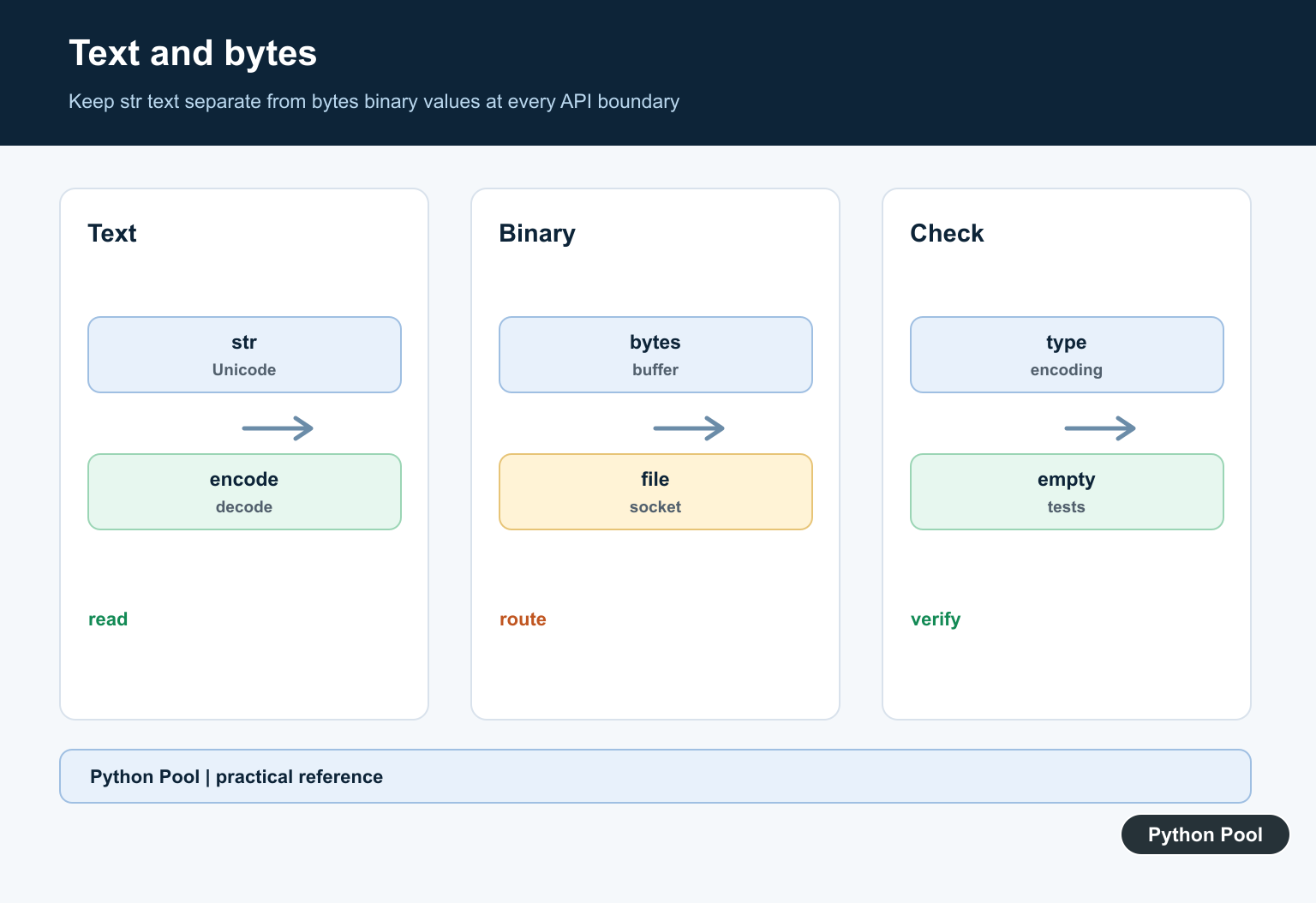
str represents text while bytes represents encoded data. A visually identical value can still have different type and encoding semantics, so inspect types at the failing boundary.
Encode Once
Use text.encode with the required encoding before a binary operation, then keep the resulting bytes through the binary pipeline. Repeated or implicit conversions can corrupt non-ASCII text.
Decode Deliberately
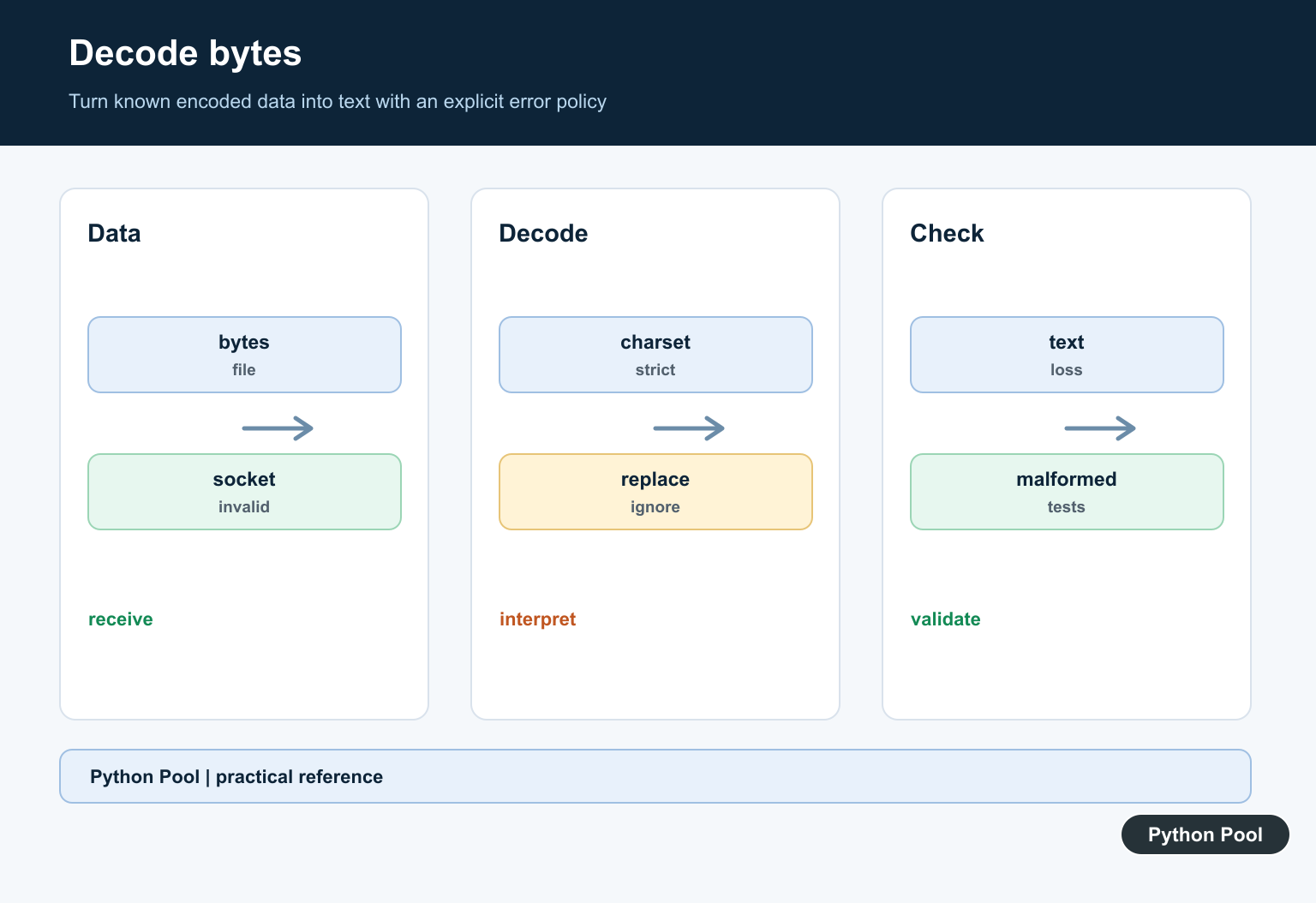
Use data.decode when bytes are known to represent text. Choose an error policy for malformed sequences and do not guess an encoding from a successful partial decode.
Match The API
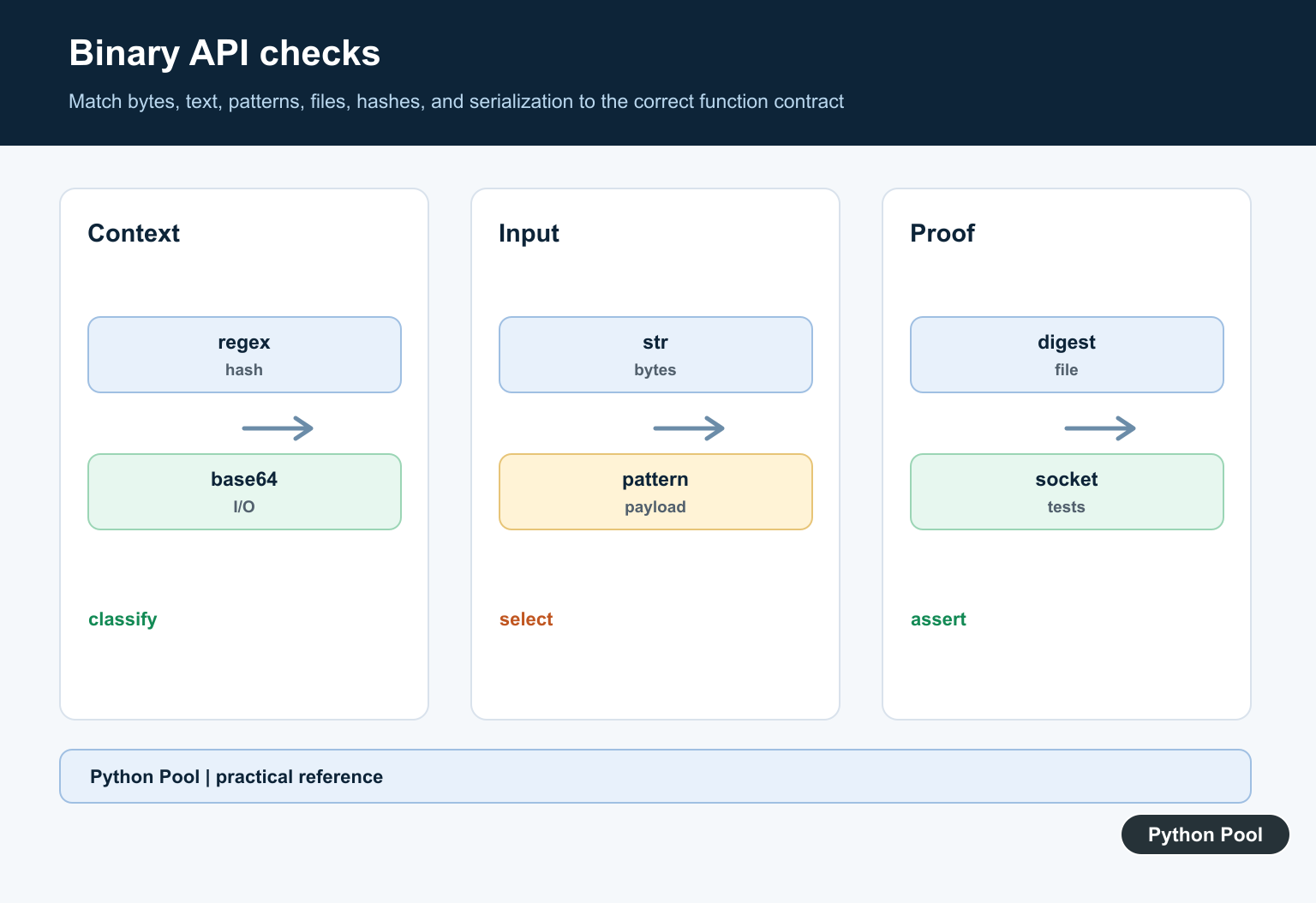
Hashing, sockets, files opened in binary mode, base64, compression, and bytes regular expressions have binary contracts. Some APIs instead expect a text pattern or text file, so changing the input may be the wrong fix.
Avoid Mixed Boundaries
Do not concatenate str and bytes, compare them as if they were equal, or place secrets in debug messages while diagnosing. Keep encoding decisions close to I/O boundaries.
Test Encodings And Empty Data
Test ASCII, Unicode, empty values, malformed bytes, binary payloads, regex patterns, file modes, and round trips. Assert type and decoded content at each public boundary.
Use the official Python bytes and bytearray documentation. Related Python Pool references include strings and testing.
For related boundary handling, compare text conversions, round-trip tests, and sequence payloads before encoding data.
Frequently Asked Questions
What does the bytes-like object error mean?
A function expects bytes or another buffer-compatible object, but the code supplied a str text object instead.
How do I convert str to bytes?
Call text.encode(encoding) at the boundary where a binary API is required, and choose the encoding as part of the data contract.
How do I convert bytes to str?
Call data.decode(encoding) when the bytes represent text, handling malformed input according to the application’s error policy.
Where does this error commonly occur?
It often appears with hashing, binary files, sockets, base64, regular expressions using bytes patterns, compression, and serialization APIs.