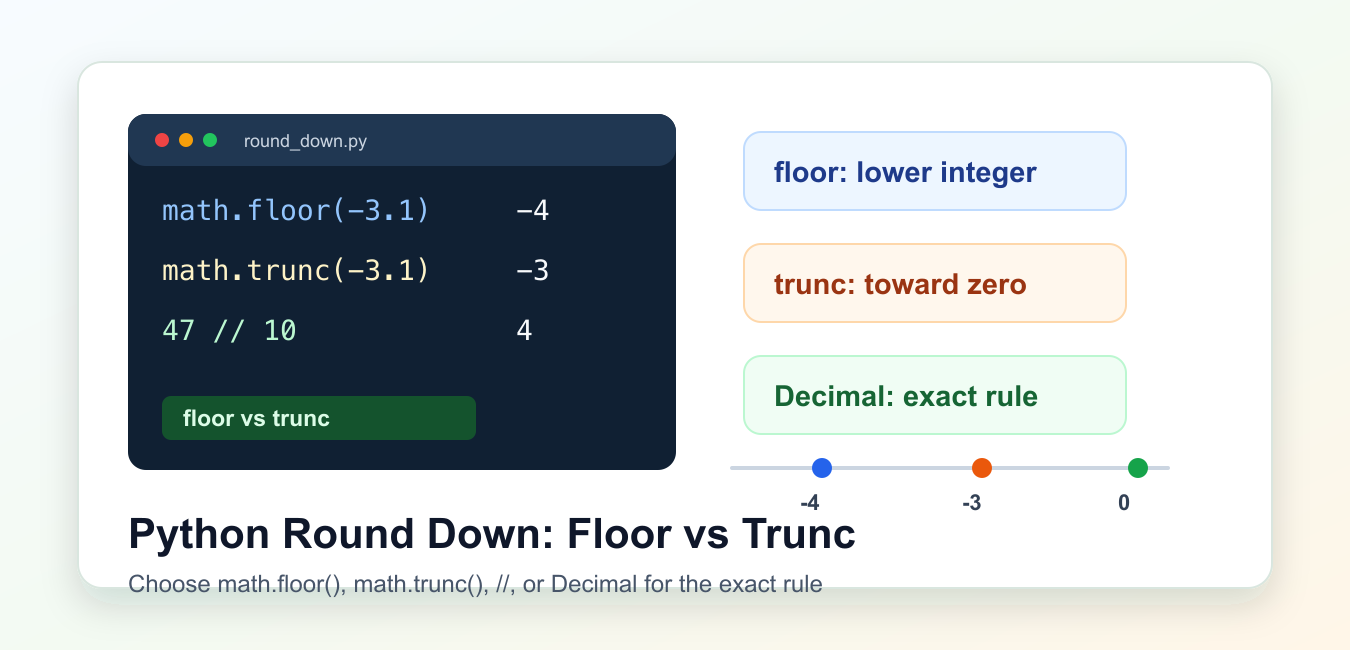
Quick answer: Use math.floor to move a number toward negative infinity, and use // when the operation is integer floor division. int truncates toward zero, so it differs for negative values. For decimal business rules, use Decimal with an explicit quantize and rounding mode rather than relying on binary floating-point behavior.
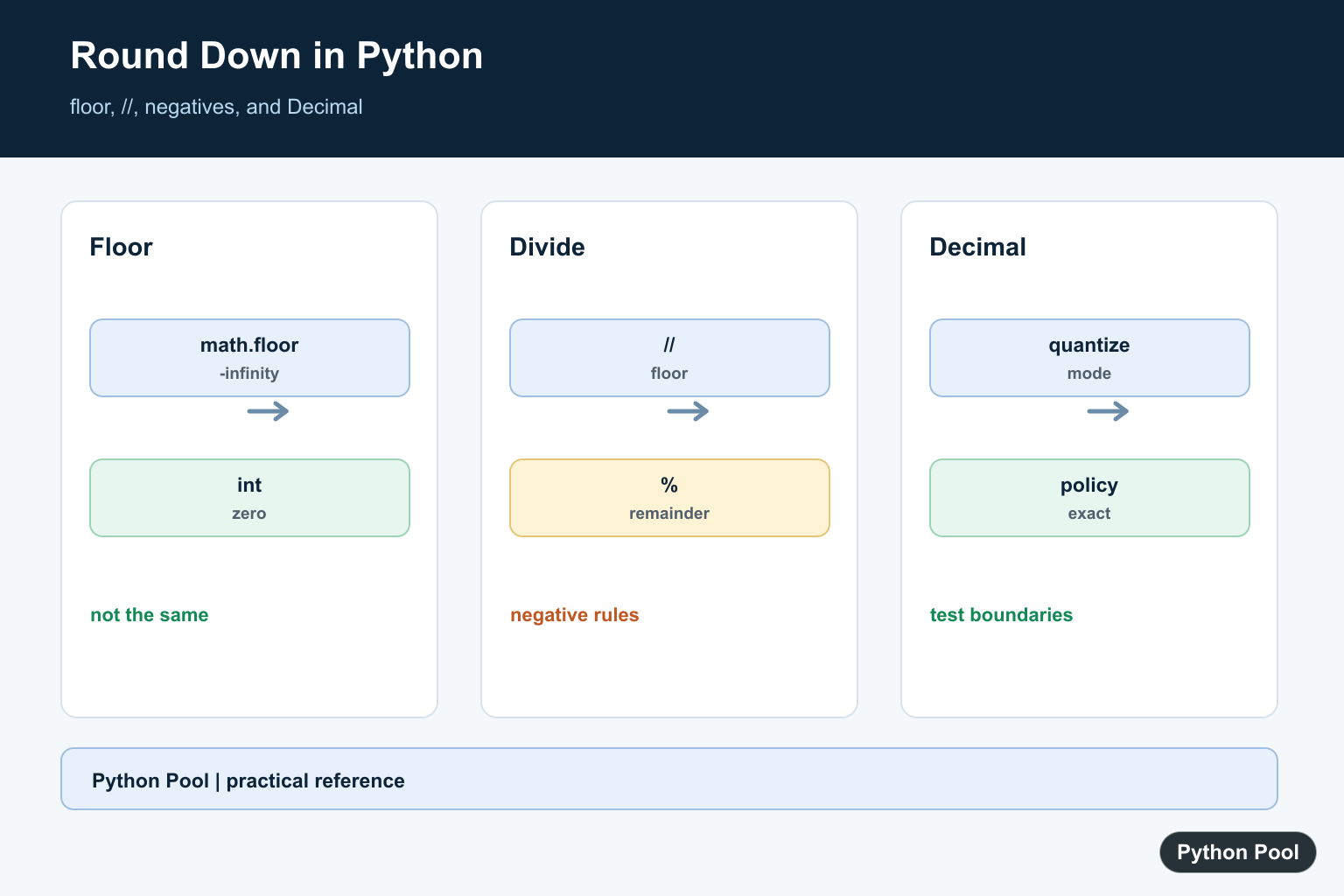
Python round down can mean three different things: move to the next lower integer, remove the fractional part, or keep a fixed number of decimal places without rounding to nearest. Those choices produce the same result for some positive numbers, but they split apart as soon as negative numbers or money-style rules appear.
The most important official references are math.floor(), math.trunc(), and the decimal module. Use them as the source of truth when behavior matters. PythonPool also has related guides on rounding to two decimals, integer division, divmod(), and the int() function.
The quick rule is simple. Use math.floor() when you want the mathematical floor. Use math.trunc() or int() when you want to drop the fractional part toward zero. Use // when you need floor division between two numbers. Use Decimal when exact decimal policy matters, especially for prices, tax, fees, and reports.
Do not choose a method only because it works for 3.9. A method that returns 3 for 3.9 may return either -4 or -3 for -3.9. That difference is the source of many quiet bugs in limits, indexes, binning, and billing calculations.
Use math.floor For The Mathematical Floor
math.floor() returns the greatest integer less than or equal to the input. For positive inputs, that usually looks like chopping off the decimal part. For negative inputs, it moves farther away from zero.
import math

numbers = [3.9, 3.0, -3.1, -3.9]

for number in numbers:
    print(number, "->", math.floor(number))
The output for -3.1 is -4, not -3. That is correct floor behavior because -4 is the next lower integer. Choose this method for grid positions, bucket boundaries, lower limits, and formulas that explicitly use floor math.
If an input is already an integer, math.floor() returns that same integer. That makes it safe for mixed values such as 3, 3.0, and 3.9, as long as floor is the intended rule.
Compare floor, trunc, And int
math.trunc() removes the fractional part by moving toward zero. The built-in int() follows the same direction for normal float inputs. That is different from floor for negative inputs.
import math

samples = [3.9, 3.1, -3.1, -3.9]

for number in samples:
    print(number, math.floor(number), math.trunc(number), int(number))
For 3.9, all three methods return 3. For -3.9, math.floor() returns -4, while math.trunc() and int() return -3. That one row explains why “round down” needs a precise definition before you write code.
Use truncation when the rule says to ignore the fractional part. Use floor when the rule says to move to the lower integer on the number line. In tests, include at least one negative input so future edits cannot blur that distinction.
Round Down To Decimal Places
To round down to a fixed number of decimal places with float arithmetic, scale the number, apply math.floor(), and scale it back. This keeps the floor meaning intact.
import math

def round_down_places(number, places):
    factor = 10 ** places
    return math.floor(number * factor) / factor

for number in [12.349, 12.341, -12.341]:
    print(number, "->", round_down_places(number, 2))
This helper returns 12.34 for the positive examples. For -12.341, it returns -12.35 because floor moves lower. That is often right for lower-bound math, but it is not the same as merely trimming visible digits.
Float arithmetic is fine for many measurements and display-oriented calculations, but it is not ideal for exact decimal policy. If the input represents money or a legal rule, prefer Decimal so the rounding mode is explicit.
Truncate Decimal Places Instead
If your rule says to remove extra decimal places toward zero, use math.trunc() after scaling. This is a different operation from floor.
import math

def truncate_places(number, places):
    factor = 10 ** places
    return math.trunc(number * factor) / factor

for number in [12.349, -12.349]:
    print(number, "->", truncate_places(number, 2))
This returns 12.34 and -12.34. It does not move the negative value lower; it moves it toward zero. That behavior is useful when the task says to keep only a certain number of digits after the decimal point rather than to find a mathematical floor.
For user-facing output, formatting may be enough. If you only need to show two places, an f-string such as f"{number:.2f}" formats text. It does not replace a domain rounding rule.

Use Decimal For Exact Rounding Policy
The decimal module lets you spell out the rounding mode. Two useful modes for this topic are ROUND_FLOOR, which moves toward negative infinity, and ROUND_DOWN, which moves toward zero. The official Decimal rounding modes list the full set.
from decimal import Decimal, ROUND_DOWN, ROUND_FLOOR

amounts = [Decimal("12.349"), Decimal("-12.349")]
cent = Decimal("0.01")

for amount in amounts:
    print("floor", amount.quantize(cent, rounding=ROUND_FLOOR))
    print("down ", amount.quantize(cent, rounding=ROUND_DOWN))
Create Decimal values from strings when the exact input matters. Starting from a float can carry the float approximation into the decimal calculation. That small detail matters when you are matching invoices, ledgers, or external rules.
Choose the mode by policy, not by name alone. In Decimal, “down” means toward zero. If your business rule means lower on the number line, use ROUND_FLOOR.
Use Floor Division For Counts
When you divide counts into groups, // performs floor division and % gives the remainder. For positive counts, this is the usual way to find full boxes, pages, chunks, or minutes.
items = 47
box_size = 10

full_boxes = items // box_size
leftover_items = items % box_size

print(full_boxes)
print(leftover_items)
This is closely related to divmod(items, box_size), which returns both results as a pair. Use whichever form reads best in the surrounding code. The key point is that floor division is about division results, while math.floor() is about one numeric input.
For most code, the decision tree is short. Need the mathematical lower integer? Use math.floor(). Need to drop the fractional part toward zero? Use math.trunc() or int(). Need a quotient from counts? Use // or divmod(). Need exact decimal policy? Use Decimal and name the rounding mode in code.
Use math.floor
floor returns an integer that is less than or equal to the input. Positive and negative examples make the direction clear and expose the difference from truncation.
import math

for value in (3.8, -3.8):
    print(value, math.floor(value), int(value))
Understand Floor Division
The // operator applies floor division for numeric operands. It is useful for whole buckets or quotient calculations, but remember the negative-number rule when the values can cross zero.
for left, right in [(7, 3), (-7, 3), (7, -3)]:
    print(left, right, left // right)
Use Decimal For Decimal Rules
If a financial or measurement policy says exactly how ties and negative amounts are rounded, construct Decimal from strings and select a rounding mode explicitly.
from decimal import Decimal, ROUND_FLOOR

value = Decimal("3.87")
print(value.quantize(Decimal("0.1"), rounding=ROUND_FLOOR))
print(Decimal("-3.81").quantize(Decimal("0.1"), rounding=ROUND_FLOOR))
Test Boundaries
Floor behavior is easy to get wrong at exact integers, negative fractions, and values close to a boundary. Keep a small table of expected results beside reusable numeric helpers.
import math

expected = {3.0: 3, 3.01: 3, -3.0: -3, -3.01: -4}
for value, result in expected.items():
    assert math.floor(value) == result
print("checked")
Python’s math.floor() and arithmetic documentation define floor behavior; the decimal module provides explicit rounding modes. Related references include integer division, divmod, and decimal rounding.
For related numeric rules, compare integer division, divmod, and decimal rounding when choosing floor behavior.
Frequently Asked Questions
How do I round down a number in Python?
Use math.floor for a numeric floor, or Decimal.quantize with an explicit rounding policy for decimal business values.
Is int the same as rounding down?
No. int truncates toward zero, so it differs from floor for negative numbers.
What does // do with negative numbers?
Integer division uses floor division, so the quotient moves toward negative infinity.
How do I round down money?
Use Decimal with a documented quantization and rounding mode rather than binary floating-point arithmetic.
I am trying to build the following function:
y=2+math.floor(x*0,25)
where my desired results for (x,y) would be
(1,2); (2,2); (3,2); (4,2); (5,3); and so on to have a “stairway graph”
the problem seems to be that the variable x is seen as a list that is filled with only one number and therefore cannot be operated in the desired way. Is there a workaround?
Yes, you can do that easily. I think your approach was little bit wrong.
import math
x = [1, 2, 3, 4, 5]
y = [2 + math.floor((i-1)*0.25) for i in x]
print(x, y)
This would return –
[1, 2, 3, 4, 5] [2, 2, 2, 2, 3]
Regards,
Pratik
To use
math.trunc, this is the way that I have used:how to round down a number like 8.55489 into 8.5?
Use
math.floor()