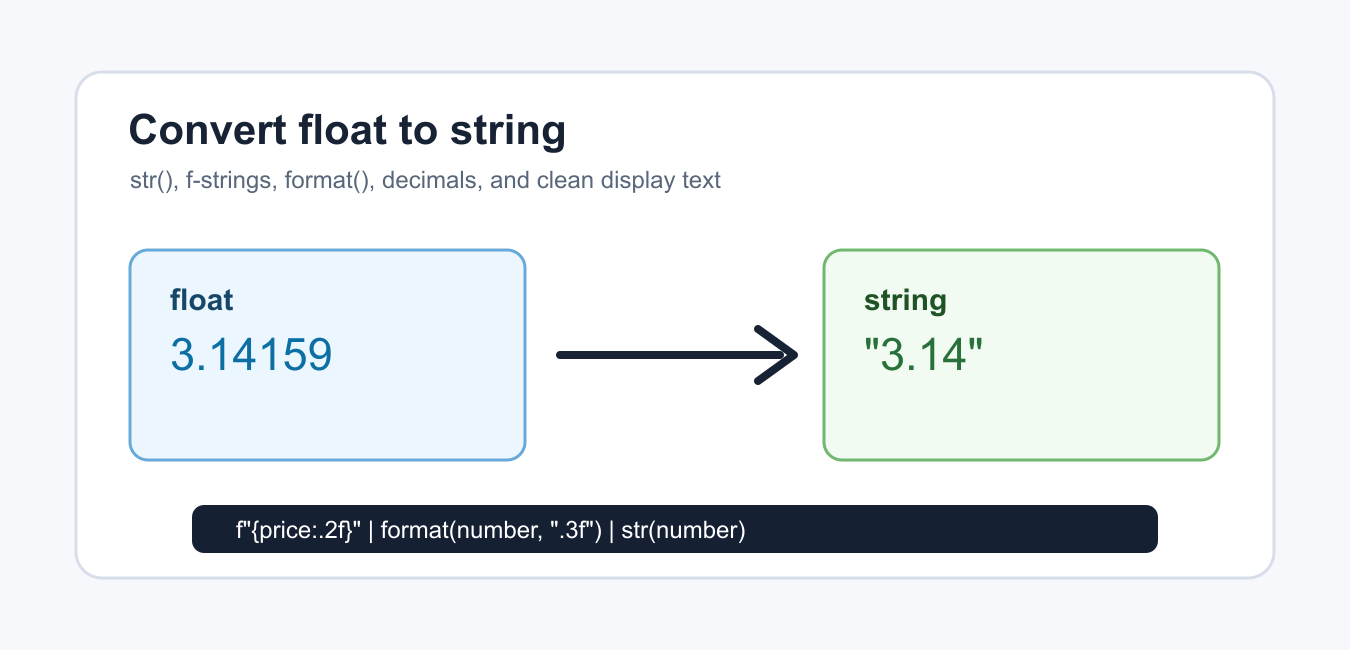
Quick answer: Use str(value) for Python’s default float representation and format specifications when the output needs fixed decimals, significant digits, separators, or scientific notation. Formatting creates text; it does not change the original binary floating-point value.
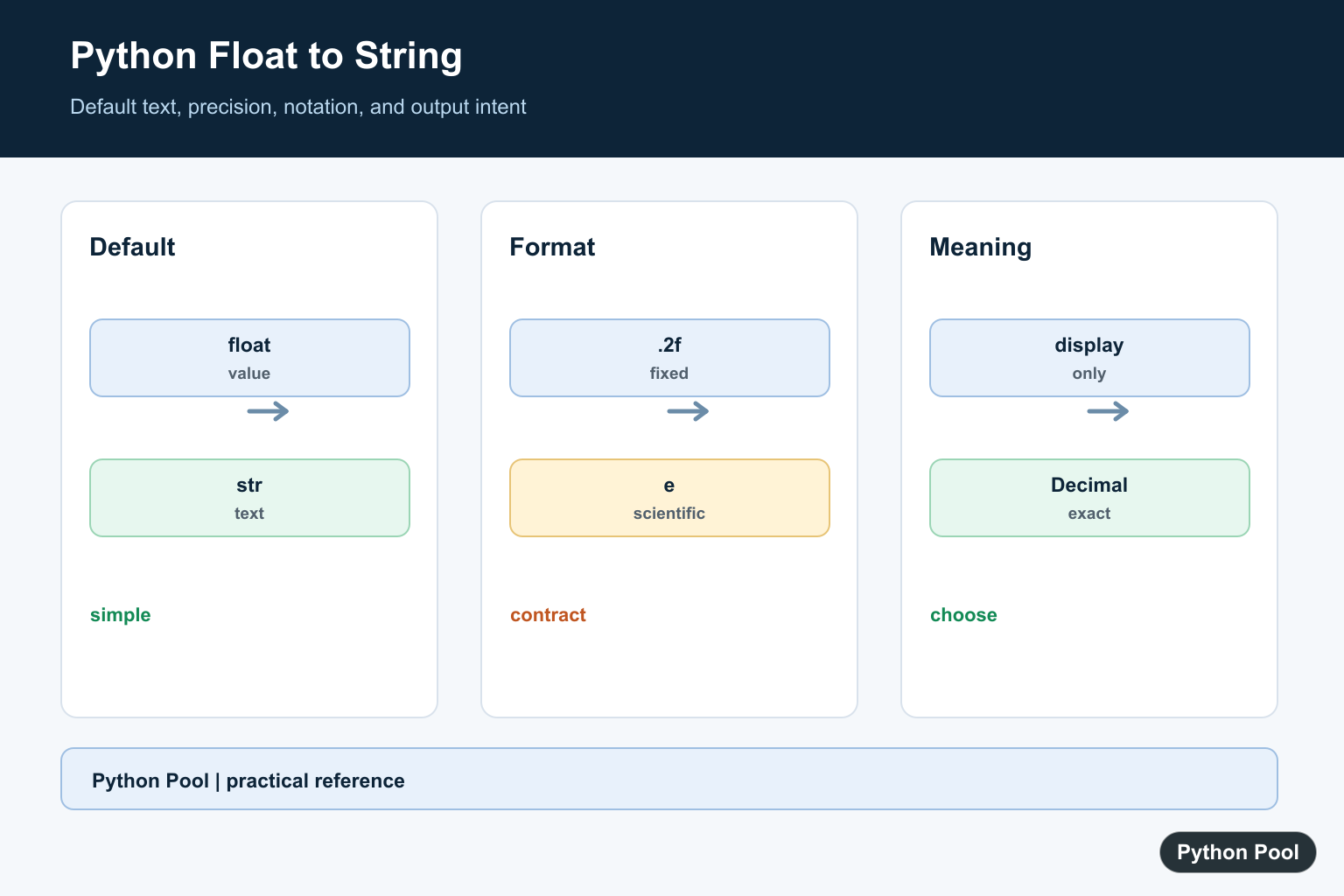
Converting a Python float to a string means turning a numeric value such as 3.14159 into text such as "3.14159" or "3.14". Use str() when the default representation is fine, and use formatting when the string must have a specific number of decimals.
The official Python documentation covers str() and the format specification mini-language.
The best method depends on the output. Logs and debug messages can often use str(number). Prices, measurements, reports, and table columns usually need fixed decimal places so the output is predictable.
Remember that a float is stored as a binary approximation. Formatting controls how the value is displayed as text; it does not change the underlying numeric value unless you assign or pass the formatted string onward.
That distinction matters when the string is part of a file, API response, report, or user interface. The receiving system sees only the formatted text, so choose the number of decimal places and notation before writing the conversion code.
Also decide whether the output is meant for people or for another program. Human-facing output often needs separators, labels, or percent signs. Machine-facing output is usually easier to parse when it stays plain and consistent.
Use str For Default Conversion
str() is the simplest way to convert a float to text.
number = 12.75
text = str(number)

print(text)
print(type(text))
This keeps Python’s default readable representation. It is suitable for quick output, log lines, simple messages, and cases where the exact display width is not important.
If the result must always show two or three decimal places, use an f-string or format() instead.
Use An F-String With Decimals
F-strings are the most common choice for formatted output.
price = 19.9
message = f"Price: ${price:.2f}"

print(message)
.2f means fixed-point display with two digits after the decimal point. The output is 19.90, which is usually better for money-like display text.
Use this form in user-facing messages, table cells, status output, and reports where aligned decimal places matter.
F-strings also keep the numeric expression close to the text around it. That makes them readable for short messages, but a helper function is cleaner when the same formatting rule appears in many places.
Use format For Reusable Formatting
The built-in format() function uses the same formatting rules as f-strings.
temperature = 21.6789
text = format(temperature, ".1f")

print(text)
This is useful when the format pattern is chosen separately from the surrounding message.
You can store the pattern in a setting or pass it to a helper when several parts of the program need the same display rule.
The format pattern can also include width and alignment, but avoid adding layout rules unless the output really needs them. Simple decimal rules are easier to test and less likely to break when labels change.
Remove Trailing Zeros
Sometimes fixed decimals are too noisy. Format first, then remove trailing zeros and a leftover decimal point.
def clean_float_text(number):
    text = f"{number:.4f}"
    return text.rstrip("0").rstrip(".")

for item in [3.5, 3.25, 3.0]:
    print(clean_float_text(item))
This keeps a compact result while still limiting the maximum number of decimal places.
Use this only for display text. If exact decimal arithmetic is required, consider decimal.Decimal for the numeric work before converting to a string.
Do not use cleanup to hide important precision. For measurements, audit logs, and scientific results, trailing zeros may communicate the precision that was actually reported.
Use Scientific Notation
Scientific notation is useful for very large or very small values.
distance = 123456789.0
small_value = 0.0000345

print(f"{distance:.2e}")
print(f"{small_value:.3e}")
e formats the number in exponent notation. The number before e controls how many digits appear after the decimal point.
This format is common in scientific output, diagnostics, and compact summaries where ordinary decimal notation would be too long.
Convert A List Of Floats
Use a comprehension when converting many float values with the same format.
scores = [0.875, 0.9, 0.764]
labels = [f"{score:.1%}" for score in scores]

print(labels)
print(", ".join(labels))
.1% formats each float as a percentage with one decimal place. The result is a list of strings, and join() combines those strings for display.
For large lists, keep the conversion rule in one place. A named helper or a single comprehension makes later changes safer than formatting the same kind of number several different ways.
The practical rule is simple: use str() for default text, f-strings for most formatted output, format() when the pattern is passed around, and explicit cleanup when trailing zeros should be hidden.
Good tests should include whole-number floats, values with several decimals, negative values, very small values, and values that round up. These cases confirm that the string output matches the display rule you intended.
Choose The Output Contract
Diagnostic logs can use str, while prices, measurements, and report columns usually need a defined number of decimal places. Machine interfaces should use stable syntax rather than labels or locale-specific decorations.
Use Format Specifications
f-strings and format support fixed precision such as .2f, general precision, percentages, alignment, separators, and scientific notation. Keep the format next to the output requirement so a later refactor does not change the contract accidentally.
Separate Display From Value
A formatted result is a string. It cannot be used as a numeric value without parsing again, and formatting does not repair floating-point approximation or change the original variable.
Handle Special Values
Decide how NaN, positive or negative infinity, negative zero, and very large values should appear. If another system consumes the text, test its parser and define whether such values are allowed.
Use Decimal When Appropriate
For decimal financial rules, binary float plus display formatting may not be enough. Choose Decimal and a rounding policy when the domain requires exact decimal arithmetic rather than only a presentational string.
Python’s str documentation and format-string documentation define conversion and formatting. Related references include numeric rounding, text and bytes, and output tests.
For related numeric output, compare rounding, text and bytes, and output tests when defining a format contract.
Frequently Asked Questions
How do I convert a float to a string?
Use str(value) for the default representation or a format specification when the output needs a defined precision.
How do I show two decimal places?
Use an f-string such as f”{value:.2f}” or format(value, “.2f”).
Does formatting change the float?
No. Formatting creates text; it does not change the original numeric value unless you replace it with the string.
When should I use scientific notation?
Use scientific notation for very large or very small values when the exponent is clearer than a long sequence of zeros.
You forgot the most modern and most convenient way: f-strings
f”{a:.2f}” . Once you are used to calling variables directly in the string, you never want to go back to C-style percentage signs.
Thanks for pointing out my mistake. I have added the f-strings method in the article.