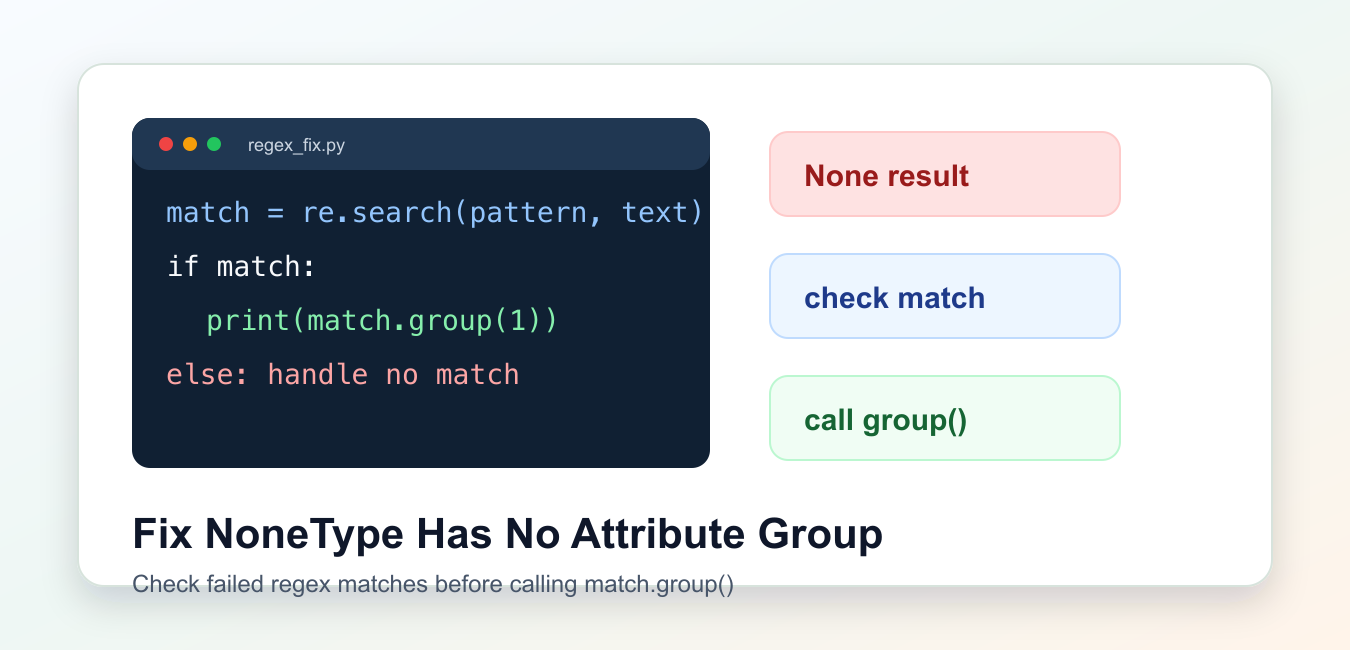
Quick answer: re.search and related regex functions return None when no match exists. The error occurs when code calls group() without checking that match object. Store the result, branch on its presence, and define what missing input means for the parser.
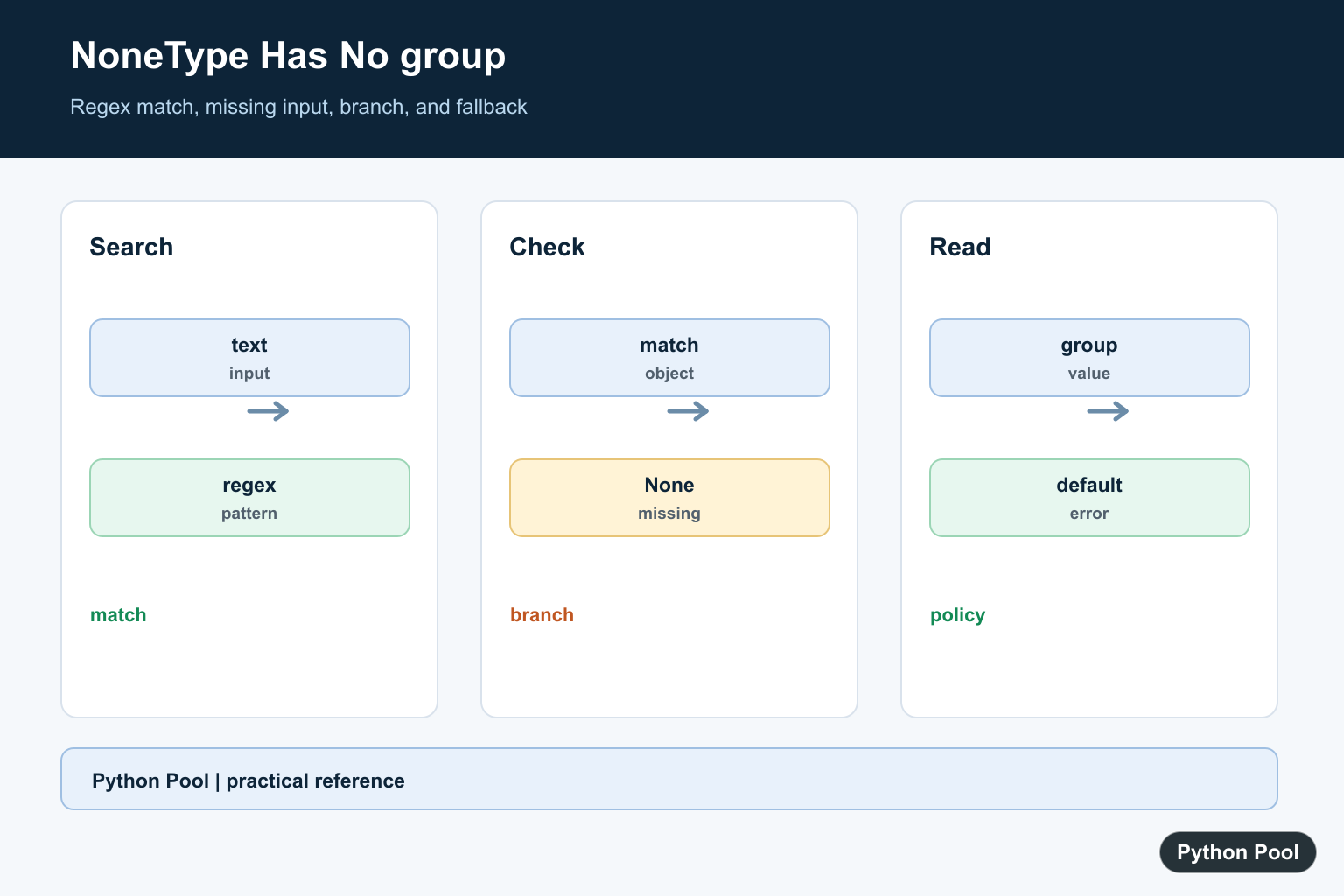
AttributeError: 'NoneType' object has no attribute 'group' usually happens when a regular expression search does not find a match, but the code still calls .group() on the result.
The key references are the Python docs for re.search(), match objects, and AttributeError.
The fix is simple: store the match result, check whether it is truthy, and call group() only inside the success branch. If there is no match, handle that case explicitly.
This error is common in parsers, scraping scripts, log readers, file-name parsers, and quick automation code. It is not a regex engine problem by itself; it means the pattern and input did not produce a match object.
A good fix should answer two questions: what should happen when the pattern is found, and what should happen when the pattern is absent. The second branch is the one missing from most broken examples.
See The Broken Pattern
re.search() returns None when the pattern is not found. Calling group() on None raises the error.
import re

text = "order id missing"
match = re.search(r"order-(\d+)", text)

print(match.group(1))
This code assumes the pattern always matches. The input does not contain order- followed by digits, so match is None.
The traceback points at match.group(1), but the real cause is the failed search one line earlier.
Do not assume sample input represents every future input. If a field comes from a user, webpage, email, filename, or API response, the no-match branch is part of normal program behavior.
Check Before Calling group
The safest basic fix is an if match check.
import re

text = "order id missing"
match = re.search(r"order-(\d+)", text)

if match:
    print(match.group(1))
else:
    print("No order id found")
This makes both outcomes visible. When the pattern is found, the code reads the group. When it is not found, the code follows a separate path.
Use this pattern whenever input is not fully controlled, such as user text, scraped pages, logs, filenames, and API responses.
For scripts, printing a clear message may be enough. For libraries and services, returning a default or raising a domain-specific exception is usually cleaner.
Return A Default Value
For parsing helpers, return a default such as None when no match exists. The caller can decide what to do next.
import re

def extract_order_id(text):
    match = re.search(r"order-(\d+)", text)
    if not match:
        return None
    return int(match.group(1))

print(extract_order_id("order-1042 shipped"))
print(extract_order_id("order id missing"))
This keeps the parsing function small and predictable. It also avoids hiding the failed search behind a broad exception handler.
Document whether the helper returns None, raises a custom error, or returns a fallback string when parsing fails.
Use Named Groups
Named groups make extraction code easier to read and reduce confusion about group numbers.
import re

line = "status=ok duration=42ms"
match = re.search(r"duration=(?P<millis>\d+)ms", line)

if match:
    millis = int(match.group("millis"))
    print(millis)
else:
    print("duration missing")
Named groups are especially useful when a pattern contains several captures. The code explains which value is being read.
If the pattern changes later, names are often easier to maintain than numbered group positions.
Handle Optional Groups
A match object can exist even when an optional capture group did not participate. In that case, the optional group value is None. A missing overall match and an unmatched optional capture both produce None-like cases; Regex Optional Group in Python Guide shows how optional groups affect group() results.
import re

text = "user:ada"
match = re.search(r"user:(\w+)(?:\s+role:(\w+))?", text)

if match:
    name = match.group(1)
    role = match.group(2) or "member"
    print(name, role)
This is different from the whole match being None. First check the match object, then handle optional capture values.
Optional groups are useful, but they should not make downstream code guess whether a field is present.
Use defaults close to the parsing code. That keeps later code from repeating the same None checks in many places.
Avoid Broad except Blocks
Catching AttributeError around group() hides the failed match and can also hide unrelated bugs.
import re

def extract_slug(url):
    match = re.search(r"/posts/([a-z0-9-]+)/?$", url)
    if not match:
        raise ValueError(f"URL does not contain a post slug: {url}")
    return match.group(1)

print(extract_slug("/posts/python-regex/"))
Raising a clear ValueError is better than letting a confusing NoneType attribute error escape from inside the parser.
Use broad exception handling only at program boundaries where you can log the real error and recover safely.
Debug The Pattern And Input
When a pattern should match but does not, print a small representation of the input and test the pattern in isolation.
Common causes include case differences, extra whitespace, missing anchors, escaped characters, and patterns that expect digits where the text contains letters.
For example, a pattern like invoice-(\d+) will not match Invoice-9001 unless you add re.IGNORECASE or normalize the input first. Printing repr(text) can also reveal hidden whitespace and newline characters.
The practical rule is to never chain re.search(...).group(...) unless the input is guaranteed. Store the match, check it, then read the group.
After that change, missing input becomes an expected branch instead of a confusing NoneType attribute error.
Check The Match First
Use if match before accessing group, or return a deliberate default when the field is optional. Calling group on None only reports the missing branch; it does not tell you whether the pattern or input is wrong.
Inspect The Actual Input
Log a safe representation of the text, including whitespace and expected prefixes, then compare it with the regex. A sample string may match while a production line has a different format.
Choose A Missing-Data Policy
Return None, skip a record, raise a domain-specific error, or ask for corrected input based on the application. Do not quietly create a false value that looks like a successful parse.
Use Named Groups Deliberately
Named groups can make a parser clearer, but they still require a successful match and the correct group name. Test missing, optional, and malformed fields separately.
Test Regex Boundaries
Cover a valid match, no match, empty text, extra whitespace, malformed digits, and multiple matches. Assert both the extracted value and the behavior when the pattern is absent.
Python’s regular-expression documentation defines match results and group access. Related references include interface checks, input validation, and parser tests.
For related parsing boundaries, compare matching input, input validation, and parser tests when handling a missing regex match.
Frequently Asked Questions
Why does NoneType have no attribute group happen?
A regex search returned None, but code called group() as though a match object had been returned.
How do I fix match.group safely?
Store the match, check it for truthiness, then call group only in the success branch.
Should I make the regex more permissive?
Only when the input contract supports it. First inspect the actual text and define what should happen when no match exists.
What should happen when no match is found?
Return a default, skip the record, raise a domain-specific error, or ask for corrected input according to the application contract.