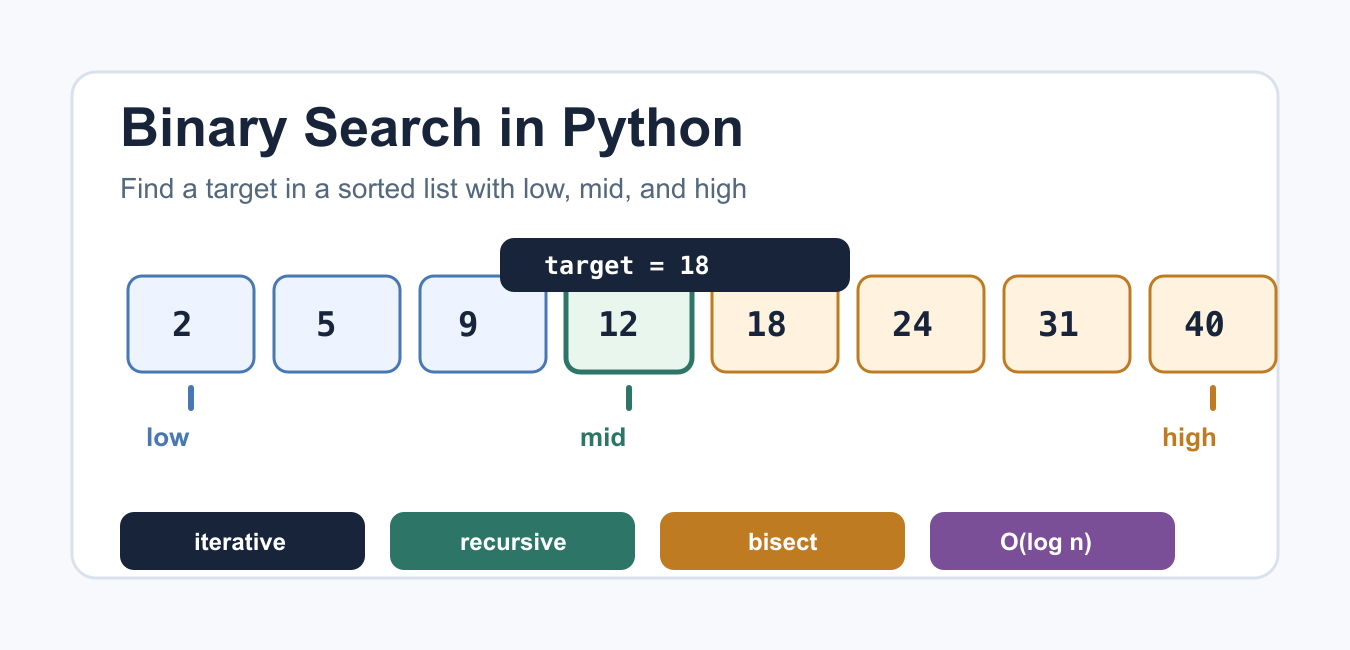
Quick answer: Binary search narrows a sorted sequence by comparing a middle value and discarding a provably irrelevant half. Python’s bisect module is ideal for insertion-point queries; a custom loop is appropriate when the predicate or not-found contract is specialized.
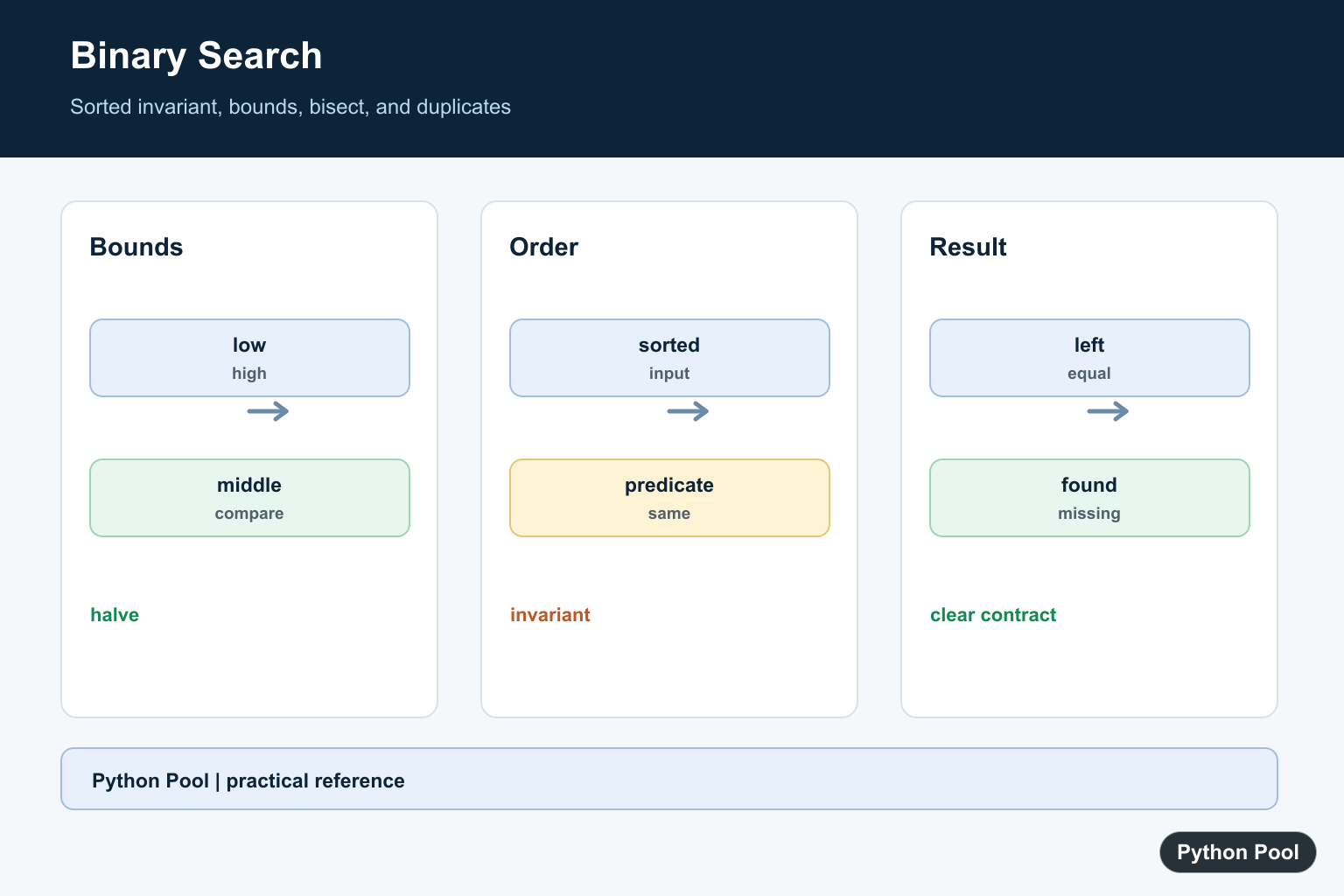
Binary search is a fast way to find a target in a sorted list. Instead of checking every item from left to right, it checks the middle item, discards the half that cannot contain the target, and repeats. That gives binary search a time complexity of O(log n), which is much faster than linear search on large sorted data.
The important requirement is sorting. Binary search only works when the list is already ordered by the same rule used during search. Python also ships with the bisect module, which provides standard-library tools for locating insertion points in sorted lists. For general sequence behavior, the Python sequence docs explain how lists and other ordered containers behave.
Iterative binary search
The iterative version keeps two bounds: low and high. Each loop computes the middle index. If the middle value is the target, the function returns that index. If the middle value is too small, the search moves right. If it is too large, the search moves left.
def binary_search(numbers, target):
    low = 0
    high = len(numbers) - 1

    while low <= high:
        mid = (low + high) // 2
        guess = numbers[mid]

        if guess == target:
            return mid
        if guess < target:
            low = mid + 1
        else:
            high = mid - 1

    return -1

values = [2, 5, 9, 12, 18, 24, 31, 40]
print(binary_search(values, 18))
print(binary_search(values, 7))
Returning -1 is a common convention when the target is absent. Another option is returning None, especially when -1 could be confused with a valid Python negative index.
Trace the search steps
Tracing the bounds makes the algorithm easier to debug. The helper below records the current low, mid, high, and middle value at each step.
def binary_search_trace(numbers, target):
    low = 0
    high = len(numbers) - 1
    steps = []

    while low <= high:
        mid = (low + high) // 2
        guess = numbers[mid]
        steps.append((low, mid, high, guess))

        if guess == target:
            return steps
        if guess < target:
            low = mid + 1
        else:
            high = mid - 1

    return steps

values = [2, 5, 9, 12, 18, 24, 31, 40]
print(binary_search_trace(values, 24))
This trace is also useful when teaching binary search because it shows the list shrinking after every comparison. If you need a refresher on visiting list items, the iterate through a list in Python guide covers the basic loop patterns.
Recursive binary search
The recursive version uses the same idea, but each call searches a smaller range. The base case is the point where low becomes greater than high, which means the target is not present.
def binary_search_recursive(numbers, target, low=0, high=None):
    if high is None:
        high = len(numbers) - 1

    if low > high:
        return -1

    mid = (low + high) // 2
    guess = numbers[mid]

    if guess == target:
        return mid
    if guess < target:
        return binary_search_recursive(numbers, target, mid + 1, high)
    return binary_search_recursive(numbers, target, low, mid - 1)

values = [2, 5, 9, 12, 18, 24, 31, 40]
print(binary_search_recursive(values, 31))
The iterative version is usually the practical choice in Python because it avoids recursion-depth concerns and is straightforward to read. The recursive form is still useful for learning divide-and-conquer thinking.
Use bisect_left for sorted lists
The bisect_left() function returns the insertion point that keeps a list sorted. To use it as a search helper, check whether the returned index is still inside the list and whether the value at that index equals the target.
from bisect import bisect_left

def find_with_bisect(numbers, target):
    index = bisect_left(numbers, target)
    if index != len(numbers) and numbers[index] == target:
        return index
    return -1

values = [2, 5, 9, 12, 18, 24, 31, 40]
print(find_with_bisect(values, 12))
print(find_with_bisect(values, 13))
This is often the best choice in production code because the standard-library function is tested and concise. If your data must be sorted first, see the sort a list of tuples guide for sorting patterns beyond plain numbers.
Find an insertion point
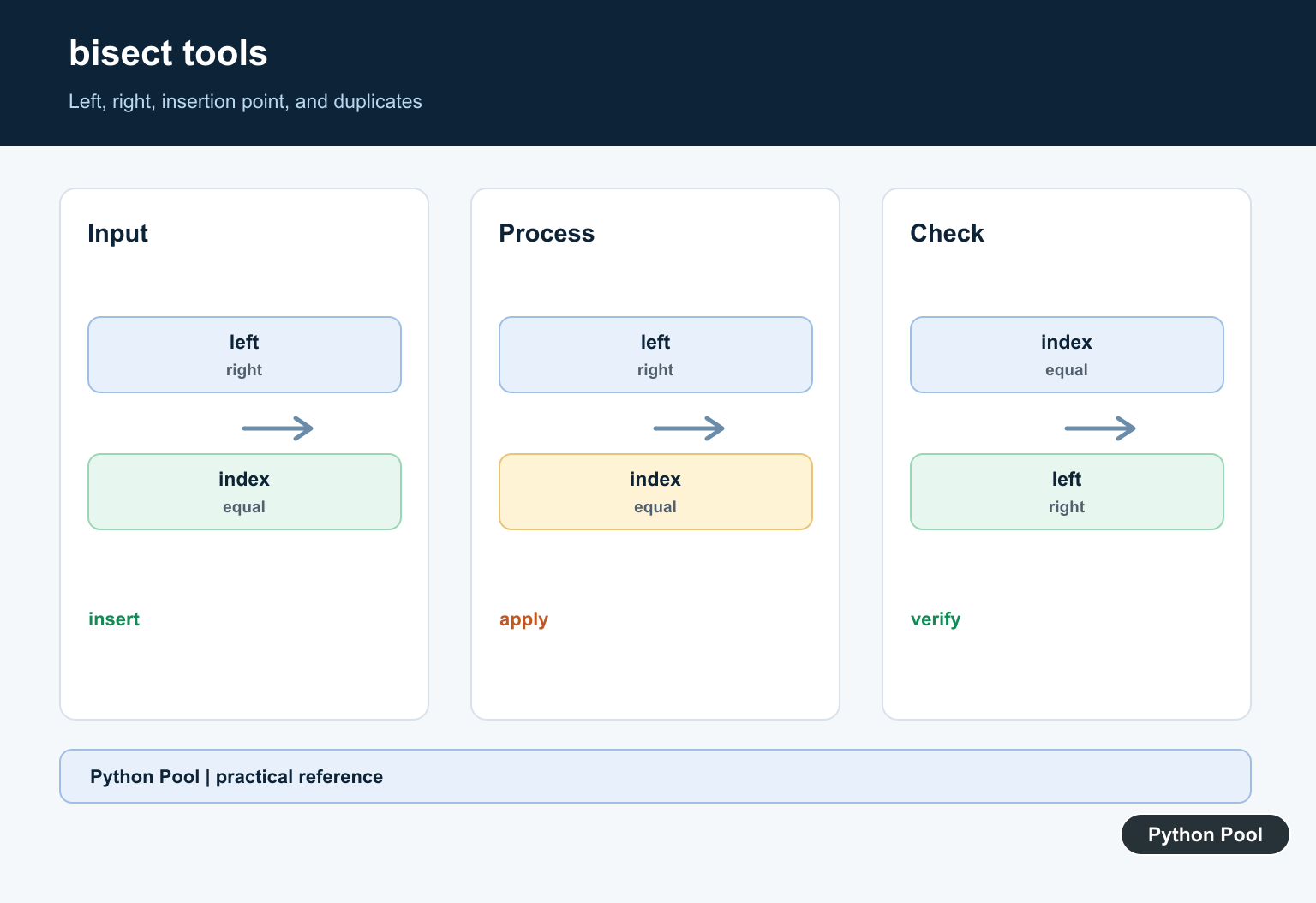
Sometimes the goal is not only to find an item, but also to know where it should be inserted. The same bisect_left() result gives that position. insort() can insert the value while keeping the list ordered.
from bisect import bisect_left, insort

scores = [10, 20, 30, 40]
new_score = 25
position = bisect_left(scores, new_score)

print(position)
insort(scores, new_score)
print(scores)
Insertion is still a list operation, so adding near the front may require moving later items. Binary search finds the position quickly, but it does not make list insertion itself constant time.
Search records by a sorted key
For records, keep the search key sorted. The example below searches employee IDs and then uses the found index to read the matching record.
def binary_search(numbers, target):
    low = 0
    high = len(numbers) - 1

    while low <= high:
        mid = (low + high) // 2
        if numbers[mid] == target:
            return mid
        if numbers[mid] < target:
            low = mid + 1
        else:
            high = mid - 1
    return -1

records = [(101, "Ana"), (205, "Ben"), (309, "Mia")]
ids = [record[0] for record in records]
index = binary_search(ids, 205)

if index != -1:
    print(records[index])
For many lookups by ID, a dictionary is usually better because key lookup is direct. Binary search fits sorted lists when order matters, when the data is already sorted, or when you need both search and insertion positions. For text-specific searches, the find a string in a Python list guide gives additional examples.
Common mistakes
The most common binary search bug is an off-by-one error. Update low to mid + 1 and high to mid - 1; otherwise the same middle index can repeat forever. Another frequent mistake is searching unsorted data. If the list order changes, sort it again or use a different data structure.
A compact test set should cover the first item, last item, middle item, a missing item below the range, a missing item above the range, and an empty list. Those cases catch most bound mistakes before the function is used inside a larger program.
Use binary search when the data is sorted, comparisons are cheap, and repeated searching makes the upfront sorting cost worthwhile. Use a plain loop for tiny lists or one-off searches where readability matters more than asymptotic speed. Use bisect when you need standard-library reliability and insertion-point behavior. When the goal is maintaining a sorted Python list rather than only finding a match, Python bisect: Search and Insert Sorted Lists provides insertion points and insort helpers.
Preserve The Sorted Invariant
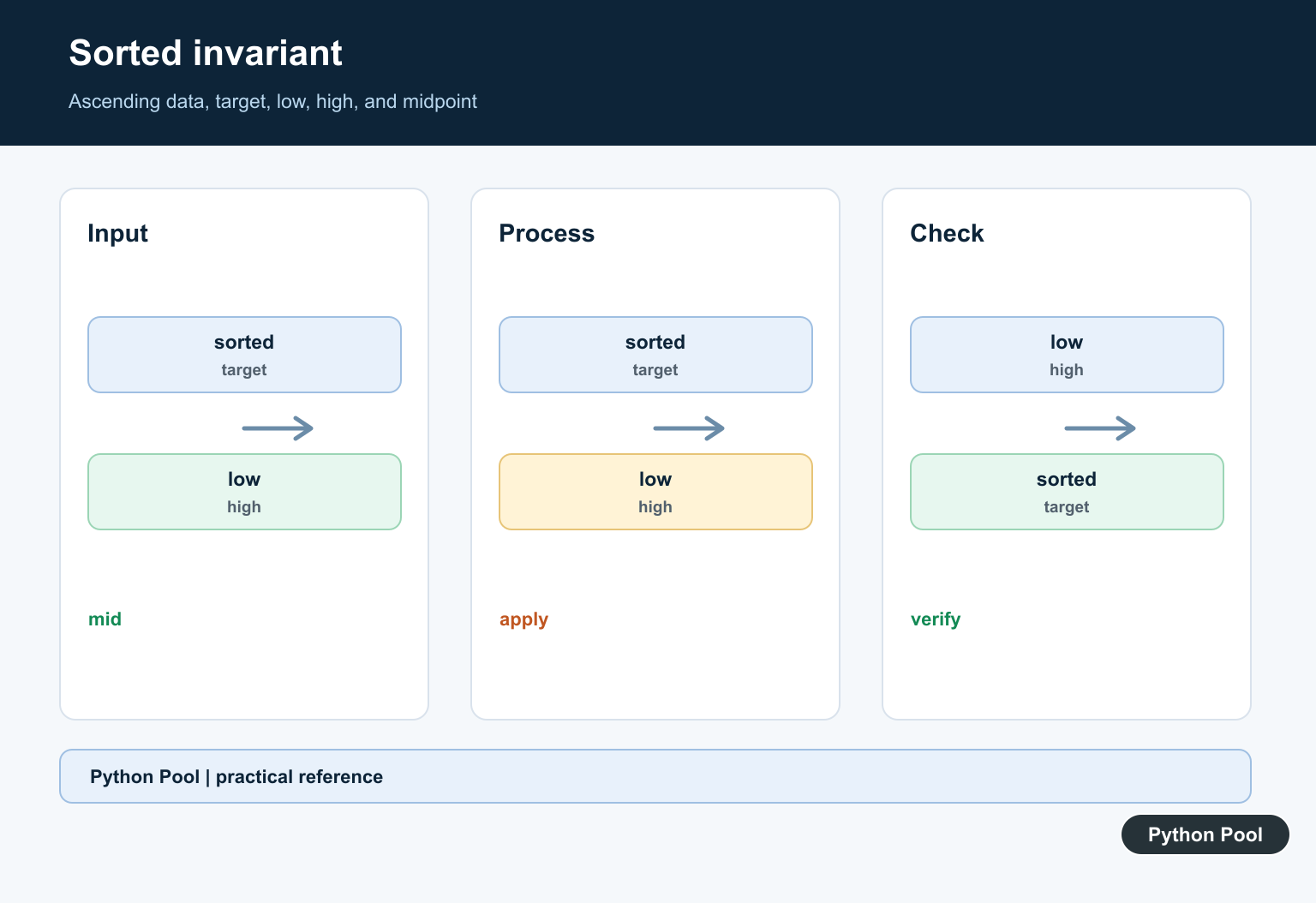
Binary search is not a general search shortcut. The sequence must be sorted according to the same comparison used by the search, or the discarded half may contain the target.
values = [1, 3, 5, 7, 9]
target = 7
print(values == sorted(values), target in values)
Use bisect For Boundaries
bisect_left returns the first insertion position and bisect_right returns the position after existing equal values. Check the returned index before treating it as a match.
from bisect import bisect_left

values = [1, 3, 3, 7]
index = bisect_left(values, 3)
found = index < len(values) and values[index] == 3
print(index, found)
Write An Explicit Search
Keep low and high bounds consistent and update them on every iteration. Returning None for a missing target makes the result contract unambiguous.
def binary_search(values, target):
    low, high = 0, len(values) - 1
    while low <= high:
        middle = (low + high) // 2
        if values[middle] == target:
            return middle
        if values[middle] < target:
            low = middle + 1
        else:
            high = middle - 1
    return None

print(binary_search([1, 3, 5, 7], 5))
Test Duplicates And Missing Values
Test empty input, the first and last positions, duplicate values, and targets between entries. These cases verify both the invariant and the return contract.
from bisect import bisect_left

values = [2, 2, 4, 8]
for target in [2, 3, 8, 9]:
    index = bisect_left(values, target)
    print(target, index, index < len(values) and values[index] == target)
Python’s bisect documentation defines insertion-point searches. Related references include sorting records, key extraction, and test design.
For related ordering and lookup patterns, compare sorting records, key extraction, and test cases when searching data.
Frequently Asked Questions
What is binary search?
It searches a sorted sequence by comparing the target with the middle value and narrowing the remaining interval.
Should I use bisect or write a loop?
Use bisect for standard insertion-point and boundary queries; write a loop when the predicate or return contract is domain-specific.
What happens when the target is missing?
Return an insertion point or a clear not-found result instead of treating a nearby value as an exact match.
How do I find the first duplicate?
Use bisect_left for the first position where the value could appear and verify that the value at that position matches.