Fix No Module Named dotenv in Python

Fix the dotenv import error by installing python-dotenv into the active interpreter, checking the environment, and avoiding local module shadowing.
Find Python error fixes with clear causes, tracebacks, package issues, TypeError, ValueError, import problems, and practical debugging steps.
Fix the dotenv import error by installing python-dotenv into the active interpreter, checking the environment, and avoiding local module shadowing.
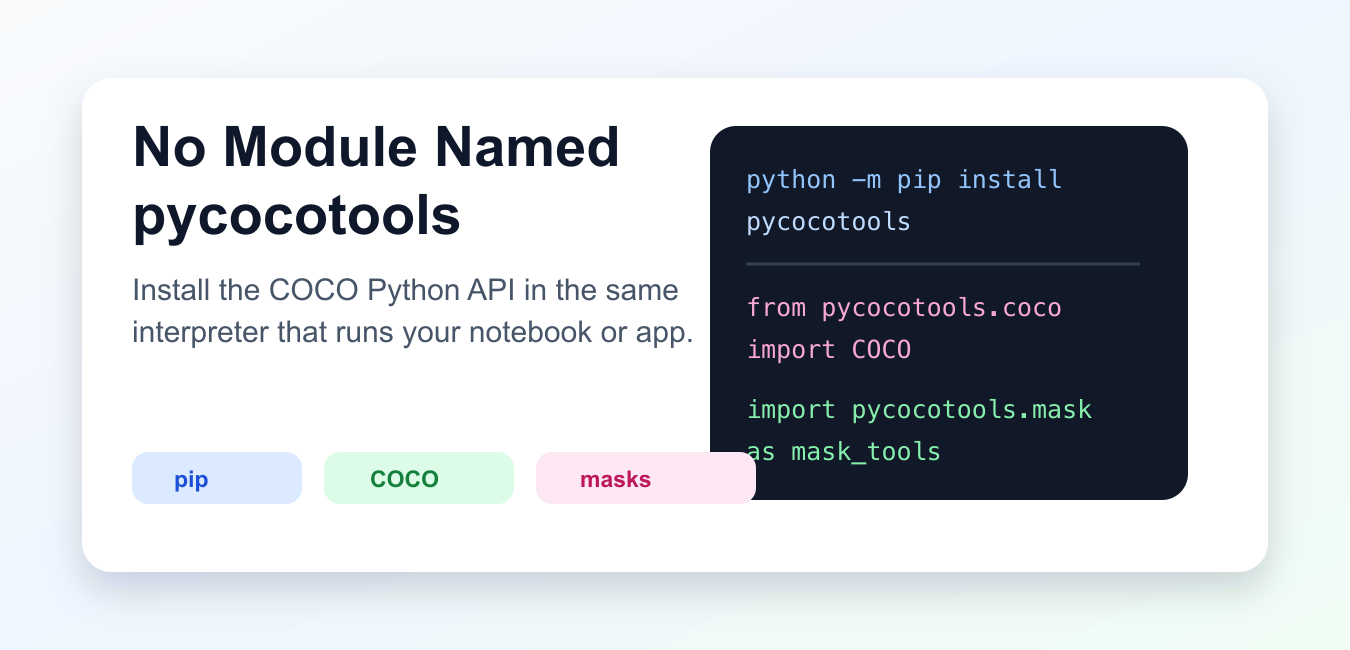
Fix ModuleNotFoundError for pycocotools by checking the package, interpreter, platform build, import path, and virtual environment.
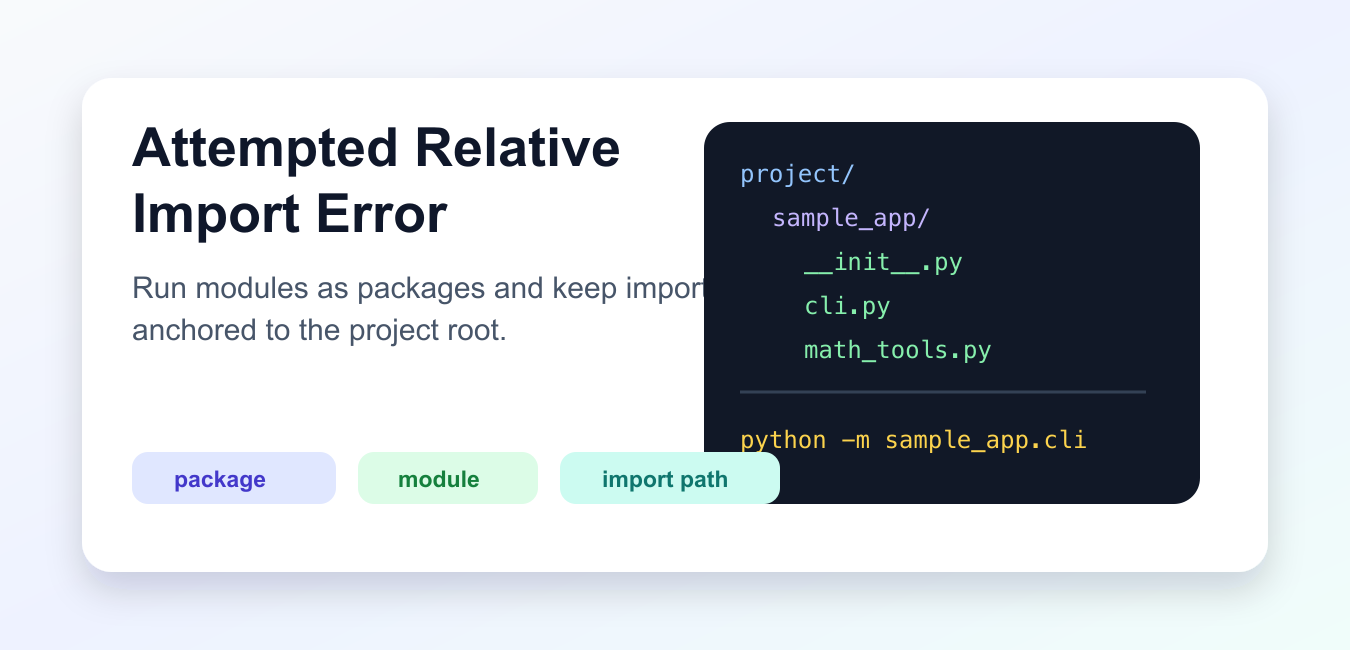
Fix attempted relative import errors by running modules with -m, using a real package layout, checking __package__, and avoiding fragile script execution paths.
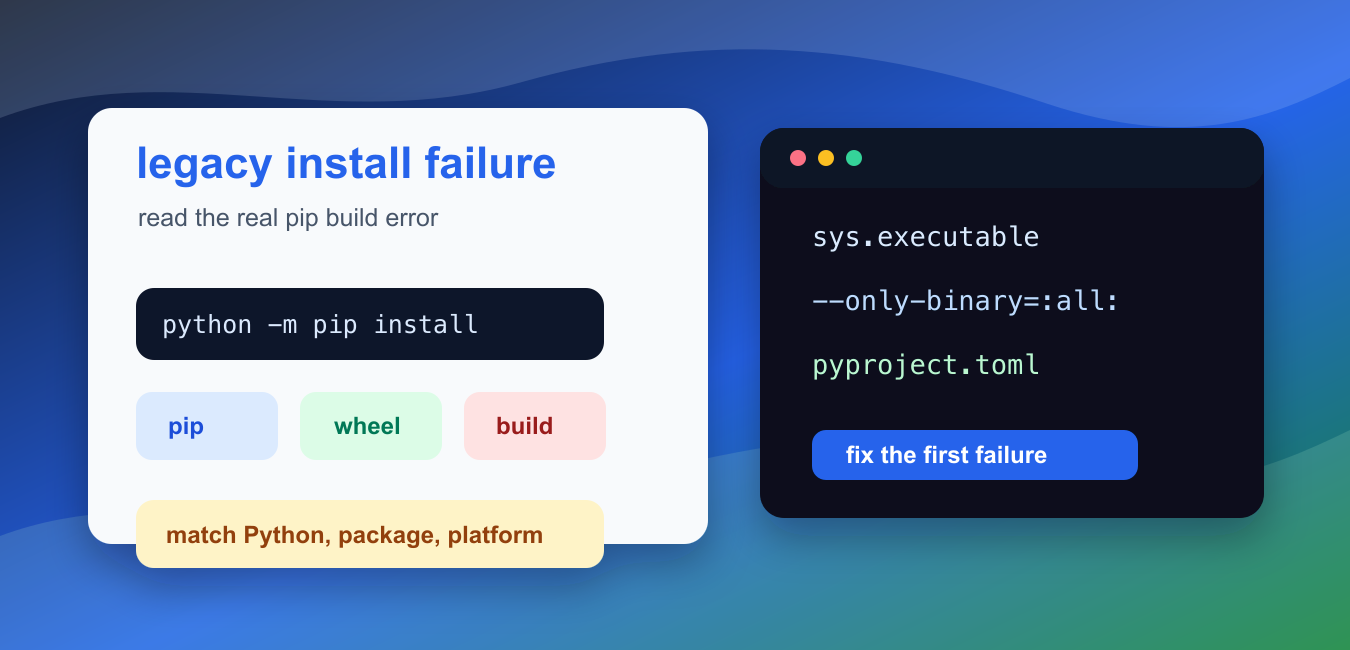
Fix pip error: legacy-install-failure by reading the real build error, upgrading packaging tools, checking Python compatibility, and isolating dependencies.

Fix Python OverflowError: math range error by guarding inputs, checking float limits, using log space, scaling values, or choosing Decimal.
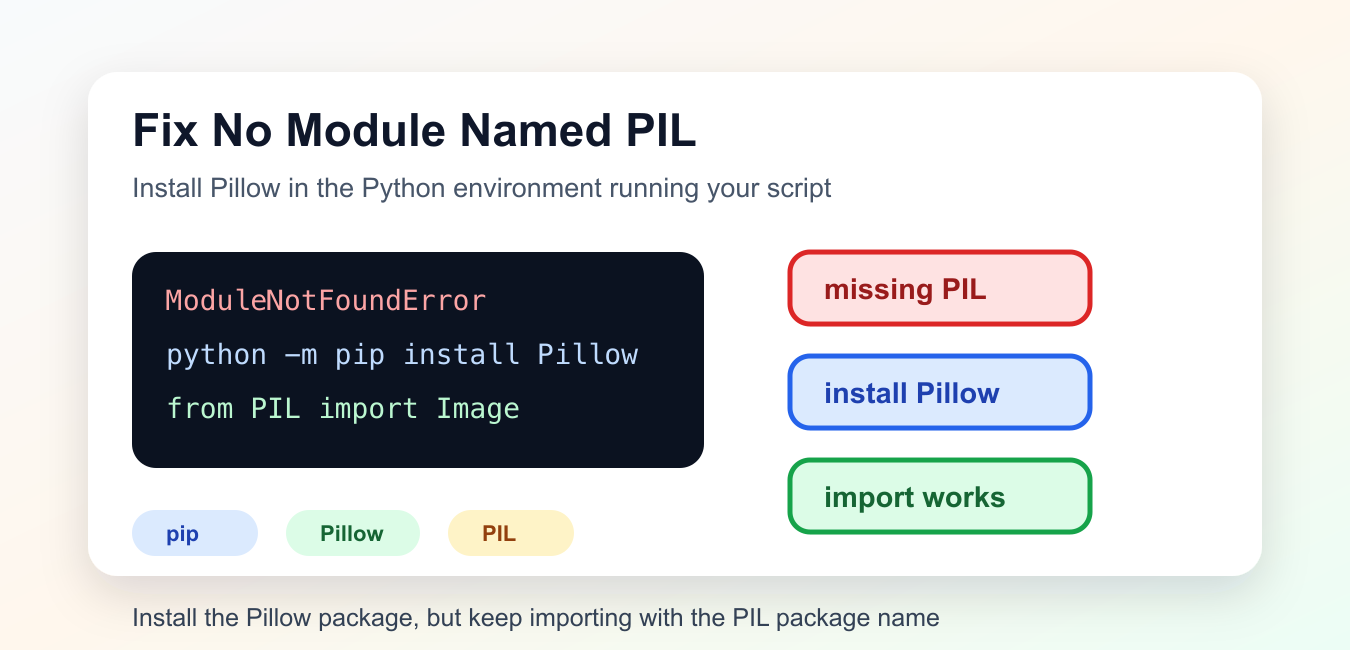
Fix No module named PIL by installing the Pillow distribution in the interpreter that runs your script, then verify the PIL import namespace.
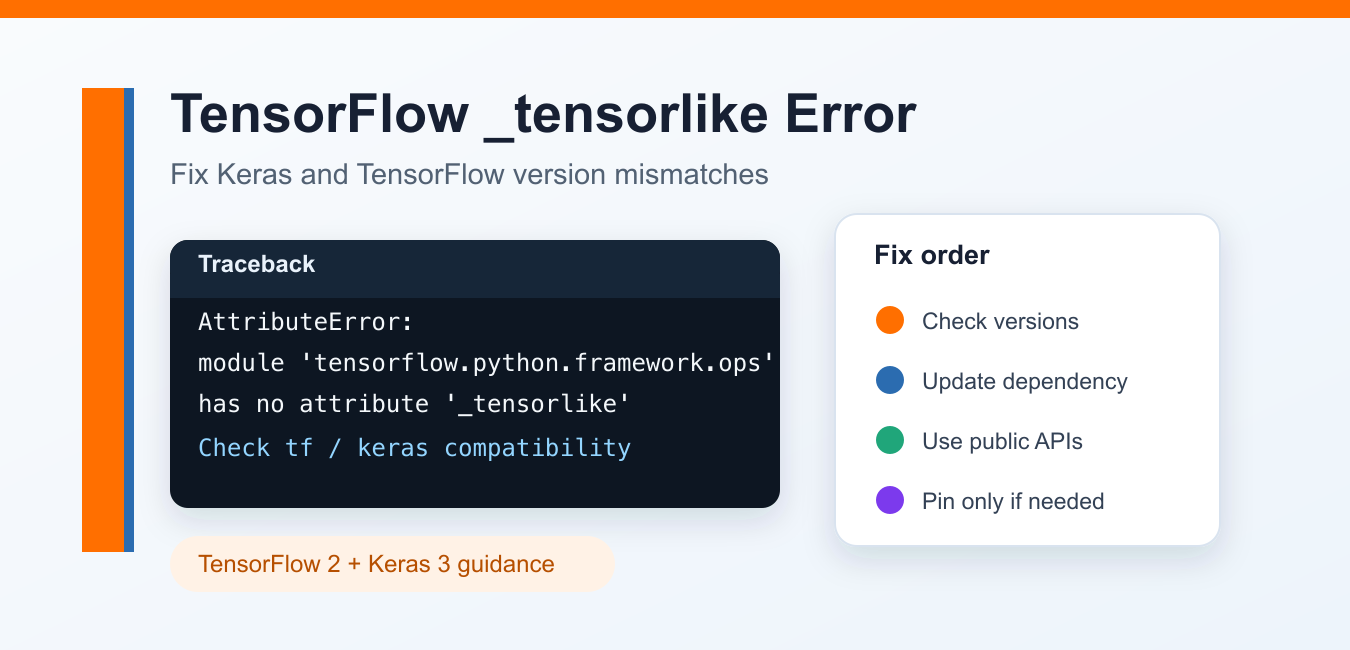
Fix TensorFlow framework ops _tensorlike errors by checking version compatibility, public APIs, tensor conversion, environments, and reproducible diagnostics.
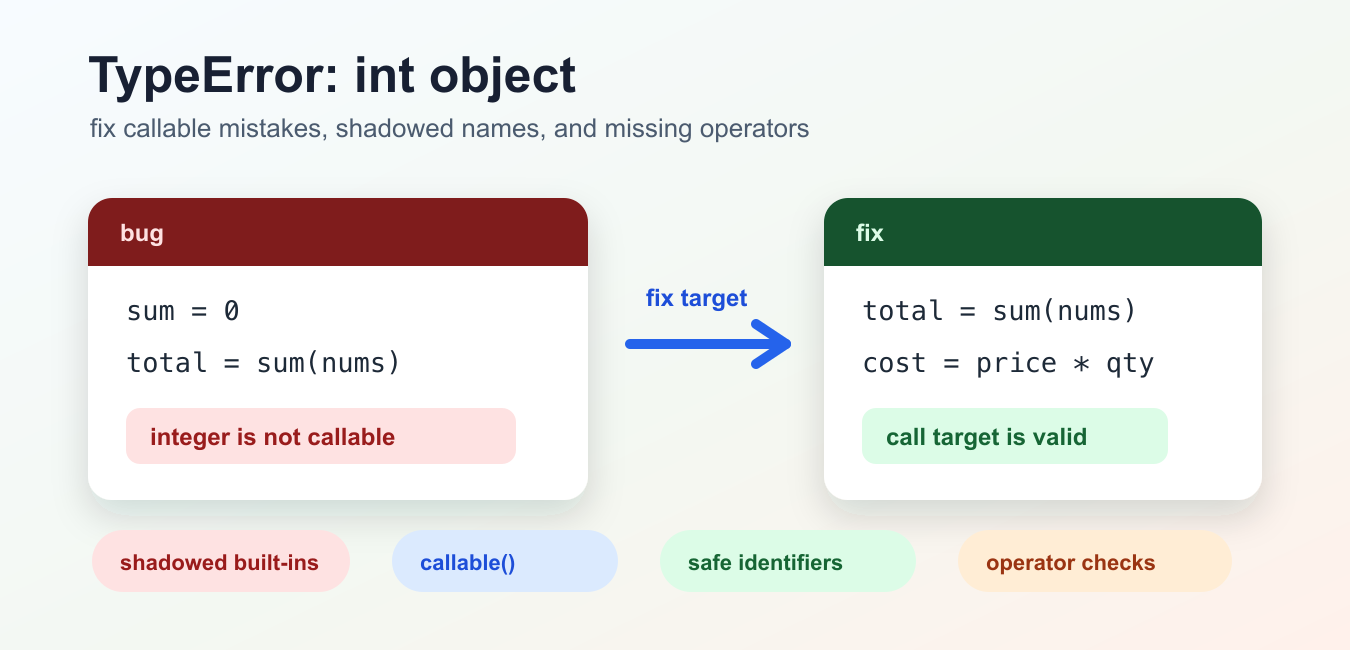
Fix Python TypeError: int object is not callable by finding shadowed names, missing multiplication operators, and stray parentheses.
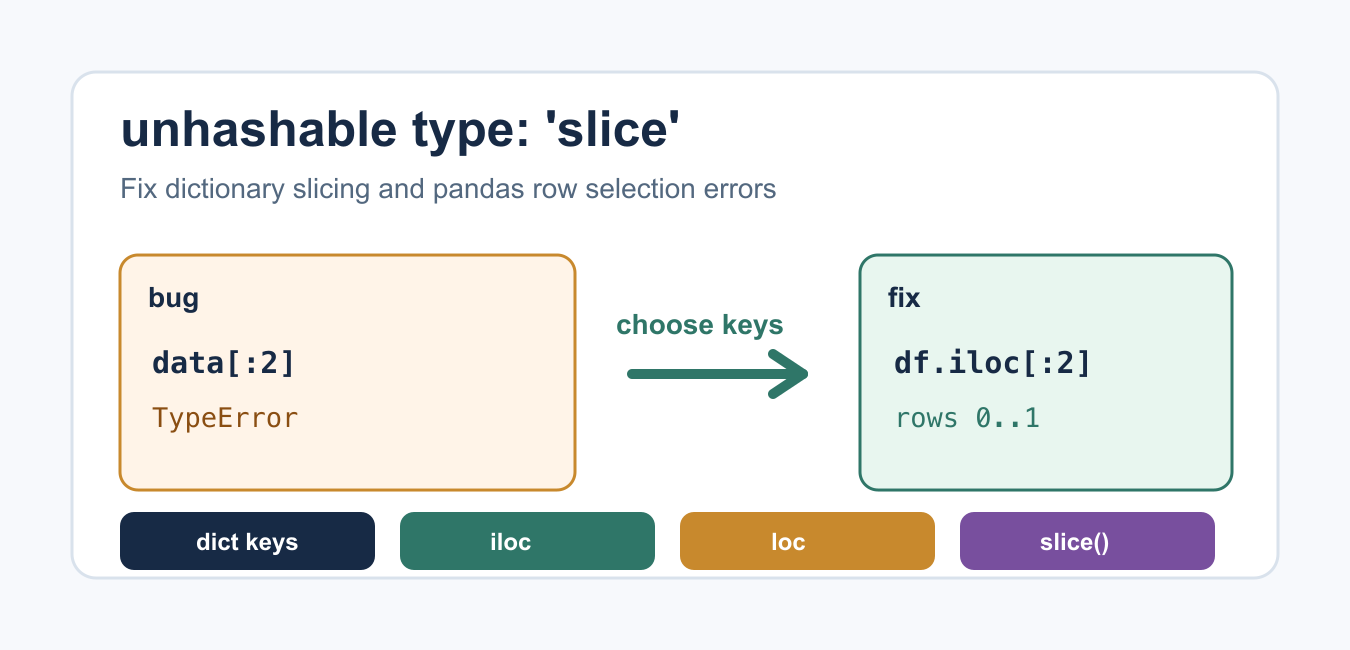
Find out whether a slice is being used as a dictionary key, a list index, or a multidimensional selector, then use the matching data structure and syntax.
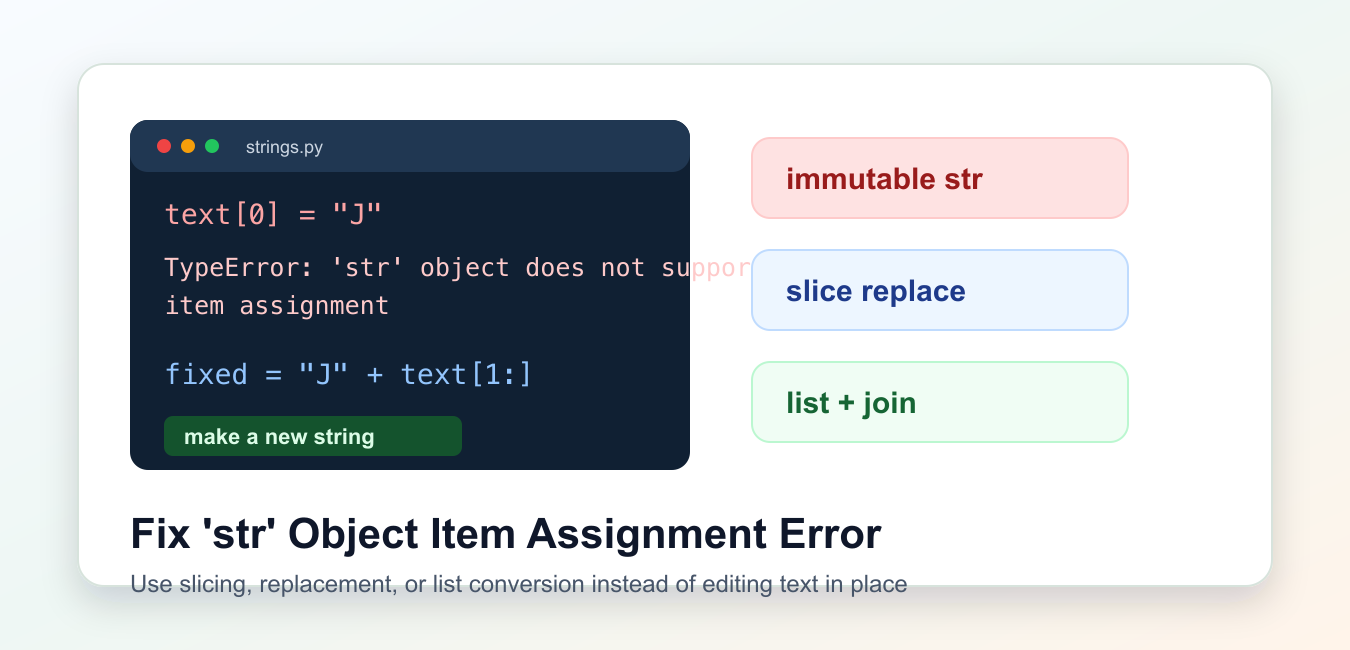
Strings are immutable in Python; build a new string, edit a list of characters, or use bytearray for mutable bytes.