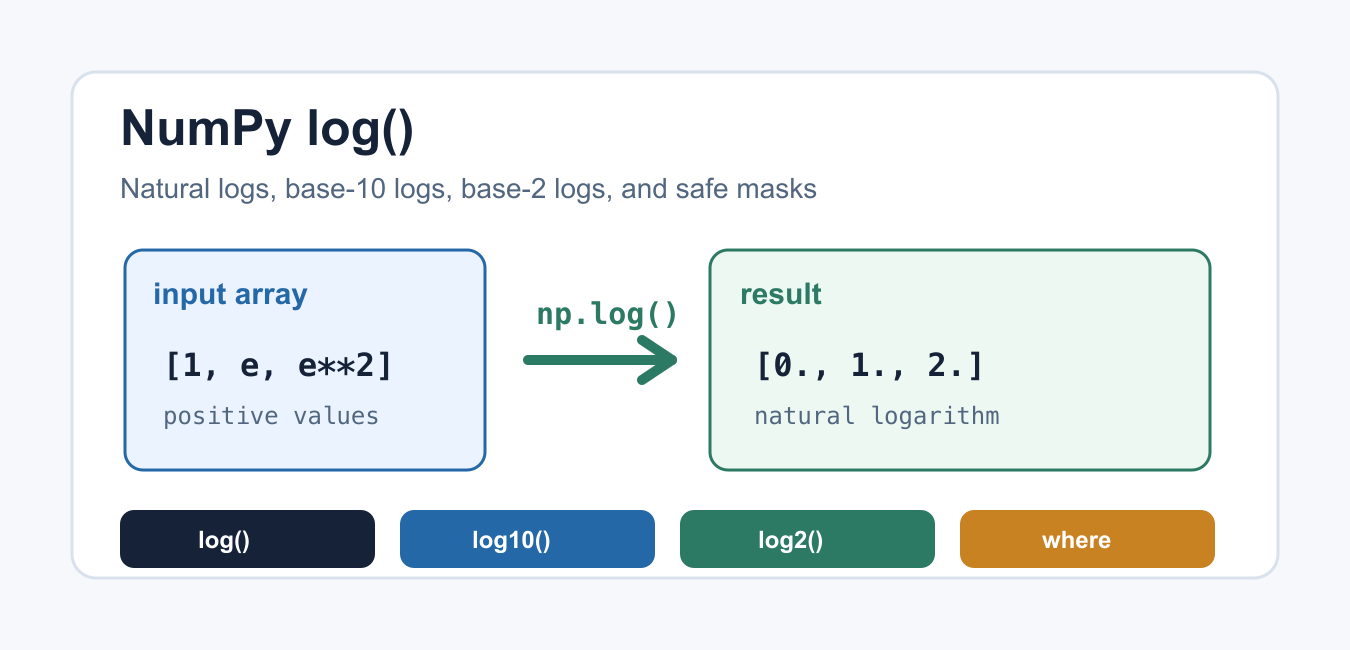
Quick answer: numpy.log applies the natural logarithm element by element. Validate the domain, decide how zeros and negative values should be handled, and use stable functions such as log1p when a calculation involves values close to zero.
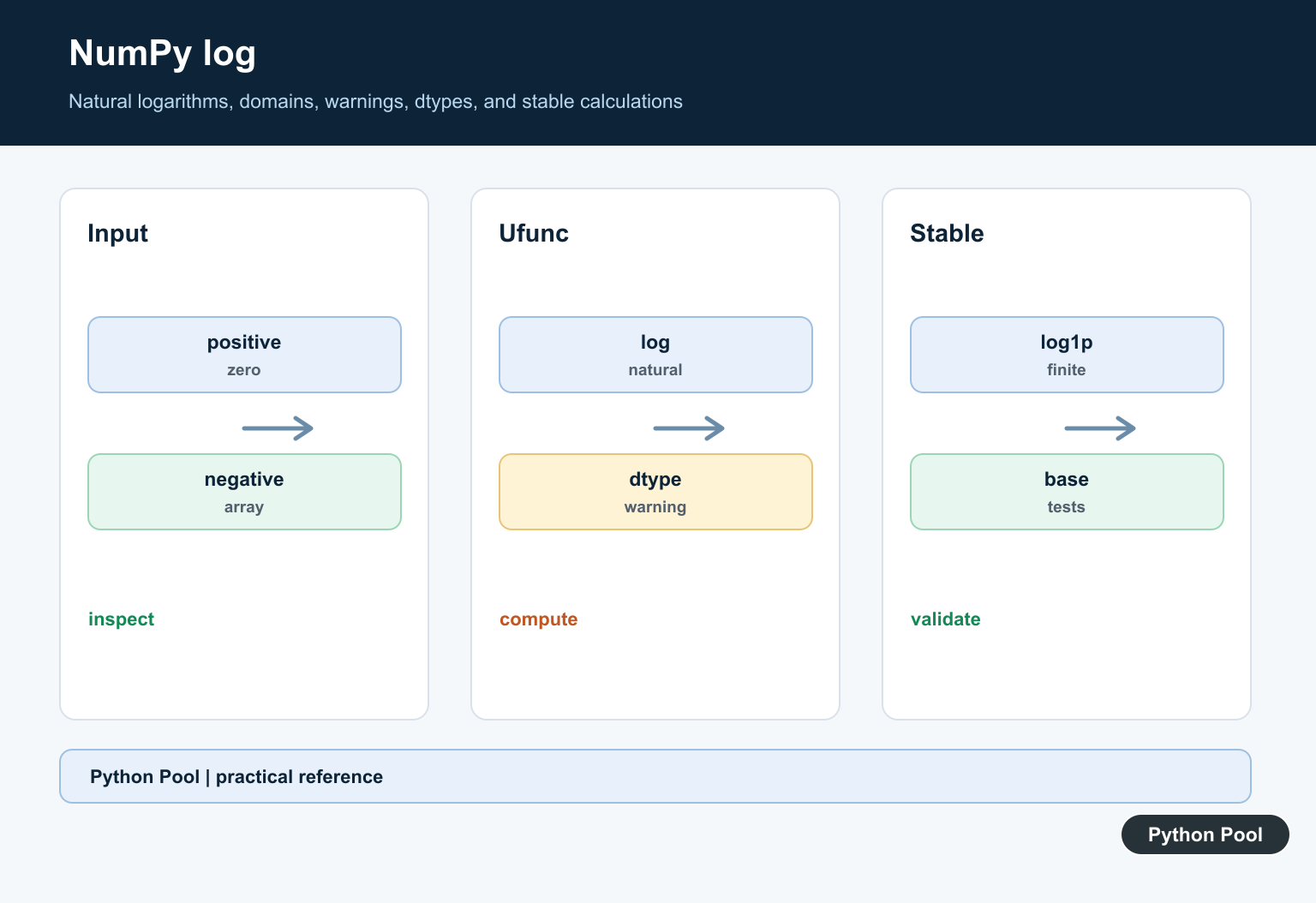
NumPy log() calculates the natural logarithm of each value in an array. It is vectorized, so it works on scalars, lists, and NumPy arrays without writing a Python loop. Use it when you need element-wise logarithms for scientific computing, feature scaling, probability calculations, or data visualization.
The official NumPy log documentation describes np.log() as a universal function, or ufunc. That means it supports common ufunc arguments such as out, where, and broadcasting.
The most important detail is the base. In Python, NumPy, and many scientific tools, plain log means natural log, not base 10. Pick the function that matches the math you want, and name intermediate variables clearly so later readers do not confuse log bases. NumPy’s plain log() is the natural logarithm; ln in Python: Natural Log Examples develops that ln-specific case with scalar and array examples. When sample points should be evenly spaced by exponent rather than value, NumPy logspace() Function Guide constructs logarithmic grids with a configurable base.
Basic NumPy log() Example
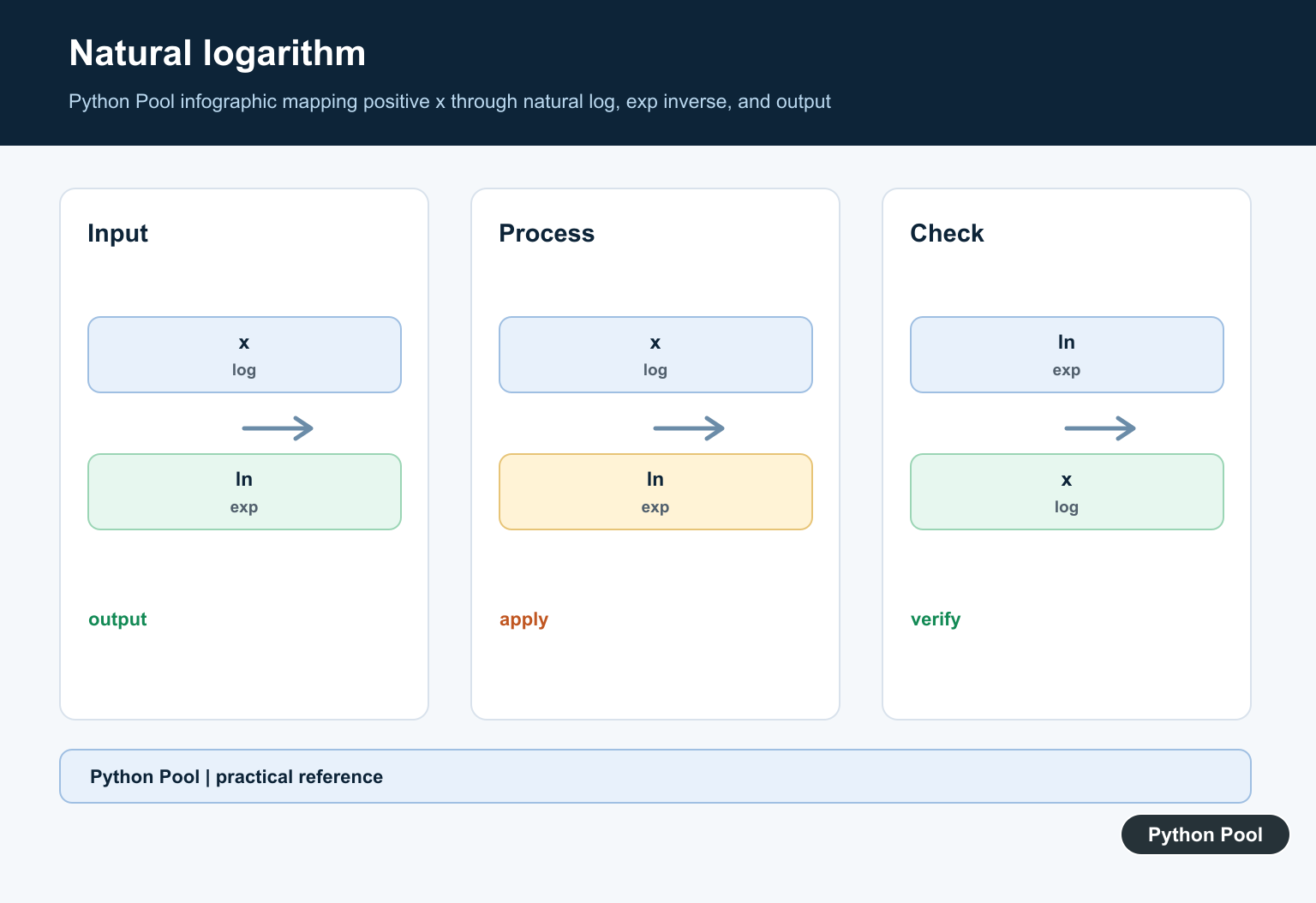
np.log() returns the natural logarithm, also called the base-e logarithm. Values such as 1, e, and e**2 are useful for checking that the function behaves as expected.
import numpy as np

values = np.array([1, np.e, np.e**2])
result = np.log(values)

print(result)
The result is approximately [0, 1, 2]. If you need base-2 specifically, Python Pool has a separate guide to NumPy log2.
Use log10() and log2() for Other Bases
np.log() is not base 10. For base-10 logarithms, use np.log10(). For base-2 logarithms, use np.log2(). These functions make code clearer than dividing by another logarithm when the base is standard.
import numpy as np

values = np.array([1, 10, 100, 1000])

print(np.log(values))
print(np.log10(values))
print(np.log2(values))
Base-10 logs are common for orders of magnitude and decibel-like scales. Base-2 logs are common for bits, binary growth, and powers of two. Natural logs are common in calculus, optimization, exponential models, and probability work, so np.log() is often the right default in scientific code.
Handle Zero and Negative Values
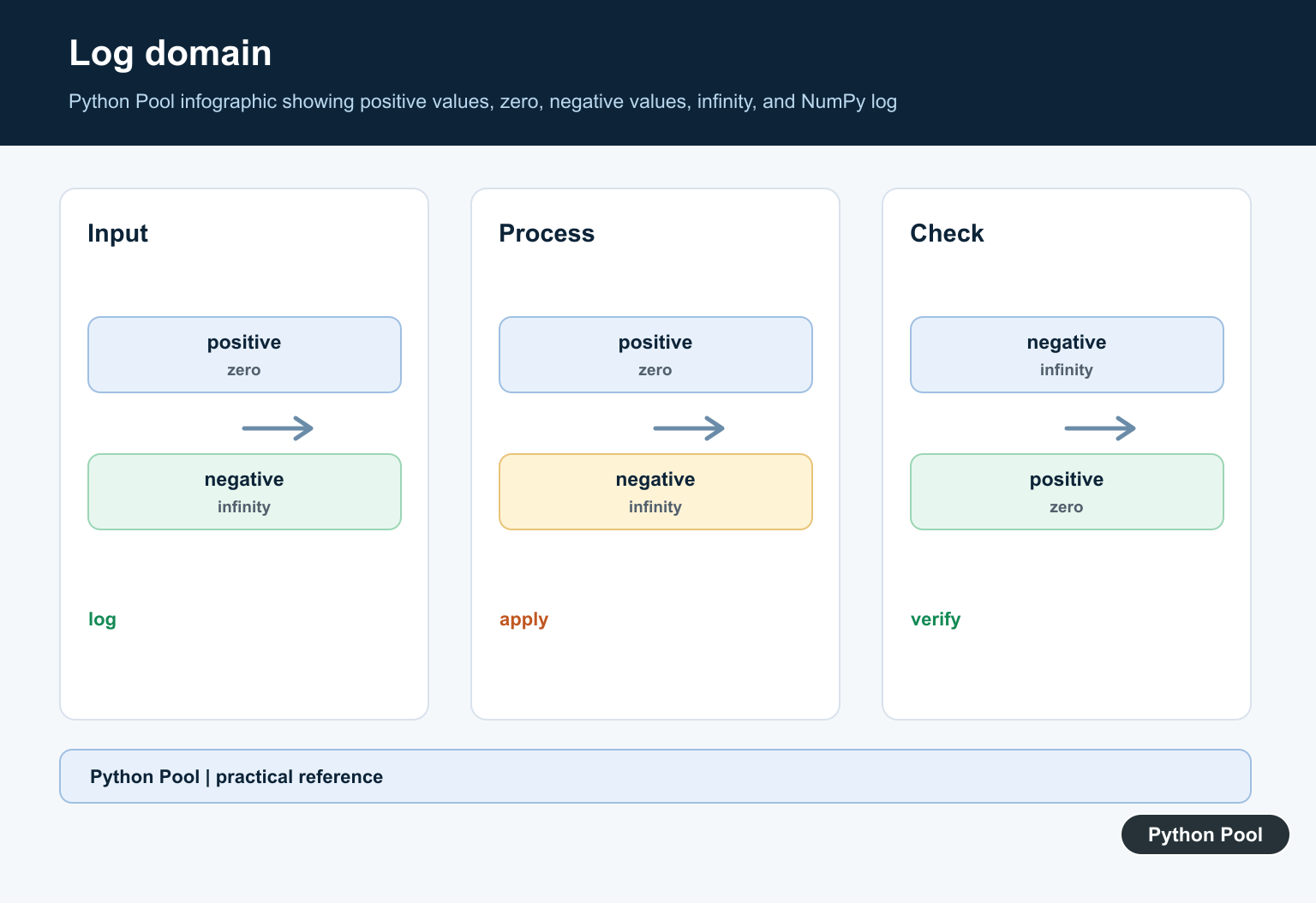
Real logarithms are defined for positive values. With real NumPy arrays, np.log(0) returns negative infinity and negative inputs produce nan. That behavior is useful when you know what it means, but it can surprise users during data cleaning.
import numpy as np

values = np.array([10.0, 1.0, 0.0, -5.0])

print(np.log(values))
print(np.isfinite(np.log(values)))
If your workflow needs to explain infinity values, see the refreshed guide to Python infinity. For negative real inputs where complex results are desired, NumPy also provides extended math helpers, but most data analysis pipelines should validate or mask the input first.
In production data work, decide what zero and negative values mean before applying a log transform. They may represent missing measurements, invalid sensor readings, credits, losses, or values that need a different transformation entirely.
Use where to Avoid Invalid Inputs
The where argument lets you calculate logs only where a condition is true. Provide an output array so locations that are skipped have a known value.
import numpy as np

values = np.array([10.0, 1.0, 0.0, -5.0])
out = np.full_like(values, np.nan)

np.log(values, out=out, where=values > 0)
print(out)
This is usually better than hiding warnings globally. It makes the rule visible in the code: only positive values get a logarithm. It also preserves the original array shape, which is helpful when the result must line up with rows in a table or another feature array.
Use errstate for Local Warning Control
If a calculation intentionally touches zero or invalid values, use np.errstate() as a local context manager. It changes floating-point warning behavior only inside the block.
import numpy as np

values = np.array([1.0, 0.0, -1.0])

with np.errstate(divide="ignore", invalid="ignore"):
    logged = np.log(values)

print(logged)
Prefer local warning control over changing global NumPy settings in shared code. That keeps notebooks, packages, and tests from inheriting unexpected warning behavior. If you suppress a warning, still document why the resulting infinity or NaN values are acceptable.
Use log1p() for Small Values Near Zero
For expressions like log(1 + x), use np.log1p(). It is designed for better numerical accuracy when x is very small.
import numpy as np

x = np.array([1e-12, 1e-9, 1e-6])

print(np.log(1 + x))
print(np.log1p(x))
This matters in statistics, finance, and machine learning where small relative changes are common.
Store Results in an Existing Array
Like other ufuncs, np.log() can write into an existing output array. This is useful when you want explicit memory control or when a pipeline reuses arrays.
import numpy as np

values = np.array([1.0, 2.0, 4.0, 8.0])
result = np.empty_like(values)

np.log(values, out=result)
print(result)
For a broader introduction to arrays, see the Python Pool guide to NumPy arrays. Understanding shape, dtype, and broadcasting makes log transformations easier to reason about.
Conclusion
Use np.log() for natural logarithms, np.log10() for base-10 logs, np.log2() for base-2 logs, and np.log1p() for accurate log(1 + x) calculations. For real-valued arrays, validate positive inputs or use where masks so zero and negative values do not quietly turn into infinity or NaN.
Understand The Domain
For real-valued inputs, the natural logarithm is defined for positive values. Zero produces negative infinity and negative inputs are invalid for a real-valued workflow, so decide whether to mask, clip, transform, or reject them.
Use It Elementwise
numpy.log accepts scalars and arrays and follows broadcasting and ufunc rules. Inspect shape and dtype before combining the result with another numerical pipeline.
Handle Warnings Deliberately
NumPy may emit runtime warnings for divide-by-zero or invalid values while returning inf or nan. Configure warning behavior for the application and test that invalid data is not silently accepted.
Choose The Base
For base b, log_b(x) equals log(x) divided by log(b), provided the base is valid. Use a dedicated base-specific function when it expresses the intent more clearly and supports the needed numerical range.
Prefer Stable Near-Zero Forms
log(1 + x) can lose precision when x is tiny; log1p(x) is designed for that case. Make the transformation match the input domain and preserve enough precision for the downstream decision.
Test Finite And Complex Inputs
Test positive values, one, zero, negatives, nan, inf, integer conversion, masks, complex inputs when supported, and tolerances. Assert warning or error policy as well as numeric output.
The official NumPy log documentation defines the elementwise function and domain behavior. Related Python Pool references include NumPy arrays and tests.
For related numerical transformations, compare NumPy arrays, domain tests, and sequence inputs before applying log.
Frequently Asked Questions
What does numpy.log calculate?
It returns the elementwise natural logarithm of an array-like input.
What happens when numpy.log receives zero or a negative value?
Zero produces negative infinity and negative real inputs generally produce an invalid result or warning; choose a domain policy explicitly.
How do I calculate a different logarithm base?
Use the change-of-base relationship log(x) / log(base), while considering numerical stability and the input domain.
How can I avoid unstable log calculations?
Use specialized functions such as log1p for values near zero and validate positive finite inputs before applying a transformation.