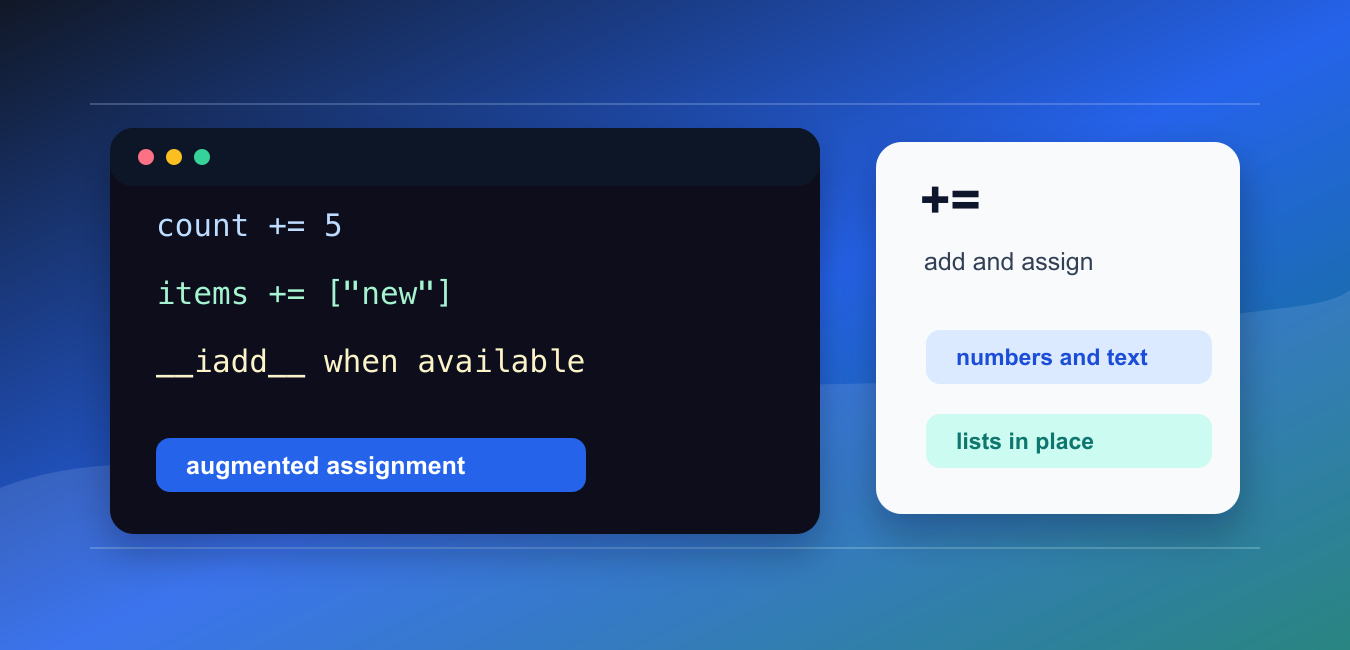
Quick answer: The += operator combines the current value with a right-hand value and assigns the result back to the variable. It may perform an in-place update for mutable objects or create a new object for immutable ones, so value equality does not tell the whole story.
The Python += operator is augmented assignment. It adds the right-hand value to the left-hand target, then stores the result back into that target.
The official Python documentation covers augmented assignment statements, __iadd__(), and mutable sequence types.
For numbers, x += y is usually equivalent to x = x + y. For mutable objects such as lists, += may update the object in place instead of creating a separate object.
That difference matters when another name points to the same list. In-place updates are visible through both names, while rebinding with + can leave the older list unchanged.
Use += when it makes the update clearer and when in-place behavior is acceptable for the type involved.
A useful way to read the operator is “add this and keep the result here.” The exact mechanics depend on the left-hand object. Some objects support an in-place update, while others return a new object and then store that result under the target name.
When debugging, compare behavior with a second name pointing at the same object. If the second name sees the change, the object was updated in place. If it does not, the target was rebound to a separate object.
Add To A Number
With numbers, += updates the target with the numeric sum.
count = 10

count += 5

print(count)
This prints 15.
Numeric types such as integers and floats are immutable, so Python creates a new numeric object and stores it under the same name.
This form is common for counters, totals, loop progress, and score calculations.
It is also common in aggregation code. For example, a loop can start with total = 0 and then use total += amount for each item being processed.
Add To A String
With strings, += appends text and stores the new string.
message = "Hello"

message += ", Python"

print(message)
This prints Hello, Python.
Strings are immutable, so the original string is not edited in place. A new string is created.
For many repeated string additions, collecting pieces in a list and using "".join(parts) can be more efficient and clearer.
Extend A List In Place
With lists, += extends the existing list object.
items = ["red", "green"]
alias = items

items += ["blue"]

print(items)
print(alias)
Both prints show the added item because items and alias refer to the same list object.
This is the same practical effect as items.extend(["blue"]).
Use this form when changing the original list is intended. Make a copy first when another part of the program should keep the old list.
Compare += With + For Lists
The + operator creates a new list when used with assignment.
items = ["red", "green"]
alias = items

items = items + ["blue"]

print(items)
print(alias)
The first print includes "blue", while the second print still shows the old list.
This happens because items = items + ["blue"] creates a new list and binds the name items to it. The old list remains available through alias.
This distinction is important in functions, shared state, and tests that compare object identity.
Choose the style based on intent. Use += when the same list should grow. Use items = items + more when a fresh list is clearer and older references should keep seeing the previous contents.
Use += With Tuples
Tuples are immutable, so += creates a new tuple.
point = (10, 20)
old_id = id(point)

point += (30,)

print(point)
print(old_id == id(point))
This prints the updated tuple and then False, showing that the tuple object changed.
The trailing comma in (30,) is required for a one-item tuple.
Use tuples for fixed groups of values. If repeated in-place updates are needed, a list is usually a better fit.
Customize += With __iadd__
Custom classes can define __iadd__() to control how += behaves.
class Score:
    def __init__(self, points):
        self.points = points

    def __iadd__(self, extra):
        self.points += extra
        return self

score = Score(10)
score += 5

print(score.points)
This class updates its own points attribute and returns itself.
If __iadd__() is not available, Python can fall back to normal addition behavior when supported. Built-in types already define the behavior most code needs.
When writing a custom class, return self from __iadd__() if the object is updated in place.
Custom behavior should be unsurprising. If += changes the object, document that fact and keep the operation close to normal addition semantics.
Common += Mistakes
The first common mistake is assuming += always creates a new object. Lists usually update in place, while numbers, strings, and tuples produce new objects.
The second mistake is using += on a shared list without realizing other names will see the change.
The third mistake is forgetting that += still assigns back to the left-hand target. Inside a function, that can affect scope rules when the target name is also used earlier in the function.
In short, use += for clear additive updates, remember that mutable objects may change in place, and use a copy when shared data should not be modified.
Read The Assignment
x += y is shorthand for updating x with the result of an addition-like operation, but the exact method dispatch belongs to the object’s type. Keep the operands compatible and the intended mutation explicit.
Compare Mutable And Immutable Values
Integers, floats, and strings are immutable, so a new value is assigned. Lists can often extend themselves in place, which means another reference to the same list may observe the change.
Use Strings And Lists Deliberately
String += concatenates text repeatedly but can be inefficient in large loops; collect pieces and join them when appropriate. List += extends with an iterable, not necessarily one single element.
Watch Aliases And Tuples
A tuple can contain a mutable object, and += on a nested mutable value can produce surprising behavior when assignment back to the tuple is involved. Test identity and ownership when aliases matter.
Do Not Confuse With Increment
Python has no universal ++ operator. += works with supported types and values, while numeric increment is only one common use of the operator.
Test Value And Identity
Test numbers, strings, lists, tuples, incompatible types, aliases, and custom classes. Assert both the resulting value and whether the original object identity should change.
The official augmented-assignment reference explains += behavior. Related Python Pool references include lists and tests.
For related assignment behavior, compare mutable lists, identity tests, and string operations when using +=.
Frequently Asked Questions
What does += mean in Python?
It adds or combines the right-hand value with the left-hand variable and assigns the result back to that variable.
Is += the same as x = x + y?
They often produce the same value, but mutable objects can implement in-place updates, so identity and side effects may differ.
Can I use += with strings and lists?
Yes. Strings concatenate into a new immutable value, while lists can be extended in place when the operation is supported.
Why does += raise a TypeError?
The operands or their types may not support the operation, or Python cannot combine them according to the type’s rules.