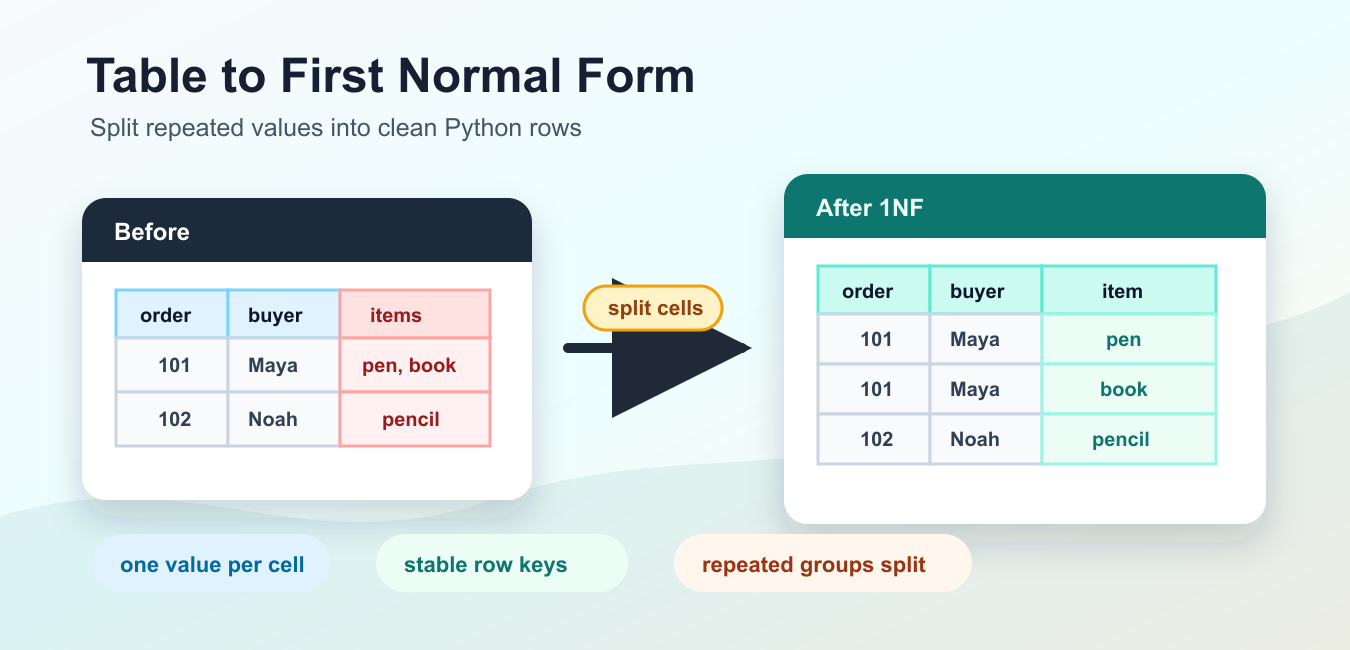
Quick answer: Convert a table to first normal form by identifying repeating groups, producing one atomic value per field, carrying parent keys into generated rows, and validating that no relationships or duplicate policies were lost.
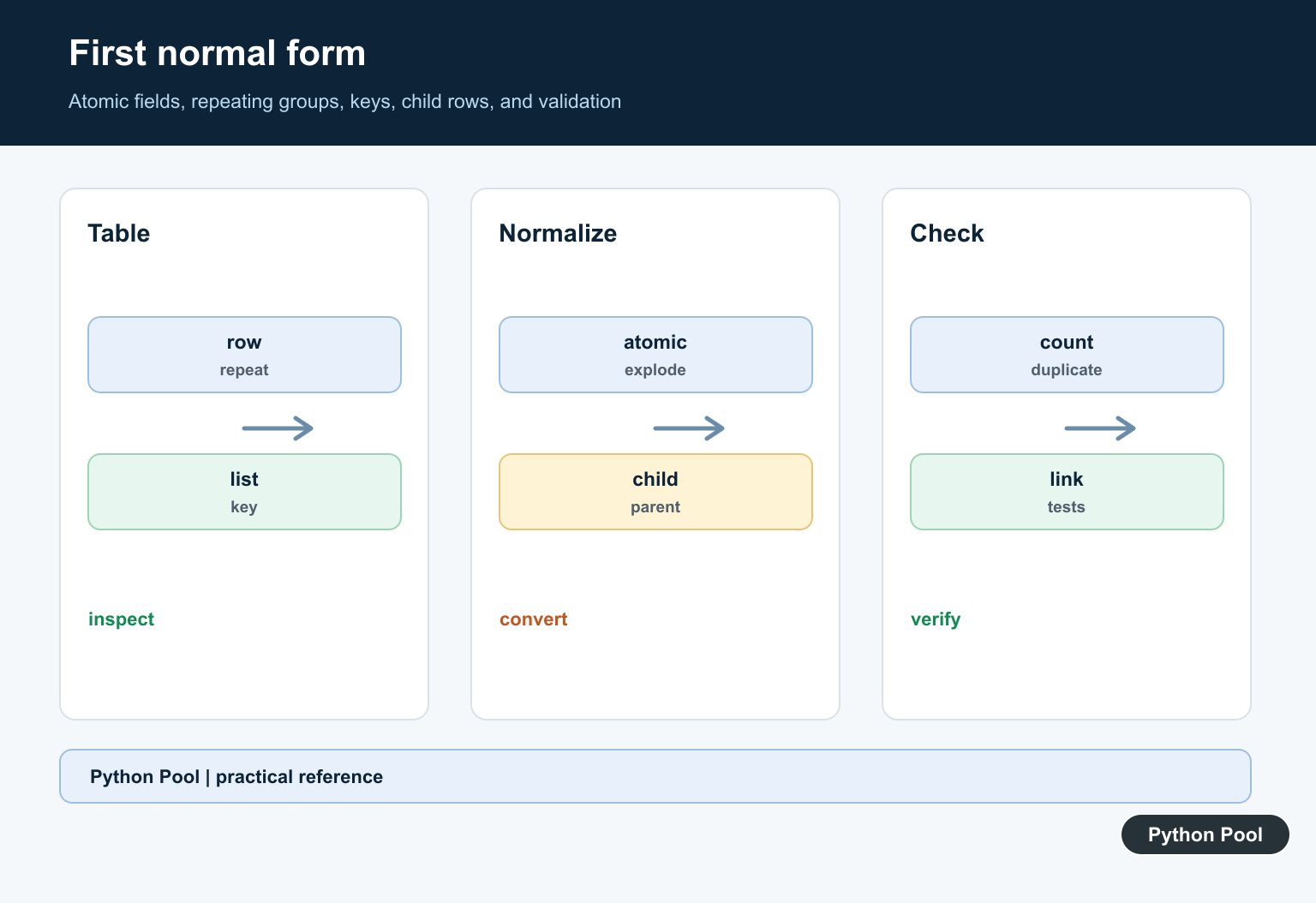
First normal form, usually written as 1NF, is the first cleanup step for relational-style data. A table is in 1NF when each row and column intersection contains one value, not a list of values, a nested object, or a repeated group packed into the same row.
In Python, converting a table to first normal form usually means reshaping a list of dictionaries, a CSV import, or an API result into smaller rows. The goal is not to make the data shorter. The goal is to make every row easier to filter, join, validate, and export without special parsing rules hidden inside a cell.
The official Python documentation for dictionary mapping types, the csv module, and enumerate() covers the standard-library tools used below.
A practical 1NF pass starts with two questions. Which columns hold more than one value? Which repeated columns really describe the same kind of child record? Once those are clear, the conversion is usually a controlled loop that emits one clean row per fact.
Keep one stable key, such as order_id, student_id, or ticket_id, before splitting rows. That key links the new detail rows back to the original entity. Without it, the reshaped output may be clean but hard to relate back to the source.
Find Cells That Break 1NF
Start by scanning for cells that store containers. Lists, tuples, sets, and dictionaries are useful Python objects, but they are not single table values when the output is meant to behave like a relational table.
rows = [
    {"order_id": 101, "customer": "Maya", "items": ["pen", "notebook"]},
    {"order_id": 102, "customer": "Noah", "items": ["pencil"]},
    {"order_id": 103, "customer": "Iris", "items": []},
]

def is_atomic(value):
    return not isinstance(value, (list, tuple, set, dict))

problem_cells = []
for row_number, row in enumerate(rows, start=1):
    for column, value in row.items():
        if not is_atomic(value):
            problem_cells.append((row_number, column, type(value).__name__))

print(problem_cells)
This scan does not finish the conversion, but it tells you where the cleanup is needed. If the only problem is one list column, a simple row expansion may be enough. If the row contains repeated numbered columns, a separate child table is usually clearer.
Atomic does not mean small. A long string can still be one value, while a short list can still hold several values. The question is whether the cell must be split before a normal row-by-row filter or join can work correctly.
Expand A List Column Into Rows
A common denormalized shape stores many items inside one list cell. Convert that shape by copying the parent fields and emitting one row for each item.
orders = [
    {"order_id": 101, "customer": "Maya", "items": ["pen", "notebook"]},
    {"order_id": 102, "customer": "Noah", "items": ["pencil"]},
]

first_nf_rows = []
for order in orders:
    for item in order["items"]:
        first_nf_rows.append(
            {
                "order_id": order["order_id"],
                "customer": order["customer"],
                "item": item,
            }
        )

print(first_nf_rows)
The result has one item per row. That makes filtering straightforward: code can ask for rows where item == "pen" without searching inside a list.
This style is useful for tutorial data, CSV cleanup, and small migration scripts. For a real relational database, the parent fields and item rows would normally become two linked tables instead of one repeated table.
Split Delimited Text Safely
Some tables hide several values in a string such as "math, art, music". Split the text, trim spaces, drop empty pieces, and create one output row for each cleaned value.
source_rows = [
    {"student_id": 1, "name": "Asha", "courses": "math, art, music"},
    {"student_id": 2, "name": "Ben", "courses": "science"},
]

course_rows = []
for row in source_rows:
    courses = [part.strip() for part in row["courses"].split(",") if part.strip()]
    for course in courses:
        course_rows.append(
            {
                "student_id": row["student_id"],
                "name": row["name"],
                "course": course,
            }
        )

print(course_rows)
This improves the table, but it also exposes an important data-quality detail. If a course name itself can contain a comma, plain string splitting is not enough. Use a real parser or change the source format before conversion.
When the delimiter is reliable, this cleanup is quick and testable. Include rows with leading spaces, trailing delimiters, and empty cells in your tests so the conversion does not create blank detail rows.
Move Repeated Columns Into A Detail Table
Another common problem is a row with columns such as item_1, item_2, and item_3. These columns describe the same kind of fact, so they should become child rows.
orders = [
    {"order_id": 101, "customer": "Maya", "item_1": "pen", "item_2": "notebook", "item_3": ""},
    {"order_id": 102, "customer": "Noah", "item_1": "pencil", "item_2": "", "item_3": ""},
]

order_rows = []
item_rows = []

for order in orders:
    order_rows.append({"order_id": order["order_id"], "customer": order["customer"]})
    for column in ("item_1", "item_2", "item_3"):
        item = order[column]
        if item:
            item_rows.append({"order_id": order["order_id"], "item": item})

print(order_rows)
print(item_rows)
The parent rows keep order-level data. The item rows keep item-level data. This prevents new columns from being added later just because an order has a fourth or fifth item.
The same pattern works for phone numbers, tags, course enrollments, invoice lines, and survey choices. Name the child table after the repeated fact, not after the original column names.
Normalize Rows Imported From CSV
If the source is CSV text, parse it with the standard csv module first. Then normalize the field that carries multiple values.
import csv
from io import StringIO

text = """order_id,customer,items
101,Maya,pen|notebook
102,Noah,pencil
"""

reader = csv.DictReader(StringIO(text))
item_rows = []

for row in reader:
    for item in row["items"].split("|"):
        item_rows.append(
            {
                "order_id": int(row["order_id"]),
                "customer": row["customer"],
                "item": item,
            }
        )

print(item_rows)
Parsing first matters because CSV has quoting rules. The csv module handles row boundaries and quoted fields before your 1NF code handles the application-level separator inside one column.
Keep type conversion close to parsing. In the example, order_id becomes an integer before it is stored in the output row. That keeps later joins and comparisons consistent.
Create A Reusable 1NF Helper
For repeated cleanup work, wrap the split into a function. The function below returns base rows and detail rows while keeping the original key in both outputs.
def to_first_normal_form(rows, multi_columns, key_column):
    base_rows = []
    detail_rows = []

    for row in rows:
        base = {column: value for column, value in row.items() if column not in multi_columns}
        base_rows.append(base)

        for column in multi_columns:
            values = row[column]
            if isinstance(values, str):
                values = [part.strip() for part in values.split(",") if part.strip()]

            for position, value in enumerate(values, start=1):
                detail_rows.append(
                    {
                        key_column: row[key_column],
                        "field": column,
                        "position": position,
                        "value": value,
                    }
                )

    return base_rows, detail_rows

rows = [
    {"ticket_id": 501, "owner": "Maya", "tags": "bug, urgent"},
    {"ticket_id": 502, "owner": "Noah", "tags": "docs"},
]

base_rows, tag_rows = to_first_normal_form(rows, ["tags"], "ticket_id")
print(base_rows)
print(tag_rows)
This helper is intentionally small. It assumes each listed multi-value column is either a string with commas or an iterable of values. If your source can contain missing keys, nested dictionaries, escaped delimiters, or inconsistent types, add validation before the loop that emits output rows.
A good 1NF conversion should be boring to read. It should preserve a key, split only the fields that need splitting, and produce rows with consistent column names. After that, grouping, filtering, joins, and exports become normal Python operations instead of custom parsing work.
For production migrations, write tests around the exact source shapes you expect: empty multi-value cells, one value, several values, repeated numbered columns, duplicate values, and rows with no child entries. The safest conversion is one whose output row counts and key coverage can be checked before the data is loaded anywhere else.
Model The Repeating Group
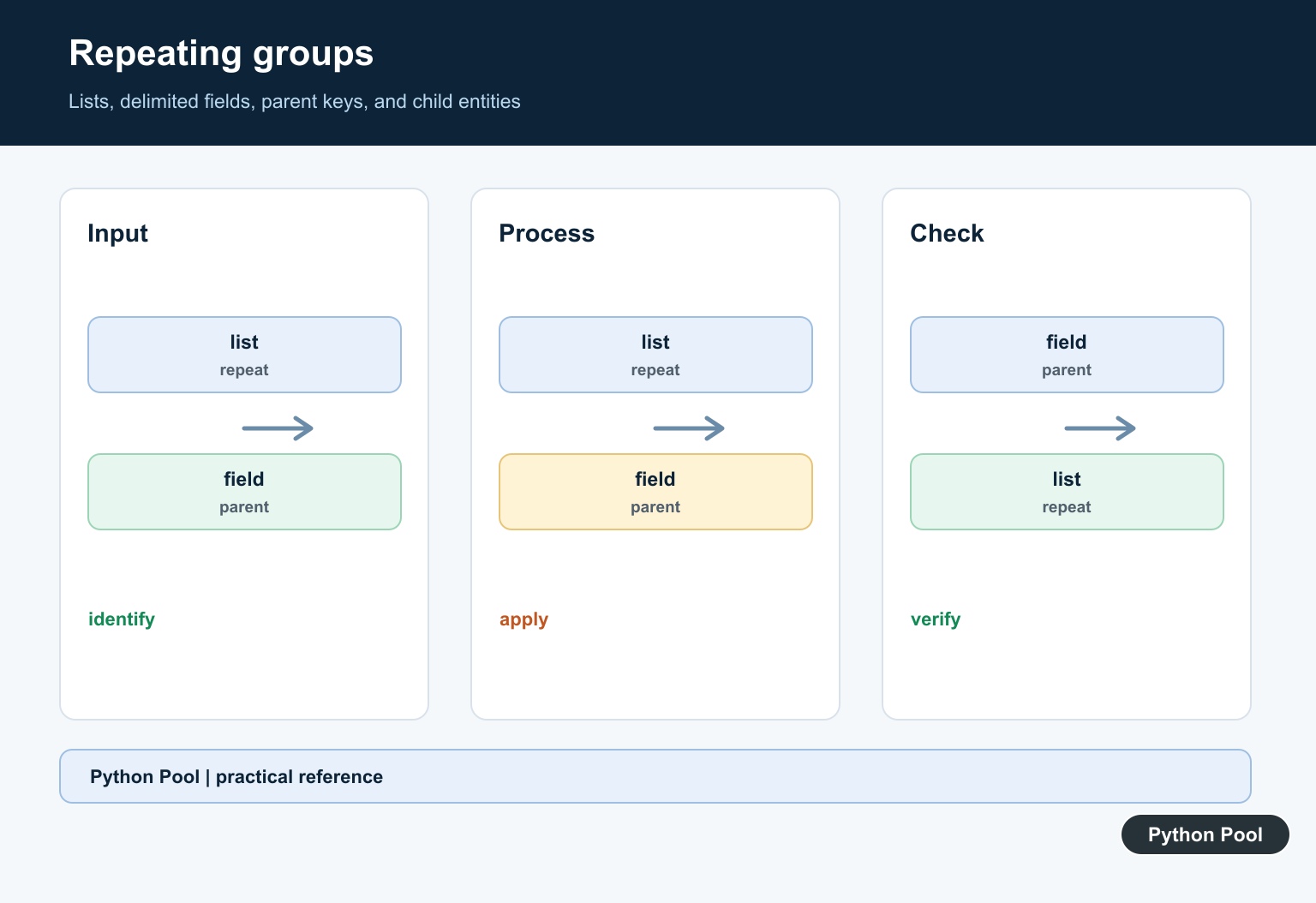
Identify which columns contain lists, delimited text, or repeated groups and define the child entity and key before writing a transformation.
Explode Into Rows
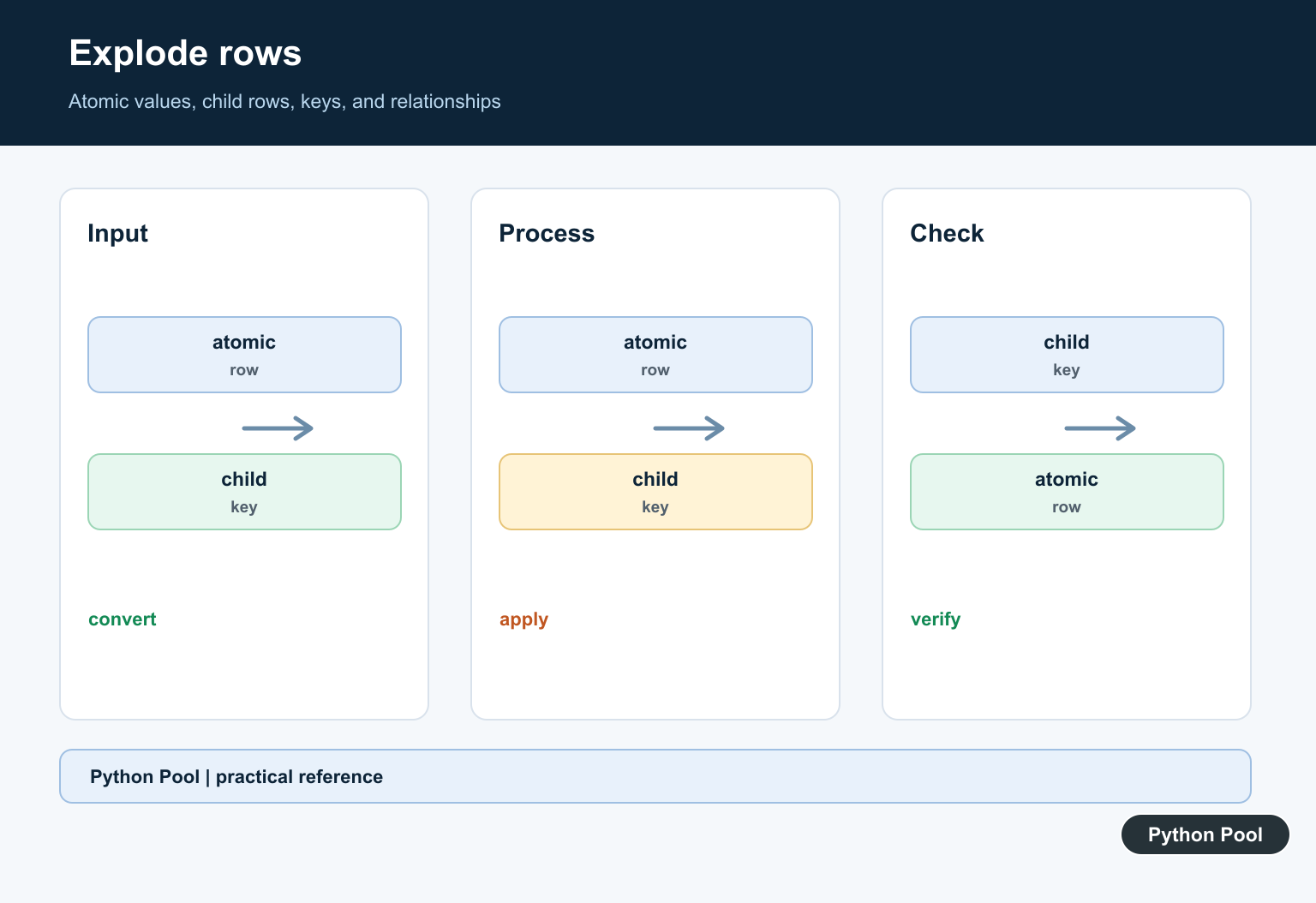
For each parent row, create one child record per related value and copy the parent identifier into it. Preserve ordering only when the source meaning requires it.
Keep Values Atomic
Do not merely replace one delimiter with another. A field should contain one value under the chosen model, with a documented type and missing-value policy.
Handle Empty Groups
Decide whether an empty group produces no child rows, an explicit unknown value, or a separate status. Avoid inventing a child record that the source did not represent.
Preserve Keys
Carry parent keys, create a child key when needed, and define duplicate behavior. A normalized shape is not correct if it loses which parent a value belonged to.
Validate Equivalence
Compare relationships and counts before and after conversion, check atomic fields and keys, and use representative malformed, duplicate, and empty inputs in tests.
Use the first-normal-form reference for the relational concept. Related Python Pool references include lists and testing.
For related data modeling, compare repeating values, key mappings, and conversion tests before normalizing a table.
Frequently Asked Questions
What is first normal form?
First normal form requires each field to contain an atomic value for the chosen model and avoids repeating groups inside one row.
How can Python convert repeated table values?
Parse each source row, split or explode the repeating values into separate records, and carry the parent key into each generated child row.
What should I do with empty values?
Define whether empty means unknown, not applicable, or no related value, and preserve that distinction consistently during conversion.
How do I validate a first-normal-form result?
Check atomic fields, unique or composite keys, row counts, referential links, duplicate handling, and equivalence of the represented relationships.