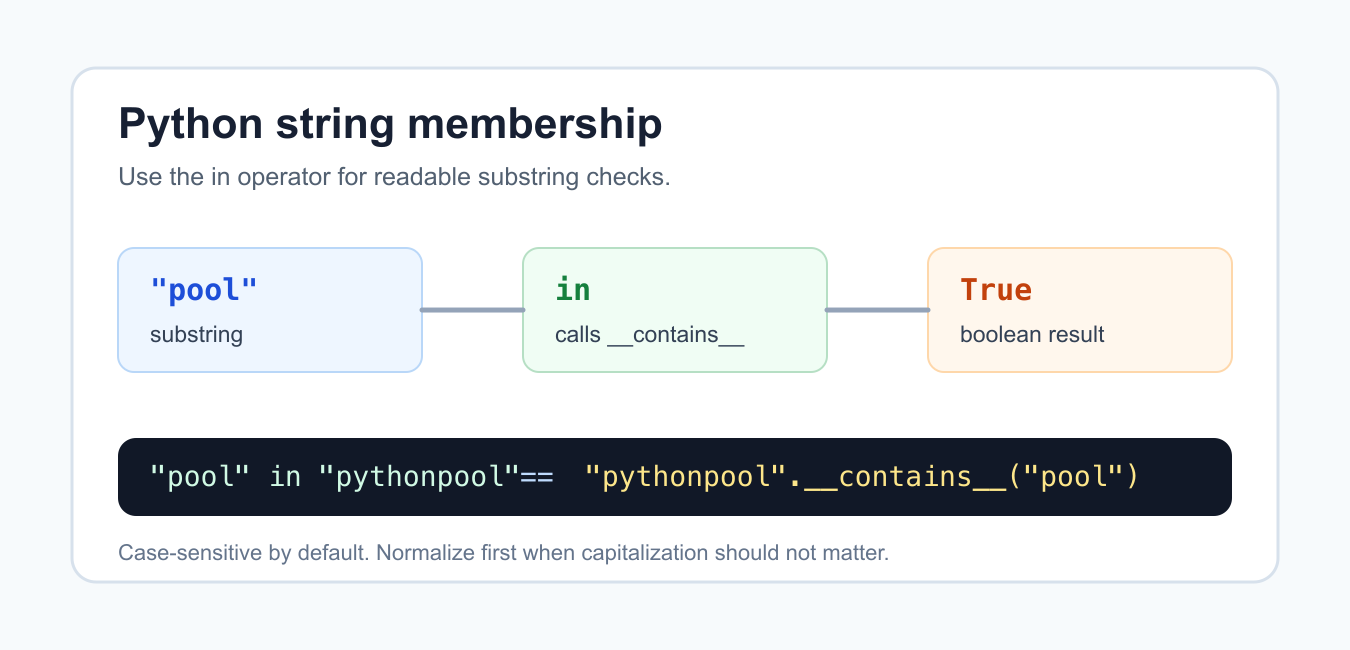
Quick answer: The in operator is the readable way to check whether one string contains another. For strings, Python’s membership protocol is implemented by the special method __contains__(), but direct calls to text.__contains__(needle) are rarely necessary. Decide case sensitivity and normalization explicitly when the text comes from users.
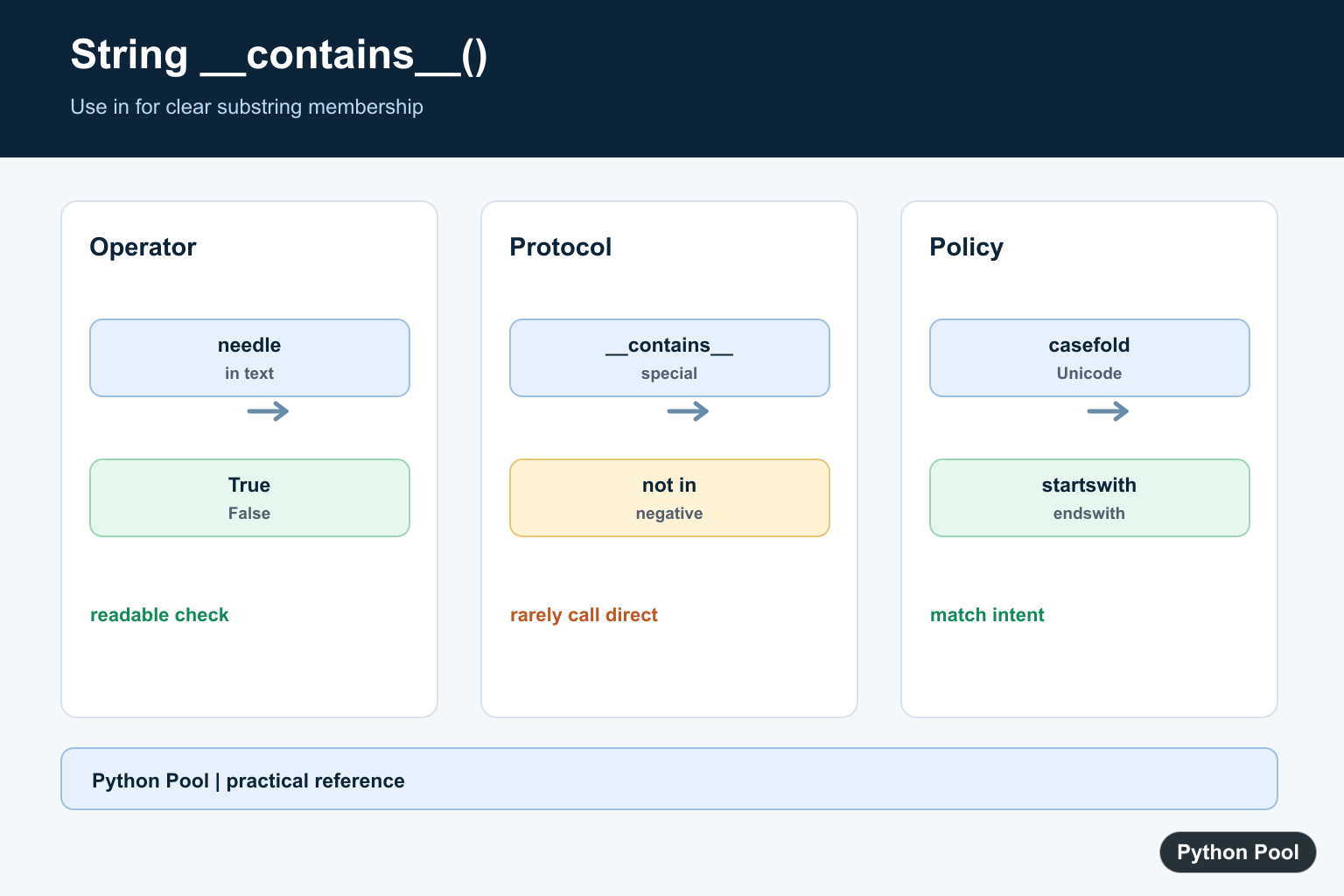
Python string __contains__() is the special method behind substring membership checks. When you write needle in text, Python asks the string whether it contains that smaller piece of text and returns True or False.
Most code should use the in operator instead of calling text.__contains__(needle) directly. The operator is shorter, clearer, and matches how membership checks are described in the official Python membership test documentation. The official Python string methods documentation is also useful when comparing membership checks with methods such as find(), index(), and count().
A string membership check searches for a contiguous substring. It does not split words, ignore case, or return the position of a match. If the left side appears anywhere inside the right side, the result is True. If it does not appear, the result is False.
That makes in a good fit for guard clauses and simple validation. Use it to ask yes-or-no questions such as whether an email contains "@", whether a file name ends with known text after a separate suffix check, or whether a log line includes a known status word.
Use another string method when you need more than a boolean answer. Choose find() for the first index with -1 on a miss, index() when a miss should raise ValueError, and count() when the number of non-overlapping matches matters.
Call __contains__ Directly
You can call __contains__() on a string, and it returns the same kind of boolean result as a membership expression.
text = "pythonpool"

print(text.__contains__("pool"))
print(text.__contains__("Pool"))
The first check is True because "pool" appears in "pythonpool". The second check is False because string membership is case-sensitive.
Direct calls are useful when teaching how Python connects operators to special methods. In production code, prefer the operator form shown next because it is what Python readers expect.
Prefer The in Operator
The idiomatic version places the substring on the left of in and the string being searched on the right.
text = "pythonpool"
needle = "pool"

if needle in text:
    print("found")
else:
    print("missing")
This reads like plain English and avoids exposing a dunder method in normal application code. It also works with many other containers, so the same shape is familiar for strings, lists, tuples, sets, and dictionaries.
Keep the order clear: needle in text asks whether the smaller piece appears inside the larger string. Reversing the sides asks a different question and usually gives the wrong answer.
Handle Case Sensitivity
Membership checks do not ignore capitalization. Normalize both sides first when capitalization should not matter.
name = "PythonPool"
needle = "pool"

print(needle in name)
print(needle.casefold() in name.casefold())
The first result is False because "pool" does not match the capital "P" in the original text. The second result is True because both sides are case-normalized before the check.
casefold() is usually a better choice than lower() for user-facing comparison because it handles more Unicode case rules. For fixed ASCII-only text, either approach may look the same, but using one clear normalization step keeps the intent visible.
Know The Empty Substring Rule
Python treats the empty string as present in every string, including another empty string. This follows the general sequence membership rules and can surprise people during validation.
text = "python"

for needle in ["", "py", "x"]:
    print(repr(needle), needle in text)
If a blank search term should not be accepted, check that first with if needle: or if needle.strip():. Do not rely on needle in text to reject blank input.
This rule matters in search boxes, tag filters, and command handlers. A blank query can otherwise pass a membership test and make later code behave as if a real match was found.
Wrap Repeated Checks In A Helper
A small helper keeps repeated substring checks consistent, especially when several lines or records need the same test.
def has_token(line, token):
    return token in line

lines = ["level=info action=save", "level=error action=load"]

for line in lines:
    print(has_token(line, "error"))
This helper keeps the membership rule in one place. If the project later needs case-normalized checks, whitespace cleanup, or a stricter token boundary, you can update that one function instead of changing every condition.
For structured formats, still use the right parser. Membership checks are fine for quick guards, but they are not a replacement for parsing CSV, JSON, URLs, or log formats with quoted fields.
Define __contains__ On Your Own Class
The reason str.__contains__() exists is that Python lets classes define membership behavior. If a class implements __contains__(), the in operator can use it.
class TagBag:
    def __init__(self, tags):
        self.tags = {tag.casefold() for tag in tags}

    def __contains__(self, tag):
        return tag.casefold() in self.tags

bag = TagBag(["Python", "SEO", "Strings"])

print("python" in bag)
print("java" in bag)
This example creates case-insensitive membership for a small tag collection. The calling code still uses "python" in bag, while the class decides how membership should work internally.
For strings, you almost never need to call __contains__() yourself. Use needle in text for yes-or-no substring checks, normalize first when case should not matter, reject blank search terms when needed, and switch to find(), index(), or count() when you need positions or counts instead of a boolean result.
Use in For Substring Membership
The expression needle in text returns a Boolean and reads like the question it answers. It searches for a substring rather than requiring an exact whole-string match. Use not in for the negative form and keep the searched text and needle in clearly named variables.
text = "Python makes automation practical"
needle = "automation"
print(needle in text)
print("Java" not in text)
Understand __contains__ Without Calling It
Special methods define protocols used by operators. text.__contains__(needle) can demonstrate the implementation, but direct calls couple application code to a low-level method and are less readable than in. Use the operator unless you are implementing or inspecting a custom type.
text = "Python"
print(text.__contains__("Py"))
print("Py" in text)
Handle Case And Unicode Deliberately
String membership is case-sensitive. For a case-insensitive search, normalize both operands with casefold(), which is designed for caseless Unicode matching. Do not normalize only one side, and do not normalize text when the original spelling is meaningful to the application.
text = "Café Python"
needle = "CAFÉ"
print(needle in text)
print(needle.casefold() in text.casefold())
Separate Substrings From Other Membership
in also checks elements in lists, keys in dictionaries, and characters or substrings in strings. The meaning depends on the container. Use equality for exact text, startswith or endswith for boundaries, and a regular expression when the match requires a pattern rather than a literal substring.
text = "report-2026.csv"
print(text.endswith(".csv"))
print("2026" in text)
print(text == "report-2026.csv")
Python’s membership-test documentation describes the in and not in operators. Use the operator as the public expression and reserve __contains__() for protocol implementation or focused introspection.
For related string membership and matching, compare character searches, substring operations, and string length checks when choosing the clearest predicate.
Frequently Asked Questions
What does string __contains__() do in Python?
It implements substring membership for strings, so an expression such as needle in text can determine whether the smaller string occurs.
Should I call __contains__() directly?
Usually no. Use the in operator because it is clearer, follows Python’s membership syntax, and works with the intended protocol.
Is Python string membership case-sensitive?
Yes. Normalize both strings with casefold or another explicit policy when the search should ignore case.
How do I check whether a string does not contain text?
Use not in, such as phrase not in text, rather than manually calling __contains__ and comparing its result to False.
Everything about this article is just wrong. You are not supposed to use the __contains__ method directly, it is just implementation for the “in” operator. And the same goes for any dunder (double underscore) methods, they are not meant to be used directly.
So the correct way to check if string is contained in another string is
Please change the title or at least put a big warning at the top, so that some python beginner doesn’t think that using __contains__ is actually the best and correct way to do it.
PS. Also don’t use “str” as a variable name as it conflicts with the built-in str and can cause unexpected errors.
Hi,
We’ve added a section of using __contains__ for “in” operator. Please let me know if you have any other doubts.
Regards,
Pratik