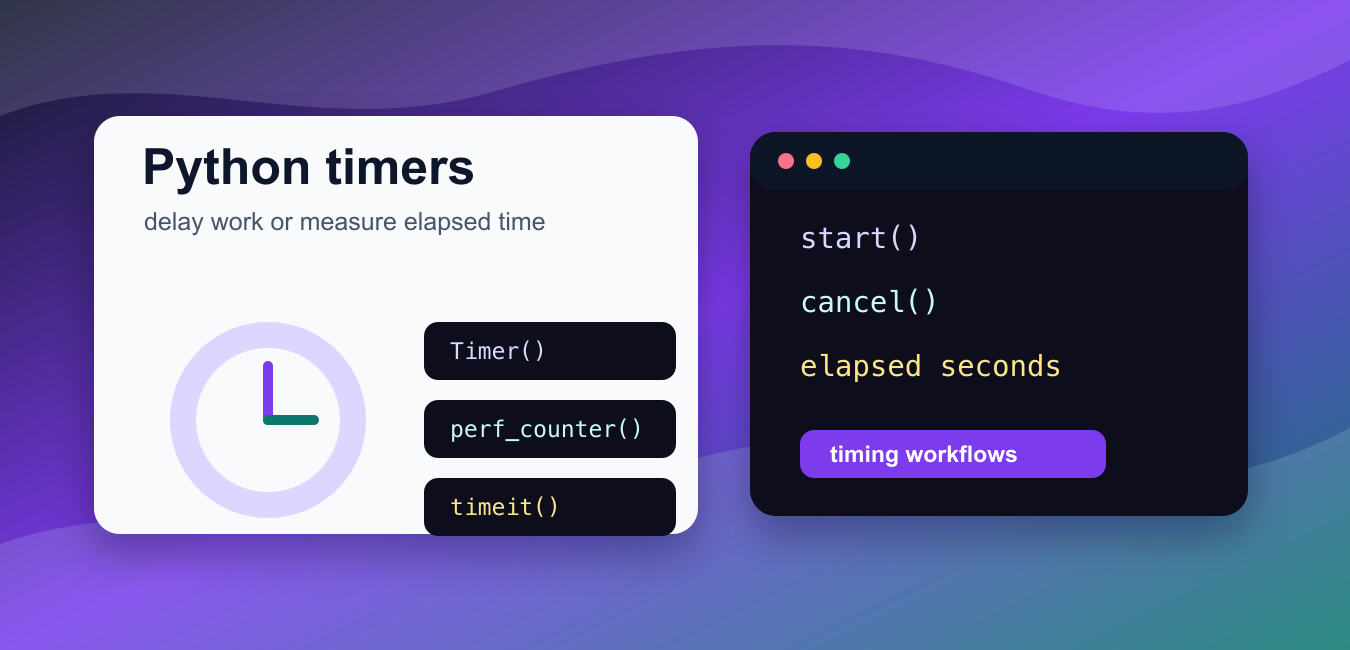
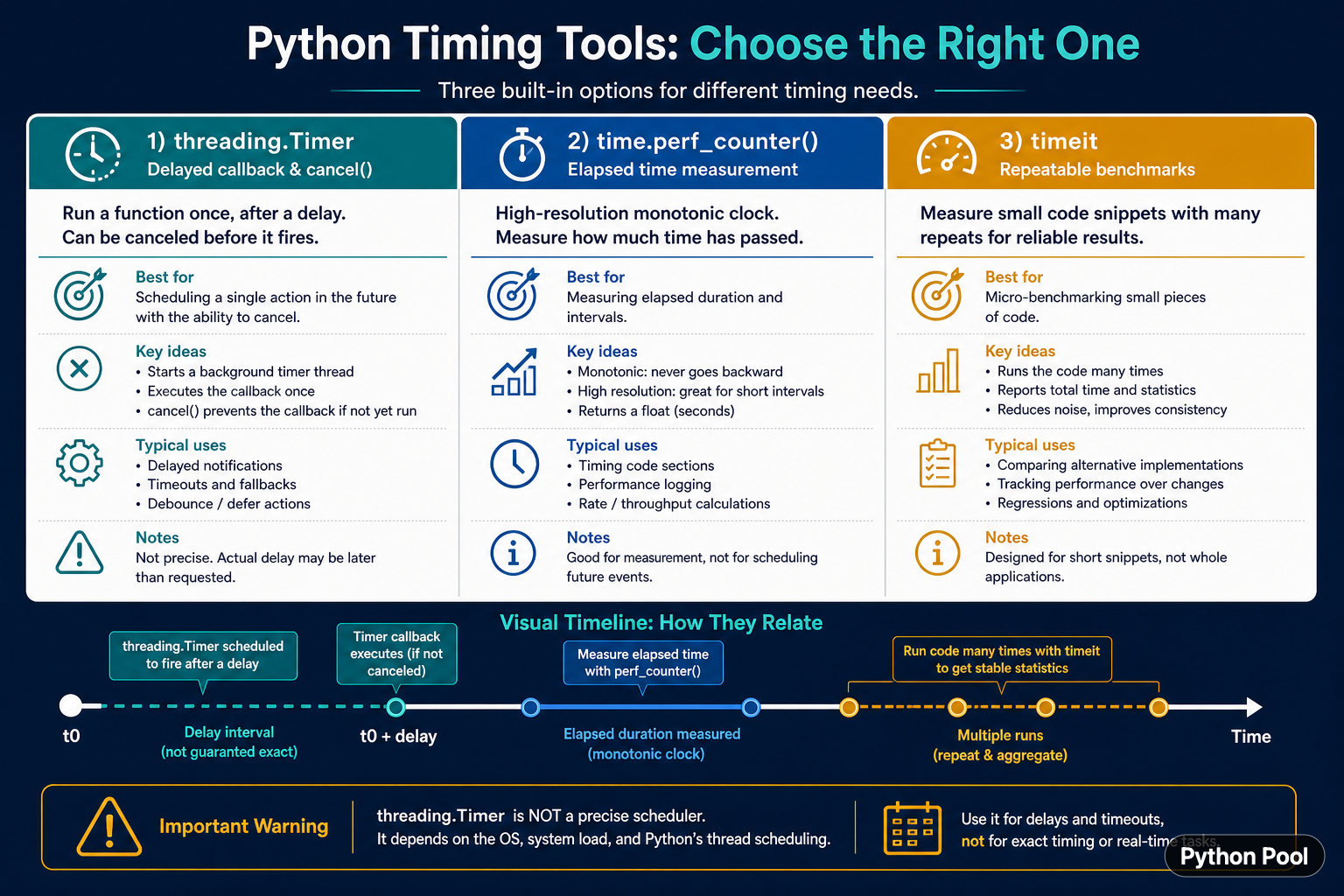
Python timer tools solve different problems. threading.Timer schedules one callback after a delay and can be canceled before it runs. time.perf_counter() measures elapsed wall-clock duration with a monotonic high-resolution clock. timeit repeats small pieces of code to estimate performance. A timer is not automatically a scheduler, a timeout, or a benchmark, so choosing the right tool matters.
Quick answer
Use threading.Timer(delay, function) for a delayed callback. Keep the timer object and call cancel() when the callback should not run. Use time.perf_counter() around an operation when you need elapsed duration. Use timeit for repeatable microbenchmarks with controlled repetitions. For production scheduling, use a scheduler or job system with explicit retry and persistence behavior.
The official documentation covers threading.Timer, time.perf_counter(), and timeit. The tools may all be described as timers, but their guarantees and purposes are different.
Schedule a delayed callback
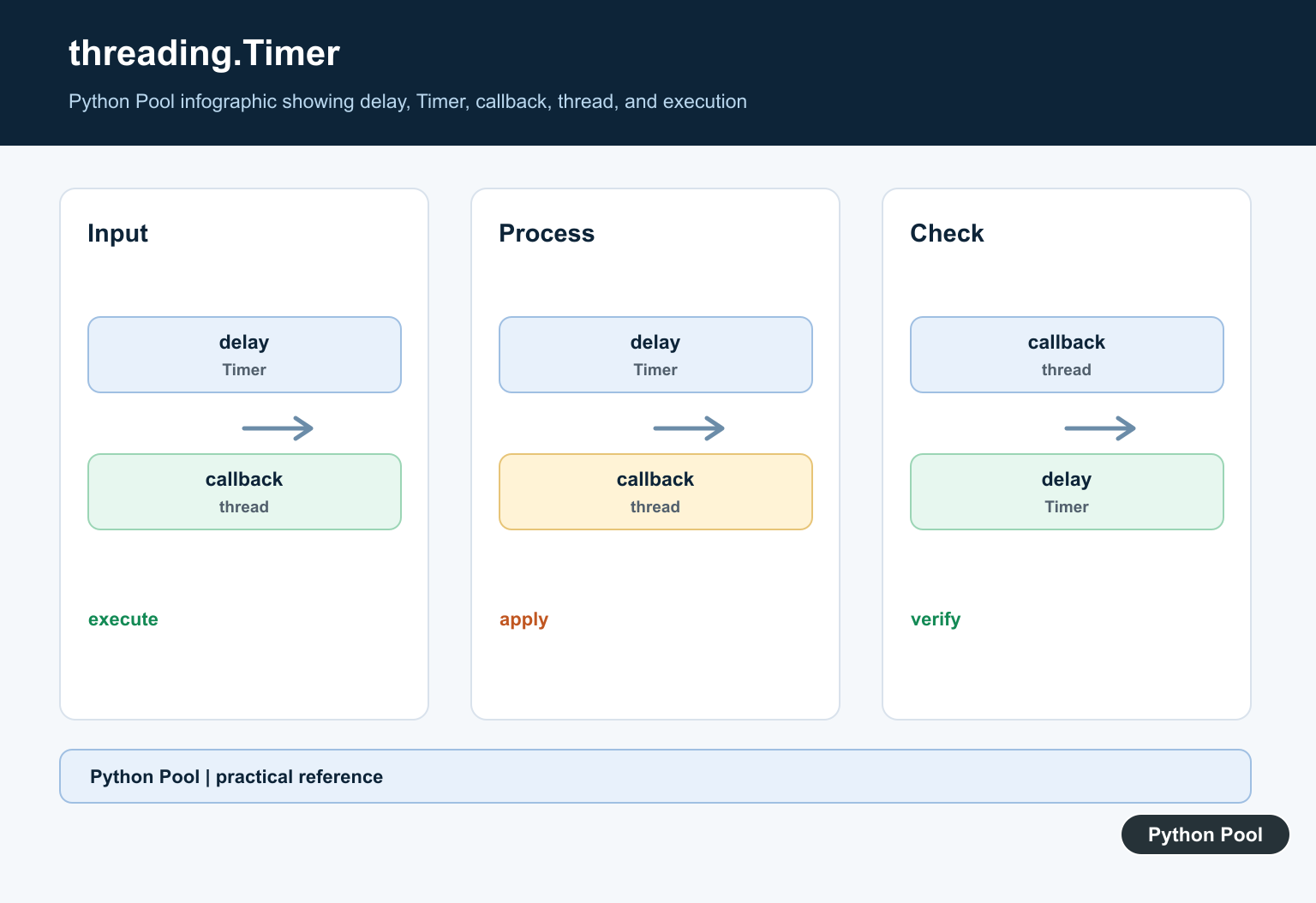
threading.Timer starts a background thread that waits for the interval and then calls the target. The actual callback can run later than the requested delay because of operating-system scheduling and thread contention. Use it for simple one-shot callbacks, not exact real-time work.
from threading import Timer

def notify():
    print("callback ran")

timer = Timer(2.0, notify)
timer.start()
print("timer started")
The timer thread is separate from the caller. Decide whether it should be daemonized, how exceptions should be reported, and how the application should shut down. A callback that touches shared state needs the same synchronization discipline as any other thread.
Cancel a timer safely
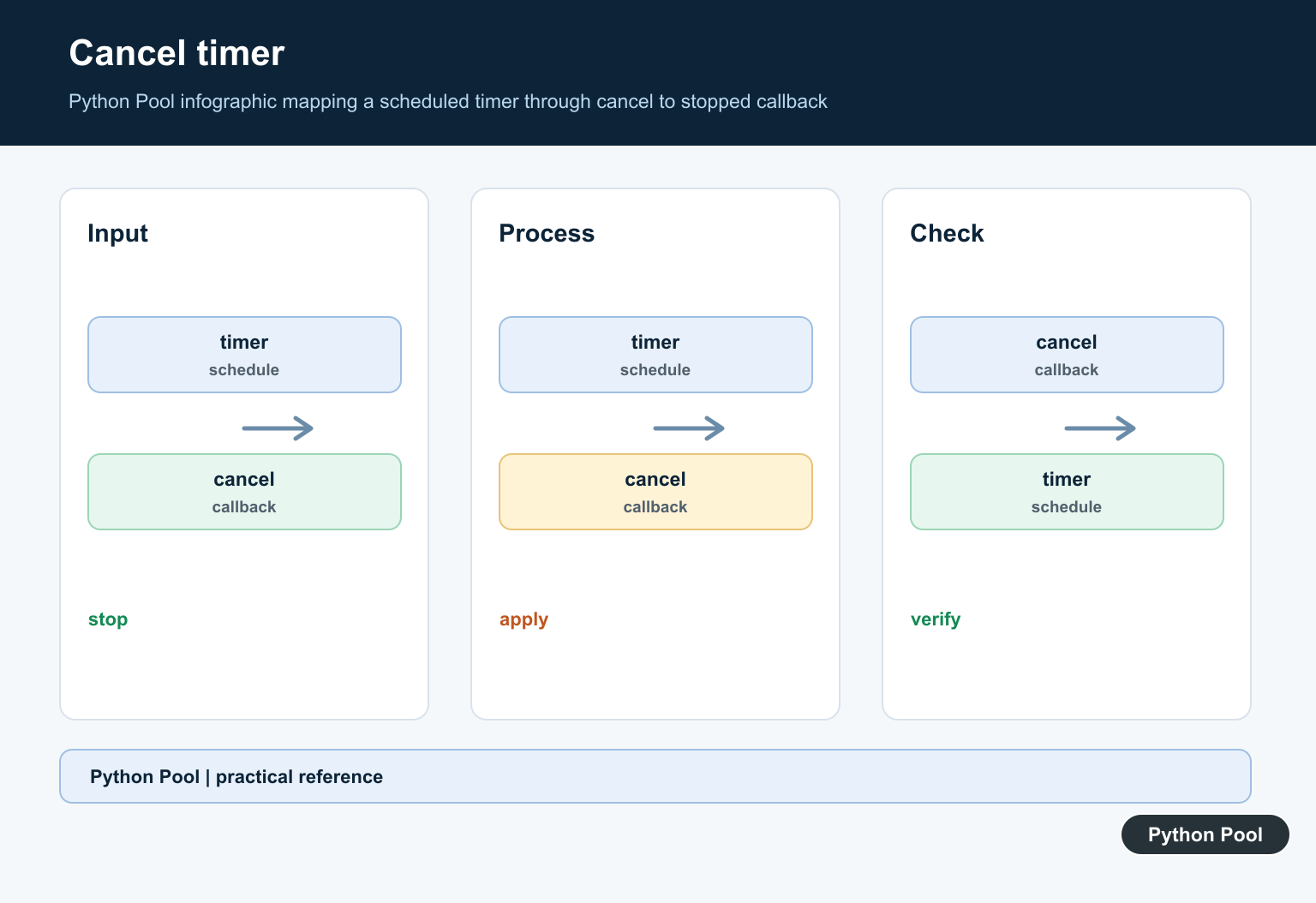
Call cancel() before the timer's waiting interval finishes when the action should be skipped. Cancellation prevents the waiting event from being set, but it does not undo a callback that has already started. Design the callback to be idempotent when duplicate or late execution is possible.
from threading import Timer

state = {"sent": False}

def send_reminder():
    if state["sent"]:
        return
    state["sent"] = True
    print("send reminder")

timer = Timer(10.0, send_reminder)
timer.start()
timer.cancel()
print("timer canceled before the callback")
In a service, a cancellation flag or event may be clearer than relying only on timing. Always make the state transition explicit if the callback performs an external action such as sending a message or writing a record.
Measure elapsed time with perf_counter()
time.perf_counter() is intended for measuring short elapsed durations. Read the clock before and after the operation and subtract the values. It is monotonic, so changes to the system wall clock do not make the measured duration move backward.
import time

start = time.perf_counter()
total = sum(range(100000))
elapsed = time.perf_counter() - start

print(total)
print(f"{elapsed:.6f} seconds")
Do not compare timestamps from separate machines using perf_counter(). The reference point is arbitrary and intended for differences within one process or system. Use an appropriate wall-clock or monotonic distributed timing design for cross-machine events.
Benchmark small code with timeit
timeit repeats a statement and reports timing statistics. Repetition reduces the effect of one scheduling interruption, but it does not make every benchmark representative. Measure the operation in the context that matters and avoid including setup work unless setup is part of the question.
import timeit

setup = "values = list(range(1000))"
statement = "sum(values)"
seconds = timeit.timeit(statement, setup=setup, number=1000)

print(seconds)
For a real application, benchmark with realistic data, warm-up behavior, I/O, and memory pressure when those factors matter. A microbenchmark can answer a narrow question, not prove that an entire system is faster.
Use repeat for timing distributions
timeit.repeat() returns several measurements. Looking at the minimum can approximate the fastest run with less interference, while median or percentile values can better represent typical behavior. Choose a summary deliberately and report the number of repeats.
import statistics
import timeit

samples = timeit.repeat(
    "sum(range(1000))",
    repeat=5,
    number=1000,
)

print(samples)
print(min(samples))
print(statistics.median(samples))
Do not claim a meaningful difference from one noisy run. Record Python version, platform, input size, and benchmark command when the result will guide an optimization decision.
Use a timer for a timeout boundary
A timer can set shared state after a delay, but it does not forcibly stop arbitrary Python code. For an operation that may block, use a library-specific timeout or an architecture that can cancel the work. A timer flag is useful only when the worker checks it cooperatively.
from threading import Event, Timer

stop_requested = Event()

def request_stop():
    stop_requested.set()

timer = Timer(1.0, request_stop)
timer.start()

while not stop_requested.is_set():
    print("working")
    break
The example uses a cooperative signal. A production loop should perform bounded work, check the event between units, and clean up resources in a finally block. Do not assume that calling cancel() can interrupt a callback that is already executing.
Common mistakes
- Using
threading.Timeras a precise real-time scheduler. - Using wall-clock time to measure elapsed performance.
- Benchmarking setup and operation together without stating that choice.
- Assuming a timer can kill a running function.
- Sharing mutable state with a callback without synchronization.
The practical rule is to name the question first: delayed action, elapsed duration, repeatable benchmark, or cooperative timeout. Then use the matching tool and document its limits. This keeps “timer” code predictable instead of hiding scheduling, measurement, and cancellation decisions in one abstraction.
Make timing results reproducible
Timing changes with CPU load, thermal state, operating-system scheduling, background processes, Python version, and input size. Record the environment when a benchmark informs an engineering decision. A result without its setup and repetition count is difficult to reproduce or compare.
Keep timer callbacks short or delegate substantial work to a worker system. A callback that blocks its timer thread can make cancellation and shutdown harder to reason about. Protect shared state with a lock or an event when more than one thread can read or update it.
For periodic work, rescheduling a one-shot Timer can accumulate drift. A scheduler designed for recurring jobs can express the interval, missed runs, persistence, and retry policy more clearly than a chain of ad hoc timer threads.
Choose the clock and scheduling model from the requirement before optimizing the implementation. A delayed callback may run late but still be correct, while a performance measurement can be precise even though it should never be used to trigger a future event.
For timing and timestamps, compare Python timeit benchmarking with getting the current datetime. Read python timeit and python datetime now for the related workflow.
Frequently Asked Questions
Frequently Asked Questions
How do I schedule a delayed function in Python?
Use threading.Timer(delay, function), start it, and keep the Timer object if the callback may need to be canceled.
How do I measure elapsed time in Python?
Use time.perf_counter() before and after the operation and subtract the two readings.
What is Python timeit used for?
timeit repeats small code snippets under controlled conditions to produce more useful microbenchmark measurements.
Can threading.Timer stop a running function?
No. cancel() prevents a waiting callback from starting when possible; it does not forcibly interrupt a callback already running.