
Quick answer: list.pop() removes and returns one item, using the last item when no index is supplied. It is a natural stack operation; repeated pop(0) calls shift the remaining list and are usually better expressed with collections.deque.
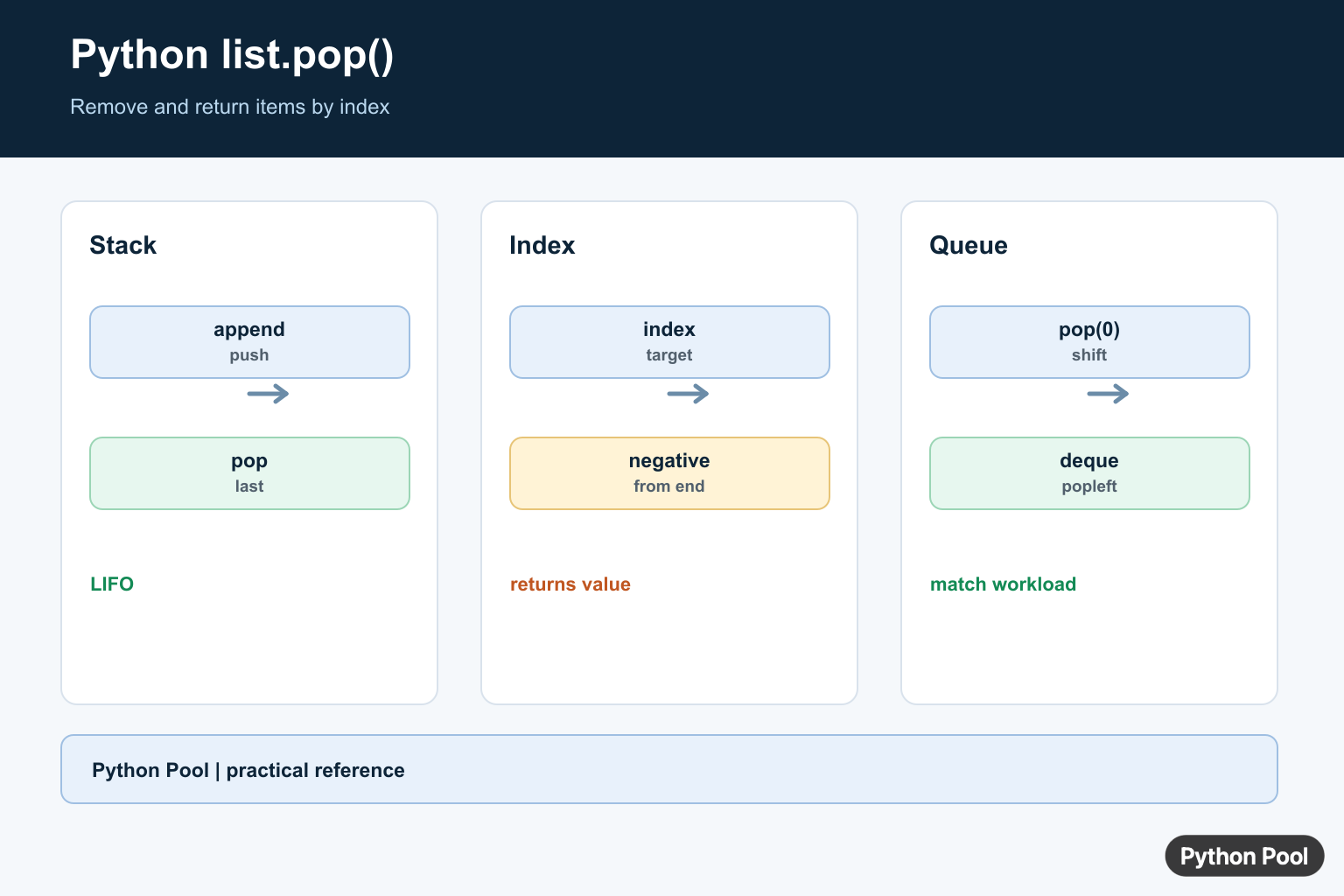
list.pop() removes an item from a Python list and returns that item. If you call it without an argument, it removes the last item. If you pass an index, it removes the item at that position.
The two details that matter most are safety and intent: pop() changes the original list, and it raises IndexError if the list is empty or the index is invalid.
Basic list.pop() Syntax
Python documents pop() in the official list methods section. The default index is -1, so the last item is removed when no argument is passed.
items = ["red", "green", "blue"]
removed = items.pop()

print(removed)
print(items)
Use this pattern when you need both the removed value and the shortened list. If you only need to read the last value without changing the list, use items[-1] instead.
Pop an Item by Index
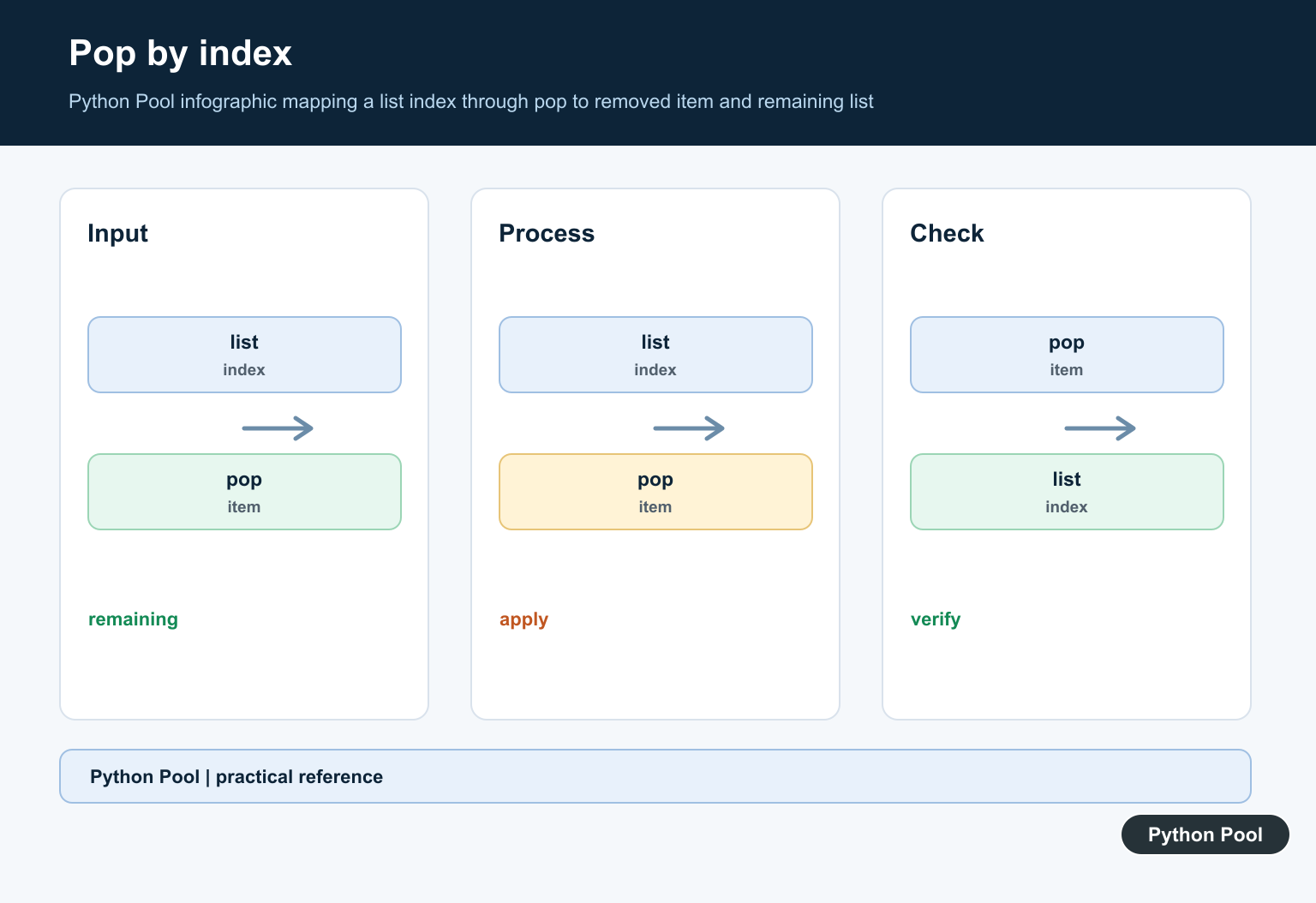
Pass an index to remove a specific item. Python lists use zero-based indexes, so index 0 is the first item.
items = ["red", "green", "blue"]
removed = items.pop(1)

print(removed)
print(items)
For deeper indexing rules and boundary mistakes, see PythonPool’s list index out of range guide.
Pop the First Item
pop(0) removes the first item, but it shifts the remaining items left. That is fine for small lists, but repeated front removal can be inefficient for large lists.
queue = ["task1", "task2", "task3"]
first = queue.pop(0)

print(first)
print(queue)
If your program repeatedly removes from the front, consider whether a different data structure would be clearer. Python’s mutable sequence docs are useful for understanding which list operations mutate the sequence.

Handle Empty Lists Safely
Calling pop() on an empty list raises IndexError. Python’s official IndexError docs describe this as an invalid sequence index.
items = []

if items:
    removed = items.pop()
else:
    removed = None

print(removed)
Use this check when an empty list is a normal possibility. If an empty list means your earlier logic is wrong, fix the earlier logic instead of hiding the error.
Use pop() as a Stack
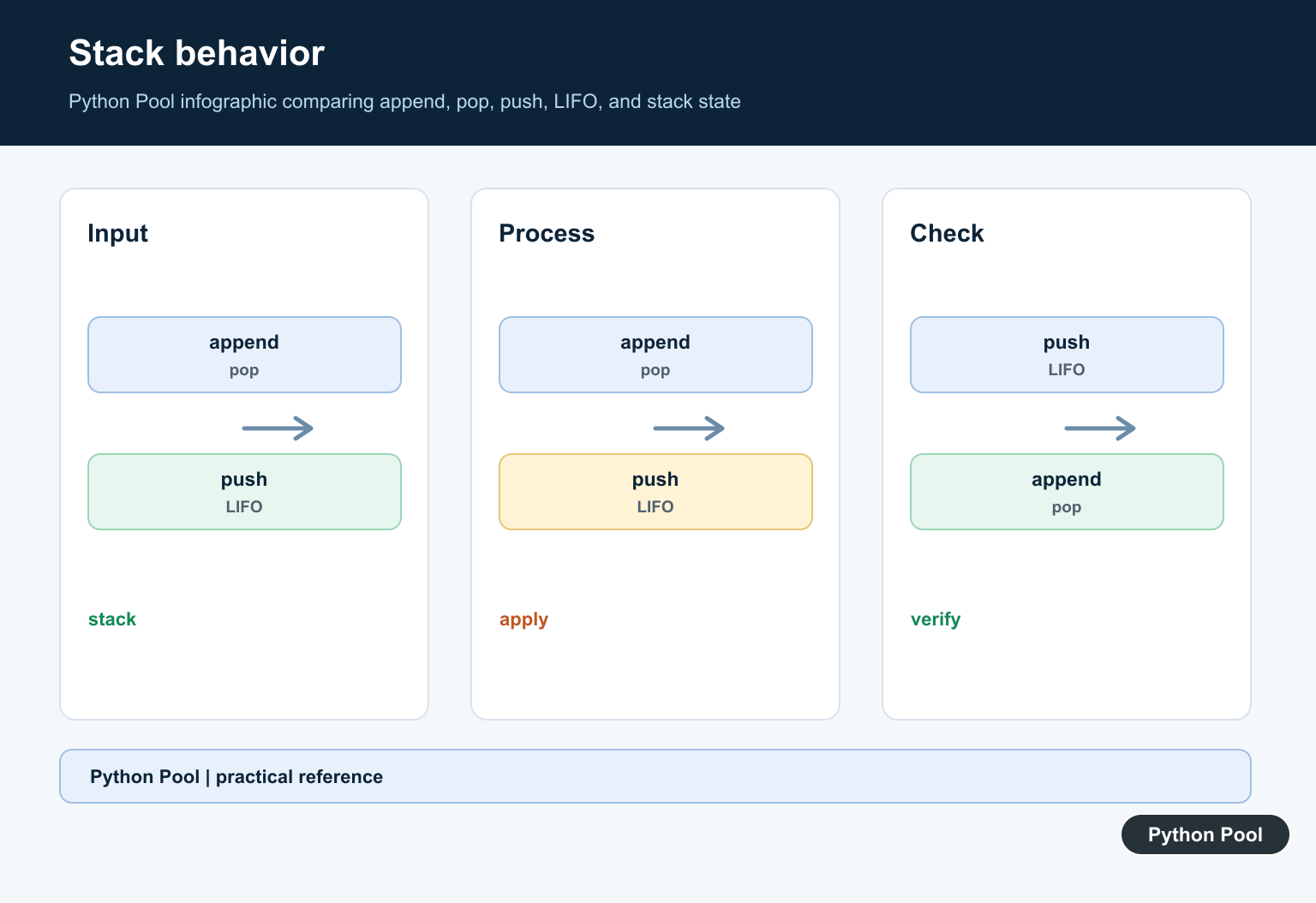
A list works naturally as a simple stack: append items to the end, then pop them from the end. Both operations are easy to read.
stack = []
stack.append("open file")
stack.append("read data")
stack.append("close file")

while stack:
    print(stack.pop())
This last-in, first-out pattern is one of the most common uses of pop().
Pop from a Nested List
For nested lists, check that the outer row exists before popping from the inner list.
matrix = [[1, 2], [3, 4], []]
row = 0

if row < len(matrix) and matrix[row]:
    value = matrix[row].pop()
else:
    value = None

print(value)
print(matrix)
For more nested-list examples, read PythonPool's Python 2D list guide.
pop() vs remove() vs del
| Operation | Use it when | Returns value? |
|---|---|---|
pop(index) |
You know the position and need the removed item | Yes |
remove(value) |
You know the value and want to remove its first match | No |
del items[index] |
You know the position and do not need the removed item | No |
Pop While Iterating
Be careful when removing items while looping over the same list. Mutating the list changes indexes and can skip values. Build a new list when filtering is the real goal.
numbers = [1, 2, 3, 4, 5]
even_numbers = [number for number in numbers if number % 2 == 0]

print(even_numbers)
print(numbers)
If you need a copy before changing a list, PythonPool's copy list guide covers shallow copies, slicing, and deepcopy().
Common Mistakes
- Calling
pop()on an empty list. - Using an index equal to
len(items), which is outside the list. - Expecting
pop()to leave the original list unchanged. - Using repeated
pop(0)on large lists without considering performance. - Removing items from a list while iterating over it by index.
If your list comes from files in a folder, the refreshed os.listdir() guide may also help.
When Not to Use pop()
Do not use pop() when the code only needs to inspect a value. Direct indexing or slicing is clearer for read-only access. Python's common sequence operations documentation covers indexing, slicing, membership tests, and length checks. Those operations keep the list intact, while pop() removes data. This distinction matters in debugging because a later line may fail only because an earlier pop() shortened the list.
FAQs
What does list.pop() return?
It returns the item it removes from the list.
What happens if I call pop() on an empty list?
Python raises IndexError. Check if items: before popping when an empty list is possible.
Does pop() remove the first or last item?
Without an argument, pop() removes the last item. Use pop(0) to remove the first item.
Pop The Last Item
The no-argument form removes the last item and returns it. This gives a list last-in-first-out stack behavior with append() and pop().
tasks = ["parse", "validate", "save"]
while tasks:
    task = tasks.pop()
    print("running", task)
Use An Index
A non-negative index removes that position, while a negative index counts from the end. The list is mutated in either case, so keep the returned value if it is needed later.
values = ["a", "b", "c", "d"]
last = values.pop()
first = values.pop(0)
print(first, last, values)
Handle Empty Lists
Calling pop() on an empty list raises IndexError. A loop condition is often clearer than catching the exception, while a boundary API may catch it and convert it to a domain-specific result.
def take_last(values):
    if not values:
        return None
    return values.pop()

items = []
print(take_last(items))
Choose deque For Front Removal
pop(0) is useful occasionally, but each front removal shifts later elements. deque.popleft() is designed for queue behavior and keeps the operation efficient as the collection grows.
from collections import deque

queue = deque(["first", "second", "third"])
while queue:
    print(queue.popleft())
The official list documentation defines pop(index) and its IndexError behavior. Match the method to whether the workload is a stack, an occasional indexed removal, or a queue.
For related sequence and queue patterns, compare heapq priority queues, combining lists, and ordered mappings when list mutation is no longer the whole data-structure contract.
Frequently Asked Questions
What does list.pop() do in Python?
It removes and returns the item at an index, defaulting to the last item when no index is supplied.
What happens when pop() is called on an empty list?
It raises IndexError, so check the list or handle the exception when emptiness is possible.
Can list.pop() remove the first item?
Yes, pop(0) removes and returns the first item, but deque.popleft() is generally a better fit for repeated front removals.
Does pop() mutate the original list?
Yes. The list becomes shorter and the removed value is returned to the caller.