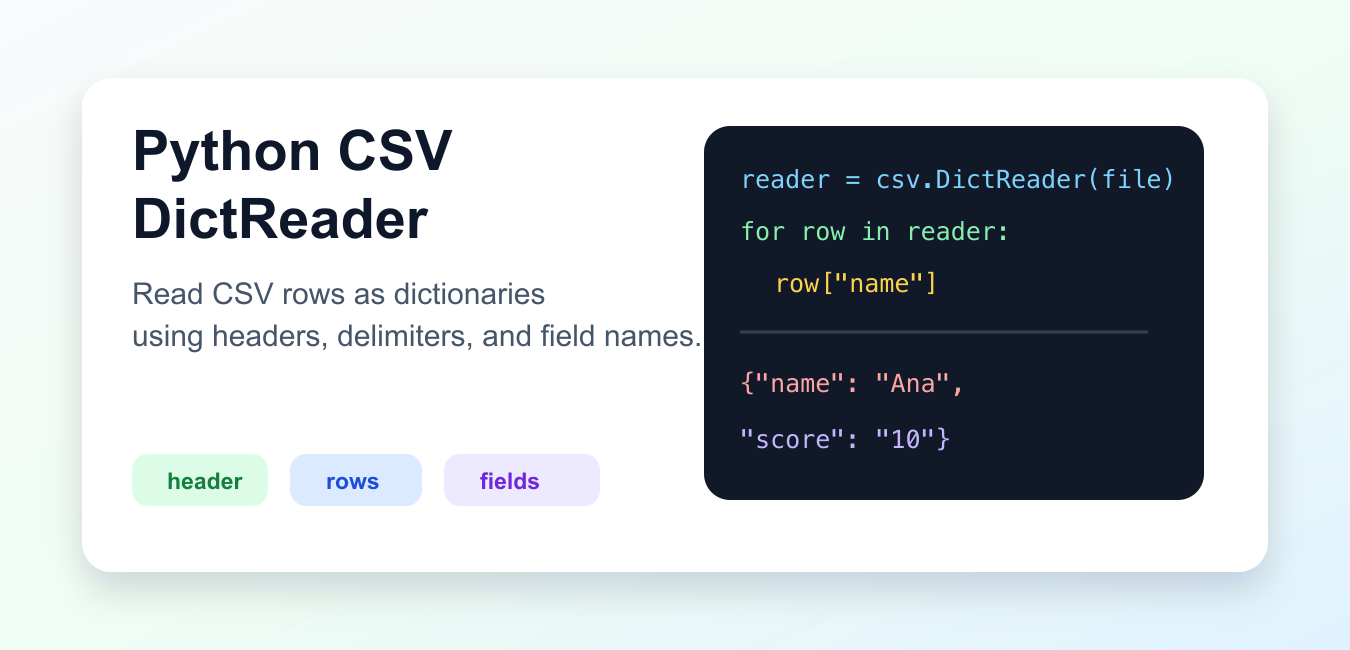
Quick answer: csv.DictReader maps each CSV row to a dictionary using the header row or an explicit fieldnames sequence. Its values are strings, so convert and validate them at the import boundary. Open real files with newline=” and encoding specified, and decide how missing and extra fields should be handled instead of silently accepting malformed records.
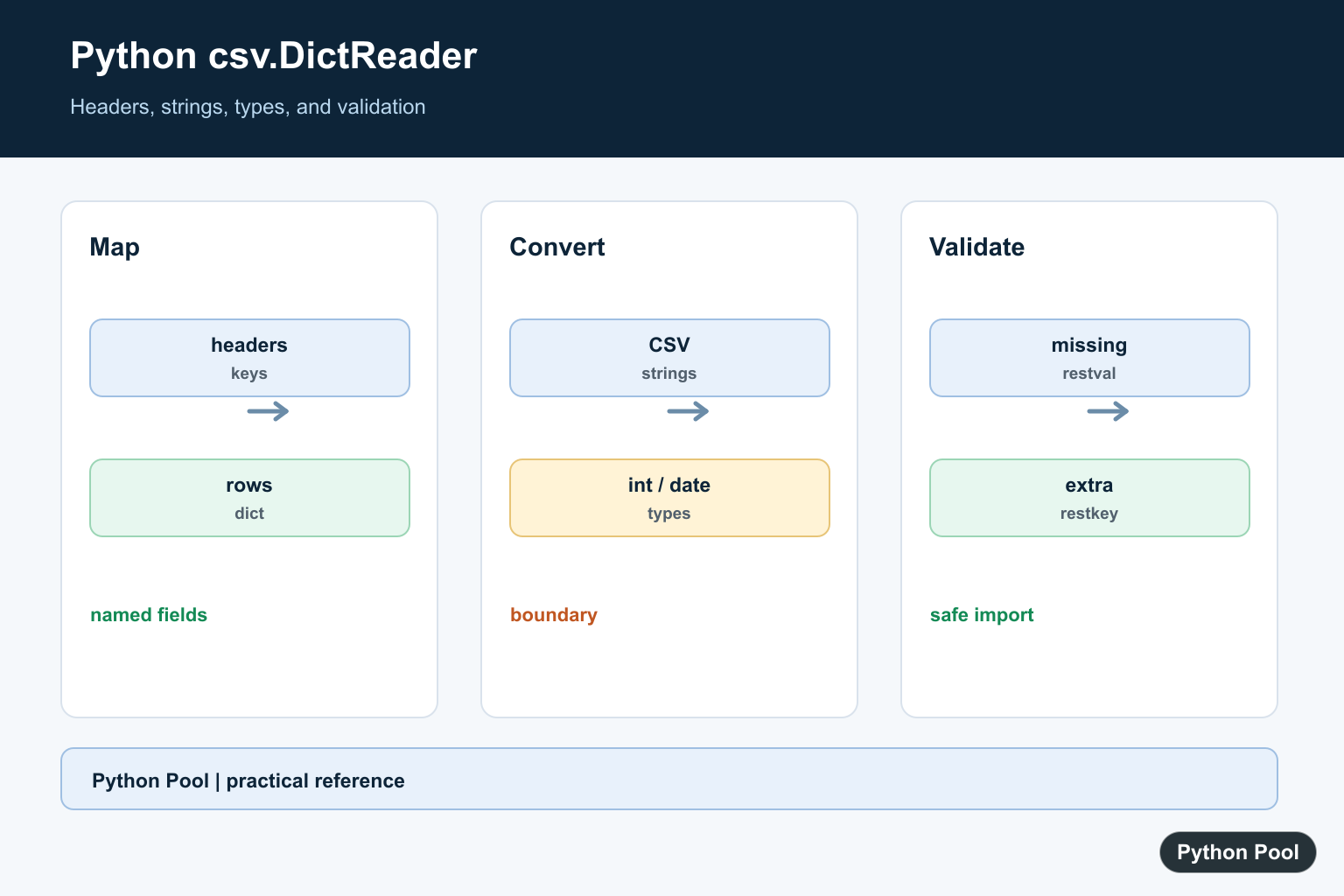
csv.DictReader reads CSV rows as dictionaries. The column names become dictionary keys, and each row becomes a dictionary of string values. This makes CSV parsing easier to read than indexing rows by position.
Use DictReader when the file has headers or when named fields make the parsing logic clearer. It is part of Python’s standard csv module, so no third-party package is required.
The official Python csv.DictReader documentation explains field names, rest keys, rest values, dialects, and reader behavior. The CPython csv.py source is the standard-library implementation.
Read Rows As Dictionaries
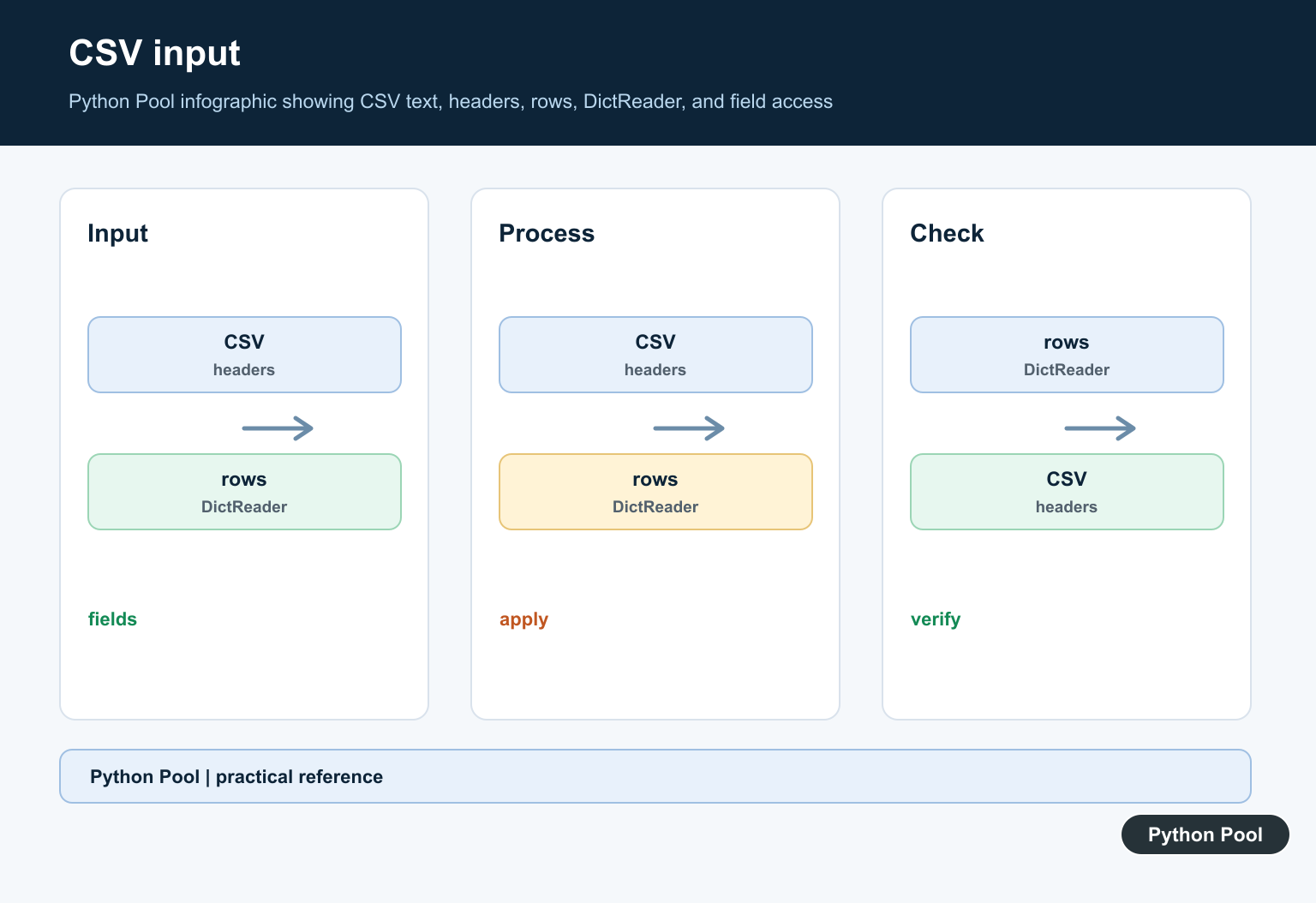
When the first row contains headers, DictReader uses those headers as keys.
import csv
from io import StringIO

text = "name,score\nAna,10\nBo,8\n"
file_obj = StringIO(text)

reader = csv.DictReader(file_obj)

for row in reader:
    print(row["name"], row["score"])
Each row is a dictionary. The values are strings because CSV is a text format.
Convert values explicitly when you need numbers, dates, booleans, or other Python types.
Read From A Real File
Open CSV files with newline="", as recommended by the csv documentation.
import csv
from pathlib import Path

path = Path("scores.csv")
path.write_text("name,score\nAna,10\nBo,8\n", encoding="utf-8")

with path.open(newline="", encoding="utf-8") as file_obj:
    reader = csv.DictReader(file_obj)
    rows = list(reader)

print(rows)
The newline="" argument lets the csv module handle newline conventions correctly.
Use a context manager so the file is closed even if parsing raises an exception.
Provide Field Names Manually
If a file has no header row, pass fieldnames yourself.
import csv
from io import StringIO

text = "Ana,10\nBo,8\n"
file_obj = StringIO(text)

reader = csv.DictReader(file_obj, fieldnames=["name", "score"])

for row in reader:
    print(row)
When fieldnames is supplied, the first row is treated as data, not as headers.
This is useful for exported files that are known to follow a fixed column order but do not include column names.
Use A Different Delimiter
DictReader supports delimiter settings through the same options as csv.reader.
import csv
from io import StringIO

text = "name\tscore\nAna\t10\nBo\t8\n"
file_obj = StringIO(text)

reader = csv.DictReader(file_obj, delimiter="\t")

for row in reader:
    print(row["name"], row["score"])
This parses tab-separated data while still returning dictionaries.
For more complex formats, define a dialect or use the exact delimiter, quote, and escape settings required by the source system.
Convert Field Values
CSV values are strings. Convert fields after reading each row.
import csv
from io import StringIO

text = "name,score\nAna,10\nBo,8\n"
reader = csv.DictReader(StringIO(text))

records = []
for row in reader:
    records.append({
        "name": row["name"],
        "score": int(row["score"]),
    })

print(records)
Keep conversion near the parsing code so bad input fails close to where it is read.
For large or messy datasets, add validation and clear error messages that include the row number or source file.
Handle Extra Or Missing Fields
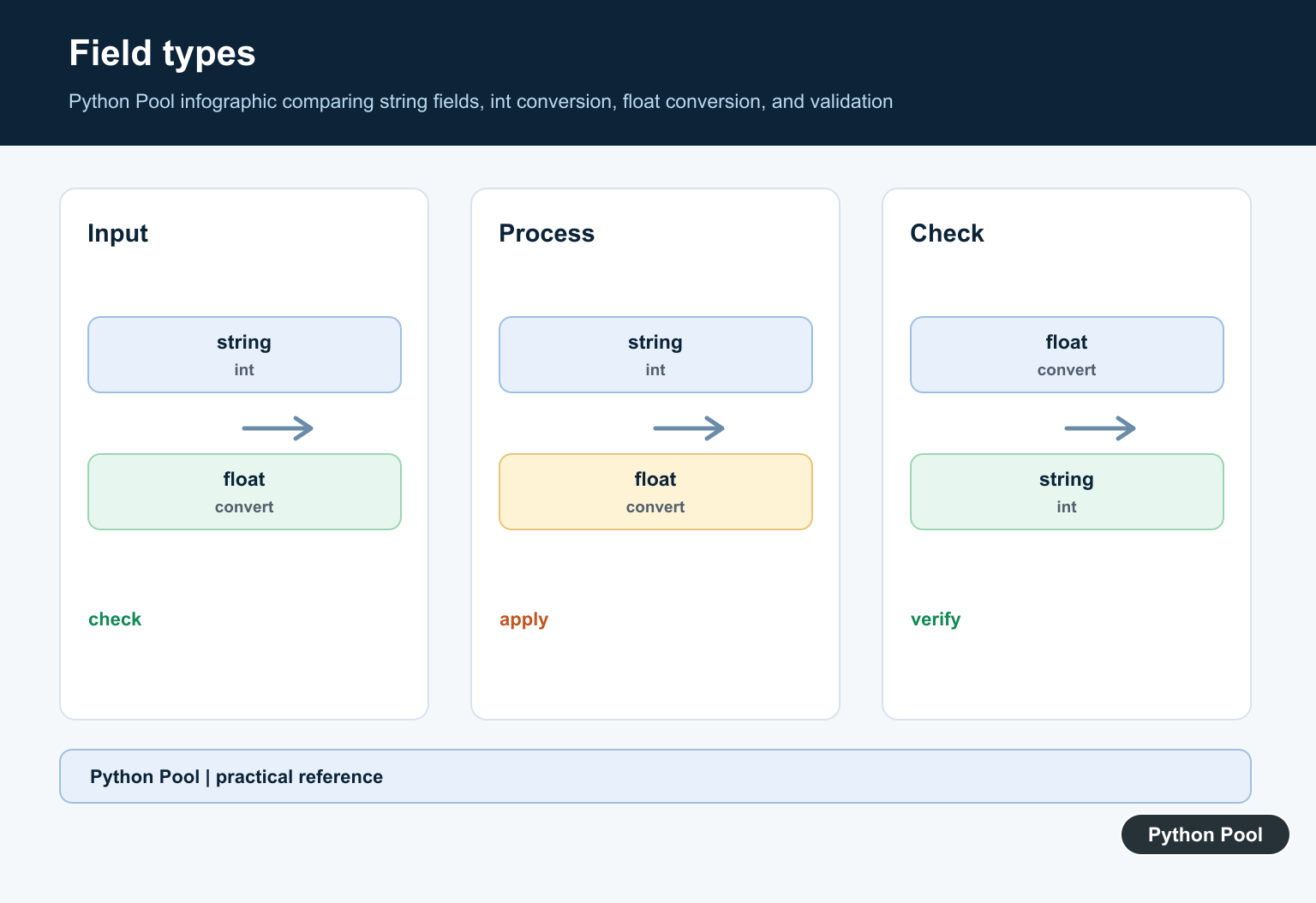
restkey stores extra columns, and restval supplies a value for missing columns.
import csv
from io import StringIO

text = "name,score\nAna,10,extra\nBo\n"
reader = csv.DictReader(
    StringIO(text),
    restkey="extra_fields",
    restval="missing",
)

for row in reader:
    print(row)
This helps when input files are imperfect but you still want to inspect or partially process the rows.
Validate Headers Early
A CSV file can look valid but still have the wrong columns. Check reader.fieldnames before processing rows when the file must follow a known schema.
Header checks catch problems such as renamed columns, missing columns, duplicated exports, and files from the wrong source. Failing early is much easier to debug than discovering a missing key deep inside a loop.
Use a set comparison when order does not matter. Use an exact list comparison when order matters for downstream output or when you write the data back to another CSV file.
Process Large Files Lazily
DictReader is an iterator. You do not need to call list(reader) unless the whole file must be in memory. For large inputs, loop over rows and write or aggregate results as you go.
Streaming row by row keeps memory use predictable. It also lets the program stop early if a validation error, matching record, or target condition is found.
If you need sorting, grouping, joining, or analytics across the entire dataset, the standard csv module may not be the best tool. In that case, pandas can be more productive, while NumPy can be useful for numeric arrays.
Keep Row Handling Explicit
Because every field starts as text, decide where conversion happens and what should happen when conversion fails. A small parser function per row is often clearer than spreading int(), float(), and date parsing throughout the program.
Also be careful with empty strings. An empty CSV field is not the same as a missing column. Treat blank values according to the meaning of the data, not just the parser output.
The practical rule is to use DictReader when column names matter, convert string values deliberately, and configure delimiter or field handling to match the real file format.
For numeric analysis at scale, pandas or NumPy may be a better fit. For standard-library CSV parsing with named columns, DictReader is usually enough.
Convert And Validate Row Types
DictReader does not know whether a field is an integer, date, Boolean, or identifier. Keep conversion in a small function so one malformed row produces a useful error and the rest of the import has a documented policy.
import csv
from io import StringIO

text = "name,score\nAna,10\nBo,not-a-number\n"
reader = csv.DictReader(StringIO(text))
for row in reader:
    try:
        score = int(row["score"])
    except (KeyError, ValueError) as error:
        raise ValueError(f"invalid score in row {row!r}") from error
    print(row["name"], score)
Supply Fieldnames Without A Header
If the first row is data, pass fieldnames explicitly. DictReader will then treat every input row as a record instead of consuming the first row as column names.
import csv
from io import StringIO

text = "Ana,10\nBo,8\n"
reader = csv.DictReader(StringIO(text), fieldnames=["name", "score"])
for row in reader:
    print(row)
Handle Missing And Extra Fields
restval fills missing columns and restkey collects extra columns. Choose names that make the policy visible, then reject rows when the source contract requires an exact number of fields.
import csv
from io import StringIO

text = "name,score\nAna\nBo,8,unexpected\n"
reader = csv.DictReader(StringIO(text), restkey="extra", restval="MISSING")
for row in reader:
    if row.get("extra") or row.get("score") == "MISSING":
        print("review row", row)
Read A Real CSV Safely
Use a context manager, newline=”, and an explicit encoding for files. Read lazily when the file is large, and return validated records rather than loading everything into memory unless the workflow needs a complete list.
import csv
from pathlib import Path

path = Path("scores.csv")
with path.open(newline="", encoding="utf-8") as file_obj:
    reader = csv.DictReader(file_obj)
    for line_number, row in enumerate(reader, start=2):
        if not row.get("name"):
            raise ValueError(f"missing name on CSV line {line_number}")
        print(row["name"])
The official csv.DictReader documentation covers fieldnames, restkey, restval, and dictionary rows. The same documentation recommends newline='' when opening files. Related guides include NumPy CSV input, pandas CSV output, and line-by-line file reading.
For related tabular imports and exports, compare NumPy CSV input, pandas CSV output, and line-by-line reading when choosing the right layer for a file.
Frequently Asked Questions
What does csv.DictReader return?
It iterates over CSV records as dictionaries whose keys come from the header row or the fieldnames argument.
Are DictReader values automatically numbers?
No. CSV values are text, so convert numeric, date, Boolean, or other domain values explicitly after reading each row.
Why should I open a CSV with newline=”?
The csv documentation recommends newline=” so the csv module can handle newline conventions without extra translation.
What happens when CSV fields are missing or extra?
Missing fields receive restval and extra fields are stored under restkey, so choose and validate those policies rather than silently ignoring them.