
Quick answer: tensorflow.contrib was removed in TensorFlow 2, so older code cannot import it unchanged. First identify the exact contrib module and the interpreter version, then migrate to a supported TensorFlow or Keras API. Use an isolated, pinned legacy environment only as a deliberate temporary compatibility boundary.
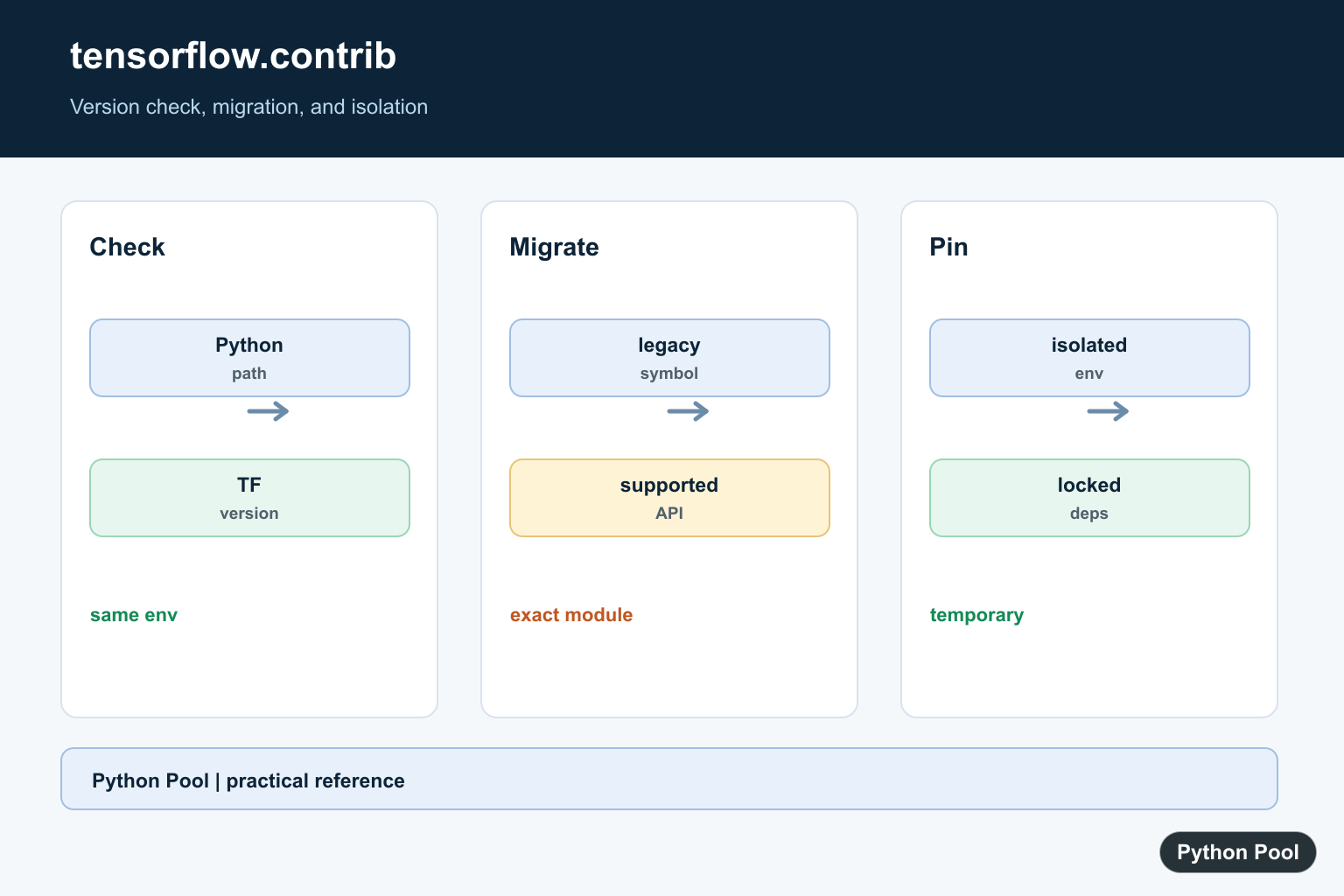
No module named tensorflow.contrib appears when old TensorFlow 1 code runs on a TensorFlow 2 install. The tf.contrib namespace was removed from core TensorFlow, so the fix is not to install a random missing submodule. The fix is to identify the old API, choose its maintained replacement, and test the migrated result.
Some code can move to tf.compat.v1 for a short transition, but tf.contrib is the important exception. The TensorFlow migration guide says contrib symbols need manual work, often through Keras, TensorFlow Addons, TF-Slim, or a rewritten TensorFlow 2 pattern.
The official references for this guide are TensorFlow’s migration guide, the TF1 to TF2 overview, the tf_upgrade_v2 guide, TensorFlow Addons, and the TF-Slim repository.
Start by confirming which TensorFlow major line is installed and where the bad import appears. Do not downgrade a whole project until you know whether the project must preserve an old training stack or should move forward to TensorFlow 2.
A practical triage step is to classify the project first. A notebook copied from an old tutorial may only need a small rewrite. A research repository with old checkpoints may need a pinned TensorFlow 1 environment while a separate migration branch is prepared. A production model should get tests around inference, preprocessing, and saved artifacts before any dependency change.
Check The Installed TensorFlow Line
This first check works even when TensorFlow is not installed. It reports whether the package is visible and whether a major version can be read.
import importlib.util
from importlib.metadata import PackageNotFoundError, version

name = "tensorflow"
visible = importlib.util.find_spec(name) is not None

try:
    installed = version(name)
except PackageNotFoundError:
    installed = "not installed"

print({"visible": visible, "version": installed})
If TensorFlow 2 is installed, tensorflow.contrib will not import. That is expected. If the project truly requires TensorFlow 1 behavior, isolate it in its own environment instead of mixing old and new code in one runtime.
Find The Old Contrib Import
Search your project for tensorflow.contrib, tf.contrib, and copied imports from older tutorials. Keep a small report so each symbol gets a planned replacement.
source_files = {
    "model.py": "import tensorflow as tf\nlayer = tf.contrib.layers.fully_connected",
    "train.py": "from tensorflow.contrib import slim",
    "clean.py": "import tensorflow as tf\nprint(tf.__version__)",
}

for path, text in source_files.items():
    if "tf.contrib" in text or "tensorflow.contrib" in text:
        print(path)
This step separates the real failing files from unrelated TensorFlow code. It also helps you estimate whether you have one small import problem or a full TensorFlow 1 training pipeline.
Map Common Replacements
There is no single replacement for all contrib code. Keras covers many layers and optimizers, TF-Slim can help with older Slim models, and TensorFlow Addons covers selected contributed operations.
replacements = {
    "tf.contrib.layers": "tf_slim or tf.keras.layers, depending on the model",
    "tf.contrib.slim": "tf_slim",
    "tf.contrib.seq2seq": "tensorflow_addons.seq2seq or a custom Keras rewrite",
    "tf.contrib.metrics": "tf.keras.metrics or tensorflow_addons.metrics",
}

for old, new in replacements.items():
    print(f"{old} -> {new}")
Use this table as a planning aid, not as a blind search-and-replace list. Each replacement must be checked against the model’s expected output, shape, loss, and saved model format.
Keep the replacement decision close to the code review. A layer replacement, metric replacement, and data input rewrite can each change behavior in a different way. Review one group at a time, run the smallest useful test, and record the TensorFlow version used for the check.
Run tf_upgrade_v2 For Mechanical Edits
The TensorFlow upgrade tool can rewrite many TensorFlow 1 symbols to TensorFlow 2 or tf.compat.v1. It also writes a report that identifies lines needing manual attention.
from pathlib import Path

project = Path("old_project")
out = Path("old_project_tf2")
report = Path("tf_upgrade_report.txt")

command = [
    "tf_upgrade_v2",
    "--intree", str(project),
    "--outtree", str(out),
    "--reportfile", str(report),
]

print(" ".join(command))
Run the command in a copy of the project. Review the report before committing the output. Any remaining contrib reference requires manual work because the compatibility namespace does not bring contrib back.
The report is also useful when the project cannot be fully migrated in one pass. It gives you a checklist of unresolved symbols, so you can decide which files stay on a temporary compatibility path and which files can move directly to TensorFlow 2 style.
Use Guarded Imports During Migration
When supporting old and new deployments during a transition, keep imports explicit and fail with a useful message. Do not hide the missing module behind a broad exception.
def choose_slim_backend(import_name):
    if import_name == "tf_slim":
        return "Use pip install tf_slim and import tf_slim as slim"
    if import_name == "keras":
        return "Use tf.keras layers for new model code"
    return "Pick a maintained replacement before running training"

for option in ["tf_slim", "keras", "unknown"]:
    print(choose_slim_backend(option))
A clear error message saves time for the next developer. It should name the old symbol, the chosen replacement, and the environment where the migration was tested.
Test The Migrated Behavior
After import errors are gone, compare old and new behavior with small numeric checks. Migration is complete only when outputs match within an acceptable tolerance.
def close_enough(left, right, tolerance=1e-6):
    return abs(left - right) <= tolerance

expected_scores = [0.1, 0.7, 0.2]
new_scores = [0.1000001, 0.6999999, 0.2]

checks = [close_enough(a, b) for a, b in zip(expected_scores, new_scores)]

print(all(checks))
print(checks)
For real models, compare shapes, metrics, saved artifacts, and a small inference set. If the project is still tied to TensorFlow 1, pin that stack in a separate environment and document the reason. For maintained code, remove contrib usage and move toward TensorFlow 2 APIs.
In short, the missing tensorflow.contrib module means old TensorFlow 1 code is running on a newer TensorFlow install. Confirm the installed version, find every contrib symbol, run tf_upgrade_v2, replace contrib APIs with maintained packages or TensorFlow 2 patterns, and validate the migrated behavior with tests.
Check The Target Interpreter
The Python running your script and the Python receiving pip installs can differ. Print the executable and TensorFlow version before diagnosing the import.
import sys

print(sys.executable)
try:
    import tensorflow as tf
except ImportError as error:
    print(error)
else:
    print(tf.__version__)
Find The Specific contrib API
The replacement depends on the module: estimators, layers, metrics, and other contrib components moved or were removed differently. Search the migration documentation for the exact symbol instead of replacing the namespace mechanically.
legacy_name = "tensorflow.contrib.layers"
if not legacy_name:
    raise ValueError("record the exact legacy API before migrating")
print(legacy_name)
Pin A Legacy Environment Deliberately
If migration cannot happen immediately, keep old TensorFlow and Python versions in a separate environment with a requirements lock. Do not mix incompatible packages into the main environment.
from pathlib import Path

requirements = "tensorflow==1.15.5\n"
Path("legacy-requirements.txt").write_text(requirements, encoding="utf-8")
print("legacy environment is explicitly pinned")
Verify The Migration
Run the smallest import and behavior test in a clean environment. A successful import is not enough if tensor shapes, training behavior, or saved model formats changed.
def assert_supported(version):
    major = int(version.split(".", 1)[0])
    if major < 2:
        raise RuntimeError("use the isolated legacy path")
    return True

print(assert_supported("2.15.0"))
TensorFlow’s migration guide and installation documentation are the authority for versioned APIs. Related references include environment import diagnosis, interpreter and pip selection, and package metadata.
For related environment diagnosis, compare import compatibility, interpreter and pip selection, and package metadata when migrating TensorFlow code.
For the authoritative API and current behavior, consult the TensorFlow migration guide.
Frequently Asked Questions
Why is tensorflow.contrib missing?
The contrib namespace was removed from TensorFlow 2, so code written for earlier releases cannot import it unchanged.
Can I install an older TensorFlow version?
You can isolate a legacy environment when migration is not immediately possible, but pin Python and TensorFlow versions together and document the risk.
How do I migrate contrib code?
Find the specific contrib module and replace it with its supported TensorFlow, Keras, TensorFlow Addons, or project-specific alternative.
How do I check which TensorFlow is installed?
Import TensorFlow in the target interpreter and print its version, while verifying that pip and Python refer to the same environment.