
Quick answer: OSError: [Errno 12] Cannot allocate memory corresponds to errno.ENOMEM: the operating system could not satisfy an allocation request. Fix it by finding the peak-memory operation, streaming large inputs, avoiding duplicate copies, limiting subprocess output and worker counts, and checking container or shell limits. More RAM can help, but it is not a diagnosis.
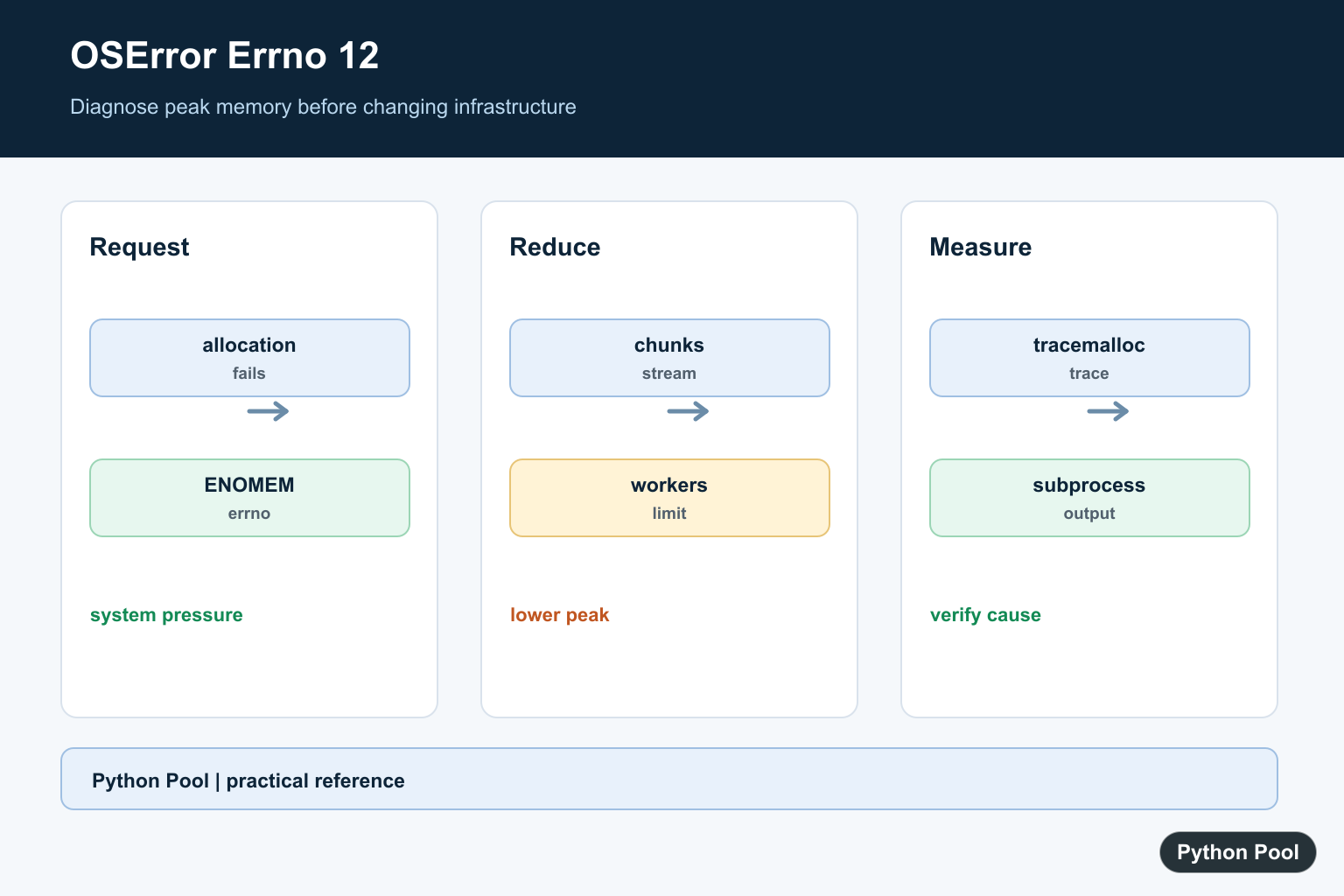
OSError: [Errno 12] Cannot allocate memory means the operating system refused a memory allocation request. In Python, it can appear when loading large data, spawning processes, buffering command output, or running inside a container with tight limits.
The official references are Python’s docs for errno.ENOMEM, tracemalloc, and subprocess.
The fix is not always “add more RAM.” First reduce peak memory, avoid loading everything at once, limit subprocess output, and check the memory limits of the shell, container, or hosting environment.
Errno 12 often appears at the point where Python asks the operating system for more memory, but the root cause may be earlier. A loop may have collected too much data, a child process may have inherited a large parent process, or a command may have produced output that was buffered in memory.
Catch ENOMEM Clearly
If a low-level operation raises OSError, check the errno value before deciding how to recover.
This keeps memory allocation failures separate from unrelated file, permission, or process errors.
In real code, log the operation being attempted, the input size if known, and the environment where the error happened.
For example, an OSError with errno.ENOMEM deserves a different response than an OSError for a missing file. The first points to memory pressure; the second points to path handling.
Process Files In Chunks
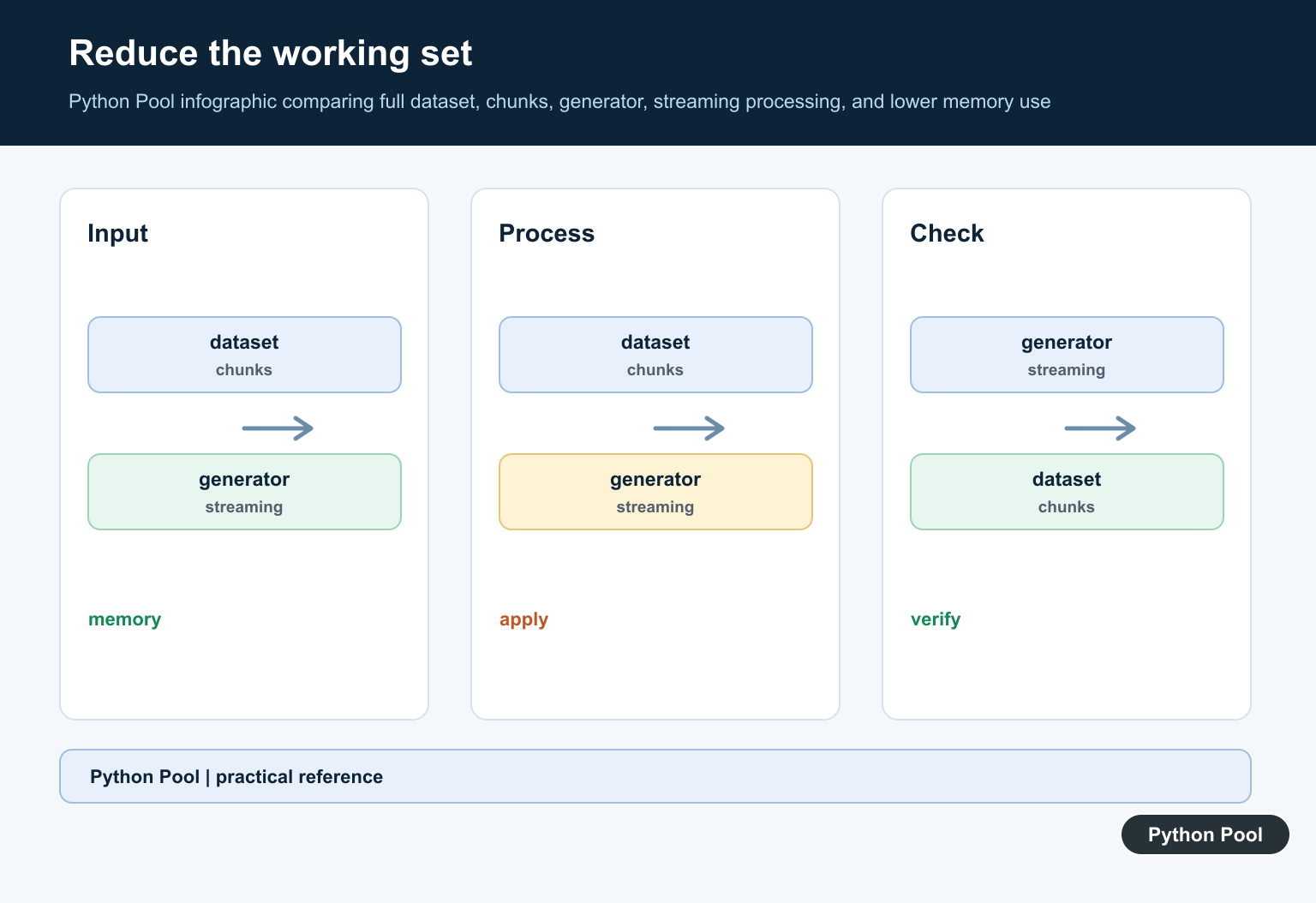
A common cause is reading a large file into memory at once. Stream the file in chunks instead.
from pathlib import Path

def read_chunks(path, size=1024 * 1024):
    with Path(path).open("rb") as handle:
        while True:
            chunk = handle.read(size)
            if not chunk:
                break
            yield chunk

total = 0
for chunk in read_chunks("large-file.bin"):
    total += len(chunk)

print(total)
This keeps peak memory near the chunk size instead of the whole file size.
The same idea applies to CSV files, JSON lines, logs, images, and database exports: prefer iterators, streaming APIs, and batches.
If a library offers a chunksize, iterator, cursor, or streaming mode, use it before increasing server memory. Lower peak memory usually improves reliability and makes retries cheaper.
Inspect Allocations With tracemalloc
tracemalloc can show where Python memory is being allocated.
import tracemalloc

tracemalloc.start()

data = [str(number) for number in range(10000)]

snapshot = tracemalloc.take_snapshot()
for stat in snapshot.statistics("lineno")[:3]:
    print(stat)

del data
tracemalloc.stop()
This does not show every operating-system allocation, but it is useful for Python objects created by your code.
Use it in a small reproduction first. Running detailed memory tracing in a busy production path can add overhead.
Focus on growth over time. If each iteration retains more objects than expected, look for caches, global lists, accumulated results, or references that keep old objects alive.
Avoid Capturing Huge subprocess Output
Another common trigger is capturing all output from a command into memory. Redirect output to a file or stream it line by line when it may be large.
import subprocess
from pathlib import Path

output_path = Path("command-output.txt")

with output_path.open("wb") as output:
    completed = subprocess.run(
        ["python3", "-c", "print('small example')"],
        stdout=output,
        stderr=subprocess.STDOUT,
        check=True,
    )

print(completed.returncode)
print(output_path.stat().st_size)
output_path.unlink()
Avoid capture_output=True for commands that can print hundreds of megabytes.
If the subprocess itself needs too much memory, reduce its input size, lower concurrency, or run it in an environment with a higher memory limit.
Process creation can also fail when the parent process is already very large. In that case, reduce parent memory before spawning workers or use fewer concurrent processes.
Limit Batch Sizes
Large in-memory lists can often be replaced with batches. Process a small group, write or send the result, then continue.
def batches(items, size):
    batch = []
    for item in items:
        batch.append(item)
        if len(batch) == size:
            yield batch
            batch = []
    if batch:
        yield batch

for batch in batches(range(25), 10):
    print(sum(batch))
Batching also helps when calling APIs or databases because it avoids both memory spikes and oversized requests.
Choose a batch size based on real measurements, not guesswork. Start small and increase only if memory remains stable.
Check Process Limits
On Unix-like systems, resource limits can cap available memory even when the machine has free RAM.
import os
import resource

soft, hard = resource.getrlimit(resource.RLIMIT_AS)

print("pid:", os.getpid())
print("soft address-space limit:", soft)
print("hard address-space limit:", hard)
Containers, hosting panels, job schedulers, and systemd services can all apply memory limits. Check those before assuming a Python bug.
On platforms where resource is unavailable, inspect the container, shell, or hosting dashboard instead.
In containers, compare the container memory limit with the host memory. The host may have free RAM while the container still refuses allocations.
Fail Gracefully
When memory is limited, make the failure path clear and stop before corrupting output.
def require_reasonable_size(item_count, limit=1_000_000):
    if item_count > limit:
        raise MemoryError(
            f"Refusing to load {item_count} items at once; use batching"
        )

try:
    require_reasonable_size(2_500_000)
except MemoryError as exc:
    print(exc)
This kind of guard turns an obscure operating-system error into an actionable message.
The practical workflow is to reduce peak memory first, profile allocations, stream files and subprocess output, lower concurrency, check system limits, and then add RAM or swap only when the workload truly requires it.
After a fix, rerun the workload with realistic input sizes. A script that works on a tiny sample can still fail when production data is ten or one hundred times larger.
Check The Error Code First
Do not treat every OSError as a memory failure. Compare error.errno with errno.ENOMEM and record the operation, input size, process count, and environment so the recovery path matches the failure.
import errno

try:
    raise OSError(errno.ENOMEM, "simulated allocation failure")
except OSError as error:
    if error.errno == errno.ENOMEM:
        print("memory allocation failed")
    else:
        raise
Stream Large Files In Chunks
Reading a whole file creates a peak allocation proportional to the file size. A generator keeps only one chunk in memory at a time, which is often the most direct fix for imports, hashing, and line-oriented processing.
from pathlib import Path


def read_chunks(path, size=1024 * 1024):
    with Path(path).open("rb") as handle:
        while chunk := handle.read(size):
            yield chunk


total = 0
for chunk in read_chunks("large-file.bin"):
    total += len(chunk)
print(total)
Avoid Unbounded Subprocess Capture
subprocess.run(…, capture_output=True) retains all stdout and stderr in memory. Redirect output when it is not needed, or consume a stream incrementally when the output is part of the result.
import subprocess

result = subprocess.run(
    ["python", "-c", "print('status')"],
    stdout=subprocess.DEVNULL,
    stderr=subprocess.STDOUT,
    check=False,
)
print(result.returncode)
Measure Allocation Growth
tracemalloc tracks Python-level allocations and can identify the files and lines responsible for growth. It does not replace operating-system metrics, but it gives a focused starting point for code that retains objects unexpectedly.
import tracemalloc

tracemalloc.start()
values = ["record" * 20 for _ in range(10_000)]
current, peak = tracemalloc.get_traced_memory()
print("current", current)
print("peak", peak)
tracemalloc.stop()
del values
Python’s official errno.ENOMEM reference identifies the error as out of memory. Use tracemalloc for Python allocation tracing and subprocess documentation for output and process-handling behavior. Related references include Python memory errors, clearing memory, and threading versus multiprocessing.
For related memory and process diagnostics, compare Python memory errors, clearing memory, and threading versus multiprocessing before increasing infrastructure limits.
Frequently Asked Questions
What does OSError Errno 12 mean?
It corresponds to errno.ENOMEM, meaning the operating system reported that it could not allocate enough memory for the requested operation.
How do I reduce Python memory usage?
Stream large files, process data in chunks, release unnecessary references, avoid duplicate copies, and reduce the size or concurrency of worker processes.
Can subprocess output cause memory errors?
Yes. Capturing unbounded stdout or stderr can retain a large output buffer; stream or redirect output when the child process may be noisy.
How do I investigate the cause?
Measure allocation growth with tools such as tracemalloc, inspect process and container limits, record input sizes, and identify the operation that increases peak memory.