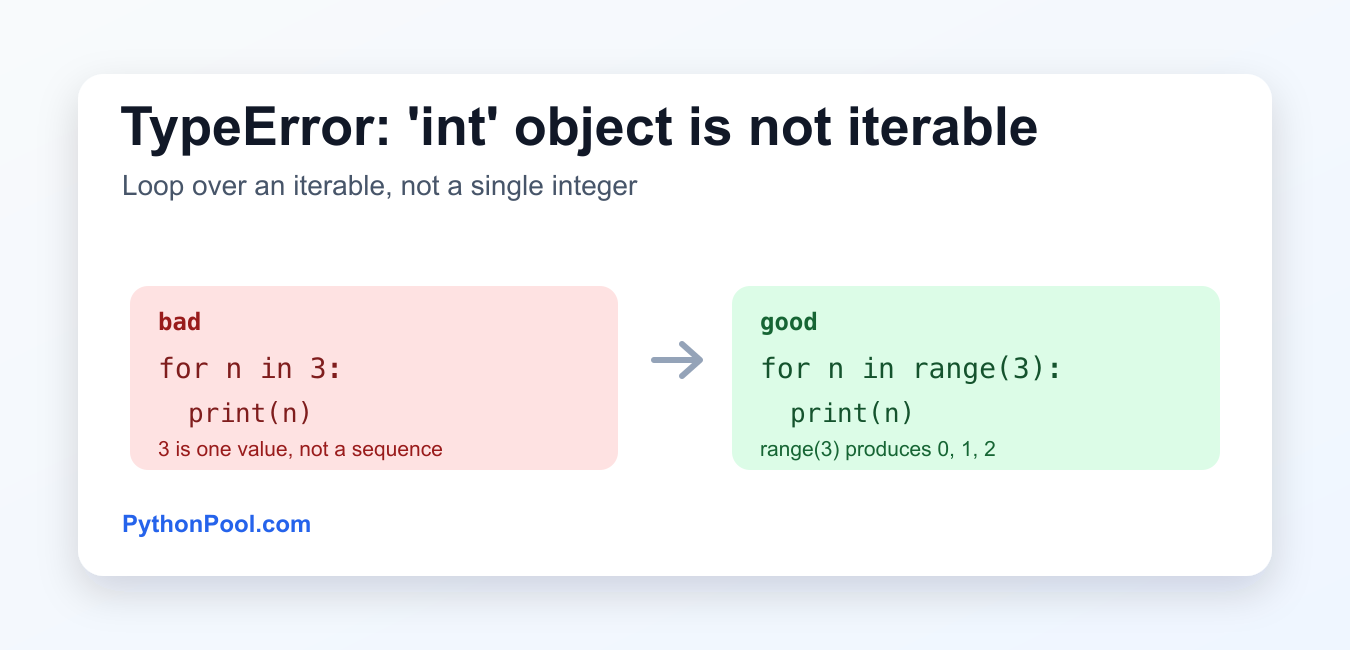
Quick answer: TypeError: ‘int’ object is not iterable means Python expected an object that can produce items one by one but received a single integer. Use range(count) when the integer is a repetition count, use a list or tuple when it represents values, and provide an iterable with the right length when unpacking. Do not hide the error by wrapping a count in a collection unless that matches the intended data.
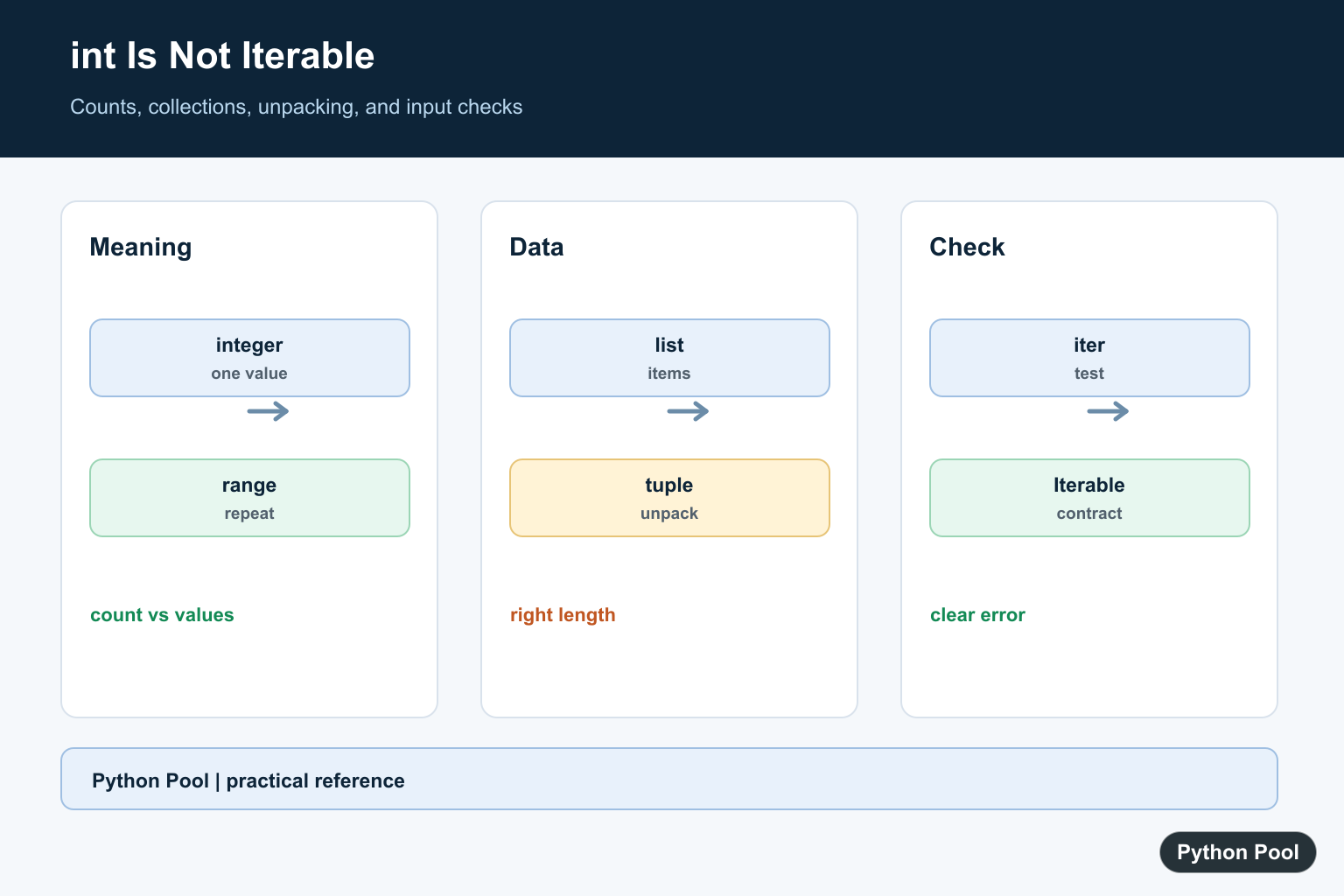
TypeError: ‘int’ object is not iterable means Python expected an iterable object, but received a single integer. A list, tuple, string, dictionary, set, or range() can be looped over. An integer such as 3 is one value, not a sequence of values.
This error usually appears in a for loop, an unpacking assignment, or a function argument that expects an iterable.
Why the error happens
for number in 3:
    print(number)
This raises:
TypeError: 'int' object is not iterableThe loop asks Python to get one item at a time from 3. But an integer does not implement iteration, so Python cannot produce a first item, second item, and so on.
Use range() when you mean repeat N times
for number in range(3):
    print(number)
Output:
0
1
2
range(3) is iterable. It produces the values 0, 1, and 2. Use this pattern when the integer is a count.
Use a list when you have values
numbers = [1, 2, 3]

for number in numbers:
    print(number * 2)
Here, numbers is a list, so the loop can read each item. If you only have one number but need iterable behavior, wrap it in a list: [number].
Unpacking a single integer
The related message cannot unpack non-iterable int object happens when Python expects multiple values but receives one integer:
a, b = 10Fix it by assigning one name, or by providing an iterable with the right number of items:
a, b = (4, 10)
print(a, b)
random.choices and k
random.choices() expects the population to be iterable. The number of results belongs in the k argument:
import random

colors = ["red", "blue"]
result = random.choices(colors, k=3)
print(result)
Do not pass an integer as the population. Pass a list, tuple, string, range, or another iterable collection.
Check whether a value is iterable
You can test a value by calling iter() and catching TypeError:
value = 5

try:
    iter(value)
except TypeError:
    print("not iterable")
else:
    print("iterable")
This is useful for validation, but most application code is clearer when you know the expected type and convert it explicitly. Clear variable names such as count and items also make these mistakes easier to spot.
Function arguments that expect iterables
This error also appears when you pass an integer to your own function, or to a library function, when that function loops over the value internally.
def total(values):
    return sum(values)

total(5)      # TypeError
total([5])    # OK
The first call passes one integer. The second call passes a list containing one integer. If the function expects multiple values, give it a collection even when there is only one item.
Counts from JSON or APIs
Data from APIs often contains both counts and collections. A count is an integer; a collection is iterable. Use each one differently.
payload = {"count": 3, "items": ["a", "b"]}

for index in range(payload["count"]):
    print(index)

for item in payload["items"]:
    print(item)
Loop over range(count) when the value is a number of repetitions. Loop directly over the list when the value already contains the items.
Quick checklist
- Use
range(n)whennis a repeat count. - Use a list, tuple, string, dictionary, set, or range when looping over values.
- Wrap one value in a list if a function expects an iterable:
[value]. - For unpacking, make sure the right side has the same number of items.
- For
random.choices(), pass the collection first and the count ask=....
Related Python guides
- Iterate through a list in Python
- Python range() inclusive
- TypeError: int object is not subscriptable
- Python list index out of range
- TypeError: tuple object is not callable
- for vs while loop in Python
Official references
- Python TypeError documentation
- Python glossary: iterable
- Python iter() documentation
- Python range documentation
- Python random.choices documentation
Conclusion
To fix TypeError: 'int' object is not iterable, replace the integer with the iterable you actually meant. Use range(n) for repeated loops, a list or tuple for multiple values, and k=... for counts in functions such as random.choices().
Distinguish A Count From Values
The correct fix depends on what the integer means. range creates a sequence of count-like values, while [number] creates one-item data. Naming the variable count or values makes the intended operation easier to see.
count = 3
for index in range(count):
    print("repetition", index)

values = [3]
for value in values:
    print("one item", value)
Fix Unpacking With The Right Length
Unpacking asks Python to assign one item to each target. A single integer cannot provide multiple items; use one target or pass a tuple, list, or other iterable with the expected length.
number = 10
value = number
print(value)

left, right = (4, 10)
print(left, right)
Check Iterable Inputs At Boundaries
A function that expects a collection should validate the contract near its boundary. collections.abc.Iterable is useful for a type-level check, while iter(value) is a direct test that catches values that cannot produce an iterator.
from collections.abc import Iterable


def describe(value):
    if not isinstance(value, Iterable):
        raise TypeError("expected an iterable")
    return list(value)

print(describe([1, 2]))
try:
    describe(3)
except TypeError as error:
    print(error)
Keep random.choices Arguments Separate
random.choices takes a population as its first argument and uses k for the number of results. Passing an integer as the population confuses a count with an iterable collection.
import random

colors = ["red", "blue"]
selected = random.choices(colors, k=3)
print(selected)

# Use range when the goal is repeated integer positions.
print(list(range(3)))
Python’s Iterable abstract base class and random.choices() references clarify the input contracts. Related references include int call errors, subscript errors, and testing error paths.
For nearby Python type errors, compare not callable, not subscriptable, and testing frameworks to isolate the operation that received an integer.
Frequently Asked Questions
Why does int object is not iterable happen?
Python expected an object that can produce items one by one but received a single integer.
How do I loop a number of times?
Use range(count) when the integer represents the number of repetitions.
How do I fix unpacking an integer?
Assign the integer to one name or provide an iterable with exactly the number of values being unpacked.
How do I check whether a value is iterable?
Call iter(value) and catch TypeError, or use collections.abc.Iterable when a type-level check is appropriate.