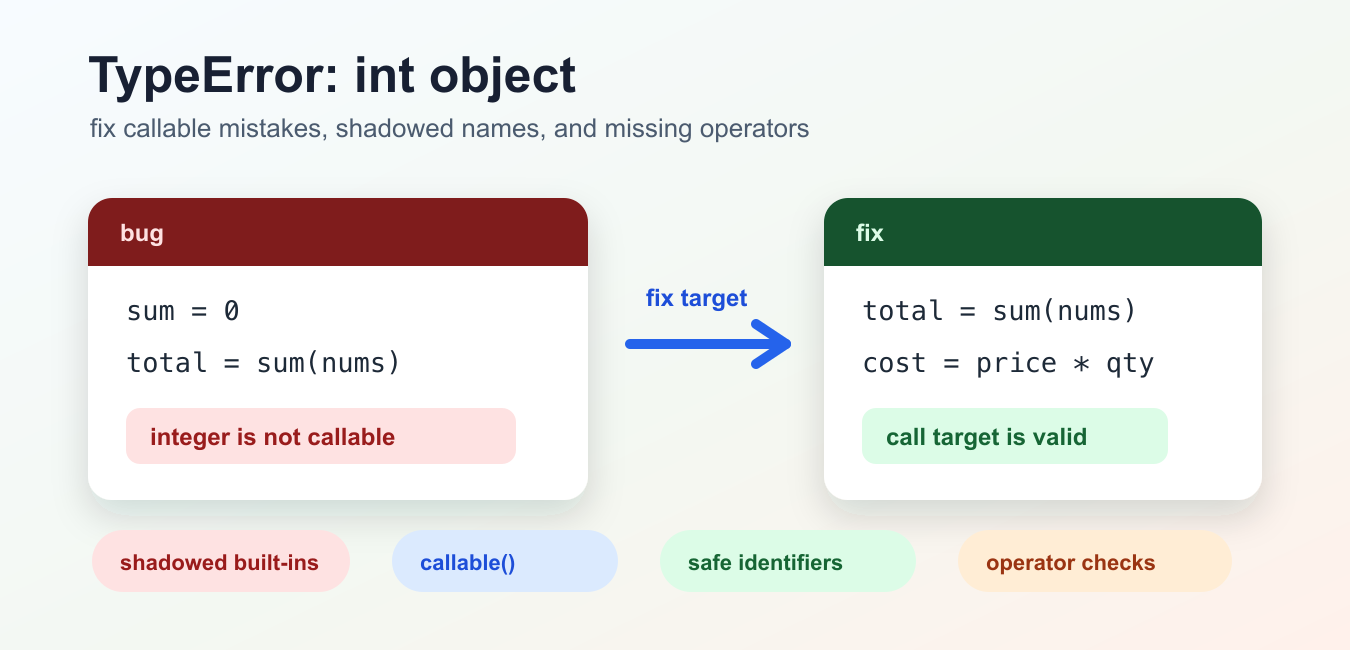
Quick answer: TypeError: ‘int’ object is not callable means Python found parentheses after an integer object. Inspect the object immediately before the parentheses, then look for a shadowed function or built-in name, a missing multiplication operator, or stray call syntax after a numeric value.
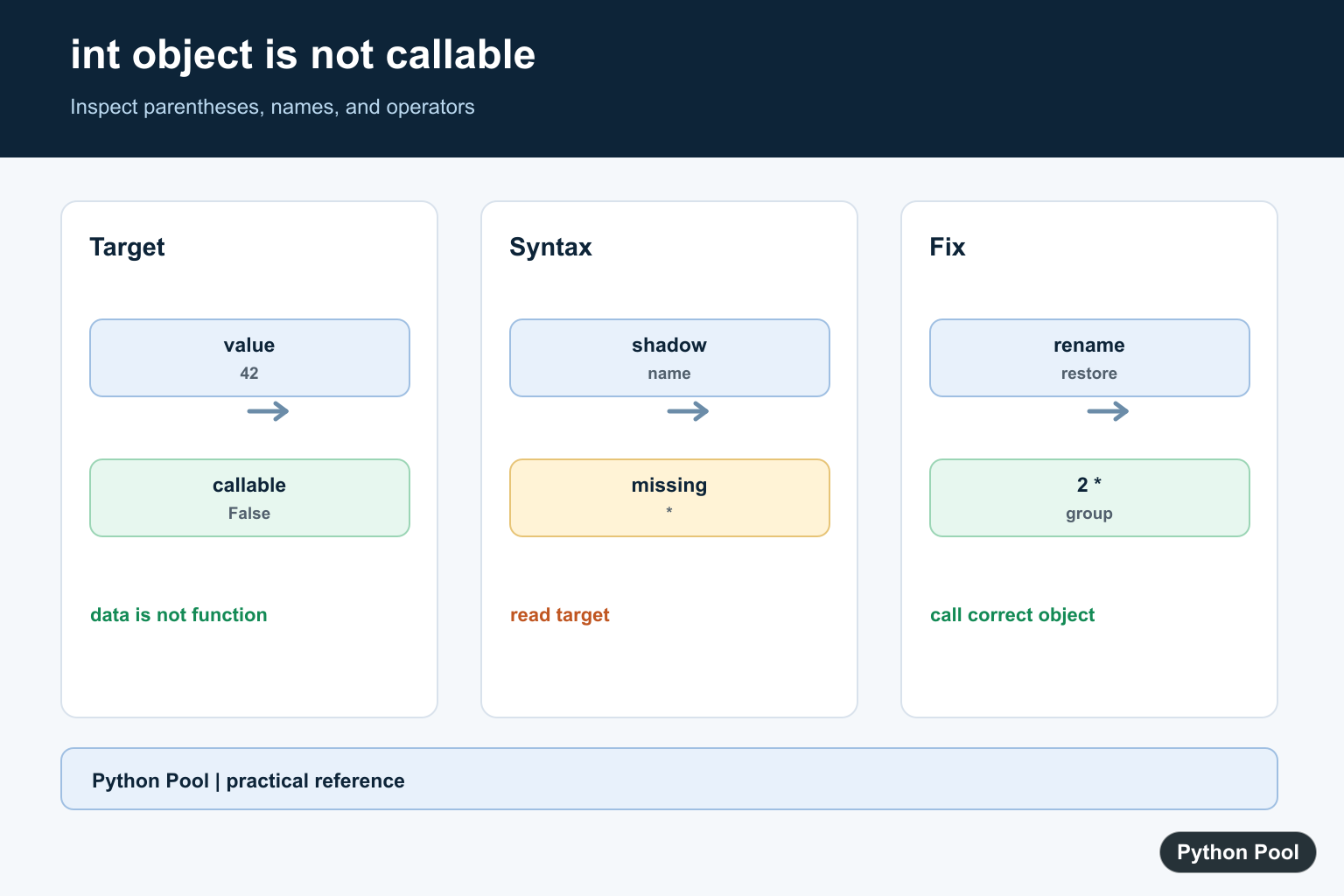
The Python error TypeError: 'int' object is not callable means Python found parentheses after an integer object. Parentheses are call syntax, so the object before them must be callable. A plain integer is data, not a function, class, or object with __call__().
The quickest fix is to inspect the name directly before the parentheses. The official Python callable() documentation says callable(obj) returns False when calling that object cannot succeed. The Python int() documentation also shows that int is a built-in constructor, so reusing that name for a number can break later conversion code.
This error usually comes from one of three patterns: a built-in name was rebound to an integer, a multiplication operator was omitted, or parentheses were put after a number by accident. The sections below show each case with small examples and safer rewrites.
Do not start by changing every parenthesis in the file. The traceback already points to the failing line. Work from that line outward: identify the call target, check what it currently references, then find the earlier assignment or formula that made it an integer.
If the error appears inside a larger function, add the temporary checks directly above the failing call. That shows whether the bad value entered through a parameter, a loop update, or a previous calculation in the same scope.
Shadowed Built-In Function
A common mistake is to reuse a built-in function name for a number and then call that name later. Python accepts the assignment, but the name no longer points to the function you expected.
numbers = [4, 7, 9]

sum = 0
total = sum(numbers)

print(total)
In this example, sum points to 0. When Python reaches sum(numbers), it tries to call the integer 0, which raises the TypeError.
The repair is simple: use a descriptive name for the stored number and leave the built-in name alone.
numbers = [4, 7, 9]

running_total = 0
total = sum(numbers)

print(total)
print(running_total)
This keeps sum() available. The same rule applies to names such as int, round, max, min, and list.
For scripts, this is often enough. For notebooks, rerun from a clean kernel after renaming the binding. Old cells can keep a bad name alive even after the visible cell has been edited.
Shadowed int Name
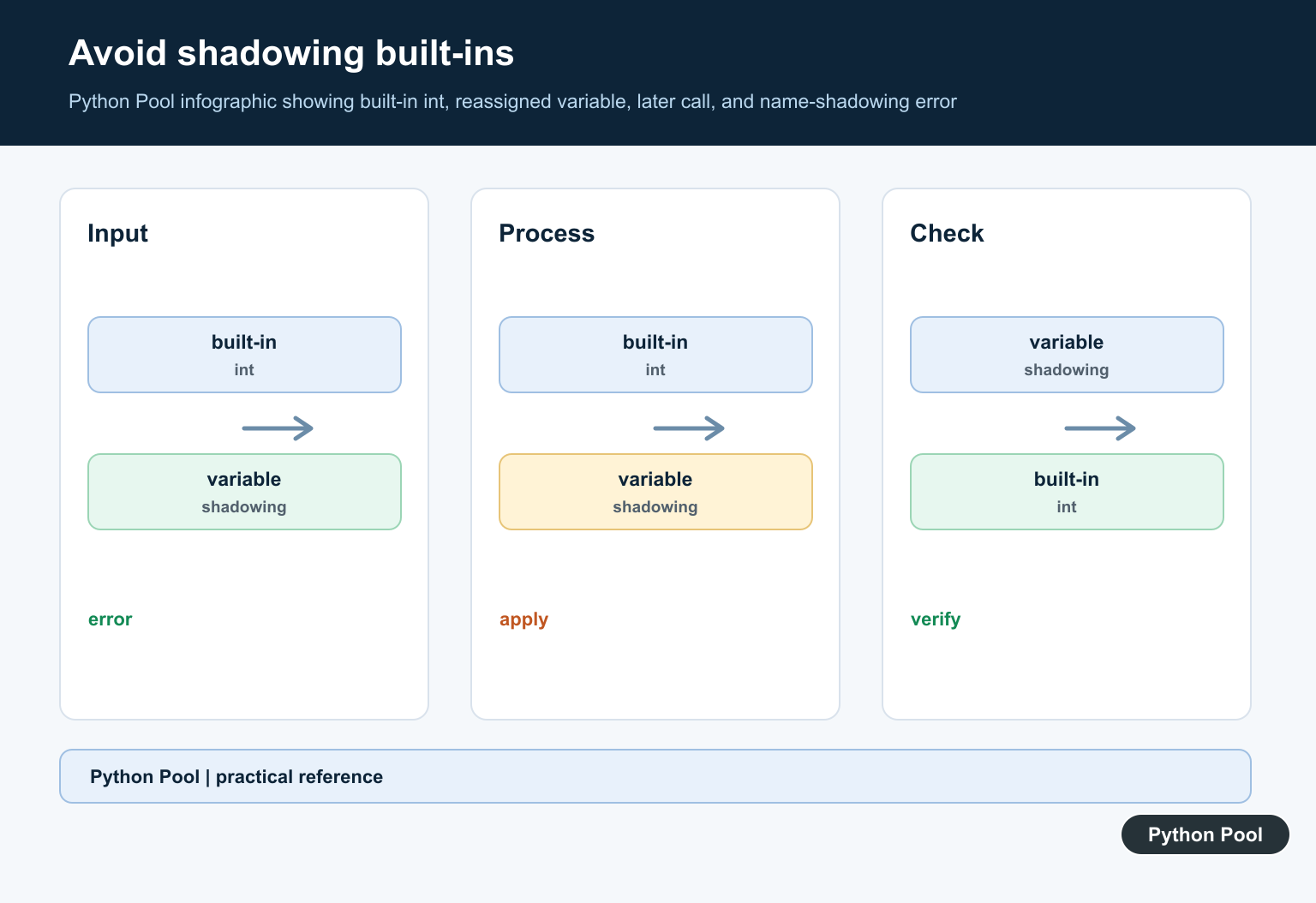
The error can also appear when code stores a number in the name int. Later, int("42") fails because int now points to the stored number instead of the built-in constructor.
int = 7

print(type(int))
print(callable(int))

# int("42") would fail here because int now points to 7.
If this happened in a short script or notebook cell, restart the session or delete the bad binding. In production code, rename the assigned name and avoid using built-in names for local state.
You can also use the builtins module as a temporary recovery step while cleaning up the code.
import builtins

int = 7
age = builtins.int("42")
del int

print(age)
This works, but it should not be the everyday style. The better long-term fix is still to choose a name such as count, total_items, or age_number.
Linters can catch many of these mistakes before runtime. If a linter warns that a built-in name has been redefined, treat the warning as a real bug for shared code.
Missing Multiplication Operator
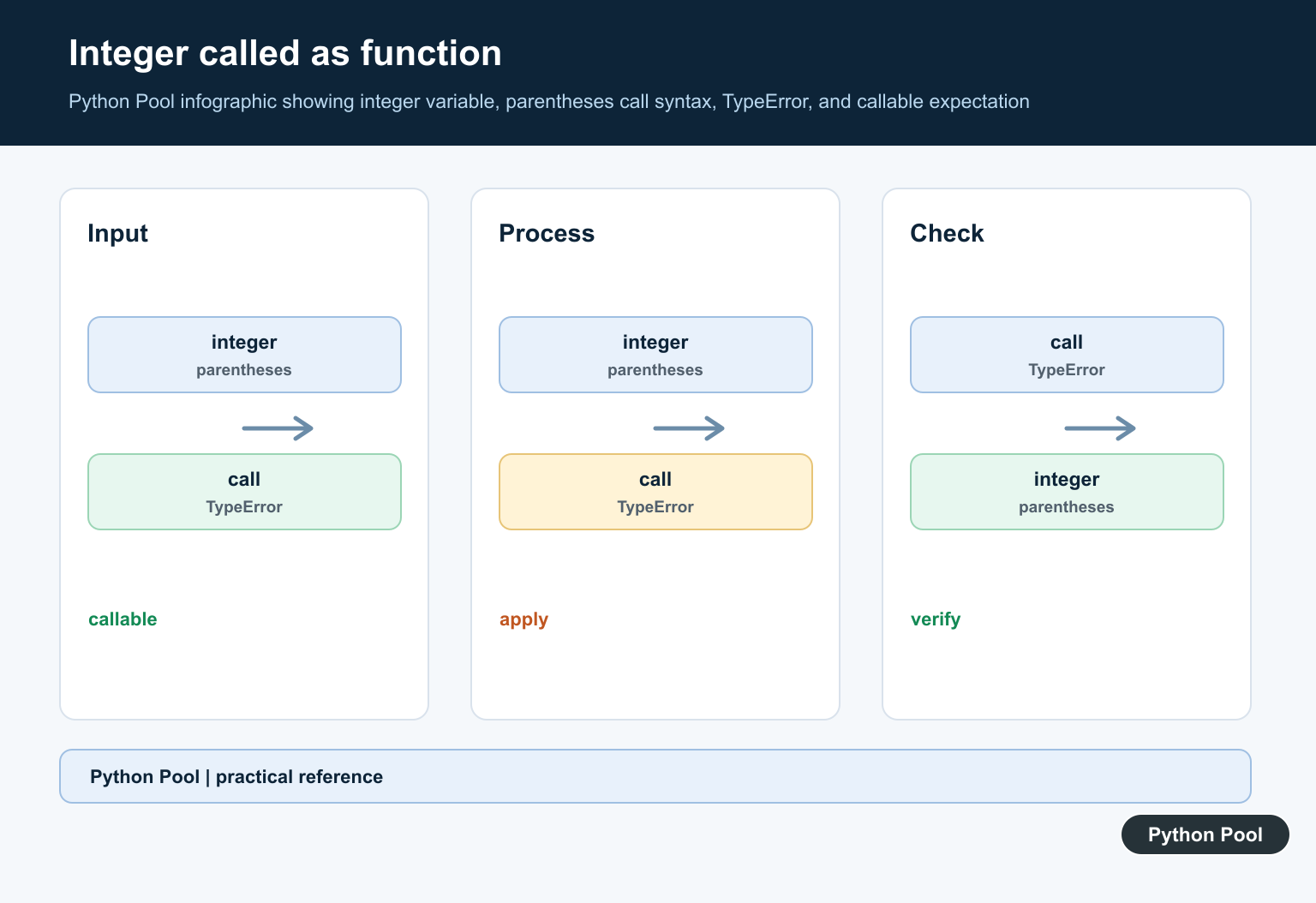
Python does not treat adjacent values as multiplication. In math notation, 3(4) may mean multiplication, but in Python it means “call 3 with argument 4.” Because price is an integer, an expression such as price(quantity) raises the same TypeError. Add the multiplication operator explicitly.
price = 25
quantity = 3

total = price * quantity
print(total)
This also applies to formulas copied from algebra notes. Write a * (b + c), not a(b + c).
The same issue can happen with NumPy arrays, pandas columns, or values returned from a function. If the object before the parentheses is numeric, Python reads the expression as a call, not multiplication.
Diagnose The Call Target
When a traceback is long, focus on the line and the name before the parentheses. Check its type and whether Python considers it callable.
def explain_call_target(label, obj):
    print(label, type(obj).__name__, callable(obj))

explain_call_target("int", int)
explain_call_target("number", 10)
explain_call_target("sum", sum)
If callable() returns False, remove the parentheses or replace the object with the intended function. For more examples of callable objects, see the Python callable guide.
A good debugging checklist is: read the traceback line, identify the token before (), print type(), check callable(), then search earlier code for an assignment to the same name. If the issue involves integer conversion, the Python int guide covers the constructor separately.
When reviewing a teammate’s code, look for short names that hide intent. A name like total_count is clearer than int or sum, and it avoids collisions with Python’s built-in namespace.
After the fix, rerun the script from a clean interpreter or restart the notebook kernel. That removes stale name bindings from earlier cells and proves the corrected code works from a fresh start.
Inspect The Call Target
The expression before parentheses is the target Python tries to call. Print its representation, type, and callable status in a small diagnostic before changing code around the error.
value = 42
print(repr(value))
print(type(value).__name__)
print(callable(value))
Look For Shadowed Names
A name that originally referred to a function can later hold an integer. Rename data variables and restart the interpreter when a notebook has retained an accidental assignment.
def total(values):
    return sum(values)

print(total([1, 2]))
total = 3
print(callable(total))
Write Multiplication Explicitly
Python does not infer multiplication from adjacent parentheses. Use * when a number should multiply a grouped expression or a function result.
value = 2 * (3 + 4)
area = 2 * (3.14 * 5 ** 2)
print(value, area)
Check Built-ins And Imports
If int, sum, print, or another built-in was rebound, the later call can fail with an integer target. Search the current scope for assignments and use a fresh process to distinguish a persistent notebook state from source code.
import builtins

int = 7
print(callable(int))
print(callable(builtins.int))
Python’s official callable() reference explains the diagnostic check, while the call expression reference defines parentheses as call syntax. Related Python Pool guides cover int() and print vs return.
For related call syntax and name errors, compare int(), print vs return, and the Python @ symbol when tracing what an expression is trying to call.
Frequently Asked Questions
What does int object is not callable mean?
Python found call syntax after an integer value, but an int is data and cannot be invoked like a function.
Why does a variable cause this error?
A variable may have overwritten a function or built-in name, so later parentheses attempt to call the integer stored in that variable.
Can missing multiplication cause the error?
Yes. Writing 2(3 + 4) uses call syntax; write 2 * (3 + 4) when multiplication is intended.
How do I diagnose the object before parentheses?
Print its type or use callable(value) immediately before the failing expression, then search earlier assignments for a shadowed name.