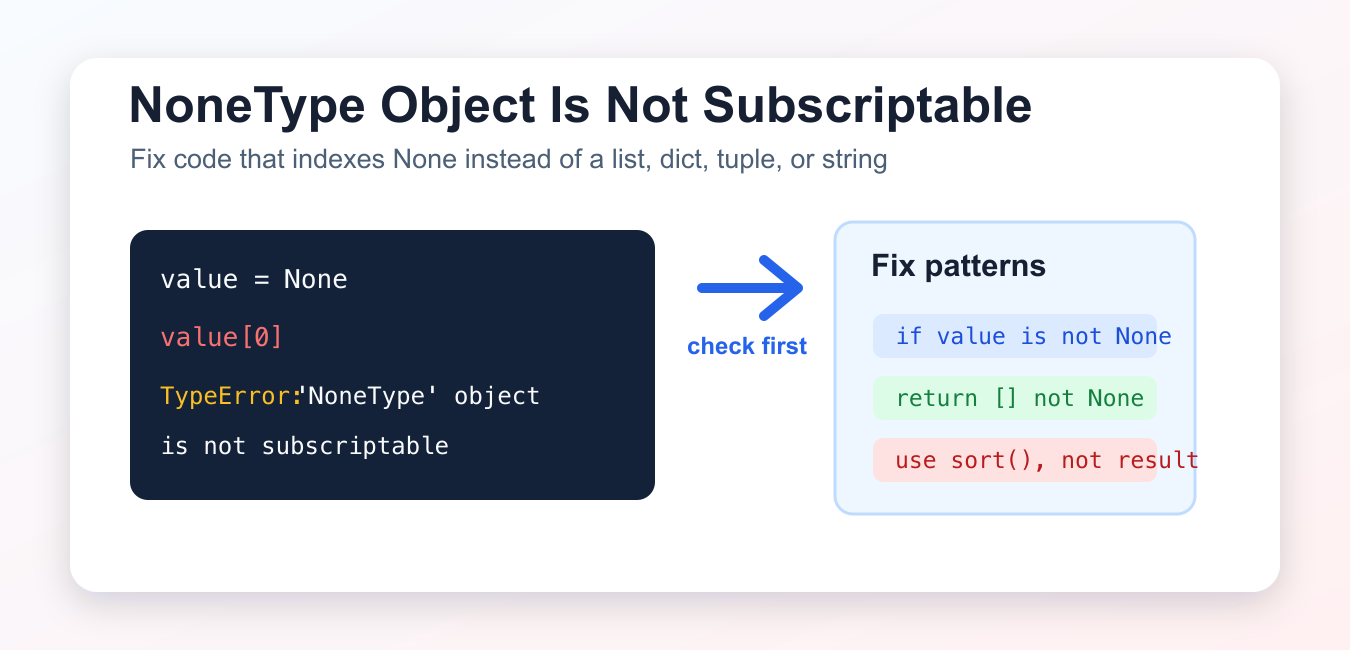
Quick answer: TypeError: ‘NoneType’ object is not subscriptable means code used brackets on a value that is None. The durable fix is to trace where the value was assigned, inspect functions that return nothing on one branch, and distinguish a missing object from a missing key. Guard optional data at the boundary and keep required data contracts explicit.
TypeError: 'NoneType' object is not subscriptable means your code tried to use square brackets on None, such as value[0] or data["key"]. The fix is to find why the variable became None before you indexed it.
What the error means
Subscriptable objects support square-bracket access. Lists, tuples, strings, and dictionaries are common examples. None is Python’s null value. It does not contain indexes or keys, so None[0] raises a TypeError.
value = None

try:
    print(value[0])
except TypeError as error:
    print(error)
Output:
'NoneType' object is not subscriptableFix list.sort() returning None
A common cause is assigning the result of an in-place method. list.sort() sorts the list in place and returns None.
numbers = [3, 1, 2]
result = numbers.sort()

print(result)
print(numbers)

first = numbers[0]
print(first)
Use the sorted list itself after calling sort(), or use sorted(numbers) when you need a new list.
Fix append() returning None
list.append() also mutates the list in place and returns None. Do not assign the append result when you plan to use the list.
items = ["a", "b"]
result = items.append("c")

print(result)
print(items[0])
After items.append("c"), the list is changed. The value stored in result is None.
Fix missing dictionary keys
dict.get() returns None when a key is missing and no default is provided. Check the result or pass a default value before indexing it.
user = {"name": "Asha"}
roles = user.get("roles")

if roles is None:
    roles = []

print(roles)
You can also write roles = user.get("roles", []) if an empty list is the right default.
Fix functions that may return None
If a function can fail to find a value, it may return None. Check the return value before treating it like a dictionary, list, tuple, or string.
def find_user(user_id):
    users = {1: {"name": "Asha"}}
    return users.get(user_id)

user = find_user(2)
if user is not None:
    print(user["name"])
else:
    print("user not found")
This pattern is useful for database lookups, API responses, parsed JSON, web forms, and search functions.
Raise a clearer error in your own functions
When your function requires a list-like value, validate the input early. A clear ValueError or TypeError is easier to debug than a later subscript error.
def first_item(values):
    if values is None:
        raise ValueError("values must not be None")
    return values[0]

print(first_item([10, 20]))
None vs empty list or dictionary
None means “no value was returned or assigned.” An empty list, empty tuple, empty string, or empty dictionary is still subscriptable in the sense that it supports square-bracket access, although an empty sequence may raise IndexError if you ask for an item that is not there.
That distinction matters when choosing a fix. If “no roles” is a valid result, return []. If “user not found” is a different state, keep None and handle it explicitly before indexing.
Quick debugging checklist
- Print or inspect the variable immediately before the failing line.
- Look for in-place methods such as
sort(),append(),extend(), andreverse(). - Check functions that return
Nonewhen a value is missing. - Check
dict.get()calls that do not provide a default. - For API or JSON data, confirm the response contains the expected object before indexing it.
Common causes and fixes
data = data.sort(): usedata.sort(), then indexdata.items = items.append(x): useitems.append(x)on its own line.value = mapping.get("key"): provide a default or checkvalue is not None.- Missing function return: make sure every branch returns the expected type.
- Empty API/database result: handle the not-found case before indexing.
Related Python error guides
- AttributeError: NoneType object has no attribute group
- method object is not subscriptable
- int object is not subscriptable
- Reverse a list in Python
- Copy a list in Python
- Append strings in Python
Official references
- Python documentation: TypeError
- Python documentation: None
- Python tutorial: list methods
- Python documentation: dict
Conclusion
To fix TypeError: 'NoneType' object is not subscriptable, trace the variable back to where it became None. Most cases come from in-place list methods, missing dictionary keys, missing function returns, or not-found API/database results. Check for None before using square brackets.
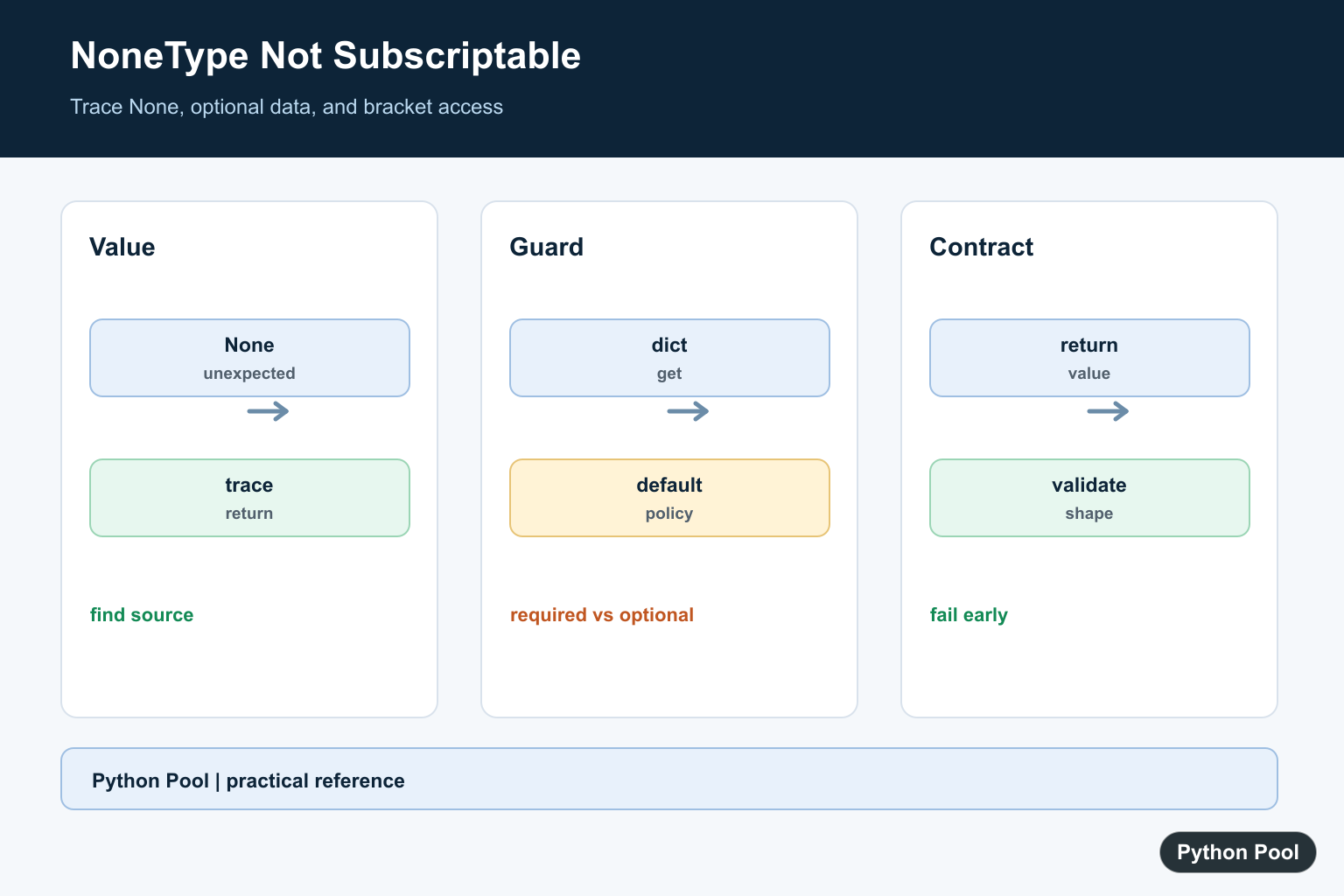
Trace The Assignment
Print or log the value immediately before the subscript, then follow the return path that produced it. A function with no return statement returns None, as does a failed lookup that was converted into an optional value.
def first_item(values):
    if values:
        return values[0]
    return None

result = first_item([])
if result is None:
    print("no item")
Guard Optional Mappings
Use get when a missing key has a known default, but do not use a default that hides a missing required record. Check the mapping itself before subscripting it.
record = {"name": "Ada"}
name = record.get("name") if record is not None else None
print(name)
Fix Missing Return Branches
Every branch of a function that promises a value should return one or raise a clear exception. This is better than catching a TypeError several calls later.
def status_code(ok):
    if ok:
        return {"status": 200}
    raise RuntimeError("request failed before a response was created")

print(status_code(True)["status"])
Use A Contract Check
A small assertion or validation function can make the expected shape obvious at an integration boundary. Keep the error close to the source of invalid data.
def require_mapping(value):
    if value is None or not hasattr(value, "get"):
        raise TypeError("expected a mapping, got None or another type")
    return value

print(require_mapping({"id": 7})["id"])
Python’s mapping documentation explains dictionary access and get behavior. Related references include integer subscript errors, NoneType attributes, and testing error paths.
For related error diagnosis, compare NoneType attributes, call errors, and testing error paths when tracing an unexpected value.
Frequently Asked Questions
What does NoneType object is not subscriptable mean?
A variable is None at the point where code tries to use brackets such as value[0] or value[‘key’].
How do I find where None came from?
Trace the assignment and inspect function returns, failed lookups, and branches that do not return a value.
Should I catch the TypeError?
Prefer fixing the data contract or guarding an optional value; catch the error only when the boundary policy is explicit.
How do I safely read optional dictionary data?
Check the mapping or use a deliberate default with get when a missing key and a missing object have different meanings.