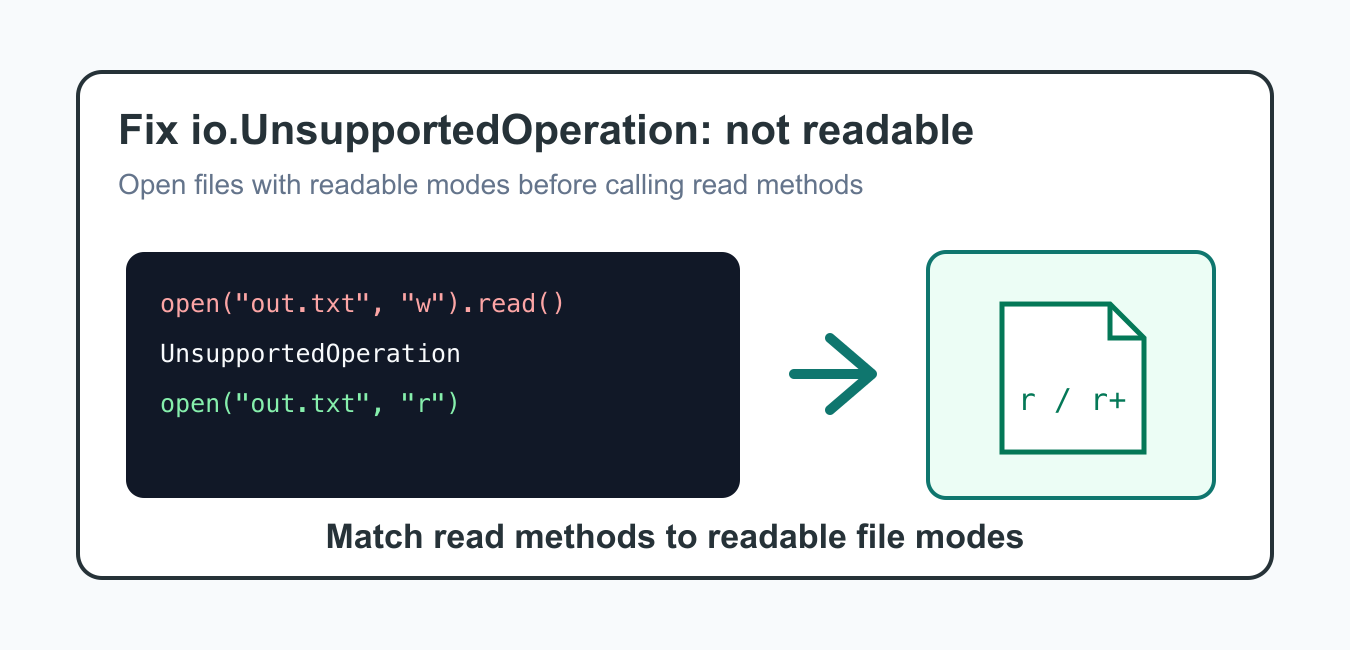
Quick answer: io.UnsupportedOperation: not readable means a read method was called on a file-like object without read capability. Match the mode to the operation, use r for reading, use a deliberate combined mode only when required, and remember that capability belongs to the handle, not merely the path.
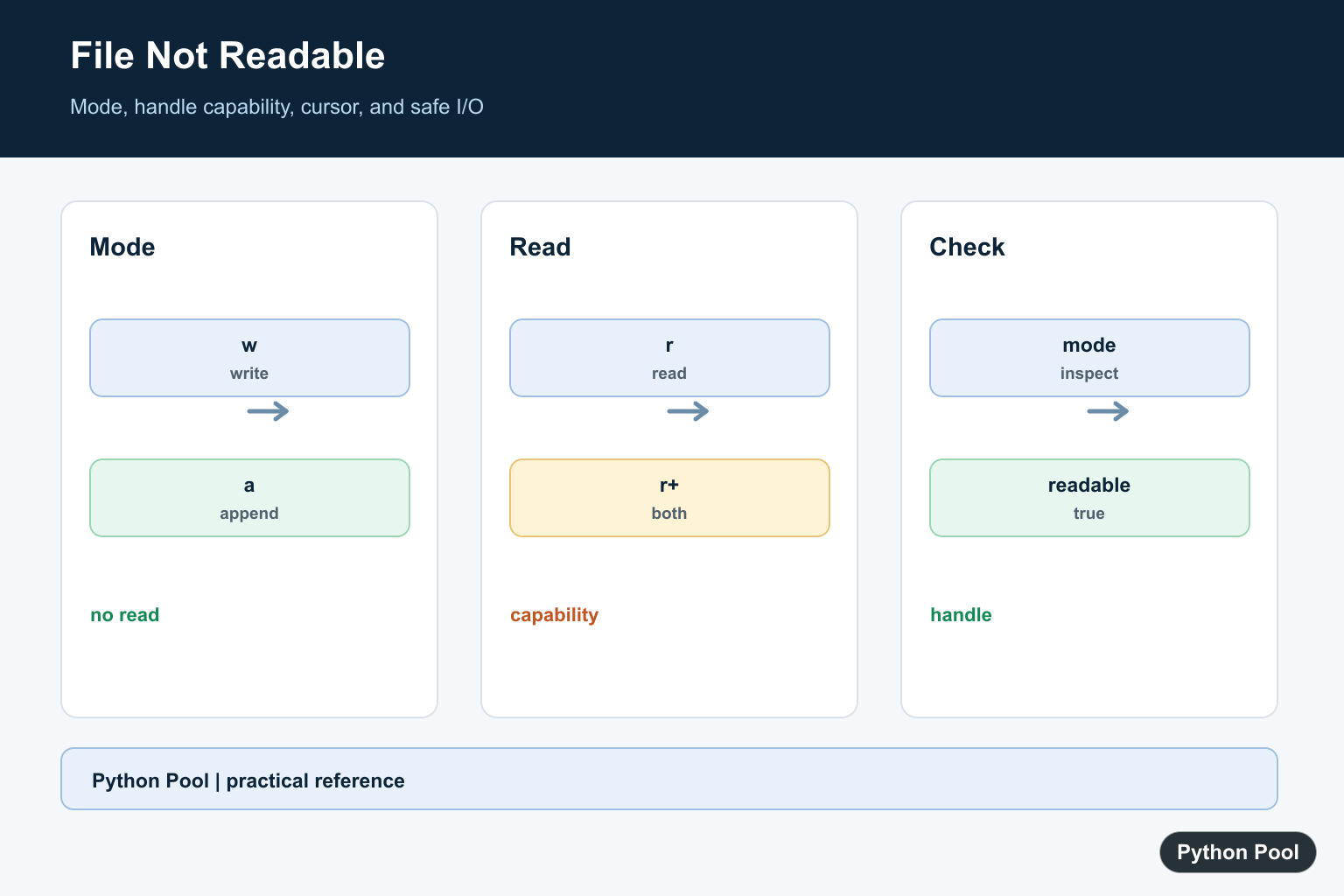
io.UnsupportedOperation: not readable happens when Python code calls a read method on a file object that was not opened for reading. The most common case is opening a file with mode "w" or "a" and then calling read(), readline(), or iterating over the file object.
The fix is to choose a mode that matches the operation. Use "r" for reading, "w" for replacing a file, "a" for appending, and "r+" only when you truly need both reading and writing on the same handle.
This error is useful because it prevents a confusing file operation from continuing. A write-only file handle cannot safely provide text for a read call. Open a separate readable handle when the code needs to inspect file contents.
When debugging, look at the file mode before looking at the file contents. The file can exist, have valid text, and still raise this error if the current handle was opened in a write-only or append-only mode. The capability belongs to the handle, not just the path.
The official Python open documentation, reading and writing files tutorial, io.UnsupportedOperation documentation, Path.open documentation, and IOBase.readable documentation are the primary references.
Why The Error Happens
A write-only file object does not support reading. This example intentionally raises io.UnsupportedOperation.
from pathlib import Path

path = Path("notes.txt")

with path.open("w", encoding="utf-8") as file:
    file.write("created\n")
    print(file.read())
The file was opened with "w", so it can write but cannot read. Use a readable mode or reopen the file for reading.
Mode "w" also truncates the file when it opens. If you only wanted to inspect an existing file, opening it in write mode can erase the previous contents before the read attempt even happens. A stream opened without read access raises one UnsupportedOperation variant; Fix io.UnsupportedOperation: not writable covers the matching failure when write access is missing.
Open The File For Reading
Use mode "r" when the code only needs to read existing text.
from pathlib import Path

path = Path("notes.txt")
path.write_text("first line\nsecond line\n", encoding="utf-8")

with path.open("r", encoding="utf-8") as file:
    text = file.read()

print(text)
This is the cleanest fix when the operation is read-only. It also avoids accidental file replacement.
If the file might not exist, handle FileNotFoundError separately. Changing the mode from "w" to "r" fixes readability, but it does not create missing input files.
Check readable() Before Reading
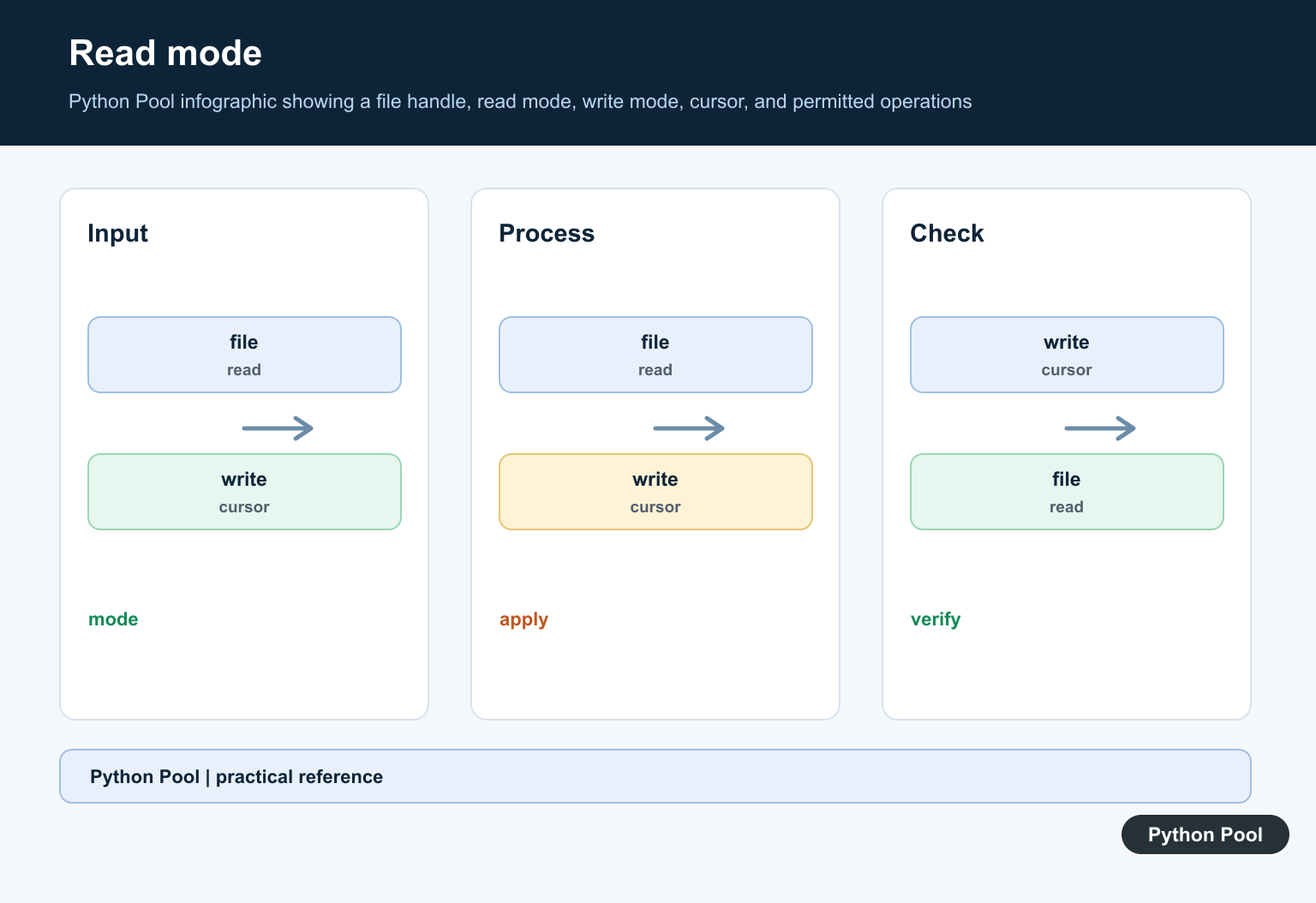
File objects expose readable(), which reports whether read operations are supported.
from pathlib import Path

path = Path("report.txt")
path.write_text("ready\n", encoding="utf-8")

with path.open("r", encoding="utf-8") as file:
    if file.readable():
        print(file.readline().strip())
This is helpful in helper functions that receive a file-like object from another part of the program.
Use r+ Only When You Need Both
Mode "r+" allows reading and writing, but the file must already exist and the file position matters.
from pathlib import Path

path = Path("counter.txt")
path.write_text("10\n", encoding="utf-8")

with path.open("r+", encoding="utf-8") as file:
    current = int(file.readline())
    file.seek(0)
    file.write(f"{current + 1}\n")
    file.truncate()
Use this mode carefully. For many tasks, separate read and write steps are easier to reason about.
The file pointer moves as you read and write. If you read first and then write, use seek() deliberately so the update goes to the intended position.
Read Then Write With Separate Handles
When transforming a file, read the original text first and then write the output separately.
from pathlib import Path

source = Path("input.txt")
target = Path("output.txt")
source.write_text("alpha\nbeta\n", encoding="utf-8")

text = source.read_text(encoding="utf-8")
target.write_text(text.upper(), encoding="utf-8")
This avoids reading from a write-only handle and keeps the original file available until the transformed output is ready.
Separate handles also make tests simpler. One assertion can check the original input, and another can check the generated output without depending on a shared file position.
Handle File-Like Objects Safely
If a function accepts a file-like object, check its capability before reading and raise a clear error when it is not readable.
def read_preview(file, size=80):
    if not file.readable():
        raise ValueError("file object must be readable")
    return file.read(size)

with open("preview.txt", "w", encoding="utf-8") as file:
    file.write("sample text\n")
Clear validation makes the caller fix the mode at the boundary where the wrong object was passed.
Fix Checklist
First, find the line that calls read(), readline(), readlines(), or iterates over the file. Then inspect the mode used when that file object was opened.
If the mode is "w", "a", "wb", or "ab", it is not readable. Reopen with "r" for reading, use "r+" only when both directions are required, or split the workflow into separate read and write steps.
Finally, keep encoding explicit for text files and use pathlib helpers when the operation is simply reading or writing a whole text file. That makes file intent clear and prevents mode mistakes from returning later.
For binary files, use readable binary modes such as "rb" and writable binary modes such as "wb". The same rule applies: call read methods only on handles opened with a readable mode.
Match Modes To Operations
Use r or rb for reading, w or wb for replacement writes, and a or ab for appending. A handle opened with w or a is not automatically readable even when the path contains valid data.
Use r+ Deliberately
r+ enables reading and writing without truncating an existing file, but it requires careful cursor positioning, flushing, and coordination. Separate readable and writable handles are often easier to reason about.
Inspect The Handle
Check file.mode and file.readable when debugging a file-like object. A wrapper, pipe, or in-memory stream can have capabilities that differ from an ordinary disk file.
Separate Read And Write Phases
Read source data with a readable context manager, close it, and open the destination with the appropriate write mode. This prevents cursor and truncation behavior from being mixed into one operation.
Test Error Paths
Cover missing files, write-only handles, append handles, binary versus text mode, and a valid read/write path. Assert the mode and capability before attempting a sensitive operation.
Python’s open documentation, IOBase.readable, and UnsupportedOperation define file capabilities. Related references include compressed file modes, file reading, and I/O tests.
For related file capabilities, compare compressed file modes, bytes, and I/O tests when separating read and write phases.
Frequently Asked Questions
Why does io.UnsupportedOperation not readable occur?
A read method was called on a file handle opened without read capability, such as mode w or a.
Which mode should I use to read a file?
Use r for reading, or a deliberate combined mode such as r+ when the same handle truly needs both capabilities.
Can I read after opening with w?
No. Open a separate readable handle or choose a mode that supports the required operations.
How do I inspect file capabilities?
Check the handle’s mode and use readable() when debugging or validating a file-like object.