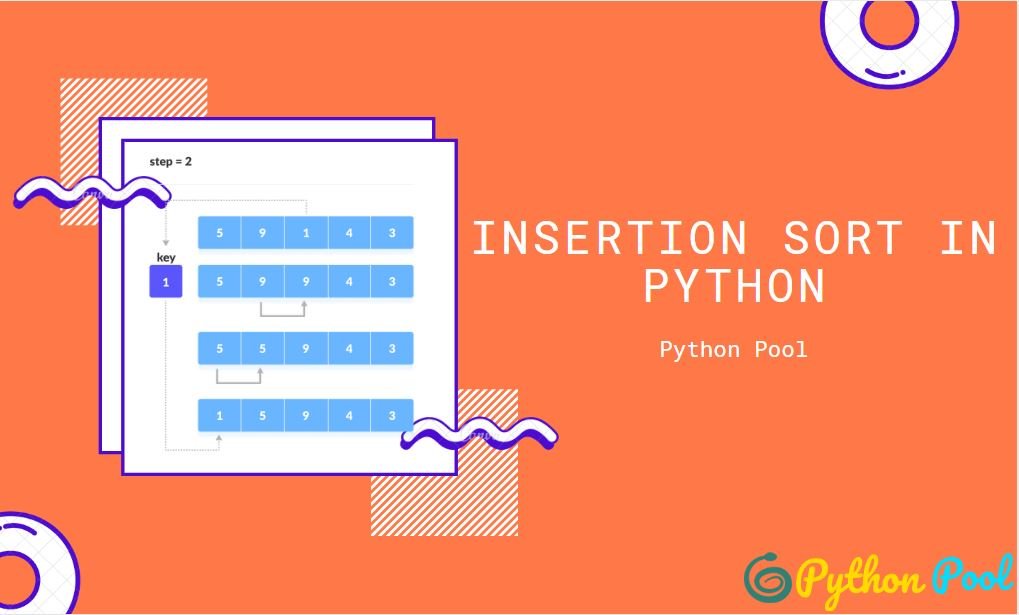
Quick answer: Insertion sort grows a sorted prefix by taking each next value and shifting larger values until the value reaches its insertion point. It is stable and O(n) on already sorted input, but O(n squared) in average and worst cases, so Python’s built-in sort is usually preferable in production.
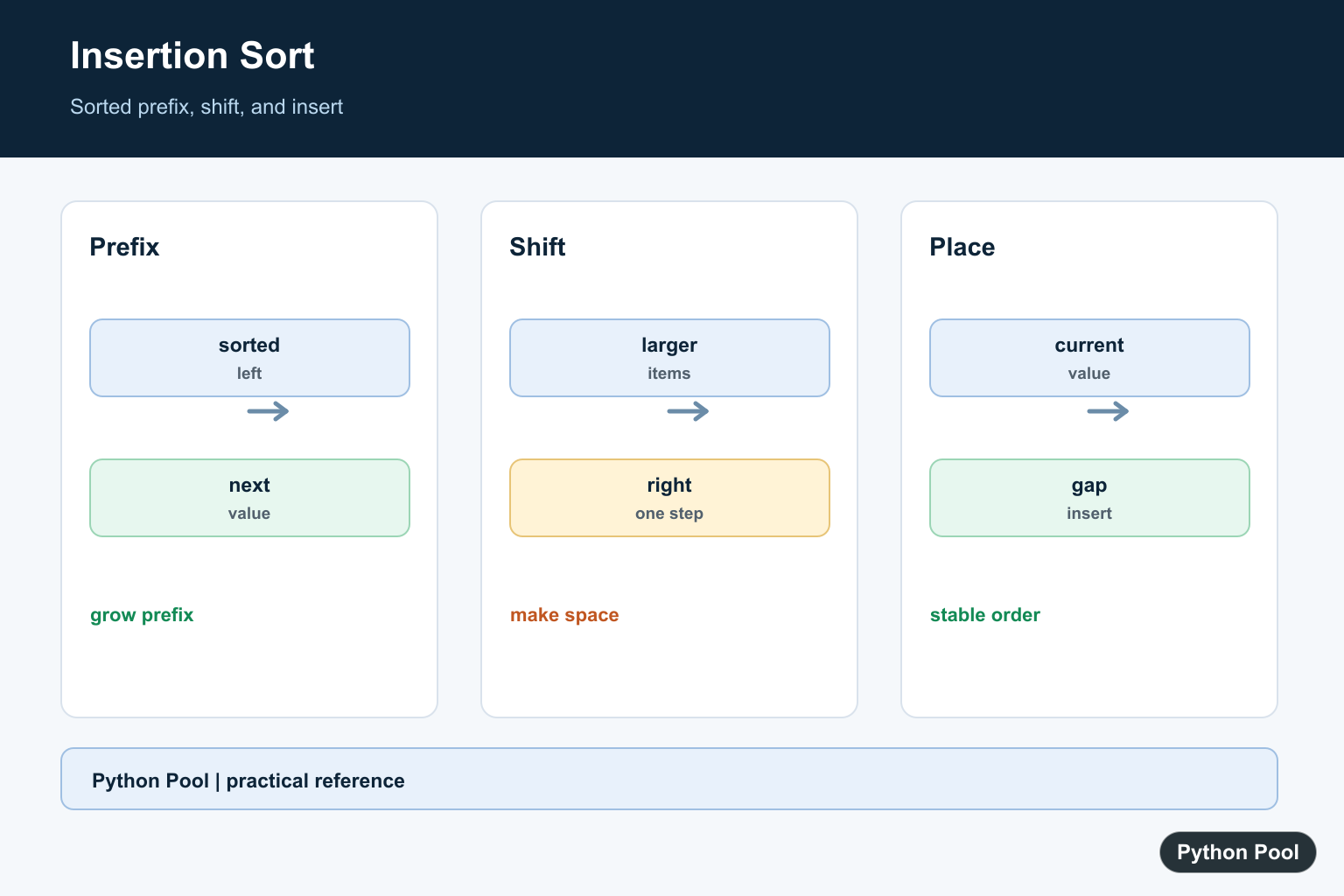
Insertion sort is a simple sorting algorithm that builds the final sorted list one item at a time. It works the same way many people sort a hand of cards: keep the left side sorted, pick the next item, and insert it into the correct position.
In Python, insertion sort is most useful for learning algorithms, handling very small lists, or extending an already mostly sorted list. For normal application code, Python’s built-in list.sort() and sorted() are faster and should be your default choice. The official Python sorting HOWTO explains the built-in sorting tools.
How insertion sort works
Insertion sort divides the list into two parts:
- a sorted section on the left
- an unsorted section on the right
The first item is treated as already sorted. Then the algorithm takes each remaining item, compares it with the sorted section, shifts larger values one position to the right, and inserts the item where it belongs.
numbers = [8, 4, 6, 2]
A dry run looks like this:
- Start with
[8]sorted. - Insert
4before8:[4, 8, 6, 2]. - Insert
6between4and8:[4, 6, 8, 2]. - Insert
2before everything:[2, 4, 6, 8].
Insertion sort algorithm
For a zero-indexed Python list, the algorithm is:
- Start at index
1, because index0is already a sorted one-item section. - Store the current value in a temporary variable called
key. - Move left while previous values are greater than
key. - Shift each larger value one position to the right.
- Place
keyinto the open position. - Repeat until the end of the list.
Insertion sort Python code
This implementation sorts the list in place and returns the same list for convenience:
def insertion_sort(values):
    for index in range(1, len(values)):
        key = values[index]
        position = index - 1

        while position >= 0 and values[position] > key:
            values[position + 1] = values[position]
            position -= 1

        values[position + 1] = key

    return values


numbers = [8, 4, 6, 2, 9, 1]
print(insertion_sort(numbers))
# [1, 2, 4, 6, 8, 9]
This version shifts values instead of repeatedly swapping adjacent items. The result is the same, but the shifting version maps directly to the idea of making space for the current value.
If the range() boundaries look unfamiliar, review our guide to Python range behavior. In this loop, range(1, len(values)) starts at the second item and stops before len(values), which is exactly what we need.
Sort in descending order
To sort in descending order, reverse the comparison inside the while loop:
def insertion_sort_desc(values):
    for index in range(1, len(values)):
        key = values[index]
        position = index - 1

        while position >= 0 and values[position] < key:
            values[position + 1] = values[position]
            position -= 1

        values[position + 1] = key

    return values


print(insertion_sort_desc([8, 4, 6, 2]))
# [8, 6, 4, 2]
For everyday code, you can reverse a built-in sort with sorted(values, reverse=True). We also have a separate guide on reversing a Python list.
Insertion sort with a key function
Python's built-in sorting functions accept a key function. You can add the same idea to insertion sort for practice:
def insertion_sort_by_key(values, key=lambda item: item):
    for index in range(1, len(values)):
        current = values[index]
        current_key = key(current)
        position = index - 1

        while position >= 0 and key(values[position]) > current_key:
            values[position + 1] = values[position]
            position -= 1

        values[position + 1] = current

    return values


students = [
    {"name": "Ava", "score": 91},
    {"name": "Ben", "score": 84},
    {"name": "Mia", "score": 96},
]

print(insertion_sort_by_key(students, key=lambda student: student["score"]))
For real projects, prefer students.sort(key=lambda student: student["score"]). The list.sort() documentation describes the built-in method, and our guide on sorting a list of tuples in Python shows another common key-based sorting case.
Complexity of insertion sort
| Case | Time complexity | Why |
|---|---|---|
| Best case | O(n) |
The list is already sorted, so each item needs one comparison. |
| Average case | O(n^2) |
Items often need to move through part of the sorted section. |
| Worst case | O(n^2) |
A reverse-sorted list makes every new item shift across the sorted section. |
| Space | O(1) |
The algorithm sorts in place and stores only a few temporary variables. |
Insertion sort is stable when implemented with the comparison values[position] > key. Equal values are not moved ahead of each other, so their original order is preserved.
When should you use insertion sort?
Use insertion sort when you are learning algorithms, when the list is tiny, or when the data is nearly sorted and you want a simple in-place method. It is also useful to understand because Python's built-in sort, Timsort, takes advantage of already ordered runs in data. You can read more in our Python Timsort guide.
Do not use insertion sort as a replacement for built-in sorting in production code. Python's built-in sort is highly optimized in C and handles real-world data better. If you want to benchmark small examples, use the standard-library timeit module instead of timing code by eye.
Common mistakes
- Starting the outer loop at index
0instead of index1. - Forgetting to store the current value before shifting other items.
- Using
>=in the comparison and accidentally making the sort unstable for equal values. - Expecting insertion sort to perform well on large random lists.
- Using insertion sort when
list.sort()orsorted()would be clearer and faster.
Insertion sort vs other sorting algorithms
Insertion sort is easier to understand than many advanced algorithms, but it is not the fastest general-purpose option. If you are comparing sorting techniques, see our overview of sorting techniques in Python. Related algorithm guides include bubble sort in Python, counting sort in Python, and bitonic sort in Python.
Conclusion
Insertion sort in Python keeps a sorted section on the left and inserts each new value into that section. It is in-place, stable when written carefully, and easy to trace. Its main weakness is O(n^2) average and worst-case time, so use it for learning and small inputs, not as a general replacement for Python's built-in sorting tools.
Maintain The Sorted Prefix
At each iteration, everything before the current position is sorted. The algorithm saves the current value, shifts larger prefix values right, and writes the saved value into the remaining gap.
Understand Complexity
Already ordered data needs few shifts, while reverse-ordered data shifts almost every prior element for each new value. The O(n squared) worst case matters quickly as input grows.
Preserve Stability
Use a strict greater-than comparison when shifting so equal values are not moved past one another. This preserves the original order of records with equal keys.
Use It For The Right Workload
Insertion sort is useful for small collections, nearly sorted streams, and teaching loop invariants. Python's Timsort is generally better for application-level sorting and handles partially ordered data well.
Test The Invariant
Test empty, singleton, sorted, reverse-sorted, duplicate, negative, and custom-key input. Comparing the result with sorted input is a simple correctness oracle for small test cases.
The algorithm follows the standard insertion-sort invariant; Python's Sorting HOW TO explains the production alternative. Related references include Timsort, sorting keys, and tests.
For related sorting choices, compare Timsort, sorting keys, and algorithm tests when selecting an implementation.
Frequently Asked Questions
How does insertion sort work?
It takes each next value and shifts larger values in the sorted prefix until the value can be inserted.
What is insertion sort complexity?
It is O(n) for already sorted input and O(n squared) in the average and worst cases.
Is insertion sort stable?
Yes, when equal values are not moved past one another, so equal-key records preserve their order.
When should I use insertion sort?
It is useful for small, nearly sorted data or teaching algorithmic invariants, but Python's built-in sort is usually better for production.