Quick answer: Use sorted() when you need a new list and list.sort() when in-place mutation is intentional. Both accept key and reverse, and Python’s built-in sort is stable, so equal-key items preserve their original order. Hand-written insertion, selection, or merge sorts are useful for learning or special constraints, not the default production choice.
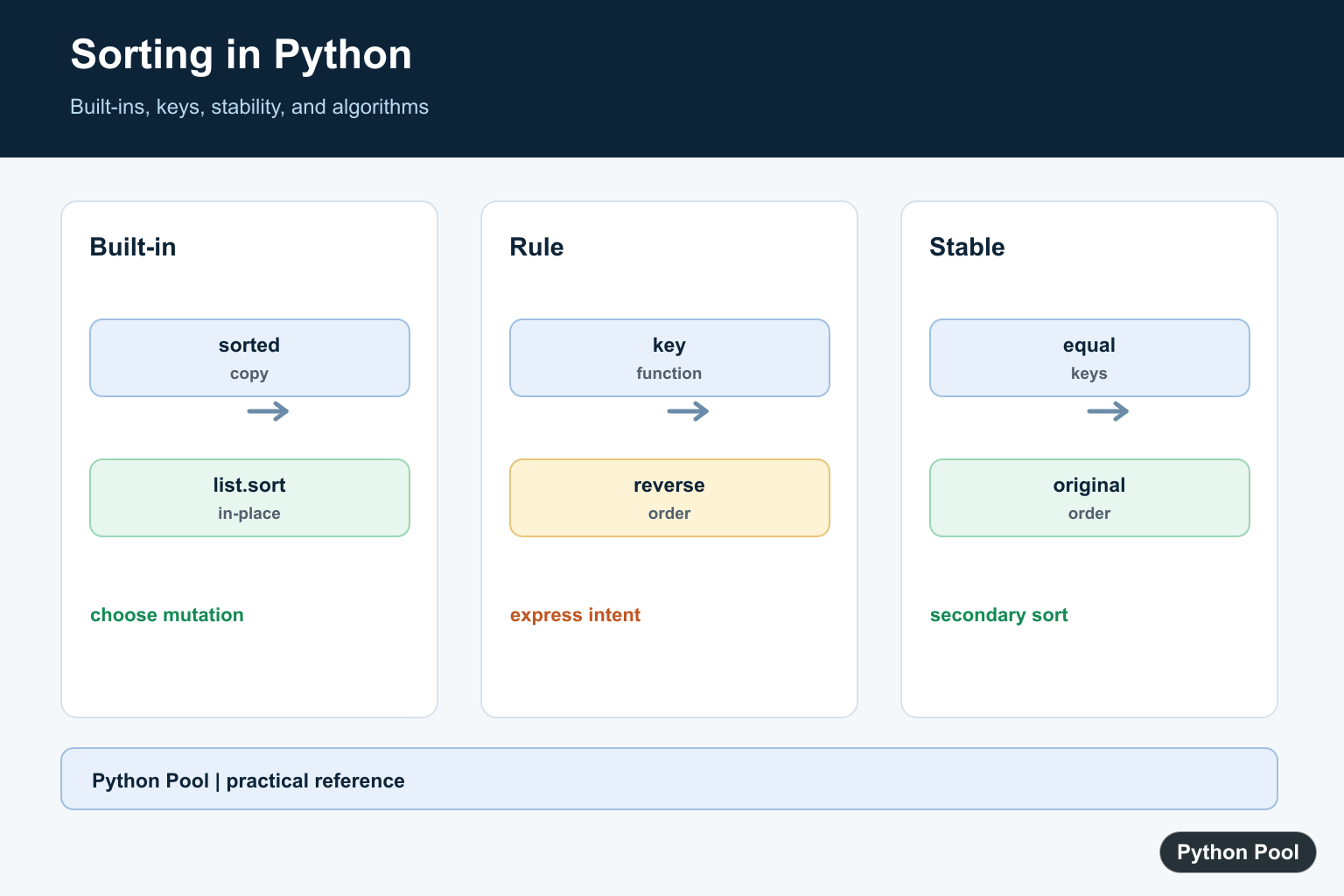
Sorting techniques in Python range from built-in tools that should be your default choice to small hand-written algorithms that are useful for learning. In production code, use sorted() or list.sort() first. They are stable, fast, and implemented in Python’s optimized Timsort algorithm. Write your own sorting algorithm only when teaching, experimenting, or solving a very specific problem.
The official references for this guide are the Python sorting HOWTO, the sorted() documentation, list.sort(), and the operator module.
The most important decision is whether you need a new sorted result or an in-place change. sorted(iterable) returns a new list and works with any iterable. list.sort() changes the existing list and returns None. Both accept key and reverse arguments, which handle most real sorting tasks without custom algorithms.
Also decide what should happen when values are equal. Python’s sort is stable, which means records with the same key keep their previous order. That property is useful for reports, grouped tables, ranking lists, and data-cleaning scripts where a secondary order has already been applied.
Use sorted() For A New List
sorted() is the safest default when you want to keep the original data unchanged. It returns a new list even when the input is a tuple, set, dictionary view, or generator.
numbers = [8, 3, 5, 1, 9]
ascending = sorted(numbers)
descending = sorted(numbers, reverse=True)

print(numbers)
print(ascending)
print(descending)
The first print shows that the original list is unchanged. That matters when the same data is reused elsewhere in a program. Use reverse=True instead of sorting ascending and manually reversing the result.
sorted() always returns a list, so it is also handy for generator output or dictionary keys. If you need a tuple after sorting, convert the returned list explicitly so the type change is visible.
Use list.sort() In Place
list.sort() is useful when the existing list is the thing you want to reorder. Because it mutates the list, it does not return a sorted copy.
names = ["Guido", "barry", "Ada", "grace"]

result = names.sort(key=str.lower)

print(names)
print(result)
The printed None is intentional. It helps prevent mistakes where a developer expects names.sort() to be a new sorted list. Assigning the result of sort() is usually a bug.
Use in-place sorting when ownership is clear. If other code holds a reference to the same list, that code will see the new order too. When that side effect is risky, prefer sorted().
Sort Records With key Functions
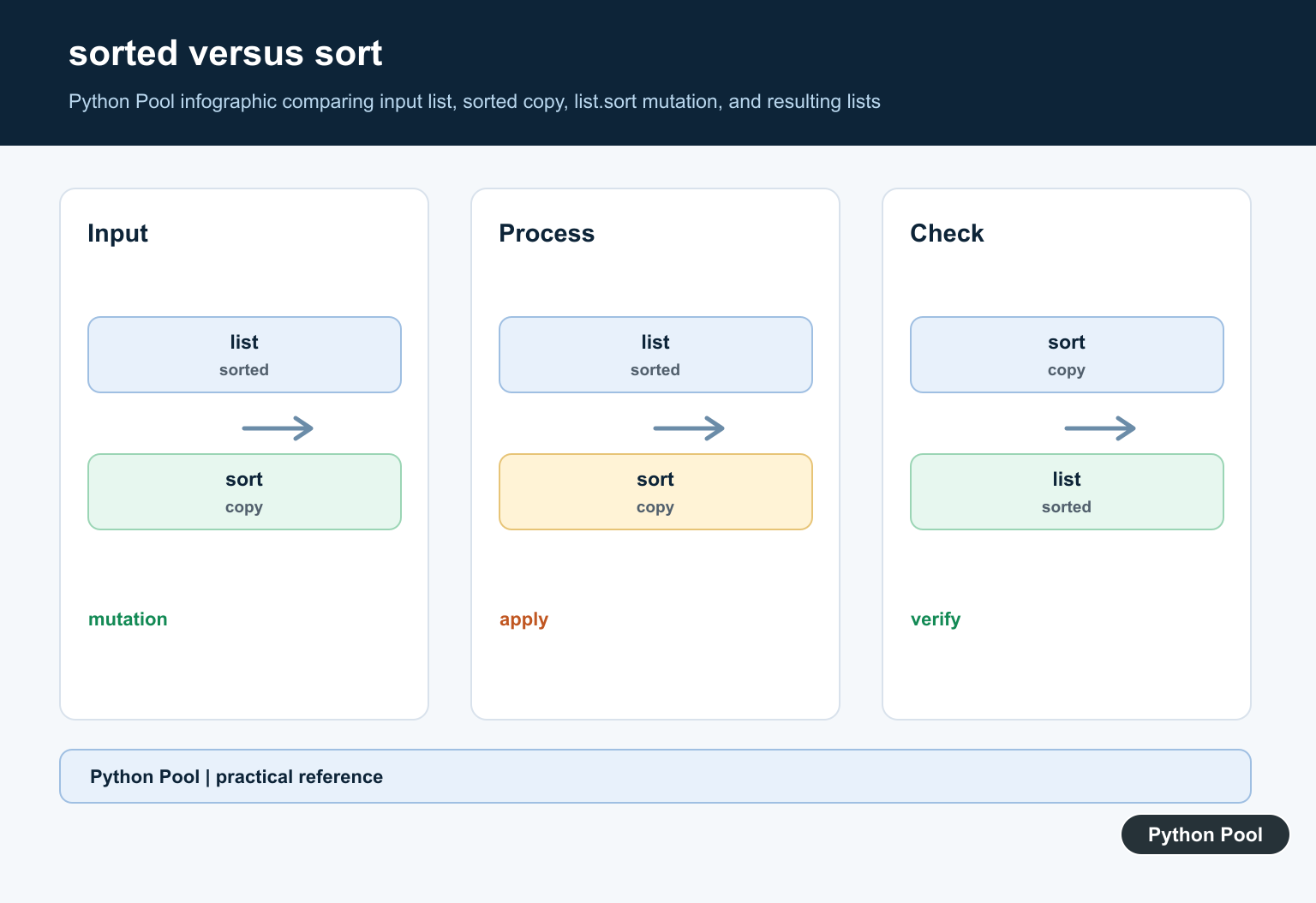
The key argument extracts the value used for ordering. For dictionaries or objects, this is cleaner than writing comparison logic. The operator.itemgetter() helper keeps simple record sorting readable.
from operator import itemgetter

students = [
    {"name": "Mira", "grade": 88, "age": 17},
    {"name": "Leo", "grade": 94, "age": 16},
    {"name": "Ava", "grade": 94, "age": 18},
]

ranked = sorted(students, key=itemgetter("grade", "age"), reverse=True)

for student in ranked:
    print(student["name"], student["grade"], student["age"])
This sorts primarily by grade and then by age because the key is a tuple. For mixed directions, it is often clearer to run stable sorts in stages or build a key that negates numeric fields intentionally.
A key function should be cheap and predictable because it runs once per item. Avoid network calls, file reads, or complicated parsing inside a key. Prepare the data first, then sort the prepared records.
Use Stable Multi-Step Sorting
Python’s sort is stable, so equal keys keep their previous relative order. That lets you sort by a secondary key first, then sort by the primary key.
records = [
    ("api", "high", 3),
    ("docs", "low", 1),
    ("tests", "high", 1),
    ("ui", "medium", 2),
]

priority_rank = {"high": 0, "medium": 1, "low": 2}

records.sort(key=lambda item: item[2])
records.sort(key=lambda item: priority_rank[item[1]])

for name, priority, effort in records:
    print(name, priority, effort)
The effort sort happens first. The priority sort happens second and keeps earlier effort ordering inside equal priorities. This is useful for task lists, reports, and grouped displays.
Write Insertion Sort For Learning
Insertion sort walks through the list and inserts each item into the already-sorted left side. It is easy to understand and efficient for very small or nearly sorted lists, but not a replacement for Python’s built-in sorting tools.
def insertion_sort(values):
    items = values.copy()
    for index in range(1, len(items)):
        current = items[index]
        position = index - 1

        while position >= 0 and items[position] > current:
            items[position + 1] = items[position]
            position -= 1

        items[position + 1] = current
    return items

print(insertion_sort([5, 2, 4, 6, 1, 3]))
This algorithm is useful for practicing loops and comparisons because every movement is visible. For real application data, sorted() will usually be faster and more reliable.
Compare Selection Sort And Merge Sort
Selection sort repeatedly chooses the smallest remaining item. Merge sort recursively splits a list and merges sorted halves. The examples below are compact teaching versions, not replacements for Python’s built-ins.
def selection_sort(values):
    items = values.copy()
    for start in range(len(items)):
        smallest = start
        for index in range(start + 1, len(items)):
            if items[index] < items[smallest]:
                smallest = index
        items[start], items[smallest] = items[smallest], items[start]
    return items

def merge_sort(values):
    if len(values) <= 1:
        return values
    middle = len(values) // 2
    left = merge_sort(values[:middle])
    right = merge_sort(values[middle:])
    merged = []

    while left and right:
        source = left if left[0] <= right[0] else right
        merged.append(source.pop(0))

    return merged + left + right

data = [9, 4, 7, 3, 6, 2]
print(selection_sort(data))
print(merge_sort(data))
Selection sort is simple but slow for large inputs. Merge sort shows divide-and-conquer thinking, but this short implementation uses list slicing and pop(0), so it is not tuned for performance. Treat these algorithms as learning exercises.
For practical Python work, choose the built-ins first: sorted() for a new result, list.sort() for in-place ordering, key for records, reverse=True for descending order, and stable multi-step sorting for layered rules. Hand-written algorithms are valuable because they explain how sorting works, but production Python code should normally use the built-in sort machinery.
Sort Records With A Key
The key function returns the value used for ordering and is called for each item. It keeps the comparison rule separate from the data and is usually clearer than transforming the list first.
records = [
    {"name": "Grace", "score": 91},
    {"name": "Ada", "score": 97},
    {"name": "Linus", "score": 91},
]

ordered = sorted(records, key=lambda record: record["score"], reverse=True)
print(ordered)
Use Stability For Secondary Order
Stable sorting lets you sort by a secondary field first, then by a primary field. Items tied on the second sort keep the order established by the first sort.
students = [("Ada", "A"), ("Grace", "B"), ("Linus", "A")]

by_name = sorted(students, key=lambda item: item[0])
by_grade = sorted(by_name, key=lambda item: item[1])
print(by_grade)
Choose In-place Or A Copy
list.sort() returns None and mutates the existing list. sorted() accepts any iterable and returns a new list, which is safer when other code still needs the original order.
values = [3, 1, 2]
original = values.copy()
new_values = sorted(values)
values.sort()

print(original)
print(new_values)
print(values)
Treat Hand-written Sorts As Teaching Tools
Insertion sort can explain incremental ordering and merge sort can illustrate divide and conquer, but the built-in algorithm is optimized and thoroughly tested. Measure a real constraint before replacing it with custom code.
def insertion_sort(values):
    result = []
    for value in values:
        position = 0
        while position < len(result) and result[position] <= value:
            position += 1
        result.insert(position, value)
    return result

print(insertion_sort([3, 1, 2]))
Follow the official Python Sorting HOW TO for key functions, stability, and built-in sorting. Use the related list iteration guide when the sorting rule needs a preceding data-cleanup pass.
For related ordering and comparison rules, compare list iteration, reversing lists, and map functions when preparing values for a stable sort.
Frequently Asked Questions
What is the best way to sort a Python list?
Use sorted() when you need a new list or list.sort() when in-place mutation is intended; both use Python’s optimized stable sorting behavior.
What does the key argument do?
key supplies a function that produces the comparison value for each item, such as a name, length, lowercase form, or record field.
Is Python sorting stable?
Yes. Equal-key items keep their original relative order, which enables reliable multi-step sorting and secondary ordering patterns.
Should I implement insertion or merge sort myself?
Use a custom algorithm for learning, a special constraint, or an explicit algorithmic exercise; production code should normally use the built-in tools.