Quick answer: Instagram’s Python and Django history is most useful as an architecture lesson: a mature web framework can support large services when teams separate concerns, measure bottlenecks, scale data and requests independently, and evolve boundaries as real traffic demands.
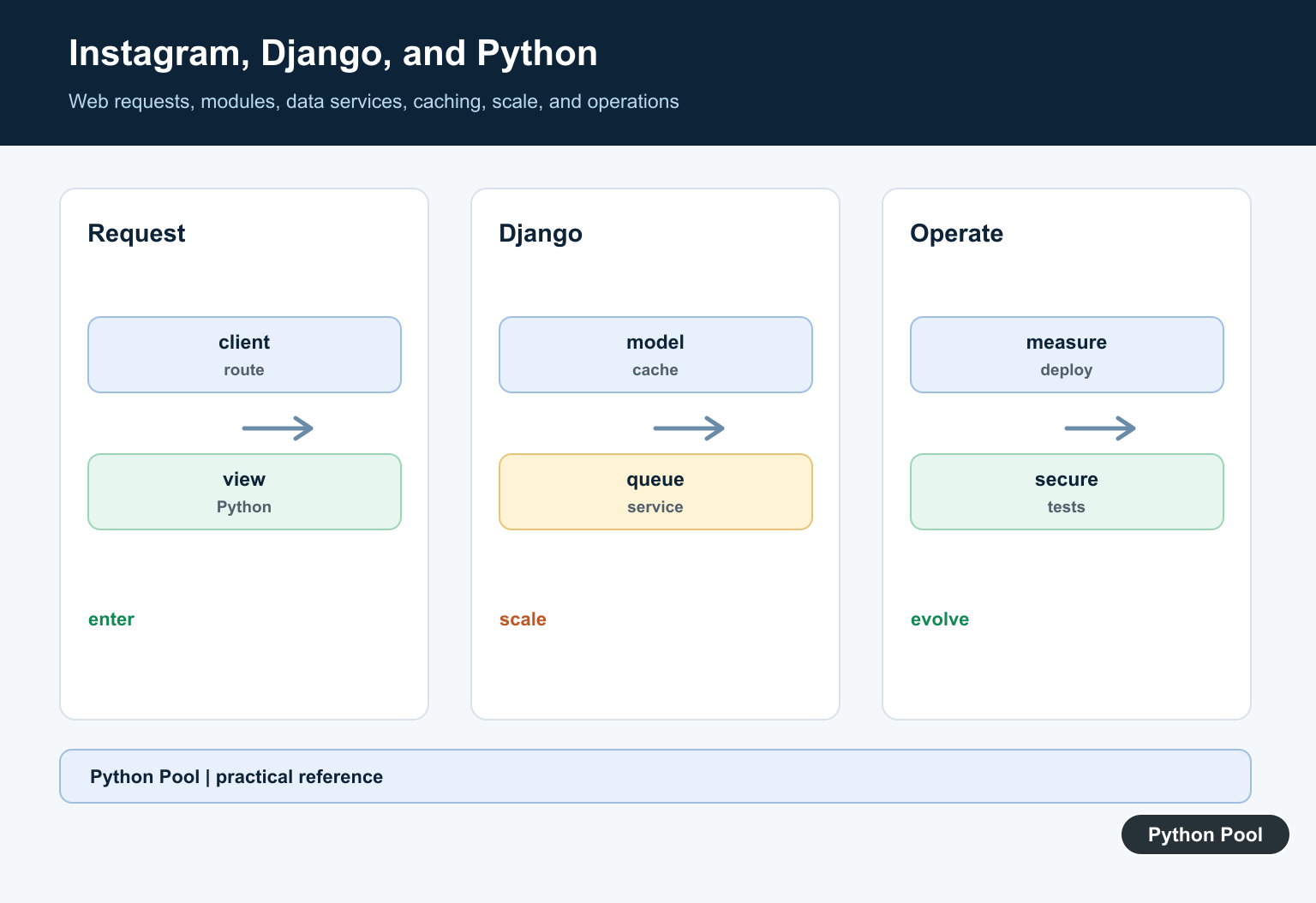
Instagram Django Python is safest to study as a source-backed case study, not as a reverse-engineered diagram. Meta’s engineering blog says Meta uses Python and Django for the frontend server within Instagram, with a multi-process server design and asyncio for per-process concurrency. A QCon interview with Instagram infrastructure engineer Lisa Guo described the web tier stack as Django with Python, plus storage and async systems outside that web tier. Those public statements are useful anchors, but they are not a full map of Instagram’s private production system.
Django’s own documentation explains the framework pieces behind that style. The URL dispatcher maps path expressions to Python view functions, models describe stored data, the cache framework avoids repeated dynamic work, and the deployment checklist pushes production apps toward WSGI or ASGI servers instead of the development server. Python’s asyncio documentation is the official reference for async and await syntax.
For more local context, PythonPool also covers Python frameworks, working with JSON responses, and CRUD patterns in Python. The examples below are intentionally small and runnable with the standard library. They show Django-shaped ideas without pretending to copy Instagram internals.
What Django Handles In The Request Path
A Django project normally starts a request by resolving a path to a view. That sounds simple, but at scale it gives teams a stable place to organize endpoint ownership, permissions, response formats, and tests. The example below mirrors the basic URLconf idea with plain Python dictionaries and functions.
from dataclasses import dataclass


@dataclass(frozen=True)
class Request:
    path: str
    user_id: int | None = None


def home_view(request):
    return {"status": 200, "template": "home.html"}


def profile_view(request):
    if request.user_id is None:
        return {"status": 401, "error": "login required"}
    return {"status": 200, "profile_id": request.user_id}


urlpatterns = {
    "/": home_view,
    "/profile/": profile_view,
}


def resolve(request):
    view = urlpatterns.get(request.path)
    if view is None:
        return {"status": 404, "error": "not found"}
    return view(request)


print(resolve(Request("/profile/", 42)))
That routing contract is one reason Django can stay understandable even when an application has many endpoints. Public Meta posts discuss Instagram at a much larger scale, but the core framework boundary is still recognizable: route a request, run view code, return a response, and let surrounding infrastructure handle process management, caching, deployment, and monitoring.
Views Keep Response Contracts Small
A view should turn trusted application objects into a response shape that clients can consume. In a real Django app, this may be an HTML template, JSON response, redirect, or error page. For a social product, the important lesson is not the exact endpoint layout; it is the discipline of returning only the fields the client needs and cleaning text before display.
from html import escape
from json import dumps


def public_profile(username, posts, follower_count):
    clean_name = escape(username.strip())[:30]
    recent_posts = [
        {"id": item["id"], "caption": escape(item["caption"])[:80]}
        for item in posts[:3]
    ]
    return dumps(
        {
            "username": clean_name,
            "follower_count": follower_count,
            "recent_posts": recent_posts,
        },
        sort_keys=True,
    )


posts = [
    {"id": 10, "caption": "Ship simple views"},
    {"id": 11, "caption": "Keep response fields small"},
]

print(public_profile(" python_user ", posts, 1280))
This kind of boundary also makes tests practical. You can feed a view known inputs, check the exact response shape, and keep client contracts stable while the backing data code evolves. Instagram’s private APIs are not documented here, so this section stays at the framework pattern level.
Models Express Domain State
Django models are Python classes that represent the fields and behavior of stored data. Instagram has not published a complete schema, and guessing one would be misleading. A safer example is a tiny post object that shows the same modeling idea: keep the data fields explicit, keep behavior close to the data when it is simple, and make ranking or filtering rules easy to test.
from dataclasses import dataclass
from datetime import datetime, timezone


@dataclass(frozen=True)
class Post:
    id: int
    author: str
    created_at: datetime
    likes: int
    comments: int


def engagement_score(post, now):
    age_hours = max((now - post.created_at).total_seconds() / 3600, 1)
    raw_score = post.likes * 2 + post.comments * 3
    return round(raw_score / age_hours, 2)


now = datetime(2026, 7, 1, tzinfo=timezone.utc)
feed = [
    Post(1, "ada", datetime(2026, 6, 30, 20, tzinfo=timezone.utc), 120, 8),
    Post(2, "guido", datetime(2026, 6, 30, 12, tzinfo=timezone.utc), 240, 12),
]

ranked = sorted(feed, key=lambda post: engagement_score(post, now), reverse=True)
print([(post.id, engagement_score(post, now)) for post in ranked])
This is not Instagram’s feed ranking. It is a toy calculation that demonstrates how Python code can keep a rule readable. In Django, the production version would likely combine model fields, database queries, cache reads, permission checks, and service calls, with tests around the public behavior.
Caching Reduces Repeated Work
The QCon interview mentions MemCache among Instagram’s storage systems, and Django has a documented cache framework. The generic lesson is that a web tier should avoid recomputing expensive, popular responses on every request. Cache keys also need discipline: they should include enough identity and permission context that one user never receives another user’s private response.
from time import monotonic


class TTLCache:
    def __init__(self):
        self._items = {}

    def get_or_set(self, key, ttl_seconds, builder):
        now = monotonic()
        expires_at, payload = self._items.get(key, (0, None))
        if expires_at > now:
            return "hit", payload

        payload = builder()
        self._items[key] = (now + ttl_seconds, payload)
        return "miss", payload


cache = TTLCache()


def build_profile():
    return {"profile": "python_user", "post_count": 3}


print(cache.get_or_set("profile:42", 30, build_profile))
print(cache.get_or_set("profile:42", 30, build_profile))
Caching can improve latency, but it also creates correctness problems if keys are too broad or invalidation is unclear. For Django applications, the practical path is to cache the smallest expensive piece first, measure the effect, and only add broader page or site caching when the behavior is well understood.
Async I/O Helps When Work Waits
Meta’s 2023 post names asyncio as part of Instagram’s per-process concurrency story. The useful takeaway for Django developers is limited and concrete: async is valuable when request work waits on I/O, such as remote calls, queues, or database operations through async-aware libraries. It does not make CPU-heavy Python code faster by itself.
import asyncio
from time import perf_counter


async def fetch_piece(name, delay):
    await asyncio.sleep(delay)
    return name


async def build_page():
    start = perf_counter()
    pieces = await asyncio.gather(
        fetch_piece("profile", 0.05),
        fetch_piece("recent_posts", 0.05),
        fetch_piece("notifications", 0.05),
    )
    elapsed_ms = round((perf_counter() - start) * 1000)
    return {"pieces": pieces, "elapsed_ms": elapsed_ms}


print(asyncio.run(build_page()))
The example completes the three waits together instead of one after another. In a real Django project, the decision to use async should come from measured request behavior and library support, not from scale theater. Synchronous Django remains valid for many workloads when the process model, database access, and cache strategy are sound.
Measure Before Optimizing
The strongest lesson from Instagram’s public engineering material is not “copy one stack.” It is that a simple Python and Django foundation can be pushed far when teams keep measuring bottlenecks, improving runtime efficiency, and tightening contracts. For smaller Django teams, latency summaries and error counts are a better starting point than premature rewrites.
from statistics import mean


samples_ms = [32, 45, 41, 55, 88, 64, 39, 210, 72, 58, 47, 95]


def percentile(values, fraction):
    ordered = sorted(values)
    index = round((len(ordered) - 1) * fraction)
    return ordered[index]


summary = {
    "mean_ms": round(mean(samples_ms), 1),
    "p95_ms": percentile(samples_ms, 0.95),
    "slow_count": sum(sample > 100 for sample in samples_ms),
}

print(summary)
So, how is Instagram using Django and Python? Public sources support a careful answer: Python and Django have been part of Instagram’s web tier, Meta has discussed Python and Django for Instagram’s frontend server, and the team has invested in process architecture, asyncio, memory efficiency, and tooling around that base. The lesson for your own Django app is to keep the request path clear, model data explicitly, cache with care, use async only where it fits, and let measurements decide the next optimization.
Separate Framework From Architecture
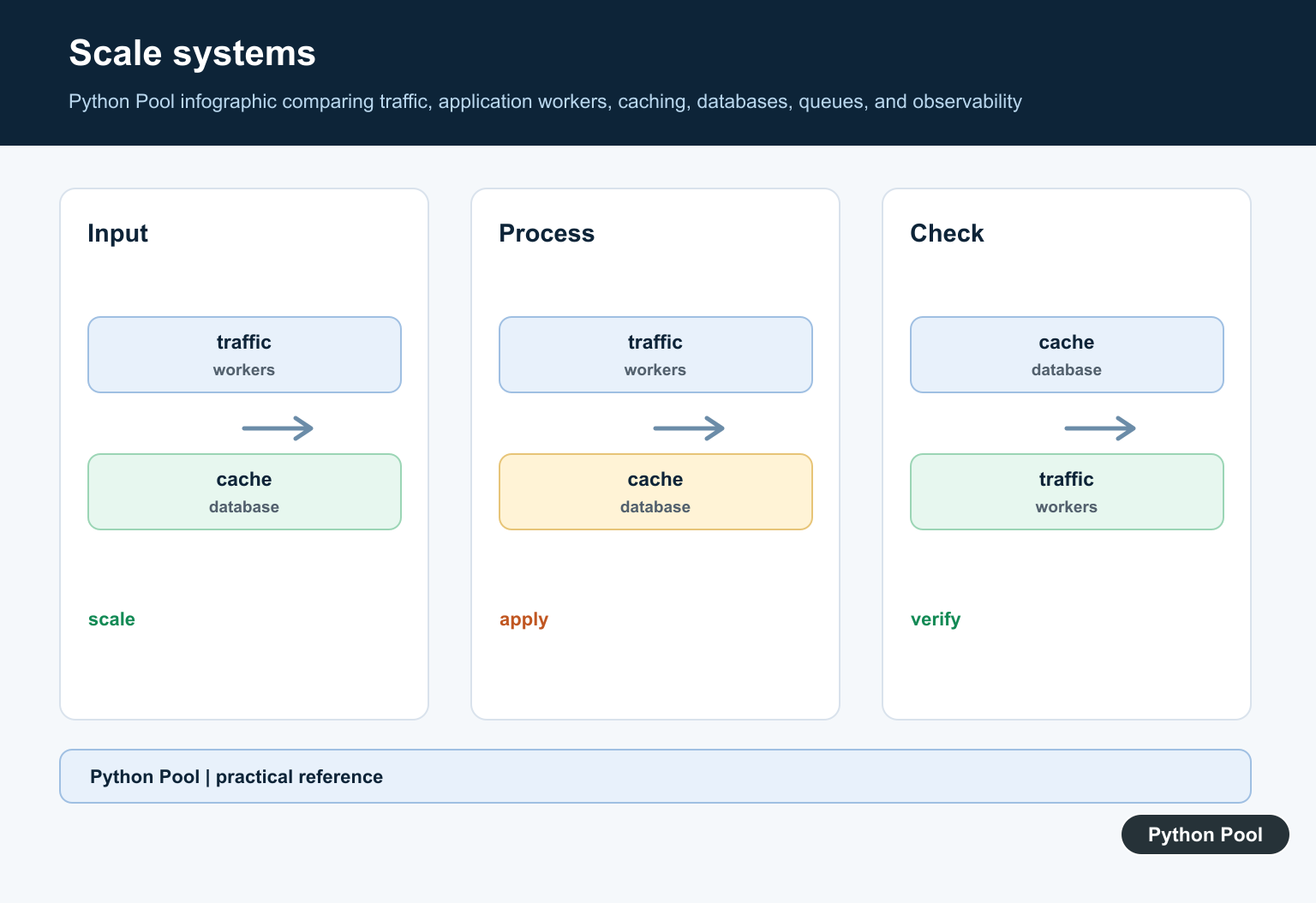
Django provides conventions and components, but scale is not produced by a single framework process. Replication, databases, caches, queues, storage, and operations determine the behavior of the whole system.
Keep Request Paths Focused
A request handler should validate input, authorize the action, coordinate the required work, and return a bounded response. Move long jobs to asynchronous workers and avoid hiding network calls inside templates or model properties.
Use Data Access Deliberately
Indexes, query shape, pagination, caching, and transaction boundaries matter more than framework slogans. Measure slow queries and make ownership of data changes explicit.
Evolve Modules Into Services Carefully
A modular monolith can keep local development and deployment simple. Split a boundary when independent scaling, ownership, reliability, or team autonomy justifies the cost of network calls and duplicated tooling.
Operate With Feedback
Logs, metrics, traces, deploy rollbacks, feature flags, and capacity tests turn production behavior into engineering evidence. Avoid optimizing based on an old architecture anecdote that may no longer match the system.
Apply The Lesson To Smaller Apps
Use Django’s conventions, keep APIs explicit, add tests around boundaries, and profile before introducing distributed complexity. The right design for a small product is usually simpler than a large platform’s final shape.
Use the official Django documentation for current framework behavior and deployment guidance. Related Python Pool references include tests and logging.
For related application architecture, compare boundary tests, operational logging, and configuration boundaries before adding complexity.
Frequently Asked Questions
Does Instagram use Django and Python?
Instagram has historically used Django and Python extensively, while large systems also combine them with other services and technologies as needs evolve.
Why is Django useful for a large web application?
It provides mature request handling, data access patterns, security features, and conventions that teams can extend behind clear service boundaries.
Can one Django process handle Instagram-scale traffic?
No single process is the whole architecture; scale comes from replication, caching, data design, asynchronous work, observability, and carefully selected boundaries.
What should developers learn from Instagram’s stack?
Focus on maintainable interfaces, profiling, operational feedback, incremental decomposition, and choosing simple components until real bottlenecks justify complexity.