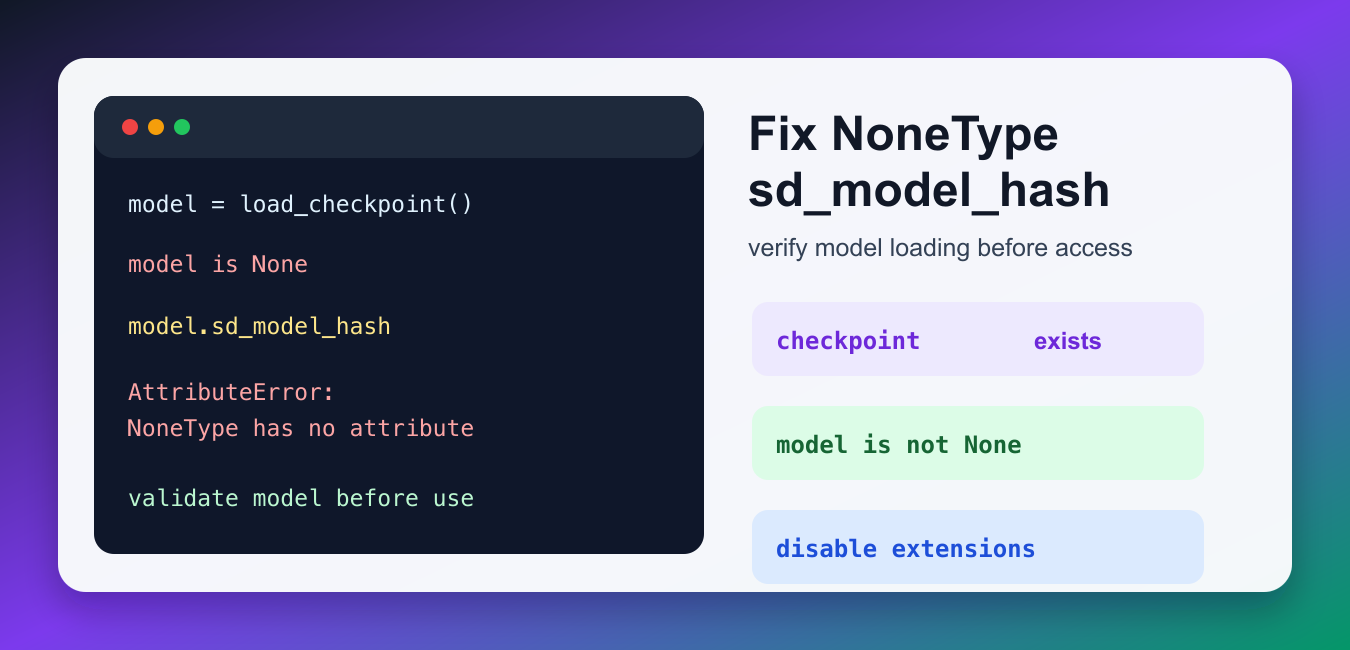
Quick answer: AttributeError: ‘NoneType’ object has no attribute ‘sd_model_hash’ means a Stable Diffusion workflow tried to read model metadata from a value that is None. The durable fix is to find why the checkpoint or model wrapper did not load, then validate the object before an extension or sampler reads it. Check the path, file type, startup log, component versions, and extension compatibility before adding a workaround.
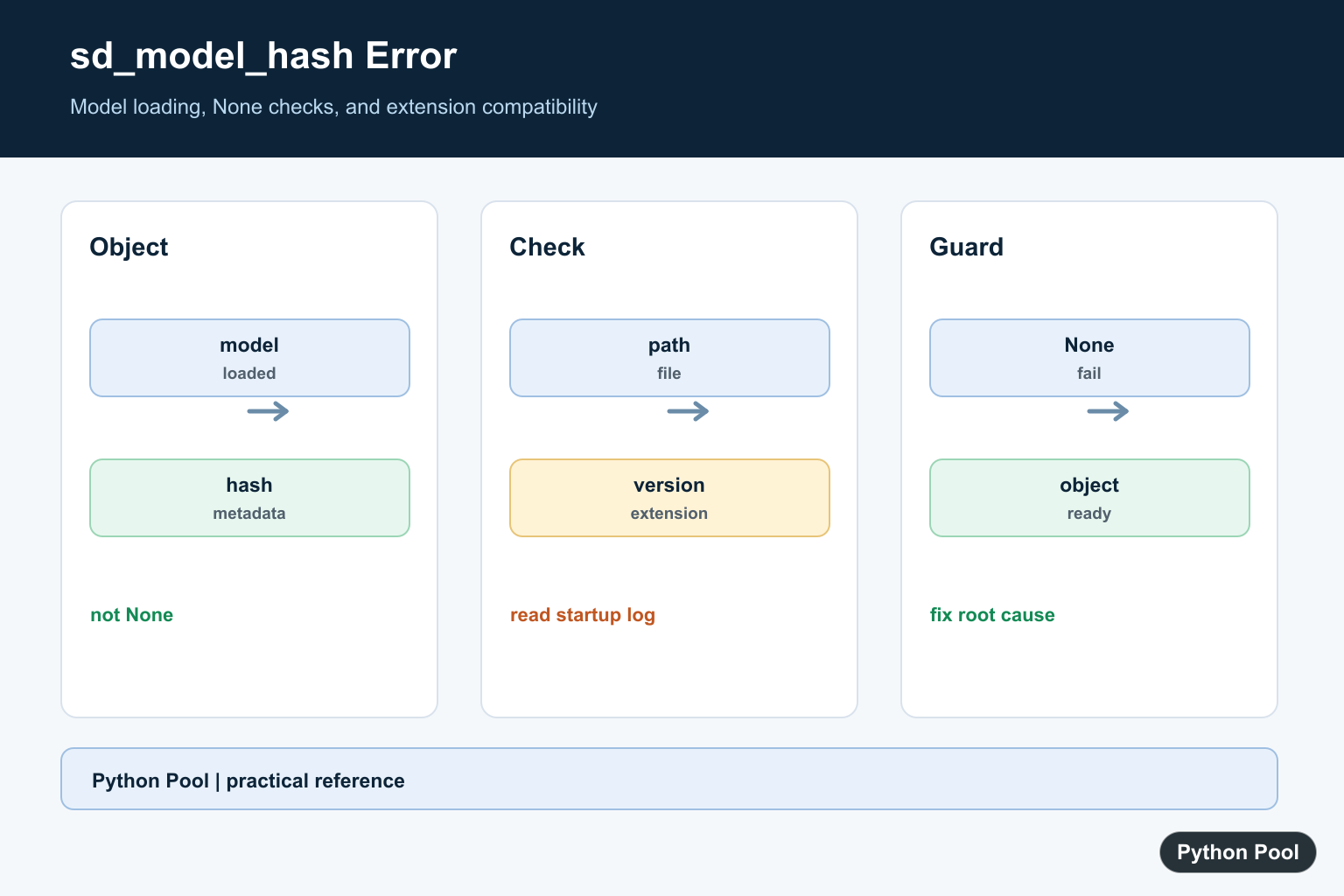
The AttributeError: ‘NoneType’ object has no attribute ‘sd_model_hash’ message usually means Stable Diffusion WebUI tried to read model metadata before a model object was available. In practical terms, shared.sd_model or a similar model variable is None, so the code cannot read sd_model_hash from it.
This error is often triggered after a checkpoint fails to load, a selected model file is missing, an extension runs too early, or a WebUI update leaves cached settings pointing at a model that no longer exists. The right fix is not to hide the error with a dummy value. Confirm that the checkpoint loads, verify the path, disable extensions if needed, and then restart the WebUI cleanly.
What the Error Means
In Python, None is a real value that means “no object here.” If code expects a loaded Stable Diffusion model but receives None, any attribute access will fail. The small example below shows the exact Python behavior behind the WebUI error.
model = None

print(model.sd_model_hash)
The failing line is not the real root cause. The root cause happened earlier, when the model object was never created or was replaced with None. That is why the WebUI console log before the AttributeError is important. Look for checkpoint load failures, missing files, incompatible extensions, or startup errors.
Check for None Before Reading the Hash
If you are writing an extension or a helper script around AUTOMATIC1111, validate the model before reading sd_model_hash. This makes the failure message actionable and points you back to model loading instead of crashing with a generic AttributeError.
def require_loaded_model(model):
    if model is None:
        raise RuntimeError("Stable Diffusion model did not load")
    return model.sd_model_hash

loaded_model = None
model_hash = require_loaded_model(loaded_model)
print(model_hash)
For normal WebUI users, this translates to the same troubleshooting rule: first make sure a checkpoint is actually selected and loaded. The official AUTOMATIC1111 Stable Diffusion WebUI repository documents the project layout and setup flow.
Verify the Checkpoint Folder
Model checkpoints normally live under models/Stable-diffusion in the WebUI folder. If that folder is empty, has a partially downloaded file, or contains a model name that no longer matches your settings, WebUI can fail before sd_model_hash exists. Check the folder and use a valid .safetensors or .ckpt file.
from pathlib import Path

model_dir = Path("models/Stable-diffusion")
checkpoints = list(model_dir.glob("*.safetensors")) + list(model_dir.glob("*.ckpt"))

if not checkpoints:
    raise FileNotFoundError(f"No checkpoints found in {model_dir}")

for checkpoint in checkpoints:
    print(checkpoint.name)
If the list is empty, add a compatible model file and restart the WebUI. This is the same basic defensive idea as checking whether a Python collection is empty before using it; see this Python empty list check guide for the underlying pattern.
Inspect the Selected Model Setting
A stale setting can point WebUI at a checkpoint that has been renamed or removed. Check config.json or select a known-good checkpoint from the UI. If the configured value does not match any file in the checkpoint folder, pick the correct model and restart.
import json
from pathlib import Path

config_path = Path("config.json")

if config_path.exists():
    settings = json.loads(config_path.read_text())
    print(settings.get("sd_model_checkpoint"))
else:
    print("config.json was not found")
After changing the selected checkpoint, watch the terminal output during startup. The AttributeError can be a late symptom of an earlier model-loading exception.
Disable Extensions Temporarily
Extensions can read model state during startup, after model switches, or inside callbacks. If an extension reads shared.sd_model.sd_model_hash while no model is loaded, it can surface this error even when the base installation is otherwise fine. Restart once with extensions disabled, then re-enable them one at a time.
from modules import shared

model = getattr(shared, "sd_model", None)

if model is None:
    print("Model is not loaded yet")
else:
    print(getattr(model, "sd_model_hash", "unknown"))
When a clean launch works but the error returns after enabling one extension, update or remove that extension. The WebUI project wiki is the best starting point for supported setup and usage notes.
Use a Clean Restart After Fixing Paths
Stable Diffusion WebUI keeps model and extension state in memory. After changing checkpoints, Python versions, command-line options, or extensions, restart the process instead of only refreshing the browser tab. You can also print a short diagnostic message before using model metadata.
import traceback

model = None

try:
    if model is None:
        raise RuntimeError("Model failed to load; check checkpoint path and console log")
    print(model.sd_model_hash)
except RuntimeError as exc:
    print(exc)
    traceback.print_exc(limit=2)
If the error appeared immediately after changing Python or package versions, confirm the active interpreter. This Python version check guide can help you verify which environment the WebUI is using. For optional imports in helper scripts or extensions, use the pattern from this Python conditional import guide so missing packages fail clearly.
Quick Fix Checklist
- Confirm the WebUI console shows a checkpoint loading successfully.
- Make sure
models/Stable-diffusioncontains a valid model file. - Choose a checkpoint that actually exists in your current WebUI install.
- Restart WebUI after changing model files, config, extensions, or Python environments.
- Disable extensions temporarily and re-enable them one by one.
- Use a known compatible WebUI revision only if the error started after an update.
There are real reports of this error around model switching and checkpoint loading, including this AUTOMATIC1111 GitHub issue. If you are downloading models again, use reputable model sources and verify that the file completed successfully; the Hugging Face model documentation explains how model repositories are organized.
Read The Error At The Correct Boundary
The failing attribute access is usually downstream of the real failure. A loader may have returned None after a missing file, invalid checkpoint, incompatible extension, or interrupted startup. Capture the load result and fail with context before inference begins.
def require_model(model, source):
    if model is None:
        raise RuntimeError(f"Model did not load: {source}")
    return model

model = None
try:
    require_model(model, "checkpoint path")
except RuntimeError as error:
    print(error)
Check The Checkpoint Path And File
Verify the exact path, file extension, permissions, and file size from the same environment that launches the UI or API. A path that exists in a shell may not exist for a service running under another working directory or user.
from pathlib import Path

checkpoint = Path("models/checkpoints/model.safetensors")
print("absolute path:", checkpoint.resolve())
print("exists:", checkpoint.is_file())
if checkpoint.is_file():
    print("bytes:", checkpoint.stat().st_size)
Align The Application And Extensions
A model object can be None when an extension expects an older model lifecycle or an incompatible API. Reproduce the failure with extensions disabled, record the application and Python versions, then update or roll back one component at a time instead of changing several files together.
from dataclasses import dataclass

@dataclass
class RuntimeInfo:
    app: str
    python: str
    extension: str

info = RuntimeInfo("recorded app version", "recorded Python version", "recorded extension version")
print(info)
Guard Hooks And Inference Calls
If your own integration receives a model object from a callback, treat None as a state that needs handling. Return a useful diagnostic or skip the hook while the model is loading; do not invent sd_model_hash because the hash describes a real loaded checkpoint.
def model_hash(model):
    if model is None:
        return None
    return getattr(model, "sd_model_hash", None)

print(model_hash(None))
Stable Diffusion integrations vary by application, so use the startup log and the specific extension documentation as the source of truth. Python’s getattr() and pathlib references are useful for defensive diagnostics. Related references include AttributeError basics, NoneType attribute errors, and dependency mismatch troubleshooting.
For related Python failure diagnosis, compare AttributeError basics, NoneType attribute errors, and dependency mismatch troubleshooting before changing a model extension.
Frequently Asked Questions
What does sd_model_hash AttributeError mean?
A value expected to be a loaded model object is None, so Python cannot read its sd_model_hash attribute.
How do I fix the error in Stable Diffusion?
Check the model path, file extension, load result, startup log, and extension compatibility before inference begins.
Should I add an sd_model_hash attribute manually?
No. Find why the model failed to load or why a hook received None instead of hiding the underlying failure.
Why can an extension trigger this error?
An extension may expect a different API or model lifecycle; update or disable it and test the base application first.