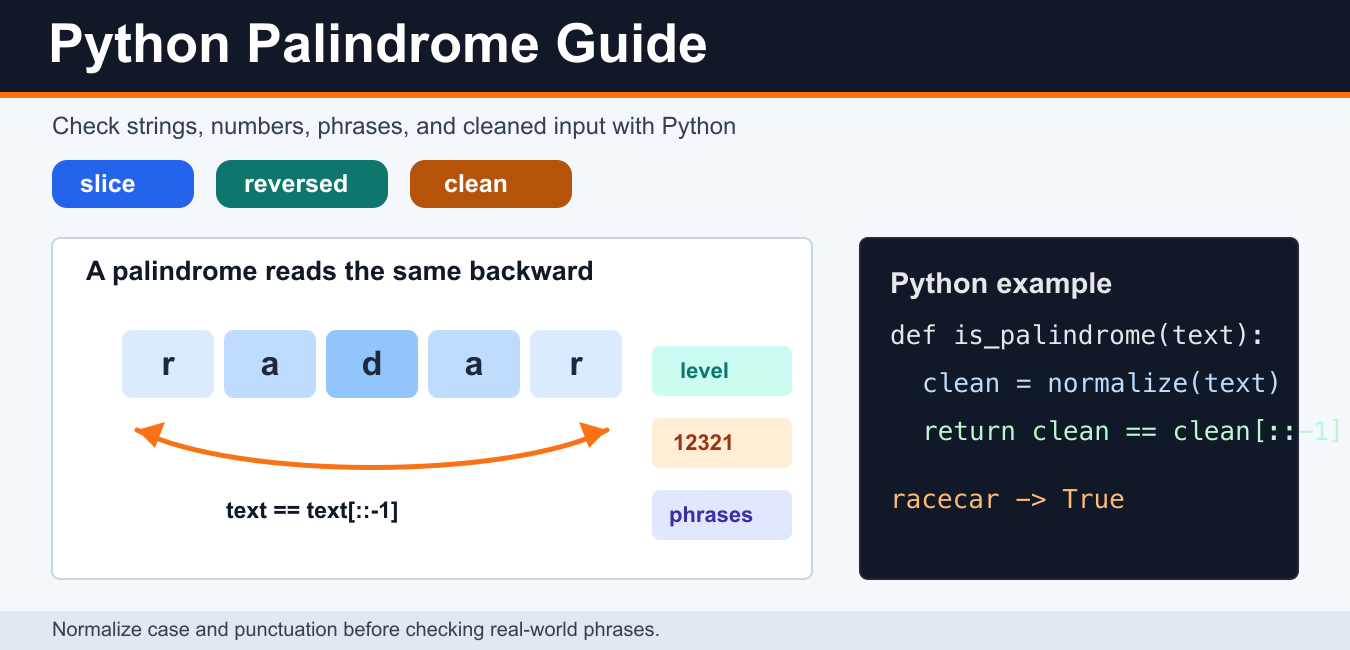
Quick answer: A palindrome reads the same forward and backward under a chosen comparison rule. For a simple string, compare text with text[::-1]; for cleaned phrases, normalize case and punctuation first; for large inputs, a two-pointer scan avoids creating a second full string.
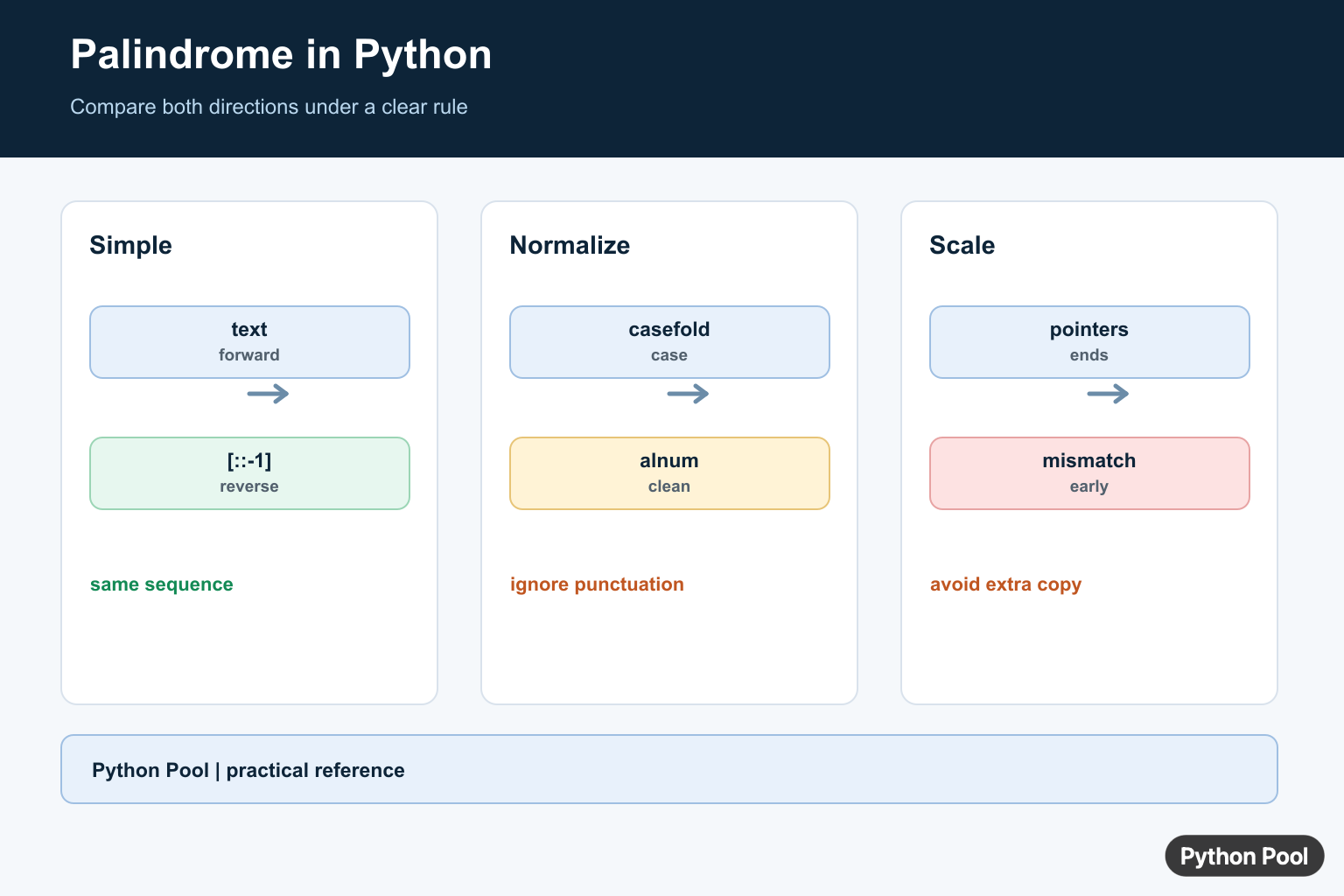
A palindrome is a value that reads the same forward and backward. Common examples include racecar, level, 12321, and cleaned phrases such as A man, a plan, a canal: Panama.
In Python, the simplest palindrome check compares a sequence with its reversed version. For real input, normalize the value first so capitalization, spaces, and punctuation do not change the result.
The best method depends on the task. Use slicing for clean strings, normalization for phrases, a two-pointer loop for algorithm practice, and digit reversal when the requirement says not to convert numbers to strings. Keeping those cases separate makes the code easier to test and explain.
Check a string palindrome with slicing
Slicing is the shortest and most readable way to reverse a Python string. The slice [::-1] walks through the string from right to left.
def is_palindrome(text):
    return text == text[::-1]

print(is_palindrome("level"))
print(is_palindrome("python"))
This is the best default for simple interview examples and small scripts. The Python docs for common sequence operations explain slicing behavior. Python Pool’s Python substring guide has more slicing examples.
Normalize case and punctuation
User input often includes uppercase letters, spaces, punctuation, or symbols. Normalize the text by keeping only alphanumeric characters and converting everything to lowercase.
def normalize(text):
    return "".join(char.lower() for char in text if char.isalnum())

def is_phrase_palindrome(text):
    cleaned = normalize(text)
    return cleaned == cleaned[::-1]

phrase = "A man, a plan, a canal: Panama"
print(is_phrase_palindrome(phrase))
This approach handles phrases without needing a long list of punctuation rules. It also makes tests predictable because all input goes through one cleanup step before comparison. If you need only lowercase conversion, see Python Pool’s Python lowercase guide. For more advanced text cleanup, the official Python re module documentation covers regular expressions.
Check a palindrome with reversed()
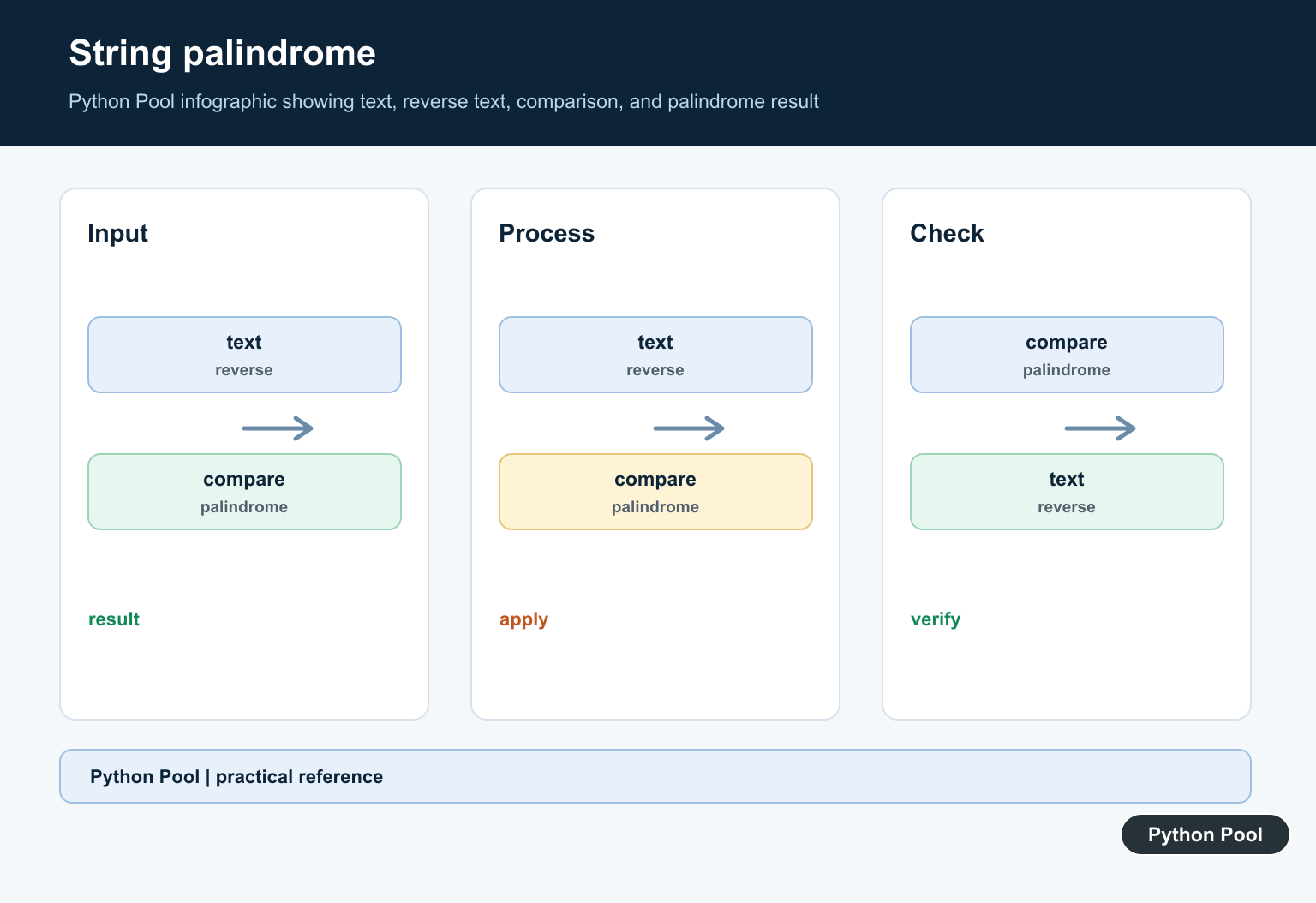
The built-in reversed() function returns an iterator. Join it back into a string before comparing.
def is_palindrome_reversed(text):
    return text == "".join(reversed(text))

print(is_palindrome_reversed("radar"))
The official reversed() documentation explains the function. Slicing is usually shorter for strings, while reversed() can be clearer when you are teaching iterators.
Check a palindrome with two pointers
A two-pointer loop compares characters from the outside toward the center. It avoids building a reversed copy of the string and makes the comparison logic explicit.
def is_palindrome_loop(text):
    left = 0
    right = len(text) - 1

    while left < right:
        if text[left] != text[right]:
            return False
        left += 1
        right -= 1

    return True

print(is_palindrome_loop("madam"))
This pattern is useful in algorithm questions because it can be adapted for lists, arrays, and custom filtering. The Python tutorial section on control flow is a good refresher for loops.
Check whether a number is a palindrome
The easiest number check is to convert the integer to a string, then reuse the string logic. Decide how your program should handle negative numbers before checking.
def is_number_palindrome(number):
    text = str(number)
    return text == text[::-1]

print(is_number_palindrome(12321))
print(is_number_palindrome(12345))
If you want a numeric-only version, reverse the digits with division and modulo. Negative numbers are usually treated as not palindromes because of the minus sign.
def is_number_palindrome_math(number):
    if number < 0:
        return False

    original = number
    reversed_number = 0

    while number > 0:
        reversed_number = reversed_number * 10 + number % 10
        number //= 10

    return original == reversed_number

print(is_number_palindrome_math(1221))
For other number-checking patterns, see Python Pool's prime number in Python guide.
Read a palindrome from user input
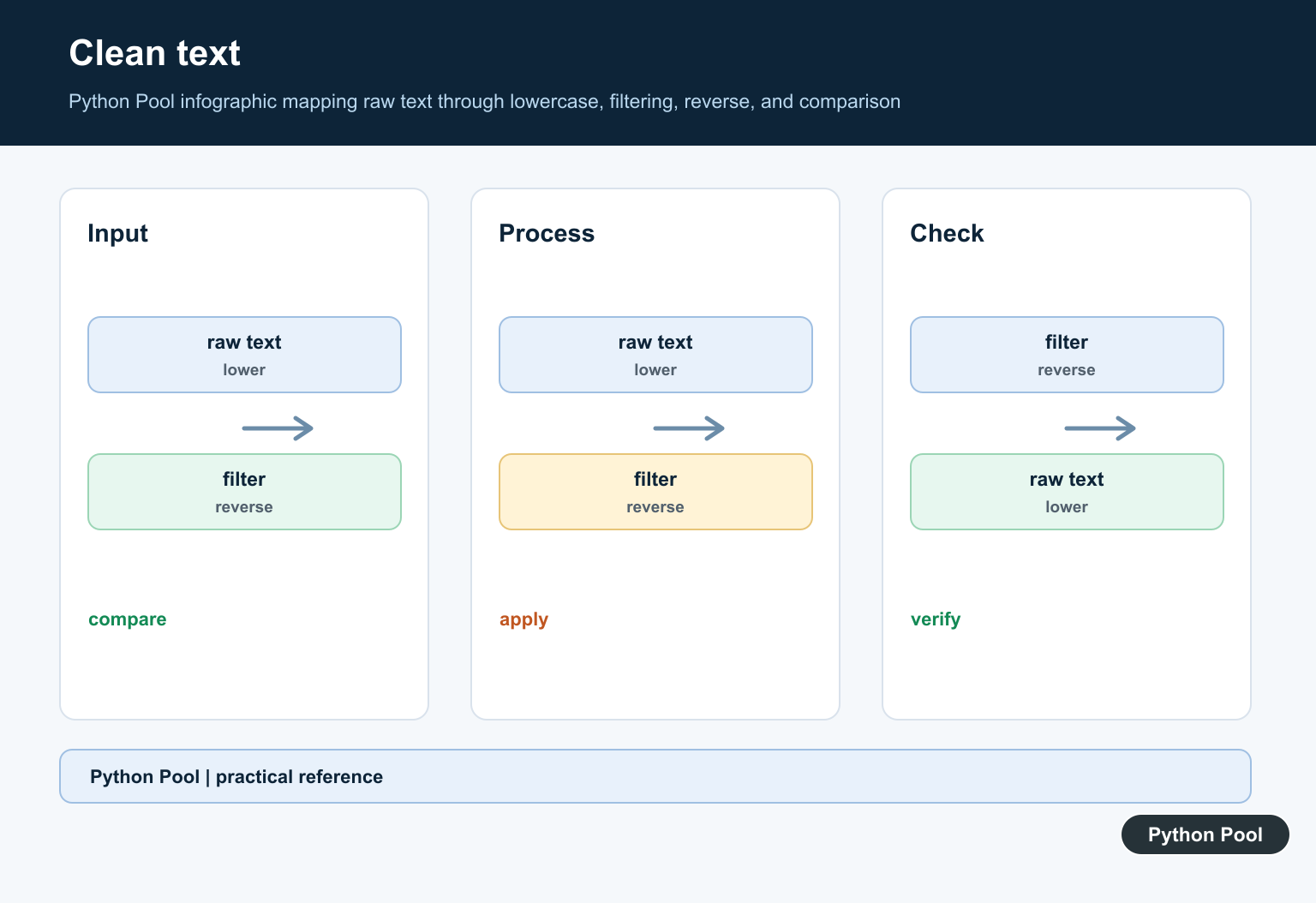
When reading from the terminal, normalize the input before checking. That gives users a friendlier result for phrases and mixed capitalization.
text = input("Enter text: ")

if is_phrase_palindrome(text):
    print("Palindrome")
else:
    print("Not a palindrome")
Python Pool's Python user input guide covers the input() function and common input-handling patterns.
Find the longest palindromic substring
For a compact solution, expand around each possible center. A palindrome can have one center character, such as racecar, or two center characters, such as abba.
def longest_palindrome(text):
    def expand(left, right):
        while left >= 0 and right < len(text) and text[left] == text[right]:
            left -= 1
            right += 1
        return text[left + 1:right]

    best = ""
    for index in range(len(text)):
        odd = expand(index, index)
        even = expand(index, index + 1)
        best = max(best, odd, even, key=len)

    return best

print(longest_palindrome("babad"))
This example is still simple enough for learning, but it introduces an important algorithmic idea: solve the problem around each center instead of checking every substring blindly. For iterator slicing patterns, see Python Pool's itertools.islice() guide. For string splitting examples, see split a string in half.

Common palindrome mistakes
Not normalizing input. Racecar should usually match racecar, so lowercase the text when checking user-facing phrases.
Forgetting punctuation. Phrase examples often include spaces and commas. Keep only alphanumeric characters when that is the desired behavior.
Changing the original value too early. In numeric reversal, store the original number before dividing it down to zero.
Overcomplicating simple checks. For ordinary strings, text == text[::-1] is clear, fast enough, and easy to review.
Conclusion
For most Python palindrome checks, use slicing after normalizing the input. Use reversed() when you want to demonstrate iterators, a two-pointer loop when you want explicit algorithm logic, and digit reversal when the task requires a numeric-only solution.
Check A Simple String
Slicing with a step of -1 produces the characters in reverse order. It is concise and clear for ordinary strings, but it allocates a reversed string, so a streaming or memory-sensitive workload may prefer a two-pointer comparison.
def is_palindrome(text):
    return text == text[::-1]

print(is_palindrome("level"))
print(is_palindrome("python"))
Normalize Human Text
Natural-language palindrome questions usually define spaces, punctuation, and case as irrelevant. Use casefold() for robust case-insensitive comparison and retain only the characters your rule considers meaningful. Document that policy because it changes the answer.
import re

def normalized(text):
    return "".join(re.findall(r"[a-z0-9]", text.casefold()))

def is_cleaned_palindrome(text):
    value = normalized(text)
    return value == value[::-1]

print(is_cleaned_palindrome("A man, a plan, a canal: Panama!"))
Check Numbers And Other Sequences
For a numeric palindrome, converting to text is readable and handles the decimal representation directly. If a specification forbids strings, reverse the digits arithmetically while preserving the sign rule. The same forward-versus-reverse idea works for tuples and lists.
def number_palindrome(number):
    if number < 0:
        return False
    digits = str(number)
    return digits == digits[::-1]

print(number_palindrome(1221))
print(number_palindrome(120))
print((1, 2, 1) == (1, 2, 1)[::-1])
Choose A Memory Policy
For a short value, slicing is the most readable option. A two-pointer loop compares matching positions from the ends and can return as soon as a mismatch appears. An empty string is mathematically a palindrome under the usual definition, but an input validator may reject it separately.
def two_pointer_palindrome(text):
    left = 0
    right = len(text) - 1
    while left < right:
        if text[left] != text[right]:
            return False
        left += 1
        right -= 1
    return True

print(two_pointer_palindrome("racecar"))
print(two_pointer_palindrome(""))
Python's official sequence operations reference documents slicing, and the casefold() reference explains case-insensitive text normalization.
For related string preparation, compare string length, removing punctuation, and removing whitespace before applying a palindrome rule.
Frequently Asked Questions
How do I check a palindrome in Python?
For a string, compare the value with its reverse, commonly with text == text[::-1].
How do I check a number palindrome?
Convert the number to text for a simple check, or reverse its digits mathematically when avoiding string conversion is a requirement.
How do I ignore spaces and punctuation?
Normalize the input by case-folding and retaining only the characters relevant to the comparison before reversing it.
Is an empty string a palindrome?
Under the usual definition, yes: it reads the same forward and backward, although an application may choose a different validation policy.