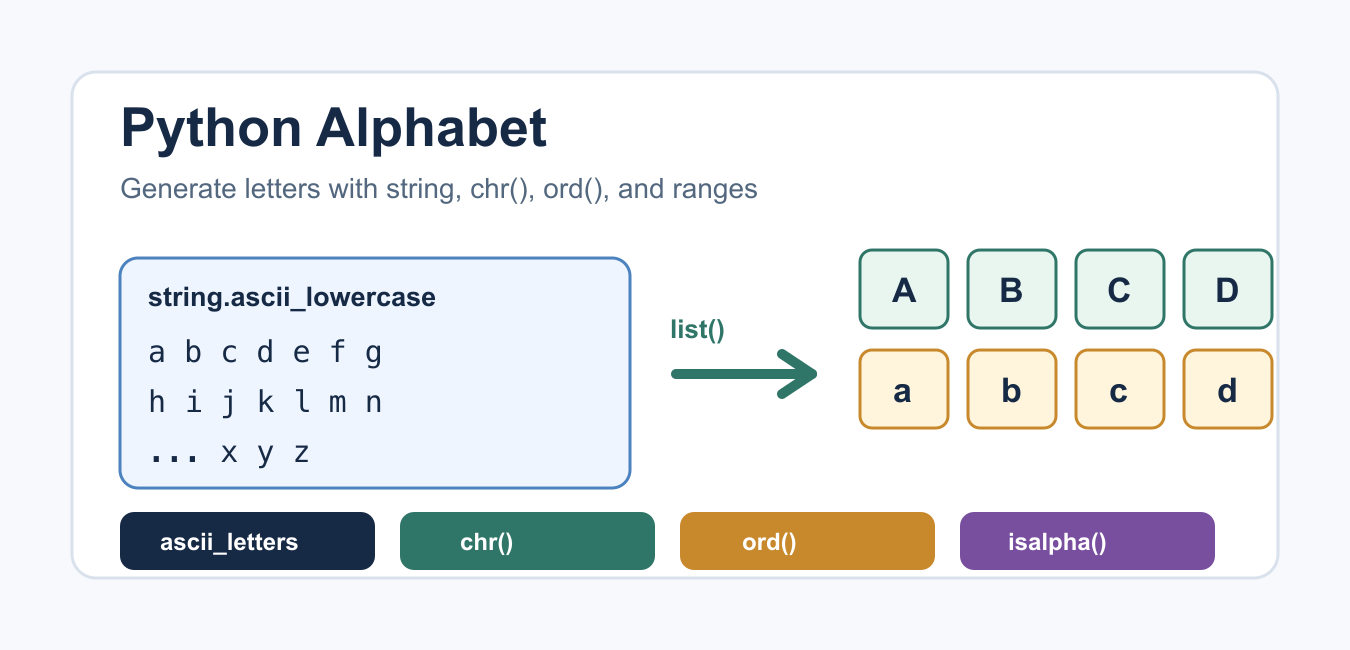
Quick answer: Use string.ascii_lowercase or string.ascii_uppercase for the 26 English ASCII letters. Use chr() and ord() when you need character-code calculations, and do not confuse an ASCII alphabet with every Unicode letter.
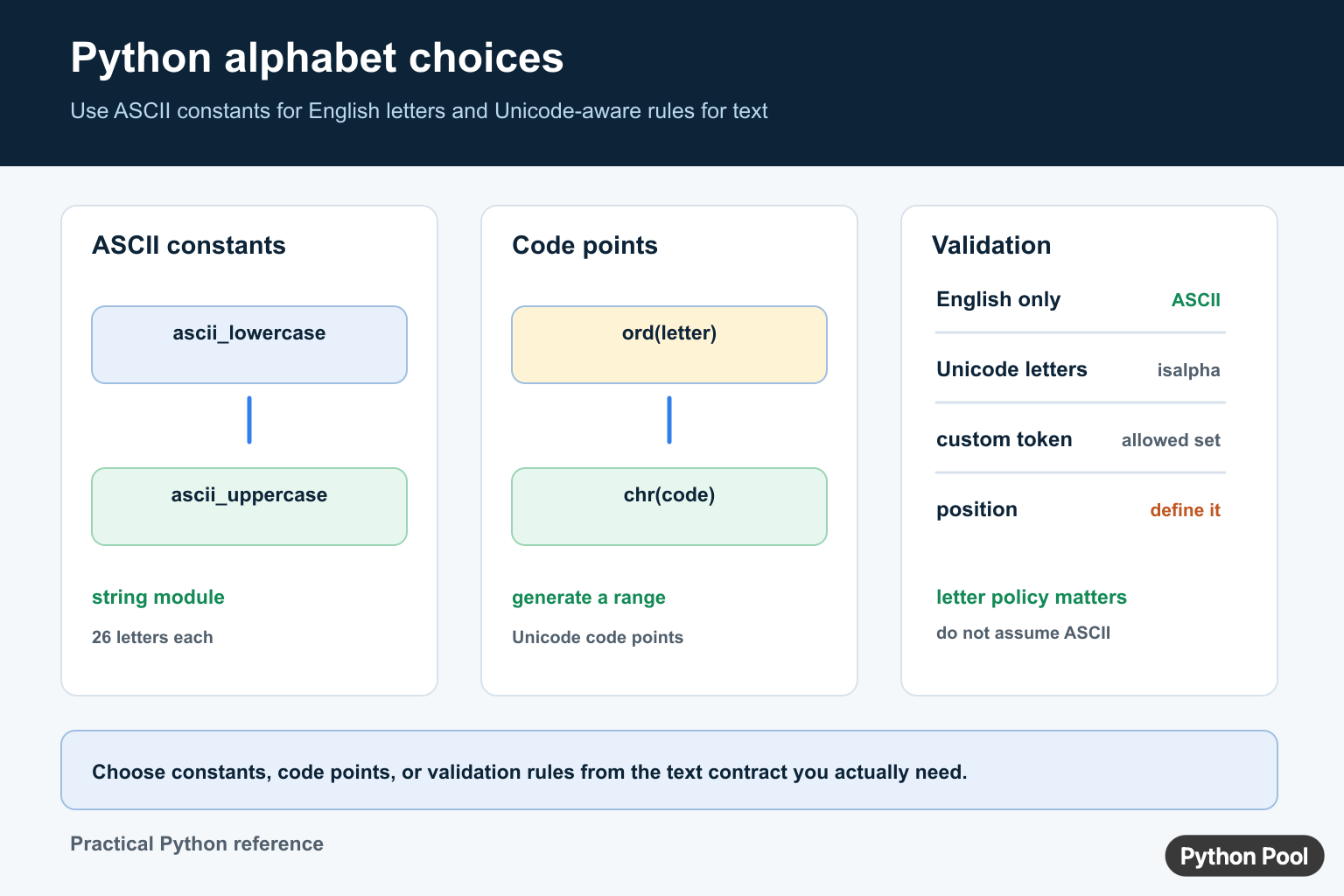
Python does not expose one global variable called “the alphabet.” The right method depends on the requirement: a fixed English alphabet, a generated range of ASCII characters, or a broader Unicode text policy. The string constants documentation provides the clearest source for ASCII letters.
Create A Lowercase Alphabet List
import string

lowercase = list(string.ascii_lowercase)
print(lowercase)
print("".join(lowercase))
string.ascii_lowercase is a string containing the lowercase English letters from a through z. Convert it to a list when you need indexing, shuffling, or a mutable collection. Keep it as a string when joining, searching, or displaying it.
Create Uppercase Letters
import string

uppercase = list(string.ascii_uppercase)
alphabet = string.ascii_uppercase + string.ascii_lowercase
print(uppercase)
print(alphabet)
Concatenating the two constants creates a predictable ASCII sequence. The order is a design choice: uppercase first, lowercase first, or an alternating sequence may each be correct for a different application.
Generate Letters With chr()
For ASCII English letters, chr() and range() can generate a sequence from character codes.
lowercase = [chr(code) for code in range(ord("a"), ord("z") + 1)]
uppercase = [chr(code) for code in range(ord("A"), ord("Z") + 1)]

print("".join(lowercase))
print("".join(uppercase))
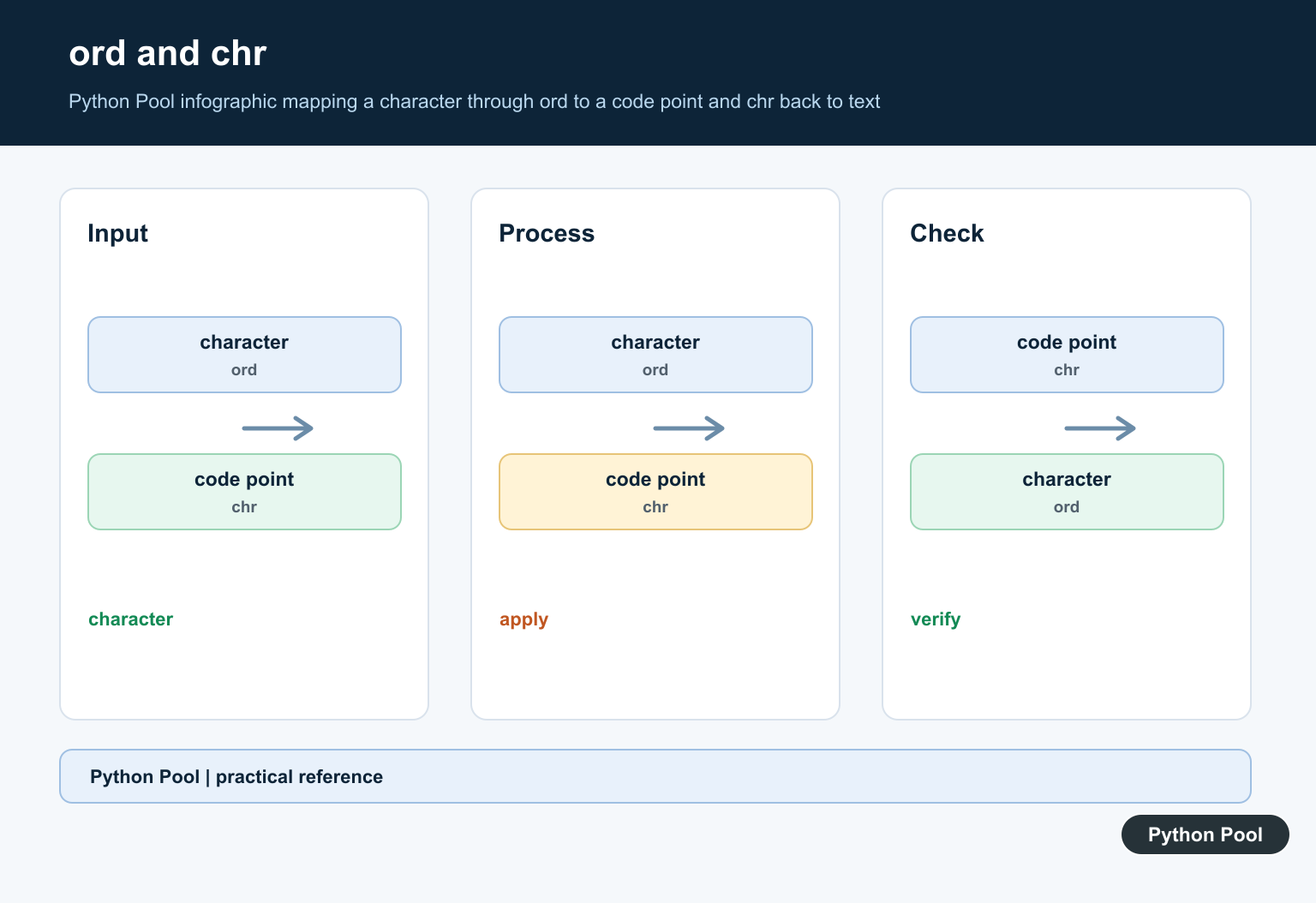
The official chr() and ord() documentation explains the conversion between Unicode code points and characters. Using ord("a") is more readable than hard-coding 97.
Convert Letters To Numbers
for letter in "abc":
    print(letter, ord(letter))

for code in range(ord("a"), ord("f")):
    print(code, chr(code))
Code points are useful for teaching, custom ranges, and simple encoding exercises. They are not automatically alphabet positions. If you need a = 1, define that policy explicitly rather than treating the Unicode code point as the position.
Check Whether Text Is Alphabetic
print("Python".isalpha())
print("Python 3".isalpha())
print("é".isalpha())
str.isalpha() checks whether every character in a non-empty string is alphabetic according to Unicode data. It returns false for spaces, digits, and punctuation. It does not enforce the 26-letter English ASCII alphabet. For ASCII-only validation, combine a membership policy with your input normalization.
Define A Custom Alphabet
alphabet = "ABCDEFGHJKLMNPQRSTUVWXYZ23456789"
allowed = set(alphabet)

def valid_code(value):
    return bool(value) and all(character in allowed for character in value.upper())
Custom alphabets are useful for identifiers that omit confusing characters such as zero and the letter O. Document case normalization and whether empty strings are valid. A set makes membership checks clear, while the original string preserves display order.
Choose The Right Method
Use the string constants for ordinary English letters. Use chr() and ord() for code-point work. Use isalpha() for Unicode-aware alphabetic checks. Use an explicit allowed-character set when validating a protocol, username, token, or file format.
For transformations over letters, a list comprehension is often easiest to read. A lazy Python map() pipeline can also be appropriate when a named function already expresses the operation.
Alphabet Positions Need A Policy
Converting a letter to an alphabet position is different from calling ord(). If the application needs a = 0, subtract ord("a") after confirming the letter is lowercase ASCII.
def zero_based_position(letter):
    if letter not in string.ascii_lowercase:
        raise ValueError("expected one lowercase ASCII letter")
    return ord(letter) - ord("a")

print(zero_based_position("c"))
If the application needs a = 1, add one to that result. Writing the convention in the function name or documentation avoids confusing a Unicode code point with a user-facing position.
Normalize Before Validation
import string

def is_ascii_word(value):
    normalized = value.strip().lower()
    return bool(normalized) and all(ch in string.ascii_lowercase for ch in normalized)

print(is_ascii_word(" Python "))
Stripping and lowercasing are policy decisions. Do them only when the input contract permits them. If case or surrounding whitespace is meaningful, validate the original value instead of silently changing it.
Unicode Is More Than One Alphabet
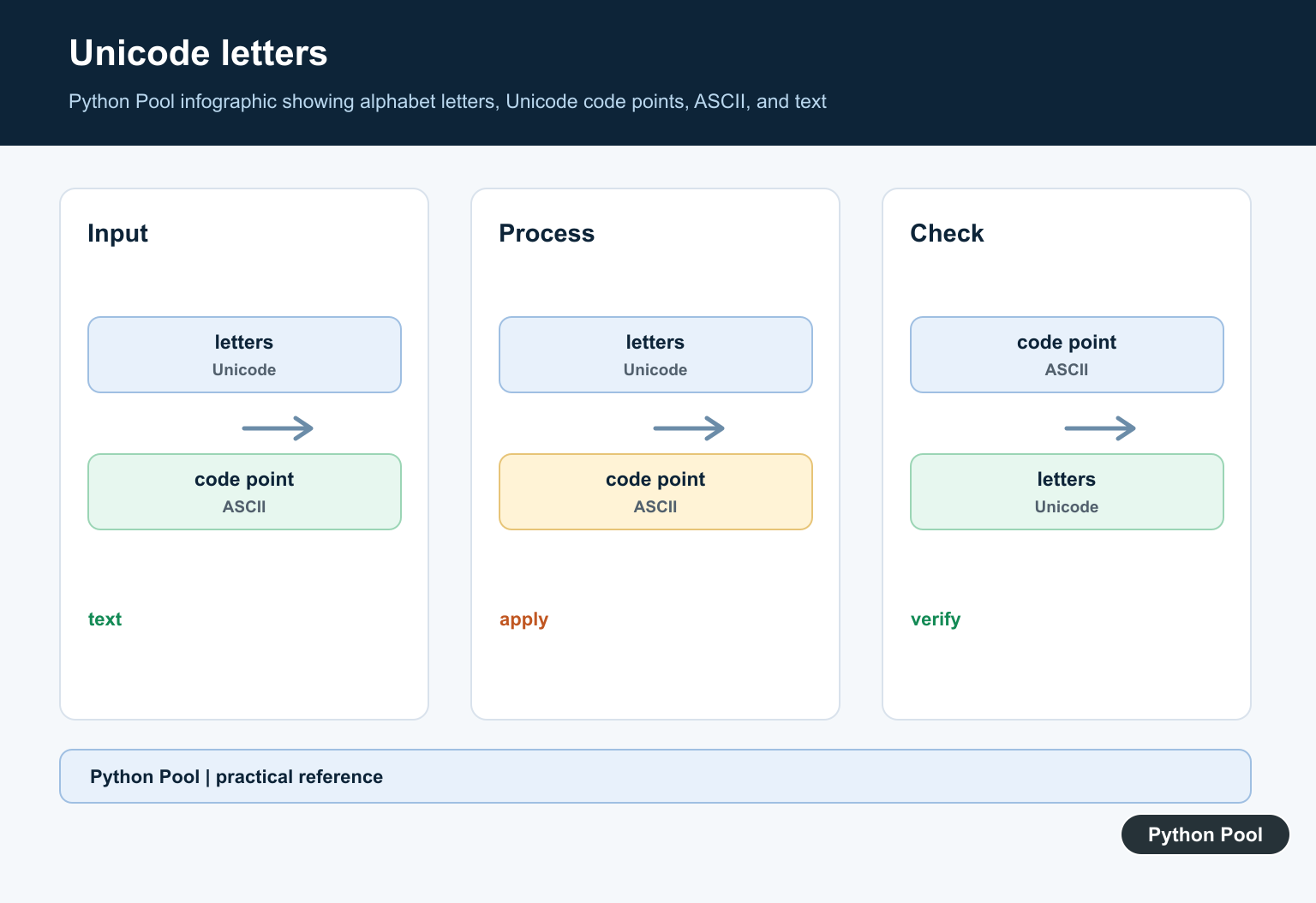
Unicode contains scripts, combining marks, and characters with different casing behavior. A rule such as “letters only” may need isalpha(), while an English identifier may need the explicit ASCII constants. For security-sensitive identifiers, use a documented allowlist rather than accepting every alphabetic Unicode character by default.
Case conversion is also language-sensitive in practice. lower() and casefold() are useful for different matching policies, but neither one turns arbitrary text into an English ASCII letter. Normalize first only when the application has decided that normalization is part of the contract.
If the alphabet is used for a random identifier, remove ambiguous characters before generating values and use a secure random source for security-sensitive tokens. A visible alphabet list is a display concern; token unpredictability is a separate security requirement.
For a teaching example, string.ascii_lowercase is easier to understand than a code-point loop. For a parser, an explicit set communicates exactly what will be accepted. Good code makes the difference between “show the alphabet” and “validate this identifier” obvious.
Use the smallest rule that meets the requirement and test representative valid, invalid, empty, accented, and mixed-case inputs.
Print Or Store The Alphabet
Printing the alphabet is different from storing it. Keep a string when a single display value is needed, use a list when callers will reorder or index individual letters, and use a tuple when the sequence should communicate that it is fixed.
import string

display_value = string.ascii_lowercase
letter_list = list(display_value)
fixed_letters = tuple(display_value)

print(display_value)
print(letter_list[0], fixed_letters[-1])
Do not rebuild the same constant inside a hot loop. Define it once and pass the representation that the next operation expects. This makes both the code and its memory behavior easier to understand.
Test Letter Rules
Validation tests should include a digit, a space, punctuation, an accented letter, an empty value, and a mixed-case value. These examples expose whether the function is enforcing ASCII membership, Unicode alphabetic status, or a normalized custom alphabet.
When a rule is used for identifiers, also test the boundaries of the identifier length and whether leading or trailing whitespace should be accepted. Alphabet generation is simple; the surrounding input contract is where most bugs occur.
Frequently Asked Questions
How do I get the alphabet in Python?
Use string.ascii_lowercase or string.ascii_uppercase for the 26 lowercase or uppercase English ASCII letters.
How do I generate alphabet letters with chr()?
Use chr() over a range from ord(‘a’) through ord(‘z’), or the equivalent uppercase code-point range.
Does isalpha() check only English letters?
No. str.isalpha() is Unicode-aware and can accept alphabetic characters outside the 26-letter ASCII English alphabet.
How do I validate a custom alphabet?
Define the allowed characters explicitly, normalize case if appropriate, and test each character for membership in the allowed set.