
Quick answer: There is no single variable-exists check for every Python object. Use locals() or globals() for namespace inspection, try/except NameError when an unbound name may be referenced, hasattr() or getattr() for object attributes, and key membership for dictionaries. When you control the design, initialize a value explicitly instead of probing for accidental state.
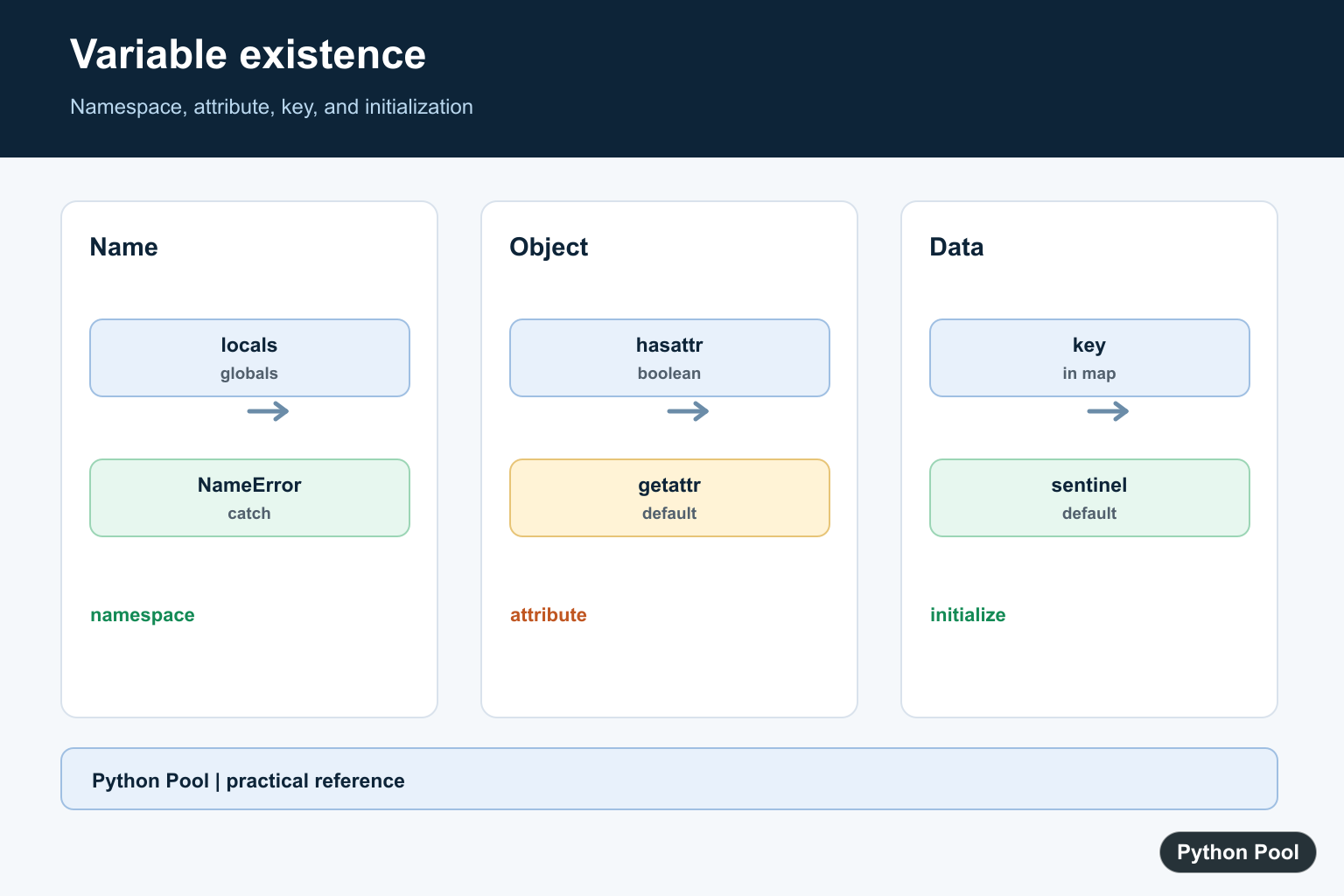
To check if a variable exists in Python, first decide what kind of name you are checking. A local variable, a global variable, an object attribute, and a dictionary key are different things, so they need different checks.
Use locals() or globals() when you need to inspect a namespace by name. Use try/except NameError when the name may not exist at all. Use hasattr() or getattr() for object attributes.
Check a local variable with locals()
name = "Asha"

if "name" in locals():
    print("name exists")
locals() returns a mapping for the current local namespace. This is useful for inspection, debugging, and dynamic checks, but it should not be your normal way to structure program logic.
Check a global variable with globals()
SITE_NAME = "Python Pool"

if "SITE_NAME" in globals():
    print("SITE_NAME exists")
globals() returns the module-level namespace. It is the right check when you intentionally need to know whether a global name has been defined.
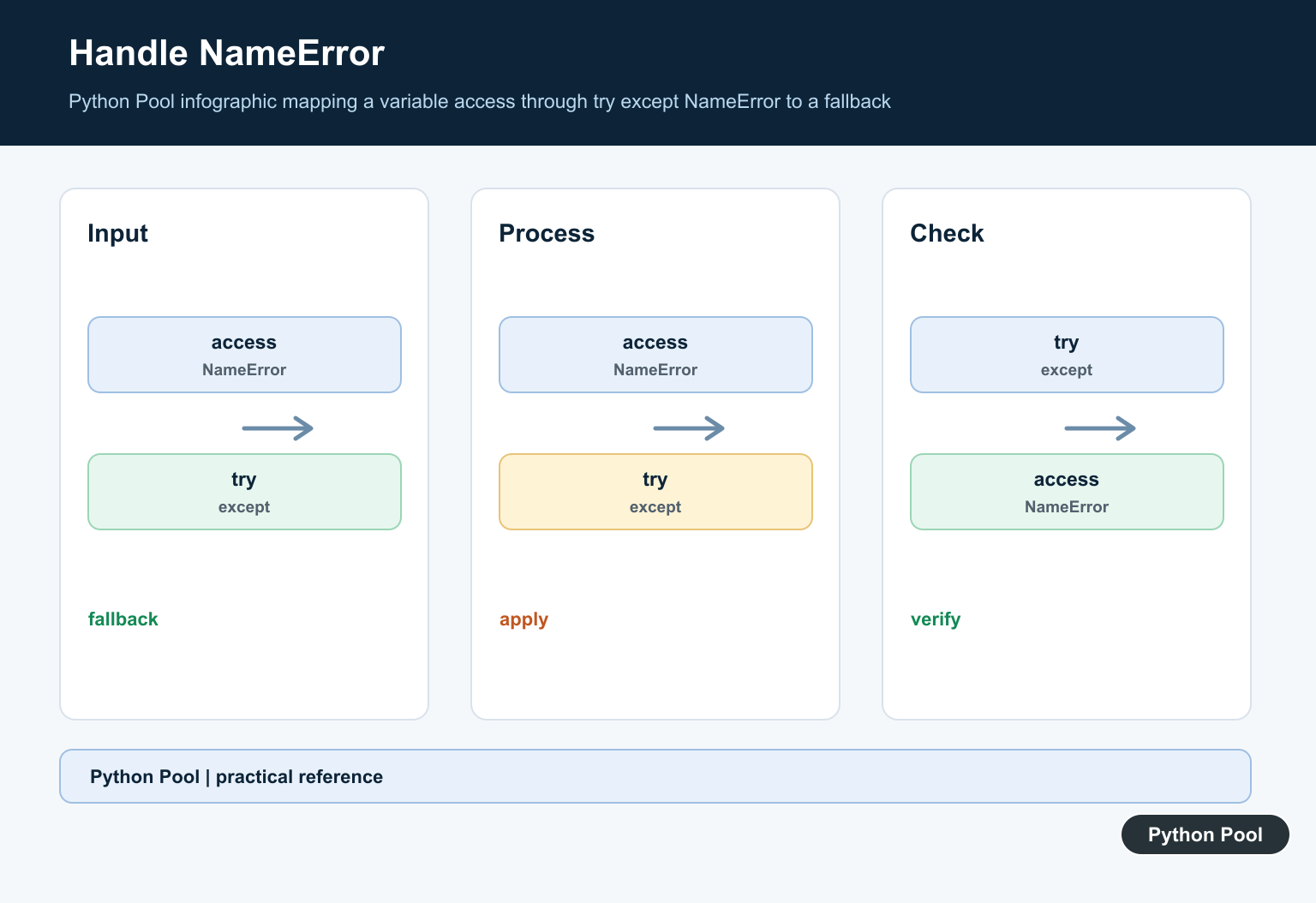
Use try/except NameError for unknown names
If the name itself may not exist, referencing it directly raises NameError. Catch that specific exception:
try:
    missing_value
except NameError:
    print("missing_value is not defined")
else:
    print("missing_value exists")
This pattern is clearer than testing every possible namespace when the code only needs to handle one optional name.
Do not update local variables through locals()
A common mistake is trying to create or change local variables by assigning into locals(). That is not a reliable way to update local variables inside functions. Use a normal assignment or a dictionary instead.
values = {}
values["name"] = "Asha"
print(values["name"])
If your variable names are dynamic, a dictionary is usually the better data structure. It also makes the expected keys visible to future readers of the code.
Check object attributes with hasattr()
class User:
    role = "admin"

user = User()

if hasattr(user, "role"):
    print("role exists")
hasattr() checks whether an object has an attribute. To read the value with a fallback, use getattr():
email = getattr(user, "email", None)
print(email)
Dictionary keys are not variables
If data is stored in a dictionary, check the key with in. Do not use locals() for dictionary data.
settings = {"debug": True}

if "debug" in settings:
    print(settings["debug"])
This checks whether the key exists inside the dictionary, not whether a Python variable named debug exists.
Prefer initialization when possible
In normal application code, the cleanest solution is often to initialize the variable before any conditional logic. Then you can check its value instead of asking whether the name exists.
result = None

if result is None:
    result = "default"
This is easier to read, easier to type-check, and less fragile than checking namespaces at runtime. Use existence checks mainly when you are dealing with dynamic names, debugging tools, plugin systems, or optional globals.
List membership is different
Checking whether a value exists in a list is not the same as checking whether a variable exists. A list contains values; locals() and globals() contain variable names.
names = ["Asha", "Ben"]

print("Asha" in names)    # value exists in the list
print("names" in locals()) # variable name exists locally
Use in on the container you actually care about. For lists, tuples, sets, and dictionaries, membership checks the container. For variables, namespace checks inspect names.
Which method should you use?
- Use
"name" in locals()for current local namespace inspection. - Use
"NAME" in globals()for module-level names. - Use
try/except NameErrorwhen a direct name reference may fail. - Use
hasattr(obj, "name")for object attributes. - Use
"key" in dict_objfor dictionary data.
Related Python guides
- Python globals()
- Python locals()
- Local variable referenced before assignment
- Check if an object has an attribute
- Python static variable
- Python None and null
Official references
- Python locals() documentation
- Python globals() documentation
- Python NameError documentation
- Python hasattr() documentation
- Python getattr() documentation
Conclusion
Checking whether a variable exists in Python is really about checking the right namespace. Use locals() for local names, globals() for global names, NameError handling for uncertain direct references, hasattr() for attributes, and dictionary membership for dictionary keys. When code tries to turn input text into a variable name, Python String to Variable Name Guide explains safer dictionaries and the limited globals()/locals() alternatives.
Check A Namespace By Name
locals() and globals() expose namespace mappings for inspection. Use them to answer a dynamic lookup question, but do not rely on modifying locals() to create or update a local variable inside a function.
name = "Python"

print("name" in locals())
print("missing" in globals())
Catch NameError At The Boundary
When the name itself may not be bound, a narrow try/except NameError can express the check. Keep the try block small so a NameError raised inside unrelated code is not mistaken for a missing variable.
try:
    value = optional_value
except NameError:
    value = None

print(value)
Check Attributes Separately
An object attribute is not a local variable. hasattr() returns a boolean, while getattr() can return a default. These functions also invoke attribute lookup behavior, so use them on objects whose interface you understand.
class Settings:
    debug = True

settings = Settings()
print(hasattr(settings, "debug"))
print(getattr(settings, "timeout", 30))
Prefer Explicit Initialization
A sentinel or an explicit default usually makes code easier to read than checking whether a name happened to be assigned in an earlier branch. Use a dictionary when the values are truly dynamic keys rather than Python variables.
missing = object()
value = missing

if value is missing:
    value = "default"

print(value)
Separate Names From Dictionary Keys
A mapping can hold optional fields without creating dynamic Python variables. Check key membership before reading a required field, or use get() with a documented default when the field is optional. This makes the data contract visible and avoids namespace inspection for ordinary records.
record = {"status": "ready"}

if "status" in record:
    print(record["status"])
owner = record.get("owner", "unassigned")
print(owner)
The behavior is grounded in the official locals(), globals(), hasattr(), and NameError references. Related Python Pool guides cover vars() and attribute errors.
For related namespace and object inspection, compare vars(), attribute errors, and the del keyword when deciding whether a missing name, attribute, or mapping entry is the real issue.
Frequently Asked Questions
How do I check if a variable exists in Python?
For a namespace name, inspect locals() or globals(), or catch NameError when evaluating a name that may be undefined; prefer initialization when you control the code.
Should I use locals() to create a variable?
No. Checking locals() can be useful for inspection, but modifying the returned mapping is not a reliable way to update local variables.
How do I check whether an object has an attribute?
Use hasattr() for a boolean check or getattr() with a default when you need to retrieve the attribute safely.
Are dictionary keys the same as variables?
No. Check a dictionary with key membership such as key in mapping; a dictionary entry and a Python name are different namespaces.