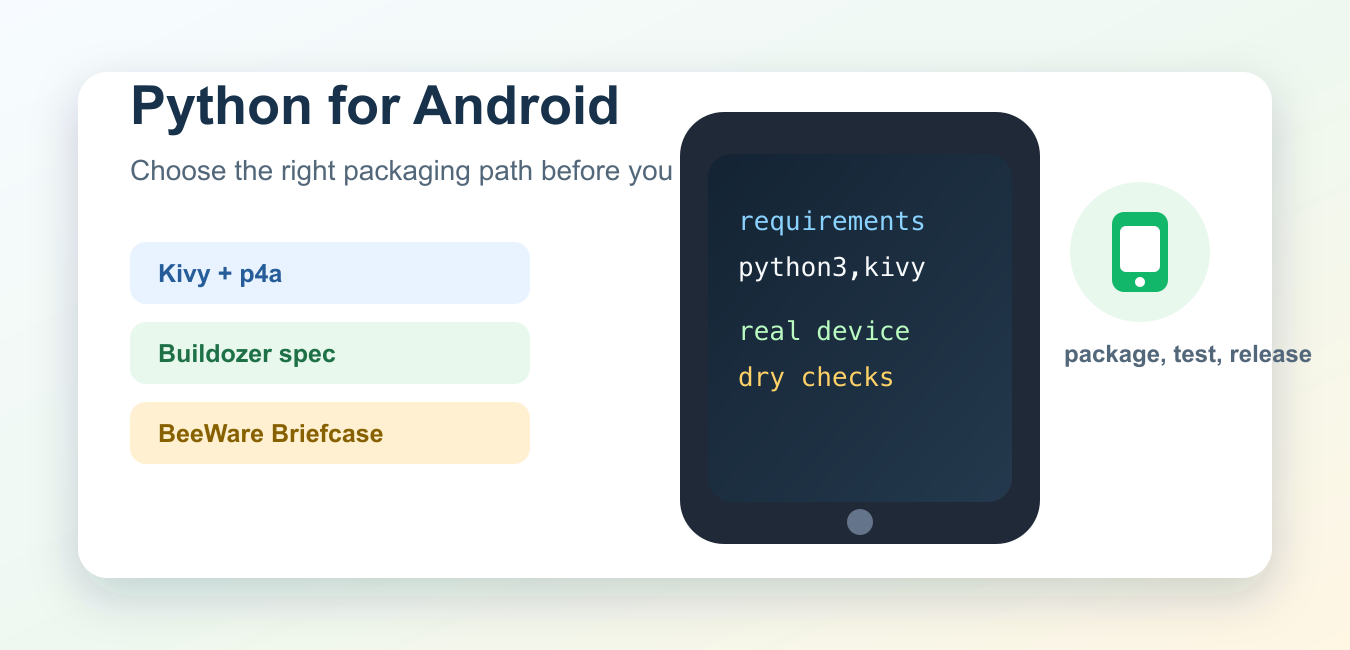
Quick answer: Python can support Android applications through frameworks and packaging tools, but platform API access, lifecycle behavior, performance, application size, debugging, and release maintenance must be tested early. Compare the approach with native Android development for the actual product.
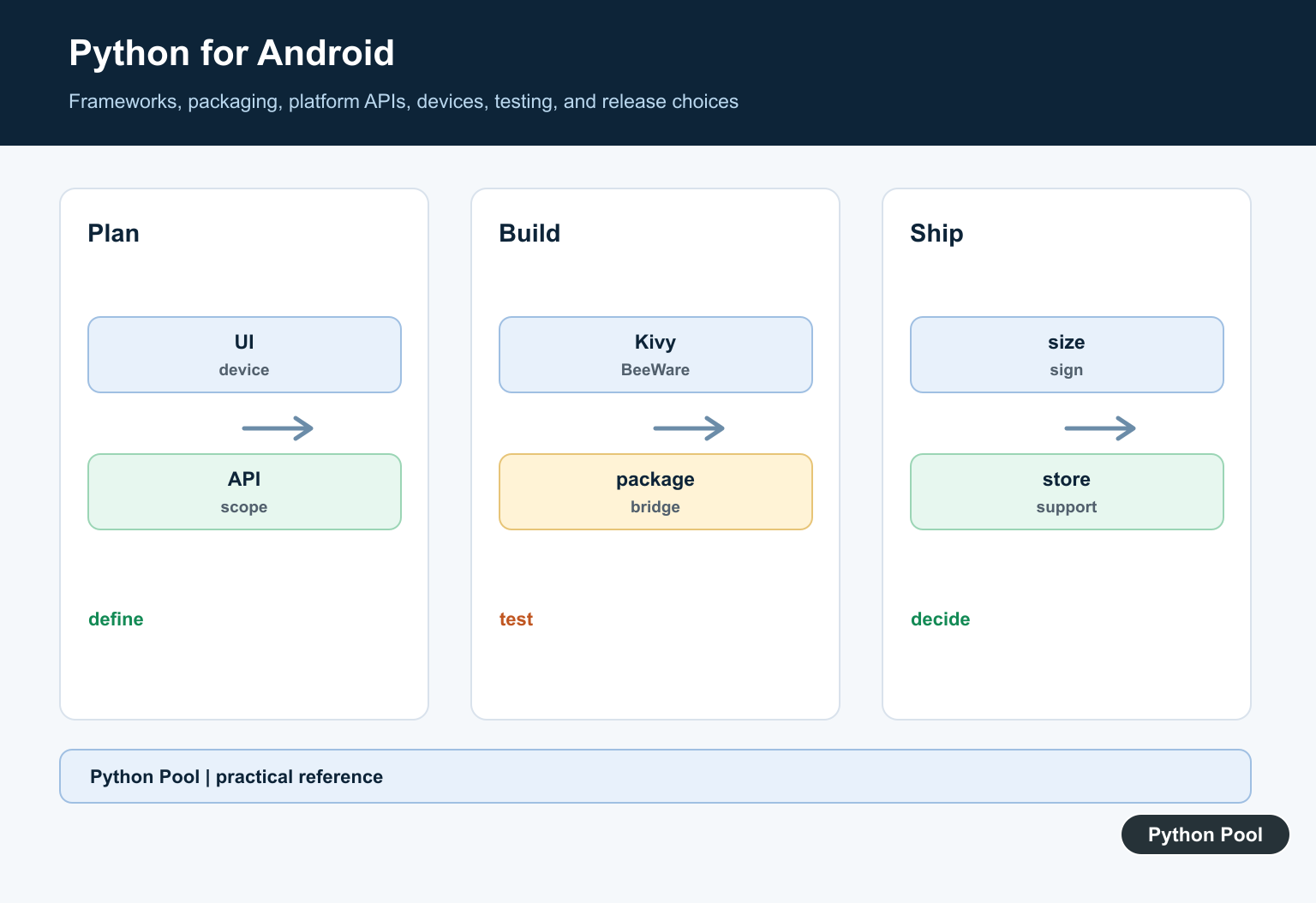
Python can be used for Android development, but it is not the default Android stack. A Python Android app usually depends on a packaging tool that bundles a Python runtime, your code, required packages, and an Android project. That makes the choice of framework and build tool the most important early decision.
The practical options are different from ordinary Python scripting. Kivy is common for cross-platform graphical apps. python-for-android packages Python apps into Android binaries. Buildozer automates much of the Kivy packaging flow. BeeWare Briefcase can create native app projects, including Android Gradle projects. Each path has tradeoffs around UI style, app size, native APIs, build time, and third-party package support.
The official references for this guide are Kivy on Android, Kivy’s Android packaging guide, python-for-android, Buildozer, BeeWare Briefcase, and the Briefcase FAQ.
Start with the app shape. A small touch-first app with custom UI can fit Kivy well. A native-looking cross-platform app may fit BeeWare better. A backend-heavy service should usually expose an API and keep Android as a thin client, rather than pushing every Python dependency into the phone app.
Also be honest about what Android users expect. They expect fast startup, stable touch behavior, permission prompts that make sense, and predictable offline handling. A Python toolchain can work, but the packaged app still has to behave like a mobile app, not like a script copied onto a phone.
Choose A Packaging Path
Write down the expected path before installing tools. This keeps the team from mixing incompatible assumptions about UI, build files, and target stores.
def choose_android_path(app_kind):
    if app_kind == "custom-touch-ui":
        return "Kivy plus python-for-android or Buildozer"
    if app_kind == "native-widgets":
        return "BeeWare Briefcase"
    return "Consider an API backend plus a native Android client"

for kind in ["custom-touch-ui", "native-widgets", "backend-heavy"]:
    print(choose_android_path(kind))
This is a planning rule, not a hard law. Test a small prototype on a real device before committing to a framework for a production app.
If the prototype needs a web view, camera access, push notifications, background jobs, or large compiled packages, test that specific feature early. Packaging a simple screen is not proof that the final dependency set will build.
List Runtime Requirements
Python packages that work on desktop may not package cleanly for Android. Pure-Python packages are easier. Native extensions need wheels, recipes, or extra build work.
requirements = {
    "requests": "pure Python dependency path is usually easier",
    "numpy": "check Android wheel or recipe support",
    "camera": "needs platform API integration",
}

for package, note in requirements.items():
    print(package, "->", note)
Before writing much code, list packages, native permissions, storage needs, network calls, and background behavior. That list decides whether your chosen toolchain is realistic.
This list also helps with store review and maintenance. A package that requires unusual permissions, unsupported native extensions, or a fragile build recipe can cost more time than rewriting that part as a server API or a native Android component.
Model A Buildozer Spec Safely
Buildozer uses a spec file to describe app metadata and requirements. This Python example models the key fields without invoking a build.
buildozer_settings = {
    "title": "PythonPool Demo",
    "package.name": "pythonpooldemo",
    "package.domain": "org.example",
    "requirements": ["python3", "kivy"],
}

print(buildozer_settings["title"])
print(",".join(buildozer_settings["requirements"]))
A real spec also includes permissions, source files, orientation, versioning, and target options. Keep it under version control and review changes before release builds.
Keep App Logic Testable
Separate business logic from UI code. That lets you test calculations, parsing, validation, and state changes on your normal development machine.
def format_score(name, points):
    clean_name = name.strip().title()
    return f"{clean_name}: {points} points"

assert format_score(" ada ", 42) == "Ada: 42 points"
print(format_score("guido", 99))
This separation matters more on mobile because full device builds are slower. A fast local test loop helps you find ordinary Python bugs before packaging.
Guard Platform-Specific Imports
Code that calls Android APIs should be isolated behind small functions. Guard imports so tests can run on macOS, Windows, or Linux.
def android_api_available():
    try:
        import android  # type: ignore
    except ImportError:
        return False
    return True

print("android APIs available:", android_api_available())
Use this pattern for permissions, sensors, notifications, and storage integrations. The rest of the app can stay ordinary Python.
When a platform call is isolated, you can provide a desktop fallback for development and a real Android implementation for device builds. That keeps the codebase testable even when the packaging toolchain is slow.
Create A Release Checklist
Android packaging is not finished when the app starts once. You need repeatable checks for versioning, permissions, signing, startup behavior, and network failure modes.
release_checks = [
    "test on a real Android device",
    "verify permissions are minimal",
    "check app version and signing",
    "run offline and slow-network tests",
]

for item in release_checks:
    print("[ ]", item)
Also check app size, startup time, crash logs, and package compatibility. If a build works only on one developer laptop, document the environment before handing it to another maintainer.
For team projects, write down the Python version, Android SDK level, build command, and device model used for testing. Reproducible build notes are part of the code, especially when mobile packaging depends on external toolchains.
In short, Python for Android development is possible when you choose the right toolchain and test the packaging path early. Use Kivy and python-for-android for cross-platform Python UI builds, Buildozer to automate that flow, or BeeWare Briefcase when a native-app packaging route fits better. Keep core logic testable, isolate Android APIs, and validate real-device builds before release.
Start With The Product
A small offline utility, a cross-platform UI, a scientific prototype, and a deeply native app have different constraints. Define target devices, offline behavior, permissions, UI complexity, and release expectations.
Evaluate Framework Options
Kivy and BeeWare are examples to investigate, but support and workflows change. Confirm current Python versions, Android build tooling, native API bridges, community health, and packaging output before starting.
Test On Real Devices
Emulators help with iteration, but permissions, rendering, keyboard behavior, background limits, sensors, and performance must be checked on representative physical devices.
Plan Native Boundaries
Document which Android APIs require a bridge or native module. Keep the boundary small and test lifecycle, threading, permissions, and failure behavior instead of assuming desktop Python semantics.
Control Build Reproducibility
Pin Python and build dependencies, isolate signing credentials, record the Android toolchain, and test clean builds. Do not place signing keys or service secrets in source or generated artifacts.
Compare Long-term Cost
Consider app size, startup time, crash reporting, store requirements, team skills, dependency upgrades, and maintenance. A technically possible Python app may still be the wrong operational choice.
Use the Kivy documentation and BeeWare Briefcase documentation for current framework workflows. Related Python Pool references include tests and logging.
For related application engineering, compare device tests, runtime logging, and configuration state before choosing an Android framework.
For the authoritative API and current behavior, consult the Kivy documentation.
Frequently Asked Questions
Can Python be used to build Android apps?
Yes, frameworks and packaging tools can support Python-based Android applications, but the best choice depends on UI needs, native API access, performance, and maintenance.
Which Python framework is used for Android?
Kivy and BeeWare are common options to evaluate, alongside project-specific tools; verify current support, packaging workflow, and device requirements before committing.
Can Python access Android APIs?
Access depends on the chosen framework and bridge; test permissions, lifecycle, background behavior, and platform APIs on real devices rather than assuming desktop behavior.
Should every Android app use Python?
No. Compare Python with Kotlin or Java for the app’s UI, performance, ecosystem, team skills, and long-term platform support.