
Quick answer: Pythia is an EleutherAI suite designed for research into language-model training dynamics, interpretability, scaling, and reproducibility. Its distinguishing feature is the availability of many intermediate checkpoints, not a promise of a ready-to-deploy chat product. Load a pinned revision with Transformers, record the tokenizer and hardware, evaluate outputs, and read the current model card before using any checkpoint.
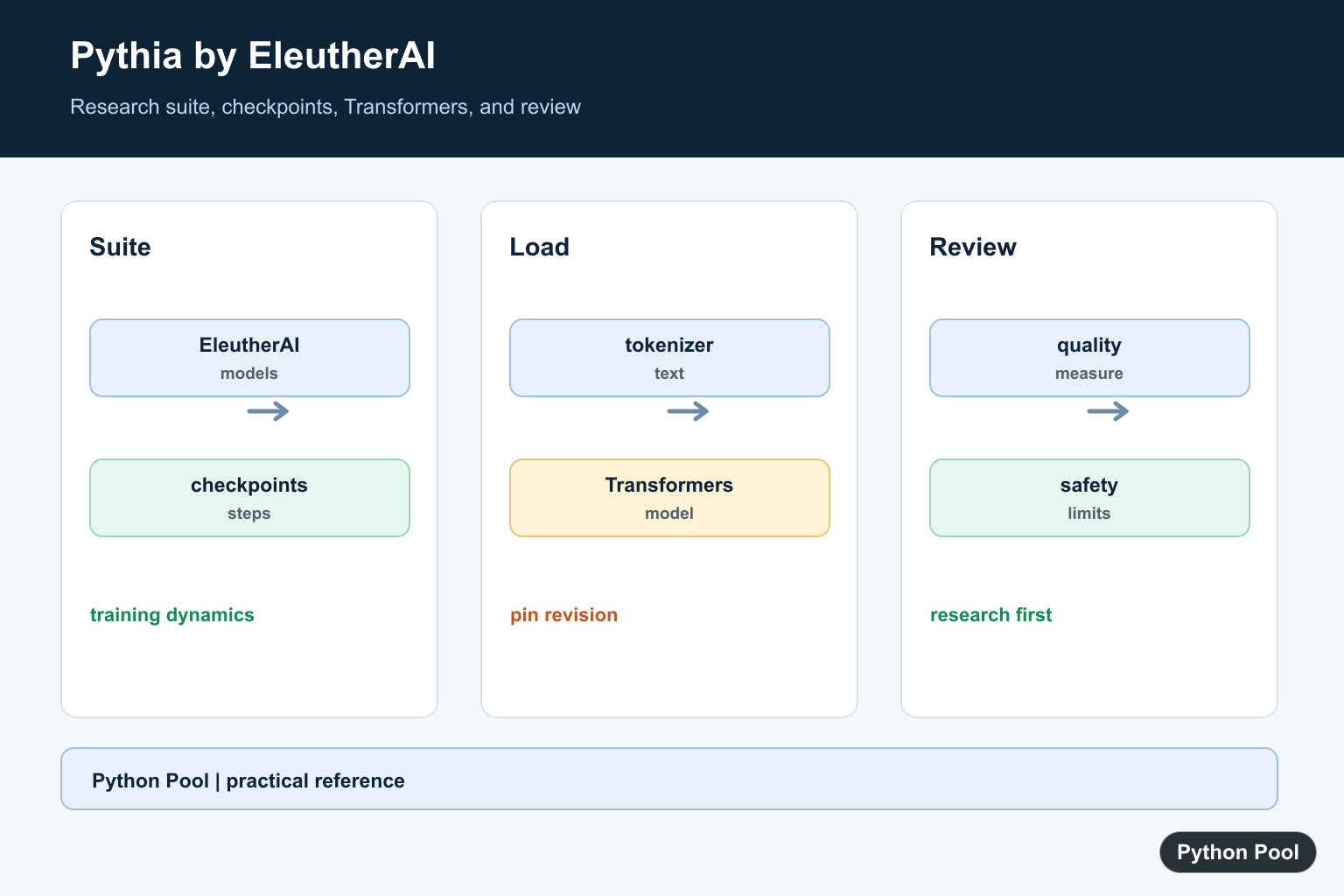
Pythia is an open large language model suite from EleutherAI. It is designed for research into language model training, checkpoints, scaling behavior, and reproducibility. Instead of being just one chatbot-style model, Pythia provides related models and intermediate checkpoints that help researchers compare how behavior changes during training. Pythia supplies reproducible open checkpoints; Lamini Guide: Build and Customize LLMs covers a separate workflow for preparing data and customizing language models with Lamini.
The suite is useful when you want to inspect model size, tokenization, generated text, or checkpoint differences with a repeatable setup. It is not a complete application by itself. You still need to choose the model size, understand hardware limits, and evaluate outputs carefully for your task.
This makes Pythia different from many model pages that only expose a final checkpoint. With intermediate revisions, you can ask how a model changes as training progresses. That is helpful for experiments about memorization, prompt sensitivity, loss curves, and how capabilities appear across model sizes.
The primary references are the Pythia paper, the EleutherAI Pythia repository, the Pythia Scaling Suite on Hugging Face, the Pythia 14M model card, The Pile, and the Hugging Face Transformers documentation.
Load A Small Pythia Model
Start with a small checkpoint such as EleutherAI/pythia-14m. It is suitable for learning the API shape before trying larger models.
from transformers import AutoModelForCausalLM, AutoTokenizer

model_name = "EleutherAI/pythia-14m"

tokenizer = AutoTokenizer.from_pretrained(model_name)
model = AutoModelForCausalLM.from_pretrained(model_name)
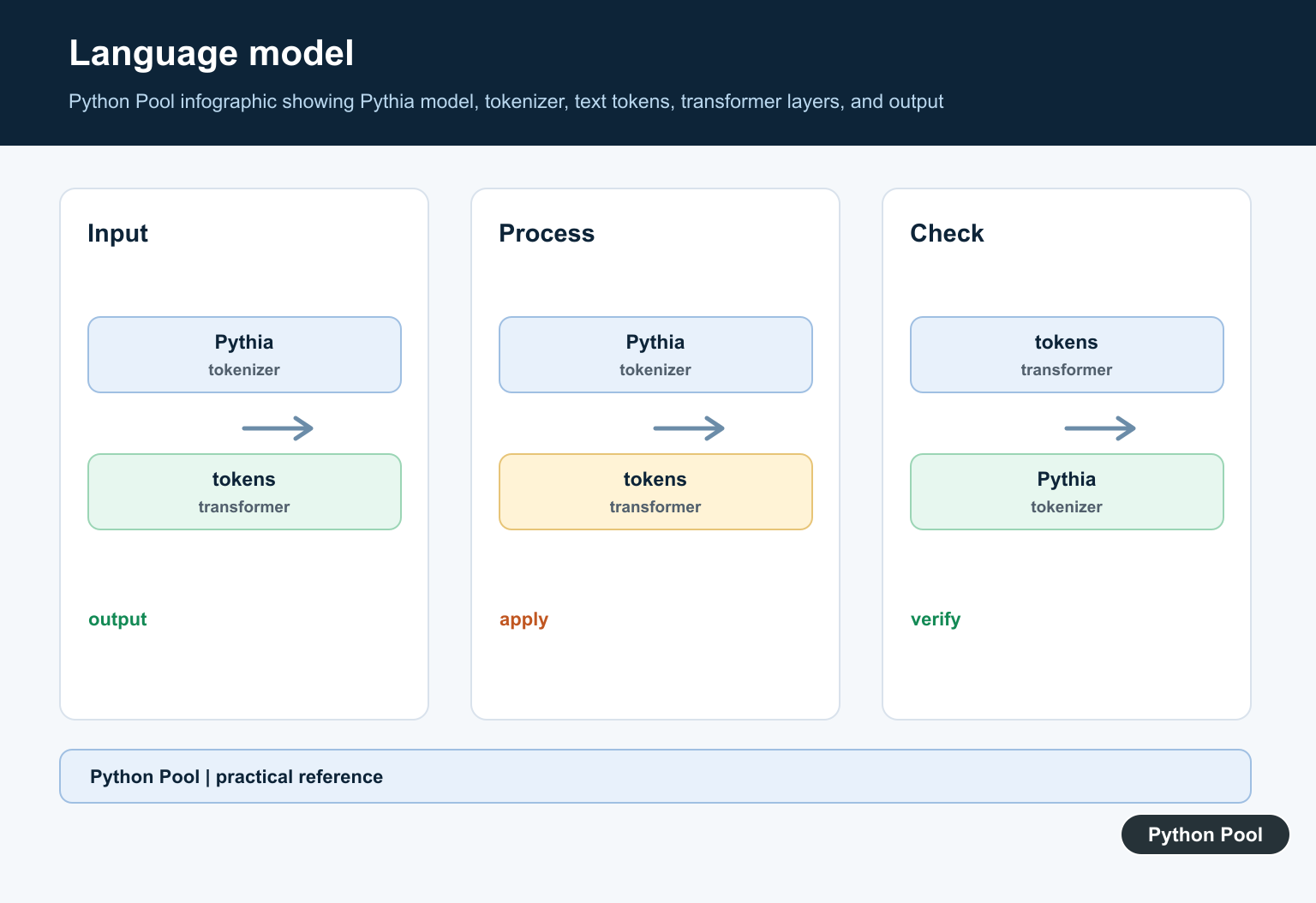
The tokenizer turns text into token IDs, and the model predicts likely next tokens. Larger checkpoints follow the same code pattern but need more memory and more careful runtime planning.
For a first run, keep the smallest model and a short prompt. Once the code path is stable, move to a larger checkpoint only if the experiment needs it. This avoids confusing model-quality questions with environment and memory problems.
Generate A Short Continuation
A causal language model continues a prompt. Keep early examples short so you can inspect the output and confirm the model is loaded correctly.
prompt = "Python is useful for data analysis because"
inputs = tokenizer(prompt, return_tensors="pt")

outputs = model.generate(
    **inputs,
    max_new_tokens=30,
    do_sample=False,
)

print(tokenizer.decode(outputs[0], skip_special_tokens=True))
This example uses deterministic generation with do_sample=False. Sampling settings can make text more varied, but deterministic output is easier to compare while learning.
Compare Checkpoint Revisions
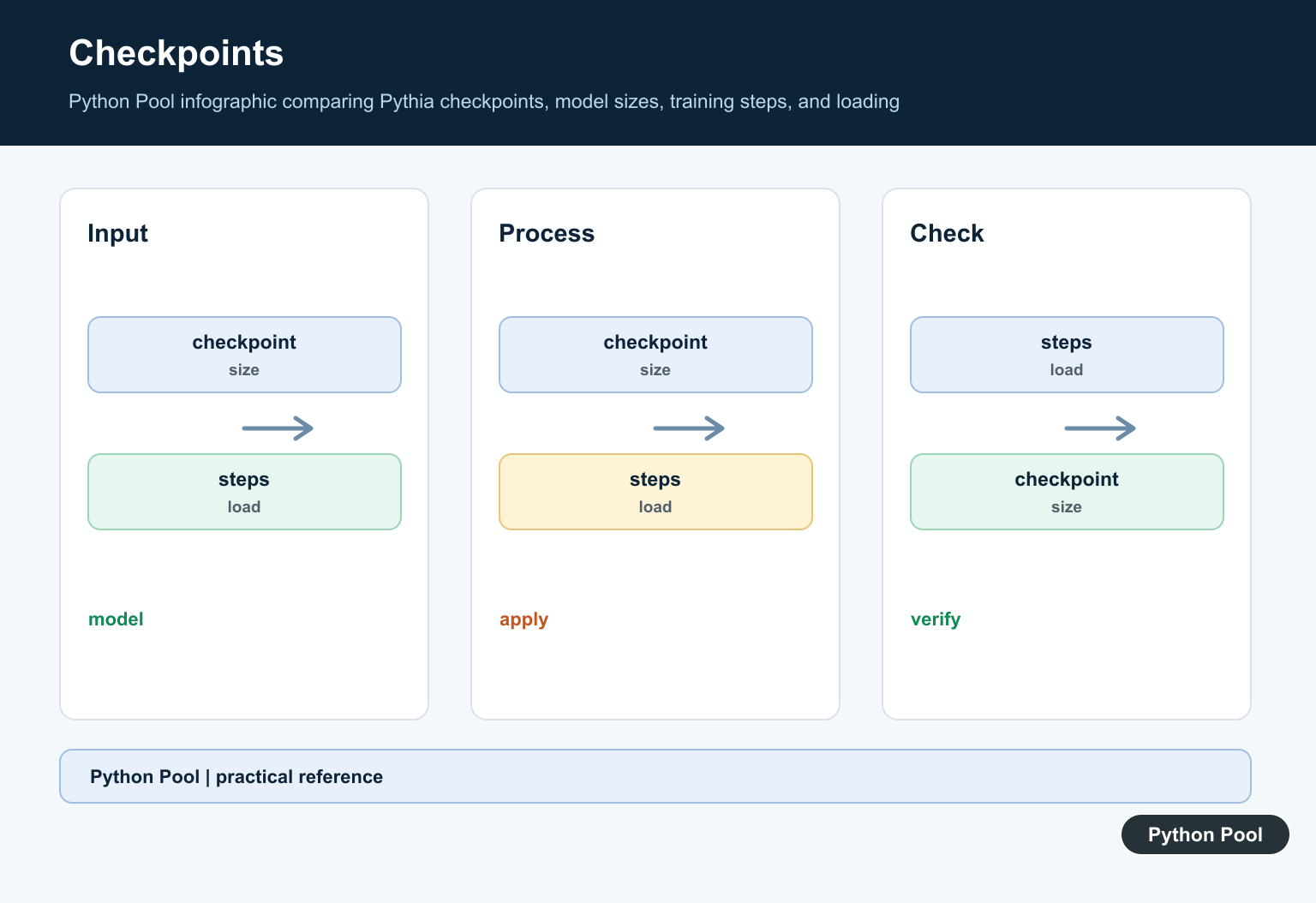
Pythia is valuable for checkpoint comparisons. Hugging Face revisions let you load a specific training step when that revision is available for the model.
from transformers import AutoModelForCausalLM, AutoTokenizer

model_name = "EleutherAI/pythia-14m"
prompt = "Open language models help researchers"

for revision in ["step3000", "main"]:
    tokenizer = AutoTokenizer.from_pretrained(model_name, revision=revision)
    model = AutoModelForCausalLM.from_pretrained(model_name, revision=revision)
    inputs = tokenizer(prompt, return_tensors="pt")
    outputs = model.generate(**inputs, max_new_tokens=20)
    print(revision, tokenizer.decode(outputs[0], skip_special_tokens=True))
Use the same prompt and generation settings when comparing revisions. Otherwise, output differences may come from the settings rather than from the checkpoint.
Checkpoint comparison works best when every other part of the experiment is fixed. Keep the same prompt text, random seed when sampling, token limit, and evaluation notes. Save the revision name beside every output so later review can trace where each result came from.
Inspect Tokens
Tokenization affects what a model sees. Inspecting token IDs and decoded pieces helps explain why short text can become several model inputs.
text = "Open models help researchers"
encoded = tokenizer(text, return_tensors="pt")

token_ids = encoded["input_ids"][0].tolist()
pieces = [tokenizer.decode([token_id]) for token_id in token_ids]

for token_id, piece in zip(token_ids, pieces):
    print(token_id, repr(piece))
This is useful when prompts behave unexpectedly. Spacing, punctuation, and rare terms can change the token sequence that reaches the model.
Count Model Parameters
Model size affects memory use and inference speed. Counting parameters gives a quick sanity check that the expected checkpoint loaded.
parameter_count = sum(
    parameter.numel()
    for parameter in model.parameters()
)

print(f"Parameters: {parameter_count:,}")
The count is not the only resource measure. Runtime memory also depends on precision, batch size, sequence length, and generation settings.
Calculate Simple Perplexity
Perplexity is one way to score how surprising a text is to a language model. Use it carefully and compare like with like.
import math
import torch

text = "Python examples should be small and easy to test."
inputs = tokenizer(text, return_tensors="pt")

with torch.no_grad():
    result = model(**inputs, labels=inputs["input_ids"])

loss = result.loss.item()
print(math.exp(loss))
This small example is for understanding the API, not for a full benchmark. Real evaluation needs a defined dataset, consistent preprocessing, and clear reporting.
Perplexity also depends on tokenization and the selected text. Compare scores from the same model family and the same preprocessing steps. A single score from one sentence should be treated as a demonstration, not a broad quality claim.
When To Use Pythia
Use Pythia when the research question benefits from open checkpoints, model families, or reproducible comparisons. It is a good fit for studying training dynamics, prompt behavior, tokenization, scaling, and evaluation methods.
Do not assume a small example proves that a model is ready for production. Check model cards, license terms, hardware needs, data limitations, and task-specific quality. Treat generated text as model output that needs review, not as guaranteed truth.
Pythia is also useful for teaching because the examples are small enough to isolate one concept at a time. You can show how tokens map to text, how parameter count changes, and how a revision is selected without building a full application around the model.
The reliable workflow is to start with a small checkpoint, load it through Transformers, inspect tokenization, run short prompts, compare revisions carefully, and measure resource use before scaling up. That keeps Pythia experiments understandable and repeatable.
Load A Pinned Checkpoint
Use a small checkpoint to verify the API shape before trying a larger model. Pinning revision makes an experiment repeatable, while the model identifier and revision should be recorded with the result.
from transformers import AutoModelForCausalLM, AutoTokenizer

model_name = "EleutherAI/pythia-14m"
revision = "step3000"

tokenizer = AutoTokenizer.from_pretrained(model_name, revision=revision)
model = AutoModelForCausalLM.from_pretrained(model_name, revision=revision)
inputs = tokenizer("Hello, I am", return_tensors="pt")
outputs = model.generate(**inputs, max_new_tokens=20)
print(tokenizer.decode(outputs[0]))
Compare Checkpoints As Experiments
Pythia makes checkpoint comparisons possible, but a comparison is meaningful only when the prompt, tokenizer, decoding settings, evaluation data, and hardware are controlled. Save outputs and configuration rather than relying on a notebook’s visible result.
from pathlib import Path
import json

experiment = {
    "model": "EleutherAI/pythia-14m",
    "revisions": ["step1000", "step3000"],
    "prompt": "A small experiment begins",
    "max_new_tokens": 20,
}
Path("pythia-run.json").write_text(
    json.dumps(experiment, indent=2),
    encoding="utf-8",
)
print(experiment)
Separate Research From Deployment
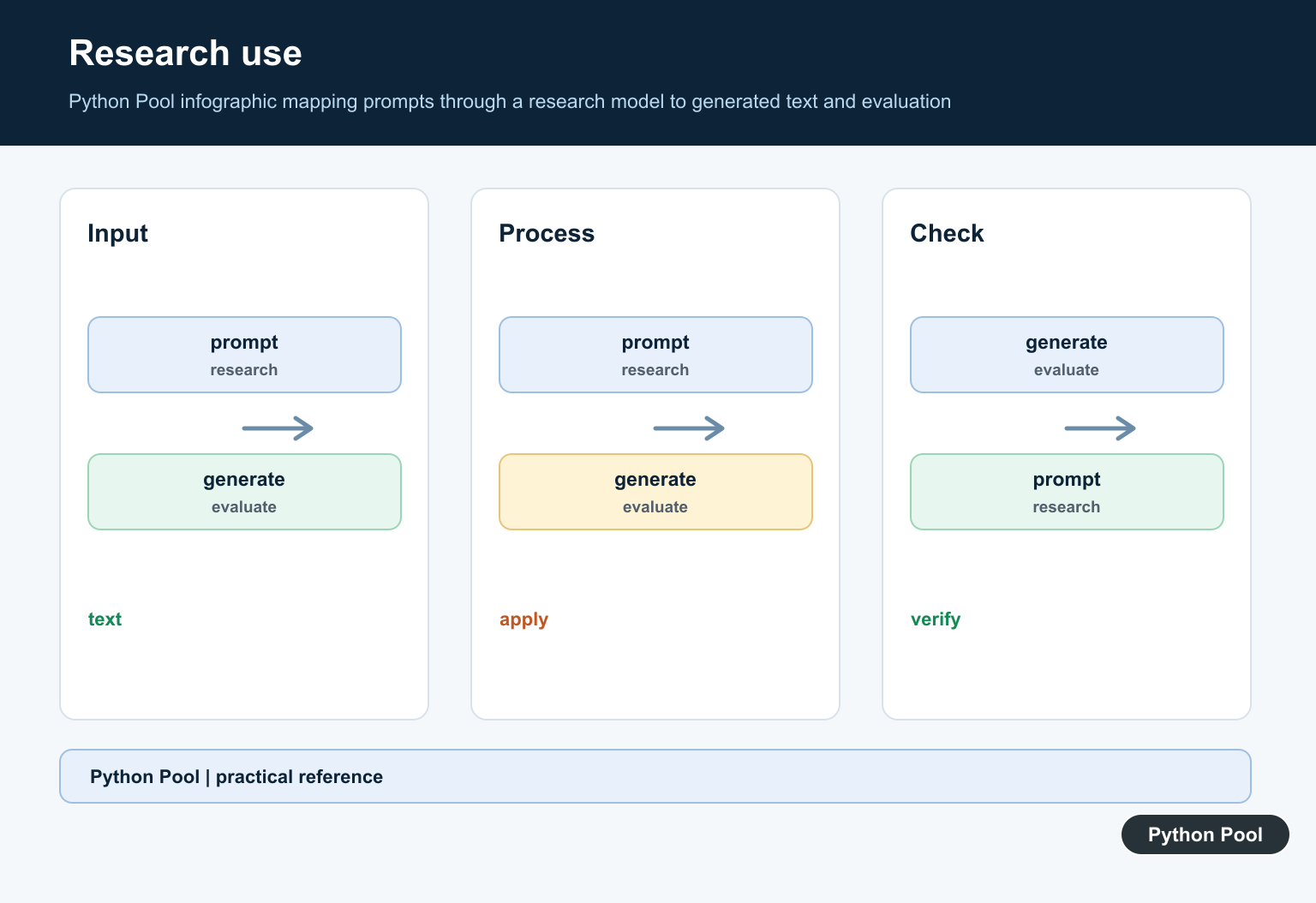
The Pythia model card presents the suite primarily for research and documents limitations around human-facing use, bias, and output quality. A model that loads successfully is not automatically safe, aligned, fast, or suitable for a product workflow.
def review_before_use(model_name, task, output):
    checks = {
        "model": model_name,
        "task": task,
        "has_human_review": True,
        "bias_and_safety_reviewed": False,
        "quality_measured": False,
    }
    checks["output_preview"] = output[:120]
    return checks

print(review_before_use("pythia-14m", "research", "sample text"))
Record Hardware And Tokenization
Model size, sequence length, dtype, device, and batch size affect memory and speed. Capture those settings with the checkpoint revision so a later result is not compared with a run that used a different environment.
import platform

run_card = {
    "python": platform.python_version(),
    "platform": platform.platform(),
    "device": "cpu",
    "dtype": "default",
    "checkpoint": "step3000",
}
print(run_card)
The current EleutherAI Pythia model card documents the research purpose, checkpoint revisions, Transformers usage, and limitations. The official Pythia repository covers training and checkpoint details, while the related LLM chain guide separates model calls, memory, parsing, and evaluation.
For related model workflows, compare LLM chains, ML environment setup, and testing frameworks before treating a research checkpoint as an application component.
For the authoritative API and current behavior, consult the EleutherAI Pythia model page.
Frequently Asked Questions
What is EleutherAI Pythia?
Pythia is a suite of open language models and intermediate checkpoints designed for research into interpretability, training dynamics, scaling, and reproducibility.
How do I load a Pythia model in Python?
Use the Hugging Face Transformers tokenizer and causal-language-model classes, and pin a model revision when a repeatable checkpoint is required.
How many Pythia checkpoints are available?
The current model-card documentation describes 154 checkpoints per model, including early checkpoints and evenly spaced later training steps.
Is Pythia suitable for production chat applications?
The model card presents Pythia primarily for research and warns that it is not intended as a human-facing product; assess safety, bias, licensing, and output quality before any deployment.