
Quick answer: AWS Signature Version 4 builds a canonical request, hashes it, derives a credential-scoped signing key, and sends the signature in an authorization header. Use an AWS SDK when possible; manual signing requires exact control over encoding, headers, region, service, time, and secrets.
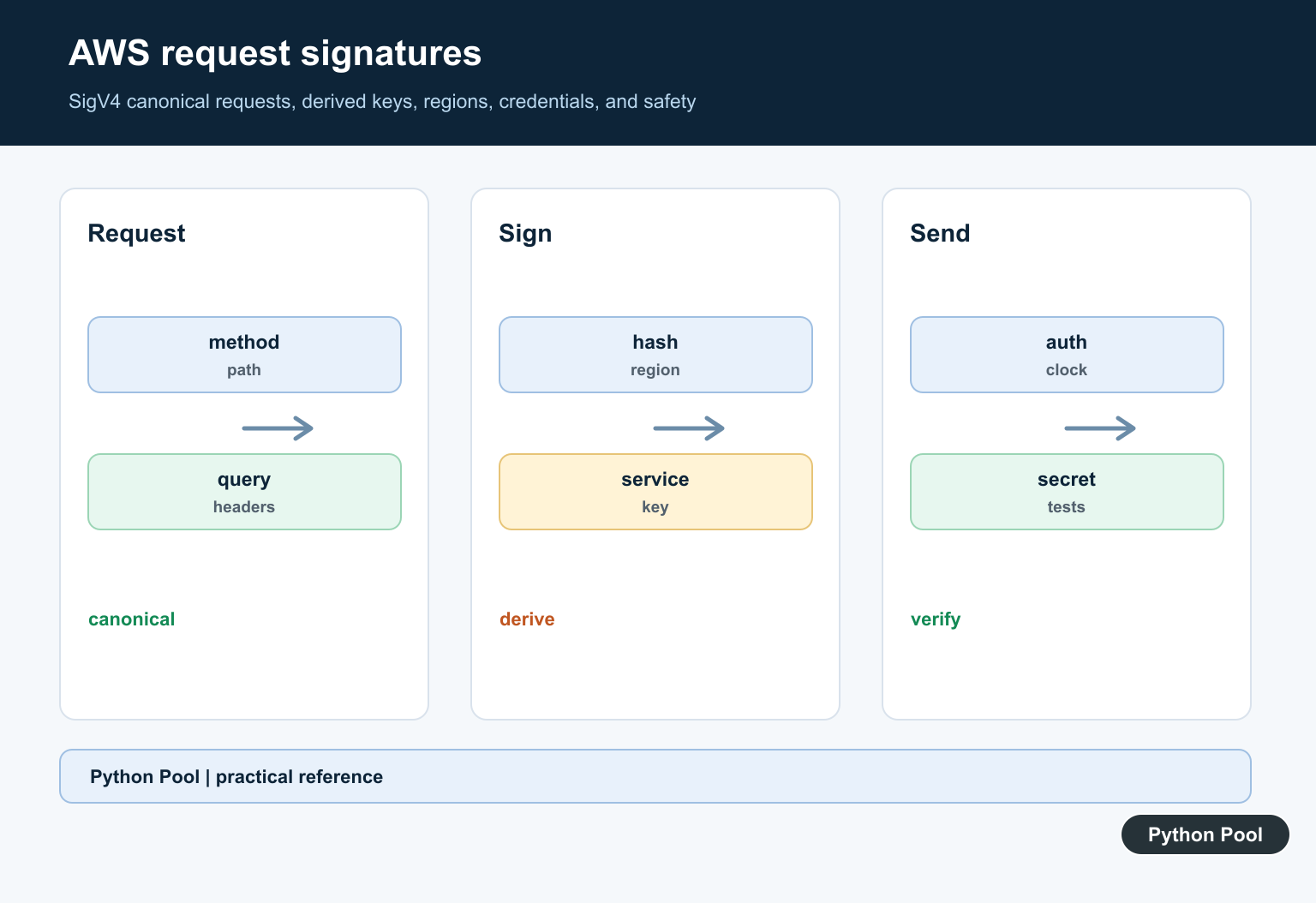
AWS request signatures prove that an API request came from a holder of valid AWS credentials and that key parts of the request were not changed in transit. Most Python applications should let Boto3 or Botocore sign requests automatically, but understanding Signature Version 4 helps when debugging custom HTTP calls, proxies, or services that require signed requests. For an AWS analytics client that relies on credentials and signed service requests, see PyAthena Library Guide for Amazon Athena.
Signature Version 4, often called SigV4, signs a canonical request. That canonical request includes the HTTP method, path, query string, selected headers, signed header names, and a payload hash. AWS then checks the same canonical form on the service side.
The hard part is precision. A request can fail even when the access key is valid if the path is encoded differently, a header is omitted, the service name is wrong, or the request time is outside the accepted window. When debugging, rebuild the signing pieces from small sample inputs before trying to sign a live request.
Manual signing is rarely needed for ordinary Boto3 calls. Boto3 already signs service requests through Botocore. Use custom signing only when you are constructing raw HTTP requests yourself, working with an AWS-compatible endpoint, or investigating why a proxy or gateway changes a request before it reaches AWS.
Primary references include the AWS request signing overview, AWS SigV4 signed request guide, Amazon S3 SigV4 authentication guide, Botocore AWSRequest reference, and Boto3 credentials guide.
Hash The Payload
SigV4 starts by hashing the request payload. For a GET request with no body, the payload hash is the SHA-256 hash of an empty byte string.
import hashlib

payload = b""
payload_hash = hashlib.sha256(payload).hexdigest()

print(payload_hash)
For JSON requests, hash the exact bytes sent over the network. Changing whitespace or encoding changes the hash.
Build A Canonical Request
The canonical request normalizes method, path, query string, headers, signed header names, and payload hash into one string.
method = "GET"
canonical_uri = "/"
canonical_query = "Action=ListUsers&Version=2010-05-08"
canonical_headers = "host:iam.amazonaws.com\nx-amz-date:20260709T000000Z\n"
signed_headers = "host;x-amz-date"
payload_hash = "e3b0c44298fc1c149afbf4c8996fb924"

canonical_request = "\n".join([
    method,
    canonical_uri,
    canonical_query,
    canonical_headers,
    signed_headers,
    payload_hash,
])

print(canonical_request)
Header names are lowercase in the canonical form. Query parameters must be encoded and sorted exactly as AWS expects.
Do not skip the canonical form when troubleshooting. The canonical request is the best place to compare your Python code with AWS examples because it shows the exact method, path, query, headers, and payload hash being signed.
Create The String To Sign
The string to sign includes the algorithm, request time, credential scope, and hash of the canonical request.
import hashlib

algorithm = "AWS4-HMAC-SHA256"
request_time = "20260709T000000Z"
credential_scope = "20260709/us-east-1/iam/aws4_request"
canonical_hash = hashlib.sha256(canonical_request.encode("utf-8")).hexdigest()

string_to_sign = "\n".join([algorithm, request_time, credential_scope, canonical_hash])

print(string_to_sign)
If the canonical request is wrong, the string to sign is wrong too. Debug signing failures by printing each stage with safe sample data.
The credential scope ties the signature to a date, region, service, and final request type. A request signed for us-east-1 will not authenticate a service call that expects another region.
Derive A Signing Key
SigV4 uses HMAC steps for date, region, service, and aws4_request. This example uses placeholder text only.
import hmac
import hashlib

def sign(key, message):
    return hmac.new(key, message.encode("utf-8"), hashlib.sha256).digest()

secret = b"AWS4PLACEHOLDER_SECRET"
date_key = sign(secret, "20260709")
region_key = sign(date_key, "us-east-1")
service_key = sign(region_key, "iam")
signing_key = sign(service_key, "aws4_request")

print(signing_key.hex()[:16])
Do not put real access keys or secret keys in source code. Use AWS-supported credential locations and let Botocore load them.
Sign With Botocore
In most Python code, use Botocore’s signing helpers instead of hand-assembling the authorization header.
from botocore.awsrequest import AWSRequest
from botocore.auth import SigV4Auth
from botocore.credentials import Credentials

credentials = Credentials("ACCESS_KEY", "SECRET_KEY")
request = AWSRequest(method="GET", url="https://iam.amazonaws.com/?Action=ListUsers&Version=2010-05-08")

SigV4Auth(credentials, "iam", "us-east-1").add_auth(request)
prepared = request.prepare()

print(prepared.headers["Authorization"].split(",")[0])
Use placeholders in examples and tests. Production code should retrieve credentials from profiles, roles, or the runtime credential provider chain.
Botocore’s helper is the practical choice for most custom requests because it handles header construction and signing details that are easy to get subtly wrong by hand.
Keep Signing Code Testable
Put signing setup behind a small function so tests can pass sample credentials and production code can use real runtime credentials.
from botocore.awsrequest import AWSRequest

def build_aws_request(method, url, headers=None, body=None):
    return AWSRequest(
        method=method,
        url=url,
        headers=headers or {},
        data=body,
    )

request = build_aws_request("GET", "https://example.amazonaws.com/")
print(request.method)
This keeps HTTP construction separate from credential loading. It also makes failures easier to isolate.
Practical Checklist
Use Boto3 clients for normal AWS service calls. Reach for manual signing only when you are calling an AWS-compatible endpoint, building low-level HTTP tooling, or debugging a signature mismatch.
When a signature fails, compare the method, path, query order, header list, region, service name, request time, and payload hash. A small mismatch in any one of those pieces can produce a rejected request.
Never log real secret material. Log safe request metadata, masked credential IDs, and canonical request stages built from harmless sample data.
Prefer The SDK
AWS recommends SDKs and the CLI for normal integrations because they handle credential providers and signing details. Write a signer manually only when the endpoint or runtime genuinely cannot use an SDK.
Canonicalize Every Component
The method, URI path, sorted query string, signed headers, and payload hash must be represented exactly as AWS reconstructs them. A visually equivalent URL can still produce a different signature.
Derive The Scoped Key
SigV4 derives a key from the secret access key, date, region, and service, then signs the string-to-sign. Keep the region, service name, and credential scope tied to the request rather than global guesses.
Protect Credentials And Time
Use the AWS credential provider chain or a managed identity, never hard-code secrets, and account for clock skew. Temporary credentials also require the session token in the signed request.
Debug Without Leaking Secrets
Compare method, path, query encoding, header names, payload hash, region, service, and timestamps in sanitized logs. Never log the secret key, authorization header, session token, or sensitive body.
Test With Known Fixtures
Use AWS examples or a local test service to verify canonical strings, retries, empty payloads, query parameters, temporary credentials, clock errors, and signature mismatch handling.
The official AWS Signature Version 4 documentation defines canonical requests and derived keys. Related Python Pool references include tests and safe logging.
For related request security, compare canonicalization tests, secret-safe diagnostics, and credential configuration before signing AWS requests.
For the authoritative API and current behavior, consult the AWS Signature Version 4 documentation.
Frequently Asked Questions
What is AWS Signature Version 4?
It is AWS’s protocol for authenticating requests by hashing canonical request data and adding a derived signature to the request.
Should I manually sign AWS requests in Python?
Use an AWS SDK or CLI when possible; manual signing is appropriate only when the integration genuinely needs control outside the SDK path.
What causes a signature mismatch?
Different methods, paths, query encoding, headers, payload hashes, regions, services, timestamps, or credential scopes can produce different canonical strings.
How should I debug a signing failure?
Compare canonical request components in a controlled environment without logging secret keys, authorization headers, or sensitive payloads.