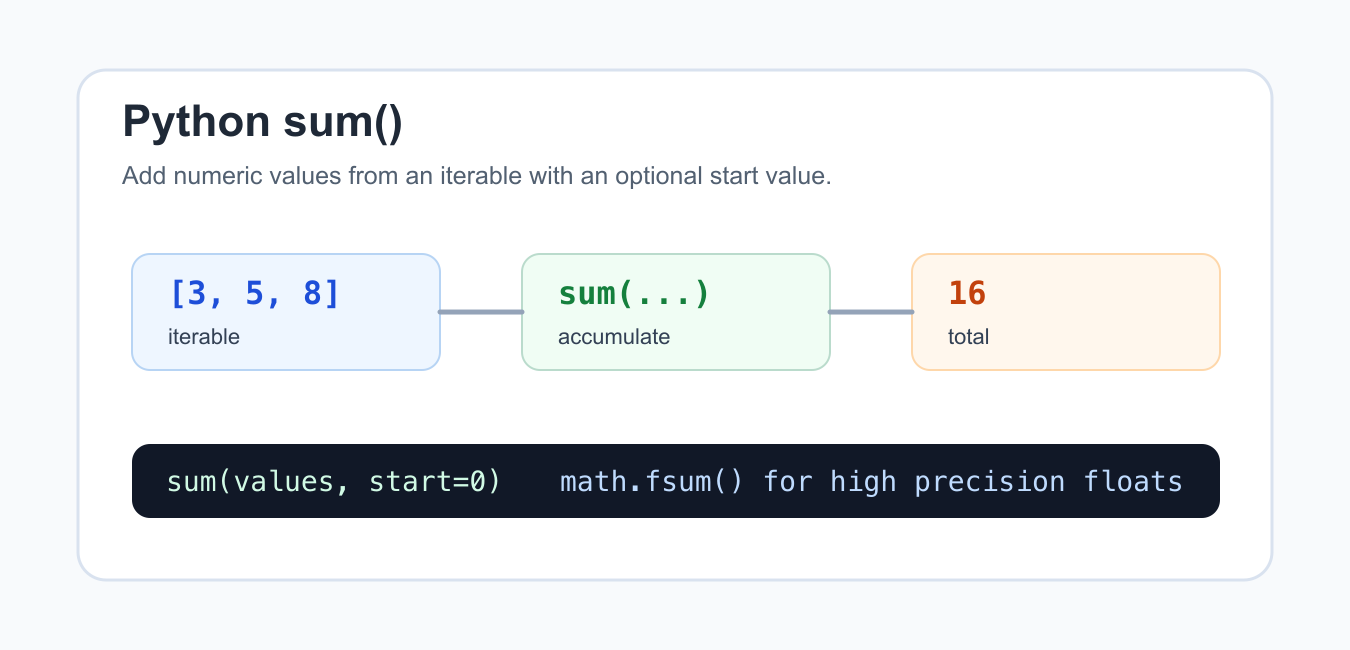
Quick answer: sum(iterable, start=0) adds values from an iterable and returns the start value when the iterable is empty. Use a generator when each item needs transformation, use start for a numeric offset or compatible identity, and use str.join for strings. Keep booleans and floating-point precision in mind when choosing the input and result policy.
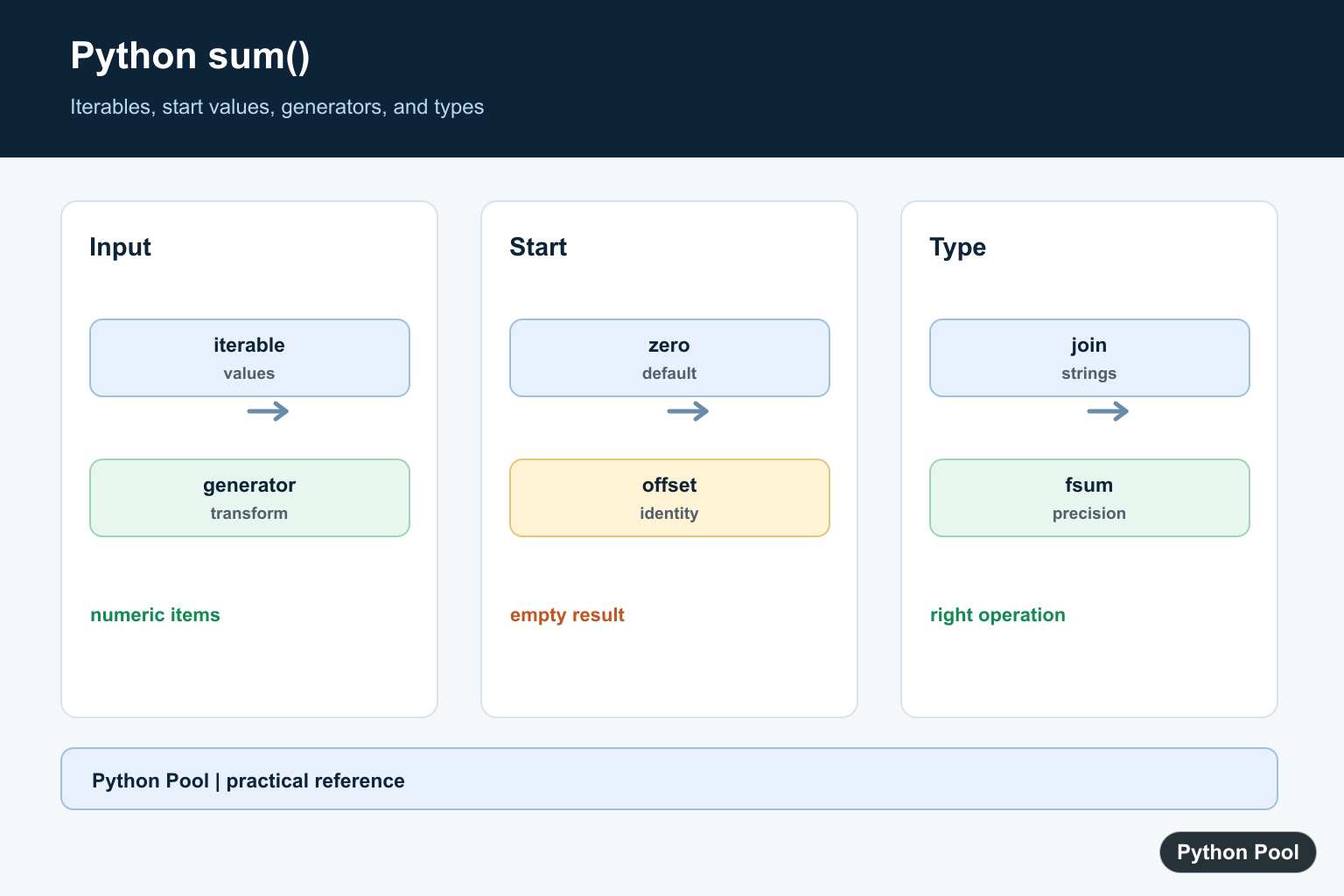
Python sum() is a built-in function for adding values from an iterable. It is most often used with lists, tuples, ranges, generator expressions, and other sequences of numbers.
The official Python documentation for sum() defines the function and its optional start argument. The math.fsum() documentation is relevant for high-precision floating-point totals, and the itertools documentation is useful when building iterable pipelines.
Use sum() when the operation is ordinary addition and the input values are already numeric. If you are joining strings, use "".join(...). If you are combining nested lists, use a list comprehension or a purpose-built flattening approach. sum() is built for addition, not every kind of combining.
The function starts with 0 by default, then adds each item from the iterable. You can provide a different start value when a subtotal should begin from an existing base amount.
Good aggregation code makes the input and unit obvious. A name such as total_points, total_bytes, or passing_total is easier to review than a generic name such as total when several sums appear in one function.
Validate input before summing user-provided data. A single string, None, or unexpected object in the iterable can raise a TypeError. That exception is useful during development, but production import code should clean or reject bad rows before the total is calculated.
Sum A List Of Numbers
The simplest use is summing a list or tuple of numbers.
values = [3, 5, 8]

total = sum(values)

print(total)
This returns 16. The input list is not changed; sum() only reads the values and returns a new total.
For an empty iterable, sum([]) returns the start value. With the default start, that result is 0.
That empty-input rule is helpful for reports because a missing group can naturally total to zero. If an empty group should be treated as an error, check for it before calling sum().
Use The start Argument
The second argument sets the initial value before the iterable is added.
subtotal = [12, 8, 5]
shipping = 4

grand_total = sum(subtotal, shipping)

print(grand_total)
This begins at 4 and then adds the three subtotal values, returning 29. Use this when the starting amount is truly part of the same numeric total.
Keep the start value numeric. Passing a list or string as the start can lead to confusing code or errors, and it usually means another tool would be clearer.
The start argument is not a filter or a default item. It is added to the result. Use it only when the base amount belongs mathematically in the same total.
Sum A Range
sum() works with any iterable, including range().
numbers = range(1, 6)

print(sum(numbers))
print(sum(range(0, 10, 2)))
The first line adds one through five. The second line adds the even numbers below ten.
For very large arithmetic ranges, a formula may be faster than iterating. For normal scripts and small loops, sum(range(...)) is readable and reliable.
Ranges are lazy, so Python does not build a list of every number first. That makes sum(range(...)) more memory-friendly than summing a list that was created only for that calculation. Once sum() is clear, Calculate Sum of Squares in Python applies it to squared values with loops, comprehensions, NumPy, and validation.
Use A Generator Expression
A generator expression lets you transform or filter values as they are summed.
scores = [72, 91, 85, 60, 99]

passing_total = sum(score for score in scores if score >= 70)

print(passing_total)
This avoids building a separate list before adding the values. It is a good pattern for quick calculations over parsed rows, scores, lengths, or filtered counts.
For more complex transformations, move the logic into a named helper so the expression remains easy to read.
A generator expression also keeps memory use low because values are produced one at a time. This matters when summing values from large files, database rows, or streamed records.
Count True Values
Booleans are integers in Python, so True contributes 1 and False contributes 0.
checks = [True, False, True, True]

print(sum(checks))
print(sum(item is True for item in checks))
This is useful for counting how many conditions passed. If you only need to know whether at least one condition passed, use any() instead.
Use clear names for boolean lists so a count such as sum(checks) is understandable to the next reader.
If the code reads oddly, write the conversion explicitly with 1 if condition else 0. Clarity matters more than making every count as short as possible.
Use math.fsum For Floats
Floating-point addition can accumulate small precision errors. math.fsum() is designed for more accurate floating-point totals.
import math

values = [0.1] * 10

print(sum(values))
print(math.fsum(values))
For money, use Decimal with a clear rounding policy. For scientific or measurement-style float totals, math.fsum() is often a better default than plain sum().
For strings, use join(). For lists of lists, use a comprehension or itertools.chain. Using sum() for those jobs can be slow or misleading because it repeatedly creates intermediate objects.
In short, use sum() for ordinary numeric addition, the start argument for a real base amount, generator expressions for filtered totals, and math.fsum() when floating-point accuracy matters.
Sum A Numeric Iterable
sum accepts lists, tuples, ranges, generators, and other iterables of compatible numeric values. It consumes a generator once, so materialize it only when the values are needed again.
values = [2, 4, 6, 8]
print(sum(values))
print(sum(number * number for number in values))
Use The start Value
start is added before the values and also becomes the result for an empty iterable. It can represent an offset, but it should have a type and identity compatible with the values being added.
values = [1, 2, 3]
print(sum(values, 10))
print(sum([], 10))
Do Not Use sum For Strings
String concatenation through sum is intentionally unsupported because repeated concatenation is inefficient and ambiguous. Use join with an explicit separator, or a structured writer for large output.
words = ["Python", "Pool"]
print(' '.join(words))
Handle Booleans And Floats Deliberately
Booleans behave as integers in arithmetic, so sum flags only when that is the intended count. For many floating-point values, use a numerically appropriate method such as math.fsum when precision matters.
import math

flags = [True, False, True]
print(sum(flags))
values = [0.1, 0.1, 0.1]
print(sum(values))
print(math.fsum(values))
Python’s official sum() reference defines iterable consumption and start behavior. Related references include max reductions, list lengths, and iteration.
For related reductions, compare max reductions, list lengths, and iteration when choosing the right aggregation.
Frequently Asked Questions
How do I sum a Python list?
Call sum(values) for numeric values, or sum an expression generator when each item needs a transformation.
What is the start argument?
start is added before the iterable values and can provide an identity or offset for the result.
Can sum join strings?
No. Use str.join for strings; sum is designed for numeric addition and compatible numeric-like values.
What does sum of an empty iterable return?
It returns the start value, which is zero by default.
Python Program to Sum the list with start 101
2
list=
[2, 3, 5, 8]
print(sum(list, 10))output is 28 n not 18!Yes, Sum() has second parameter that gets added to the sum of iterable.
list=[i+j+k,-2i+3j+6k,9i-8j+6k] can u help me understand the syntax error.. thanks for reading.
Can you tell me more about i,j and k? Also one more thing, never name your variable as ‘list’ because list is already defined in python.