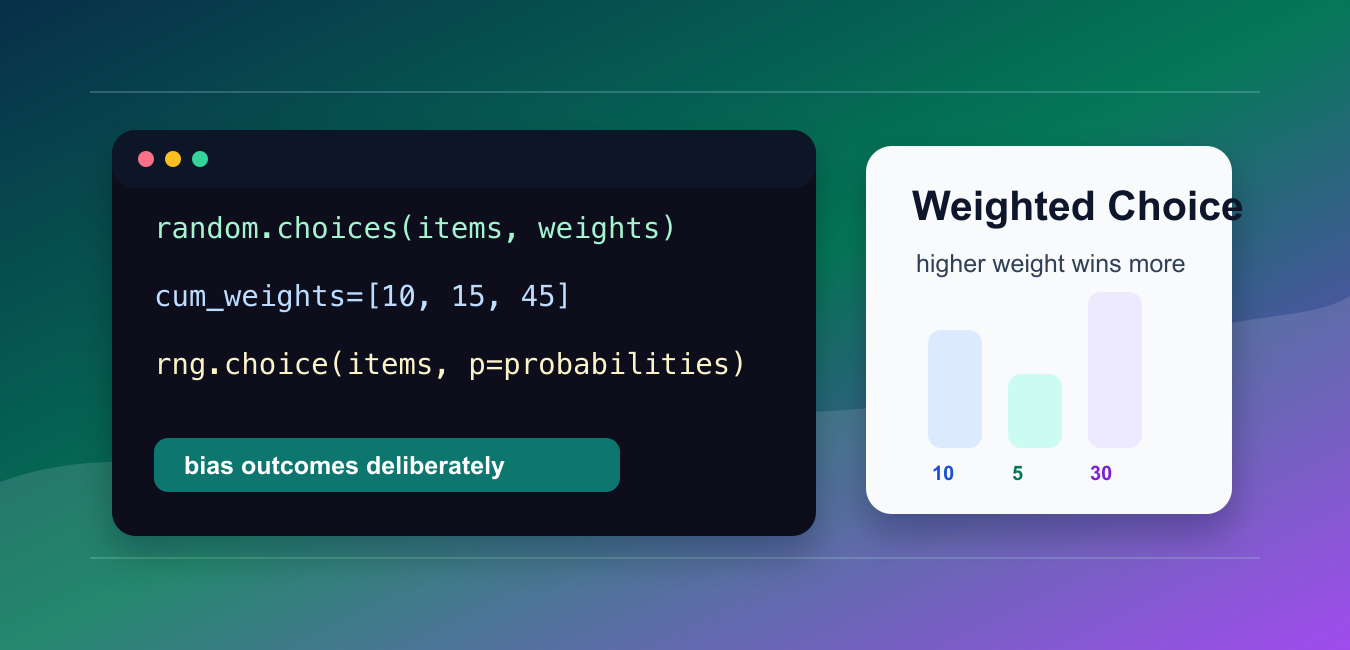
Quick answer: Use random.choices() for weighted sampling from normal Python sequences. Weights are relative strengths, sampling uses replacement by default, and a dedicated random.Random instance makes tests reproducible. Validate length, finiteness, non-negativity, and at least one positive weight before sampling.
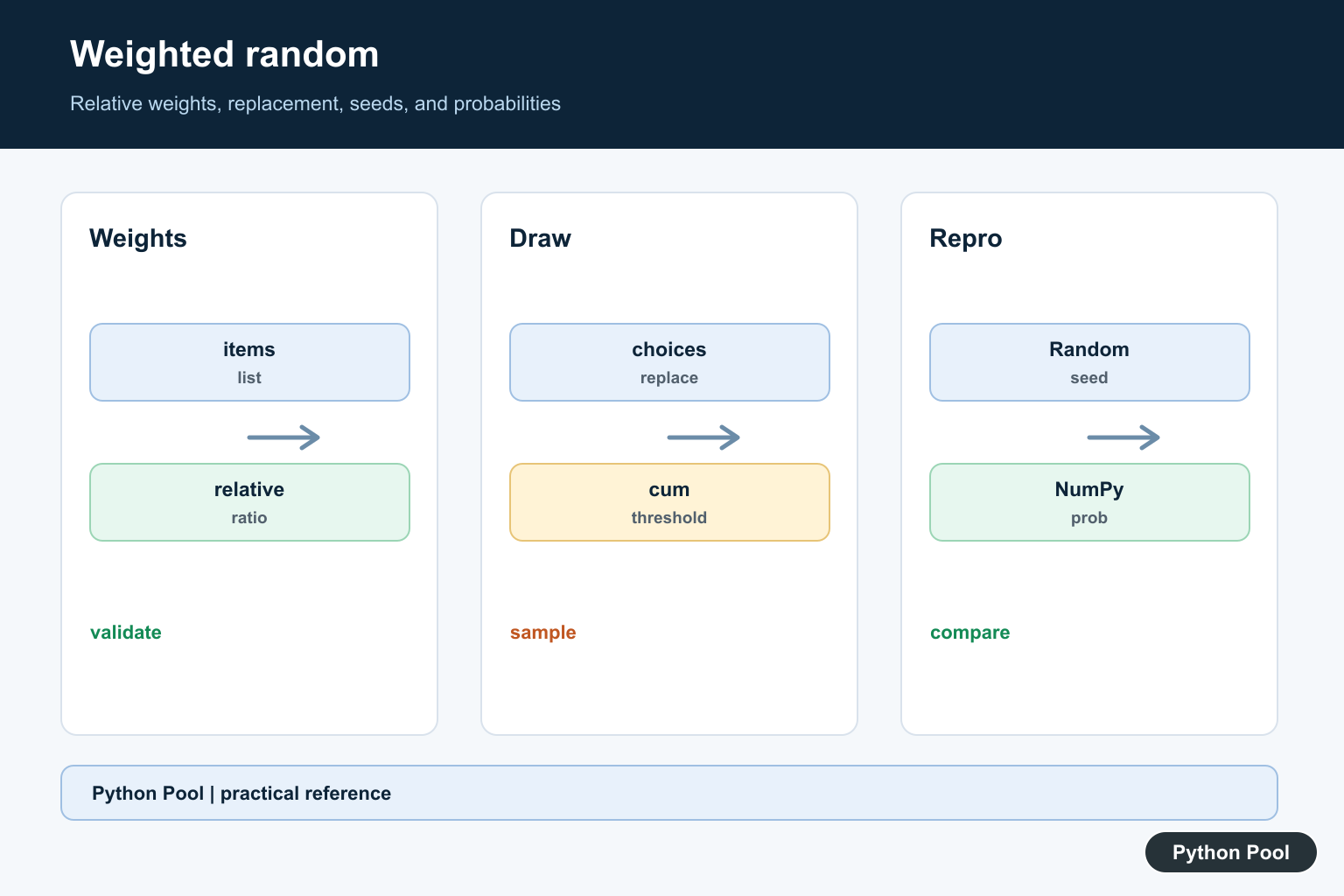
A weighted random choice gives some outcomes a higher chance of being selected than others. In Python, the standard-library tool for this is random.choices().
The main references are Python’s random.choices() documentation, itertools.accumulate(), and NumPy’s Generator.choice().
Use weighted selection for simulations, A/B testing helpers, games, randomized content, retry choices, and sampling from categories with unequal likelihoods. A weight of 30 is three times as strong as a weight of 10.
Weights are relative. They do not have to add to 1 when using random.choices(), but they must be non-negative and finite, and at least one weight must be positive.
By default, random.choices() samples with replacement. That means the same outcome can appear more than once in the result. This is different from drawing cards from a deck where each selected item is removed.
If you need sampling without replacement, use a different algorithm and define how weights should change after each draw. The standard random.choices() call does not do that automatically.
Use random.choices()
random.choices() returns a list because it can draw more than one item.
import random

items = ["small", "medium", "large"]
weights = [10, 30, 5]

result = random.choices(items, weights=weights, k=8)

print(result)
The item with weight 30 should appear more often over many draws, but any short sample can still look uneven.
Use k=1 when you need a single result, then read the first item from the returned list.
A weight of zero means the item can never be selected as long as some other item has a positive weight. This is useful for temporarily disabling an outcome without removing it from the list.
Count A Larger Sample
Use collections.Counter to inspect whether the weighted pattern looks reasonable over many draws.
import random
from collections import Counter

items = ["red", "black", "green"]
weights = [18, 18, 2]

draws = random.choices(items, weights=weights, k=10_000)
counts = Counter(draws)

print(counts)
The counts will not match the weights exactly, but larger samples should move closer to the expected proportions.
For tests, do not assert exact random counts. Check ranges or seed a dedicated generator when reproducibility matters.
Small samples can be noisy even when the weights are correct. A category with a high weight can still lose several draws in a row because each draw is random.
Use Cumulative Weights
If cumulative weights are already available, pass them with cum_weights.
import random

items = ["bronze", "silver", "gold", "platinum"]
cumulative = [50, 80, 95, 100]

rewards = random.choices(items, cum_weights=cumulative, k=10)

print(rewards)
Cumulative weights must increase from left to right. They represent running totals, not separate category strengths.
Do not pass both weights and cum_weights in the same call. Python treats that as an error.
Cumulative weights are useful when another part of a system already stores thresholds. For fresh code, separate weights are usually easier to read and review.
Validate The Weights
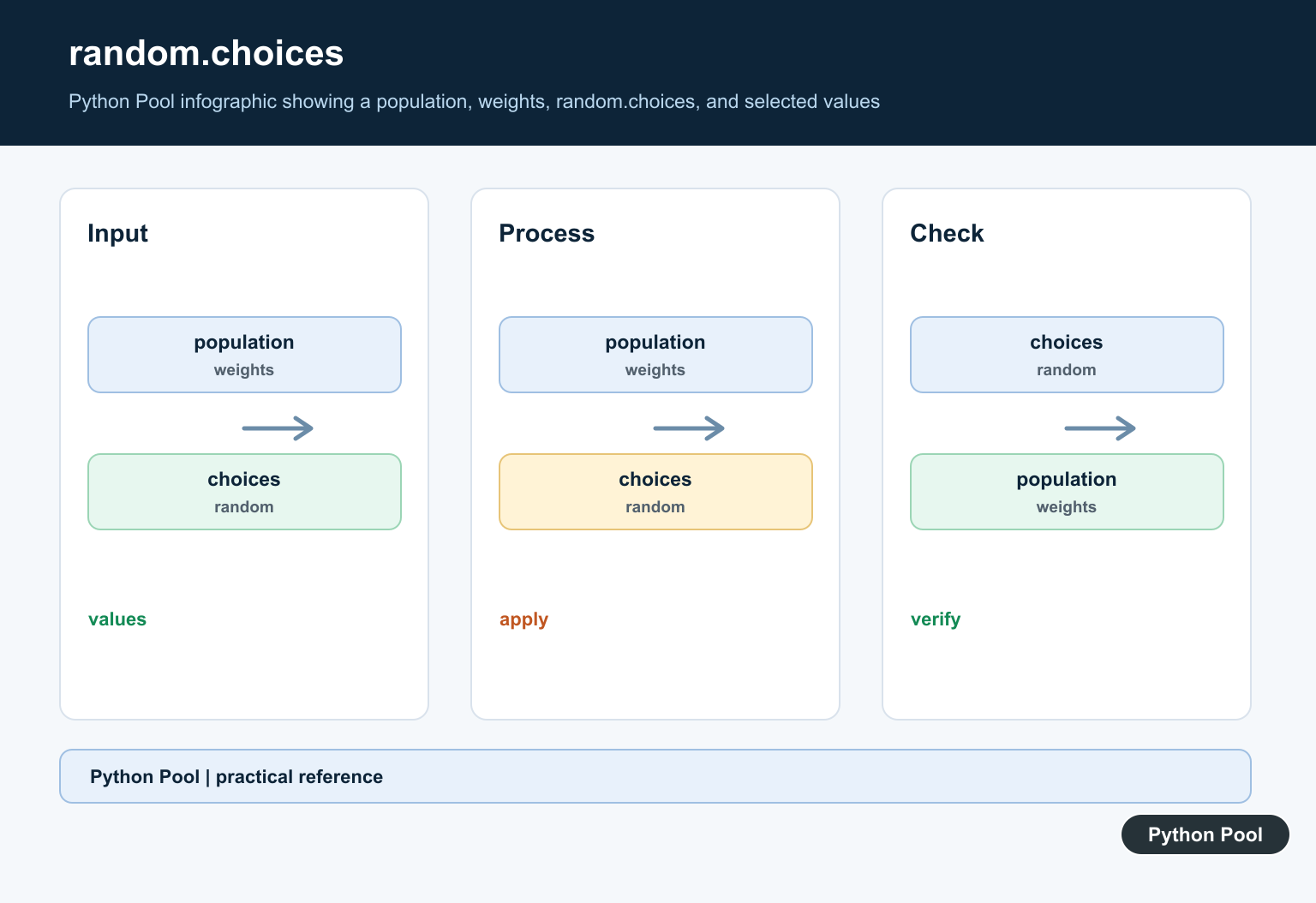
Validate user-provided weights before sampling.
def validate_weights(items, weights):
    if len(items) != len(weights):
        raise ValueError("items and weights must have the same length")
    if any(weight < 0 for weight in weights):
        raise ValueError("weights must be non-negative")
    if sum(weights) <= 0:
        raise ValueError("at least one weight must be positive")

validate_weights(["a", "b", "c"], [1, 0, 3])
This catches the most common data issues before the random call. It also gives clearer error messages than a failure deeper in the sampling code.
Use numeric weights that can work with floating-point arithmetic. Avoid strings, missing values, and infinite values.
If weights come from user input or a database, validate them near the input boundary. That keeps the sampling code focused on selection rather than cleanup.
Use A Dedicated Random Generator
Use a random.Random instance when you want reproducible choices without changing the module-level generator state.
import random

generator = random.Random(42)

items = ["A", "B", "C"]
weights = [1, 3, 1]

print(generator.choices(items, weights=weights, k=6))
This is useful in tests and simulations where you want the same sequence for the same seed.
Do not use the random module for security tokens, passwords, or cryptographic selection. Python’s docs direct security use cases to the secrets module.
For application features such as randomized recommendations or game loot tables, a reproducible seed can also help debug a reported outcome.
Use NumPy For Probability Arrays
NumPy’s modern random API uses default_rng() and Generator.choice(). The probability array is passed as p and should sum to 1.
import numpy as np

rng = np.random.default_rng(42)

items = np.array(["basic", "pro", "enterprise"])
weights = np.array([50, 35, 15], dtype=float)
probabilities = weights / weights.sum()

print(rng.choice(items, size=8, p=probabilities))
Normalize weights before passing them as NumPy probabilities. This makes the intended distribution explicit and avoids probability-sum errors.
The practical rule is: use random.choices() for normal Python lists, use cum_weights when you already have running totals, use a seeded generator for reproducible simulations, and use NumPy when the rest of the workflow is array-based.
Always document what the weights represent. A weight can be a score, a count, a priority, or a probability, but future maintainers need to know which meaning your code uses.

Read Weights As Ratios
Weights do not need to add to one. [10, 30, 5] and [2, 6, 1] describe the same relative distribution. Document whether a weight is a score, count, priority, or probability so future changes do not alter its meaning accidentally.
Decide Replacement Behavior
random.choices() samples with replacement, so one item may appear repeatedly in a result. If a draw should remove an item or change its weight, define a without-replacement algorithm rather than assuming choices performs that update.

Validate External Weights
Check that the item and weight sequences have equal lengths, weights are finite and non-negative, and their total is positive. Validate at the input boundary so the sampling function receives a clean contract.
Use cum_weights When Appropriate
Cumulative weights are useful when thresholds already exist, but they must be ordered running totals. Do not pass weights and cum_weights together, and prefer ordinary weights when they make the distribution easier to review.
Seed A Dedicated Generator
A local Random instance avoids changing global state and makes a simulation or test sequence reproducible. A seed proves repeatability, not correctness; still test the distribution and edge cases separately.

Choose NumPy For Array Work
NumPy’s Generator.choice uses a probability array p that should sum to one. Normalize weights explicitly and use it when the surrounding data is already in NumPy arrays or needs vectorized sampling.
Do Not Use Random For Secrets
The random module is for simulation and application behavior, not passwords, reset links, or security tokens. Use the secrets module when unpredictability against an attacker is part of the requirement.
Test Distributions Without Fragile Counts
A small random sample can vary substantially. Use a dedicated seed for deterministic examples, test validation and output shape directly, and use statistical ranges or larger samples when checking distribution behavior.
See the official random.choices documentation, random module guidance, and NumPy’s Generator.choice reference. Related guidance includes test strategy and experiment logging.
For related randomized workflows, compare array reductions, distribution tests, and experiment logging when validating weighted behavior.
Frequently Asked Questions
How do I make weighted random choices in Python?
Pass a sequence and relative weights to random.choices(), then set k to the number of draws; the result is a list and uses replacement by default.
Do random.choices() weights need to add to one?
No. They are relative strengths, so [10, 30, 5] has the same proportions as a normalized probability list.
How do I make weighted choices reproducible?
Use a dedicated random.Random instance with a known seed for tests or simulations, rather than changing global module state.
When should I use NumPy for weighted sampling?
Use NumPy’s Generator.choice() when the surrounding workflow is array-based and you want a probability array that sums to one.