
Quick answer: A Python dictionary stores key-value pairs and provides explicit operations for lookup, insertion, update, iteration, and missing keys. Use items for pairs, get for a non-inserting fallback, and bracket access when a missing key should be an error.
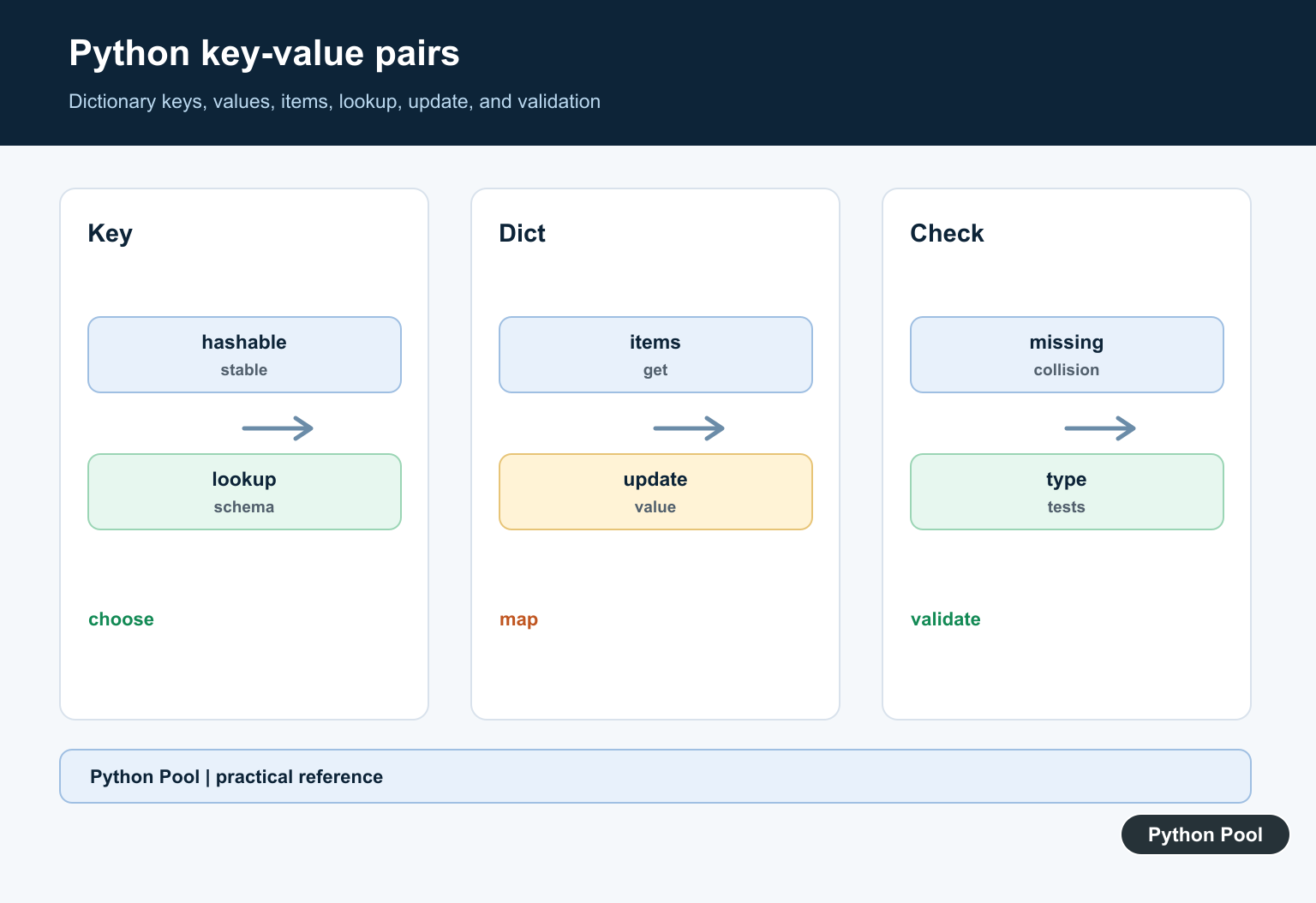
A key-value pair stores data under a lookup key. In Python, the most common structure for key-value pairs is the dictionary, written as {key: value}. Dictionary literals place curly braces around key-value pairs; Python Curly Brackets Uses Guide covers their additional roles in sets, comprehensions, and f-strings. Python dictionaries implement the usual hashmap role; Python Hashmaps With Dictionaries explains hashing, collisions, average lookup cost, and practical dictionary use.
The main references are Python’s dictionary documentation, the dictionary tutorial, and the Mapping interface documentation.
Dictionaries are useful when you need fast lookup by name, id, code, or any other hashable key. Keys must be unique within one dictionary, while values can repeat.
Use a dictionary when each item has a clear label. Use a list when order matters more than lookup by key.
A good key should be stable and specific. Names, ids, status codes, slugs, and configuration option names are common choices. Avoid keys that change during normal program flow.
A dictionary is mutable, so code can add, replace, or remove pairs after creation. That is useful for building data step by step, but it also means shared dictionaries should be handled carefully.
Create A Dictionary
A dictionary literal uses braces, colons between keys and values, and commas between pairs.
person = {
    "name": "Ada",
    "role": "admin",
    "active": True,
}

print(person["name"])
print(person["role"])
String keys are common, but keys can also be numbers, tuples, booleans, or other hashable objects.
If a key appears twice in a literal, the later value wins. Avoid duplicate keys because they make code harder to review. A dictionary becomes a lookup table when stable keys map directly to reusable results; Python Lookup Table with Dictionaries covers defaults, functions, tables, and validation.
Dictionary lookups are designed to be fast. That makes dictionaries a natural fit for caches, settings, counters, and grouping results by an identifier.
Add And Update Pairs
Assign to a key to add a new pair or replace the value for an existing key.
settings = {"theme": "light", "page_size": 20}

settings["theme"] = "dark"
settings["language"] = "Python"

print(settings)
print(settings["theme"])
The same syntax handles both insert and update. Check whether a key exists first when replacing existing data would be a mistake.
Dictionary insertion order is preserved in modern Python, so iteration follows the order in which keys were added.
Order preservation is helpful for readable output, but keys are still the main access path. If your code mainly depends on numeric position, a list is usually a better structure.
Read Values Safely With get
Using square brackets with a missing key raises KeyError. Use get() when a default value is acceptable.
profile = {"name": "Grace", "team": "compiler"}

name = profile.get("name")
timezone = profile.get("timezone", "UTC")

print(name)
print(timezone)
get() is useful for optional settings and incomplete input records.
If a missing key means the data is invalid, let KeyError surface or raise a clearer validation error.
Loop Over Keys And Values
items() returns key-value pairs during iteration.
scores = {"Ada": 98, "Grace": 95, "Linus": 88}

for name, score in scores.items():
    if score >= 90:
        print(f"{name}: pass")
    else:
        print(f"{name}: review")
Use keys() when you only need keys and values() when you only need values. In many loops, iterating over items() is the clearest option.
Do not change the size of a dictionary while looping over it directly. Build a new dictionary or loop over a list of keys when you need structural changes.
Build A Dictionary With A Comprehension
Dictionary comprehensions create key-value pairs from an iterable.
names = ["Ada", "Grace", "Linus"]

name_lengths = {name: len(name) for name in names}
long_names = {name: len(name) for name in names if len(name) >= 5}

print(name_lengths)
print(long_names)
The expression before the colon creates each key. The expression after the colon creates each value.
Keep comprehensions short. If the transformation needs many steps, a normal loop is easier to test and explain.
Use Nested Dictionaries
A value can be another dictionary. This is common for configuration, JSON-like data, and grouped records.
users = {
    "ada": {"role": "admin", "active": True},
    "grace": {"role": "editor", "active": False},
}

for username, data in users.items():
    status = "enabled" if data["active"] else "disabled"
    print(username, data["role"], status)
Nested dictionaries are flexible, but deep nesting can become hard to maintain. Consider small classes or dataclasses when records have a stable shape and behavior.
The practical rule is to use dictionaries when lookup by key is the main operation. Choose clear key names, handle missing keys deliberately, and keep transformations readable.
When data comes from files or APIs, validate required keys before passing the dictionary deeper into your program. That keeps errors close to the input boundary.
For repeated records with the same fields, dictionaries are quick and flexible. If the record also needs methods, validation, or type hints, a dataclass or small class may be easier to maintain.
For counting tasks, consider collections.Counter. For grouped lists, consider collections.defaultdict. Both build on the same key-value idea while reducing common boilerplate.
Keep dictionary code readable by using descriptive key strings, small helper functions for validation, and clear defaults for optional data. That makes the structure easy to inspect when debugging.
Choose A Hashable Key
Keys must be hashable and stable while stored. Strings, numbers, and tuples of hashable values work; mutable lists and dictionaries do not.
Use The Right Lookup
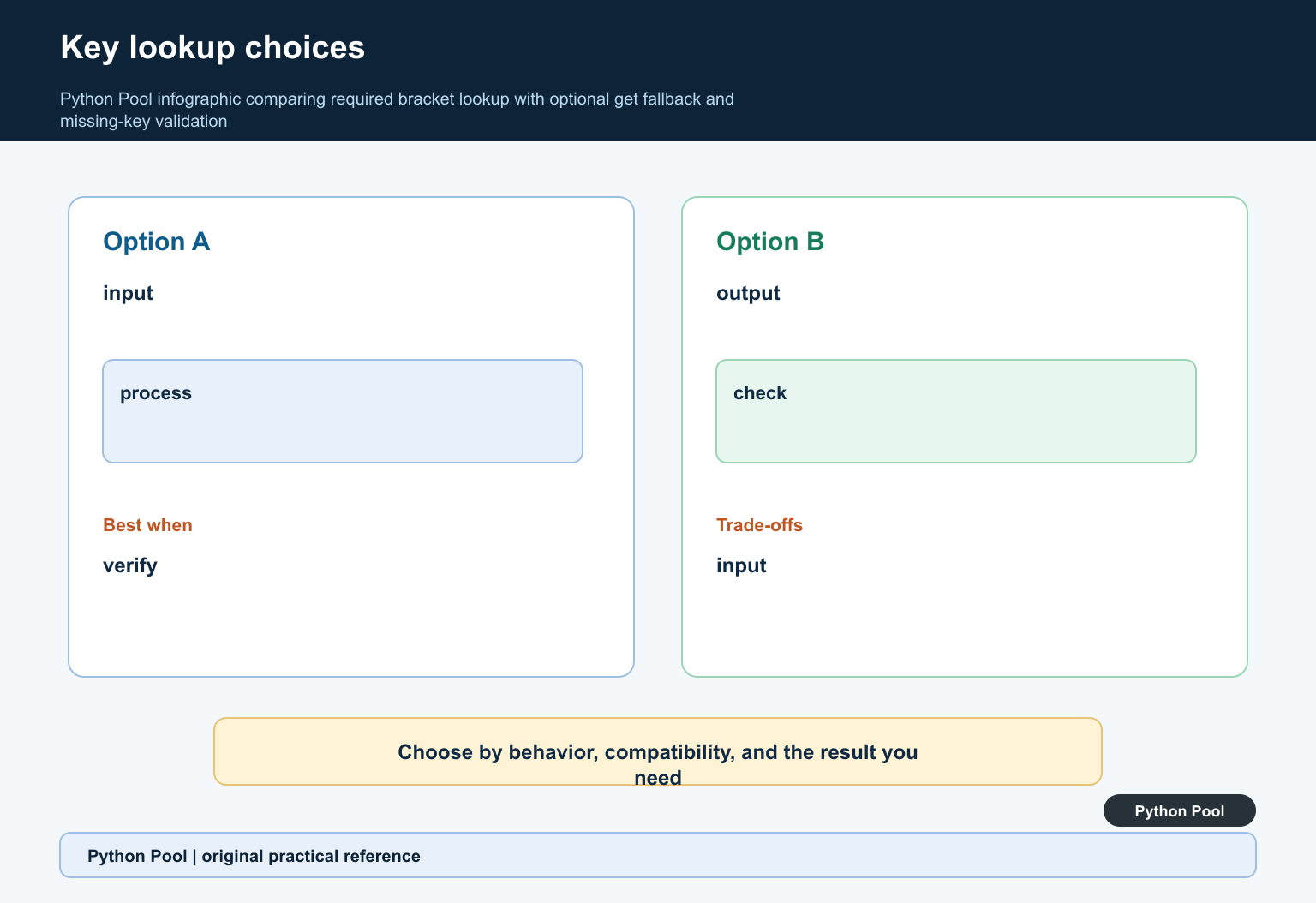
mapping[key] communicates that the key must exist, while mapping.get(key, default) communicates an optional field. Avoid catching broad exceptions around a lookup that should be explicit.
Iterate With items
for key, value in mapping.items() exposes both parts without a second lookup. Dictionary insertion order is preserved in modern Python, but do not confuse order with a sorted or semantic ordering contract.
Update Deliberately
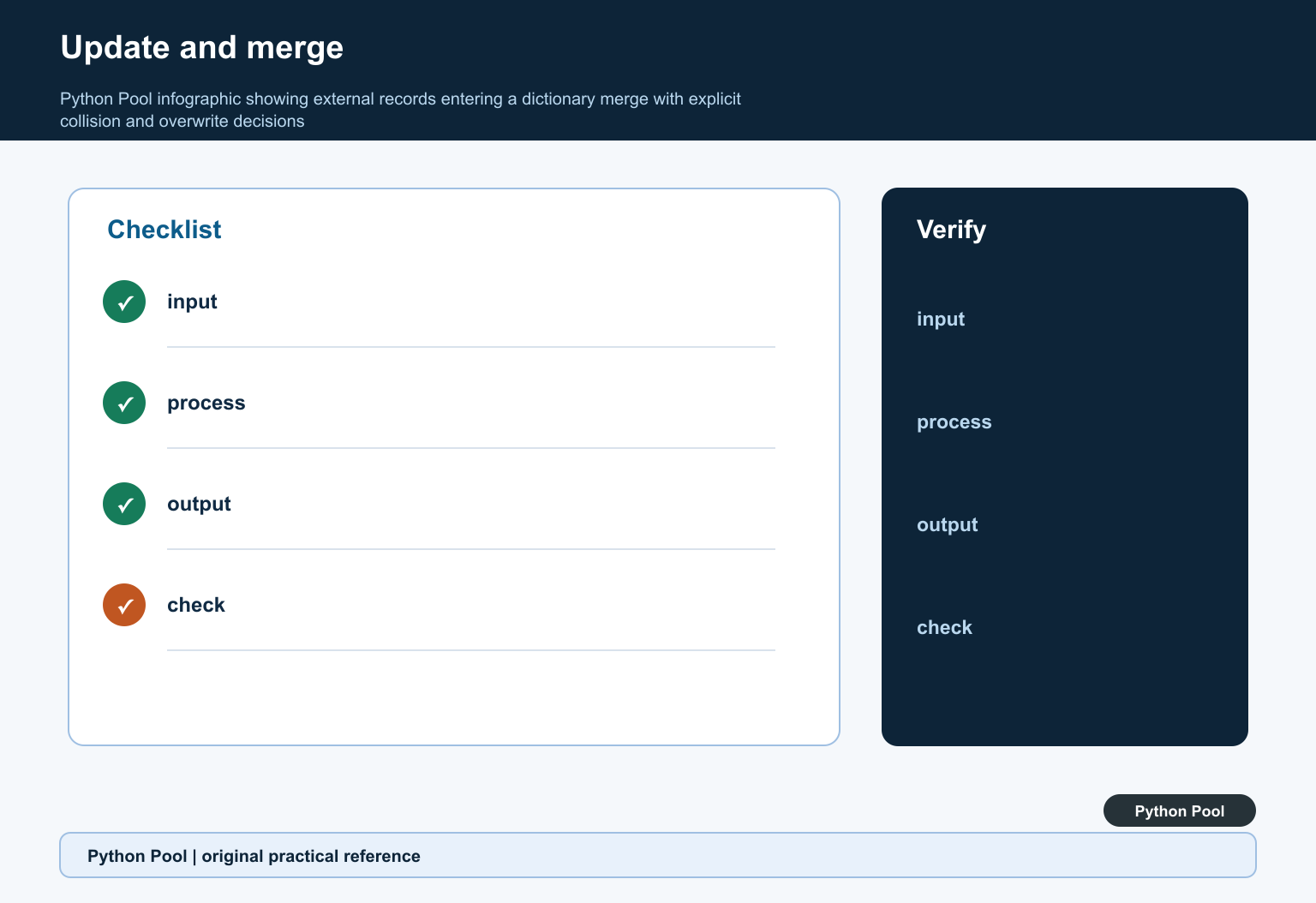
update, unpacking, and assignment can overwrite an existing value. Define collision behavior when merging external records, configuration layers, or user input.
Validate External Data
Check required keys, value types, nested structure, and unknown fields at the boundary. A dictionary’s ability to hold arbitrary values is not a substitute for a schema.
Test Missing And Mutable Values
Test missing keys, defaults, collisions, nested mappings, unhashable keys, insertion order where relevant, serialization, and whether returned mutable values can be changed by callers.
Use the official Python dictionary documentation. Related Python Pool references include dictionaries and tests.
For related mapping work, compare dictionary operations, schema tests, and sequence values before choosing a key lookup.
Frequently Asked Questions
What is a key-value pair in Python?
It is one mapping entry that associates a key with a value, commonly stored in a dict.
How do I loop over key-value pairs?
Use dictionary.items() to iterate over each key and value explicitly, preserving the mapping’s current insertion order.
What is the difference between dict[key] and get?
dict[key] raises KeyError for a missing key, while get can return a fallback without inserting a new entry.
Can Python dictionary keys be lists?
Lists are mutable and unhashable, so they cannot be dictionary keys; use an immutable hashable representation such as a tuple when appropriate.