
Quick answer: Read a file line by line by opening it with an explicit encoding inside a with statement and iterating over the file object. This streams large text files without loading every line into memory and lets the loop handle each record deliberately.
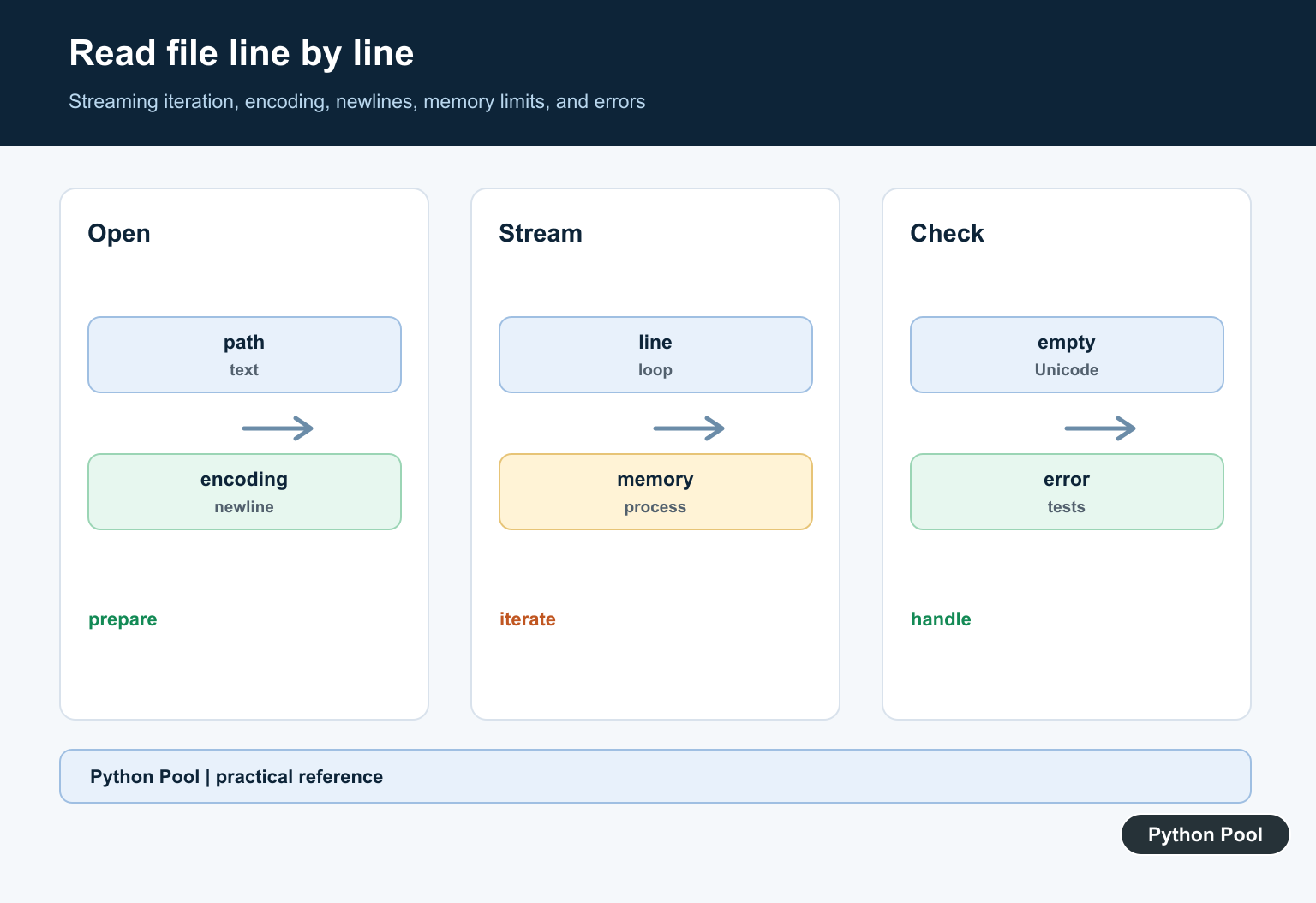
To read a file line by line in Python, open the file with a context manager and iterate over the file object. This reads one line at a time and is the best default for large text files.
with open("example.txt", "r", encoding="utf-8") as file:
    for line in file:
        print(line.rstrip("\n"))
The with block closes the file automatically, and the for line in file loop avoids loading the whole file into memory.
Best way to read a file line by line
Use this pattern for normal text files, logs, exports, and configuration files.
with open("example.txt", "r", encoding="utf-8") as file:
    for line in file:
        print(line.rstrip("\n"))
line.rstrip("\n") removes the trailing newline without removing other useful whitespace. Use line.strip() only when you intentionally want to remove whitespace from both ends.
Read line numbers with enumerate()
Use enumerate() when you need the line number for logging, validation errors, or debugging.
with open("example.txt", "r", encoding="utf-8") as file:
    for line_number, line in enumerate(file, start=1):
        print(line_number, line.strip())
Starting at 1 makes the printed line numbers match what editors and error reports usually show.
Use pathlib.Path.open()
pathlib.Path keeps file paths readable, especially when paths are built from directories and filenames.
from pathlib import Path

path = Path("example.txt")
for line in path.open("r", encoding="utf-8"):
    print(line.strip())
This is equivalent to open(), but it keeps path logic attached to a Path object.
Read one line at a time with readline()
readline() reads a single line each time you call it. It is useful when you need manual control over when the next line is read.
with open("example.txt", "r", encoding="utf-8") as file:
    line = file.readline()
    while line:
        print(line.strip())
        line = file.readline()
For ordinary line-by-line loops, for line in file is shorter and less error-prone.
When to use readlines()
readlines() reads every line into a list. Use it only when the file is small enough to fit comfortably in memory and you need list operations.
with open("example.txt", "r", encoding="utf-8") as file:
    lines = file.readlines()

print(lines[0].strip())
For large files, avoid readlines() and iterate over the file object instead.
Read a CSV file line by line
For CSV files, use Python’s built-in csv module instead of splitting each line manually.
import csv

with open("people.csv", "r", encoding="utf-8", newline="") as file:
    reader = csv.DictReader(file)
    for row in reader:
        print(row["name"], row["age"])
csv.DictReader reads each row as a dictionary keyed by the header names. Open CSV files with newline="", as recommended by the Python documentation.
Read JSON Lines line by line
JSON Lines files store one JSON object per line. Parse each line with json.loads().
import json

with open("events.jsonl", "r", encoding="utf-8") as file:
    for line in file:
        event = json.loads(line)
        print(event["type"])
This is different from a regular .json file that contains one full JSON document. For a normal JSON document, use json.load(file).
Read a small file backwards
For a small file, you can read all lines and reverse the list.
with open("example.txt", "r", encoding="utf-8") as file:
    for line in reversed(file.readlines()):
        print(line.strip())
This is simple, but it loads the whole file into memory. For large logs, use a dedicated reverse-reading approach instead of readlines().
Common mistakes
- Using
readlines()on huge files: iterate withfor line in fileinstead. - Forgetting
encoding: passencoding="utf-8"for predictable text handling. - Using
strip()too broadly: userstrip("\n")when only the newline should be removed. - Parsing CSV with
split(","): use thecsvmodule so quoted commas are handled correctly. - Leaving files open: use
with open(...)so files close automatically.
Related Python guides
- Fix AttributeError: __enter__
- NumPy read CSV
- Pandas to CSV
- Convert XML to CSV in Python
- Split a string in half in Python
- Python gzip
Official references
- Python tutorial: reading and writing files
- Python documentation: pathlib.Path.open
- Python documentation: csv
- Python documentation: json
Conclusion
The best default way to read a file line by line in Python is with open(...) as file: for line in file:. It is memory-safe, easy to read, and works for large files. Use readlines() only when you truly need all lines in a list.
Iterate The File Object
A file handle is iterable, so for line in handle reads one line at a time under normal buffered I/O. Keep processing inside the context manager and close the resource predictably.
Specify Encoding And Newlines
Use the encoding defined by the data contract and choose newline behavior when line endings matter. Do not assume a file created on another operating system uses the same defaults.
Choose A Memory Policy
Line iteration is appropriate for large files, while read or readlines can be convenient for small inputs. If a later algorithm needs random access, build a bounded index rather than retaining unbounded text by accident.
Normalize Carefully
rstrip can remove more than a newline if called without a character policy. Decide whether spaces, tabs, blank lines, and final newline presence are meaningful before normalizing records.
Handle Errors At The Boundary
Catch FileNotFoundError, permission errors, decoding errors, and malformed records where recovery is meaningful. Include a safe filename or record number in diagnostics without logging sensitive content.
Test Streaming Behavior
Test empty files, one line, final lines without a newline, Unicode, long lines, invalid bytes, missing paths, and a large fixture. Assert the number and content of processed records.
The official open() documentation defines text modes, encoding, and newline behavior. Related Python Pool references include tests and safe logging.
For related file workflows, compare streaming tests, safe error diagnostics, and text handling when reading records.
Frequently Asked Questions
How do I read a file line by line in Python?
Open it with a with statement and iterate over the file object, processing each line as it arrives.
Should I use readlines or a loop?
A loop is usually more memory-friendly for large files because it does not materialize every line at once.
Why specify encoding when reading a file?
An explicit encoding makes text decoding reproducible across machines instead of depending on the process locale.
How do I remove the newline from each line?
Use line.rstrip with a deliberate policy or splitlines when appropriate, while preserving meaningful spaces and empty records.