Quick Answer
Install the distribution with python -m pip install python-dotenv, then import it with from dotenv import load_dotenv. The pip name is python-dotenv, but the Python import name is dotenv. Run the install command with the same interpreter that runs your script.
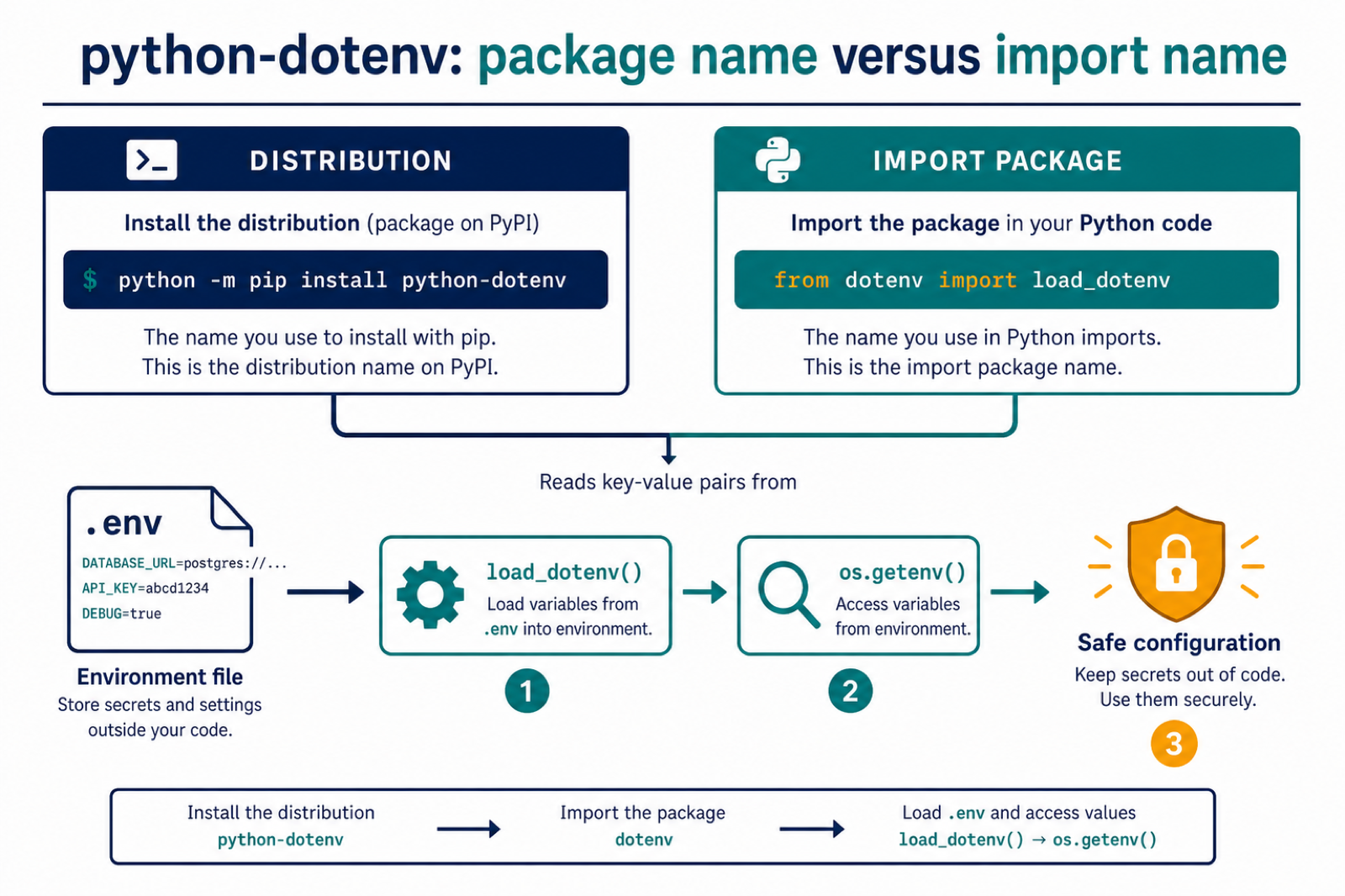
ModuleNotFoundError: No module named dotenv usually appears when Python is running in an environment where python-dotenv is not installed. The package name is python-dotenv, while the import name used in code is dotenv. The official python-dotenv PyPI page shows the standard install command and the common from dotenv import load_dotenv usage.
How to install python-dotenv
We can install it in various ways:-
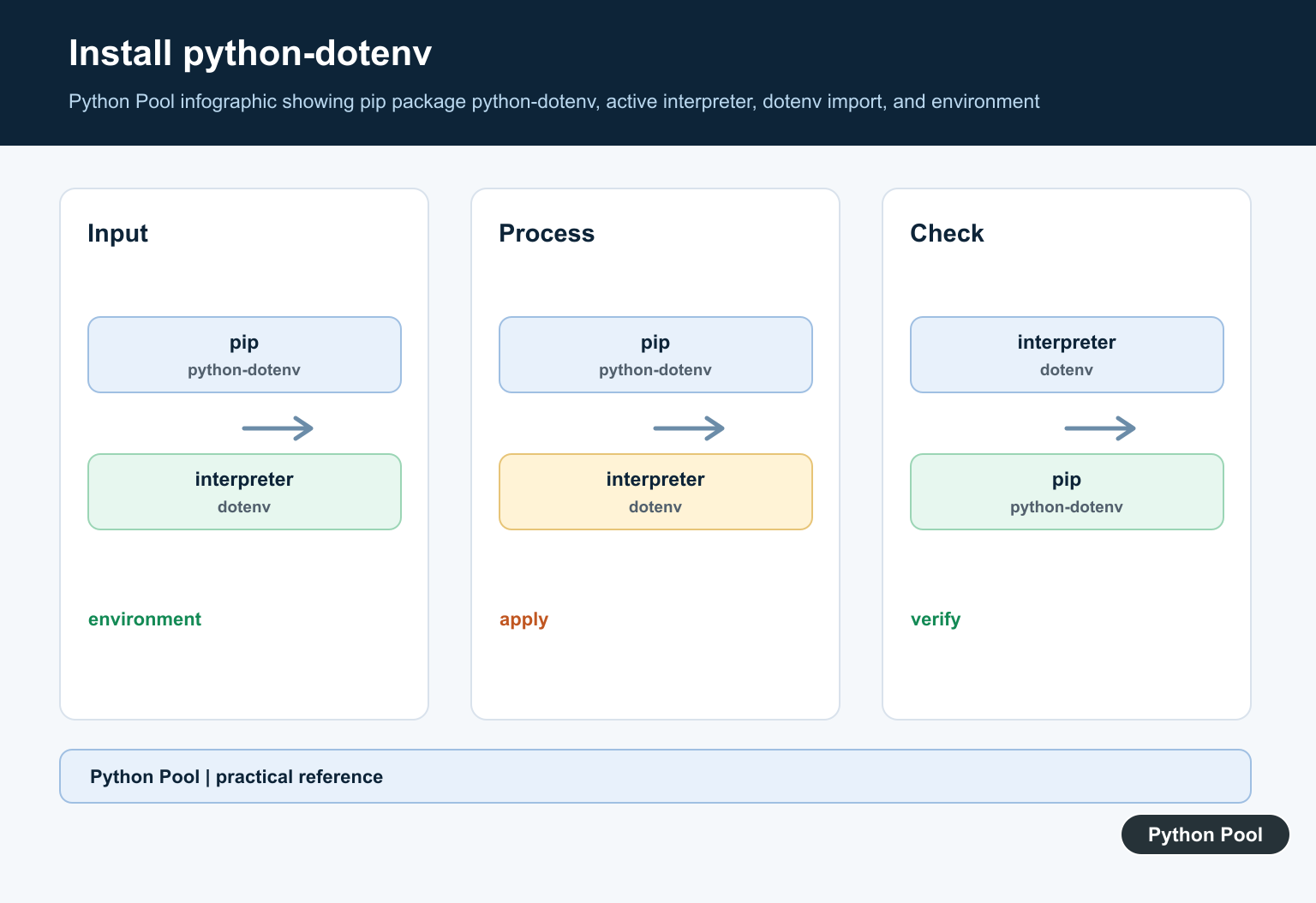
In most projects, install it with the same Python interpreter that will run your code:
python -m pip install python-dotenvIf your system uses python3 for Python 3, run:
python3 -m pip install python-dotenvFor Anaconda, we can install it using:-
conda install -c conda-forge python-dotenvFor pycharm:-
We first need to install python-dotenv using pip and then add the package to pycharm by doing File > Settings > Project > Python Interpreter > + > python-dotenv > Install Package.
For Docker, install the package into the Python image during the build. A simple Dockerfile line is:
RUN python -m pip install python-dotenvFor a Django project, install python-dotenv in the same virtual environment that runs manage.py. If you track dependencies in a Pipfile, requirements file, or pyproject file, add python-dotenv there so the package is installed consistently in development and deployment.
What are Environment Variables?
Environment variables let you configure a program without hard-coding values in source files. This is especially useful for API keys, database URLs, debug flags, and other settings that change between local development and production. A local .env file can store development values, and python-dotenv can load them into os.environ. Do not commit secret-filled .env files to version control; add them to .gitignore.
The code below loads variables from a .env file and reads them with os.getenv:
import os
from dotenv import load_dotenv

load_dotenv()

print(os.getenv('NAME'))
print(os.getenv('AGE'))
The output of the above program will be :-

The ‘.env’ File contains the key – value pair, storing the value of the variables which we will be using, as in the below image we have used NAME and AGE variables and given their value and have accessed them in our code:-
NAME="Rahul"
AGE=21
The various reasons why “ModuleNotFoundError : No module named dotenv” occurs:-
- We may not have the ‘python-dotenv’ package installed in our system prior to using its functions in our code.
- We may have installed a different version of the dotenv module than the one we are using.
- The package may not be installed in the active virtual environment. If this is the issue, this guide on how to remove a Python venv safely can help when you decide to rebuild the environment.
- A local file named
dotenv.pymay shadow the real package. Similar import path problems are covered in our guide to Python imports from another directory. - We may have named a variable as ‘dotenv,’ which will override it. To solve it, we should not name any variable as ‘dotenv.’
What to do if a different version of dotenv is installed or dotenv is not present in our system:-
We must install the dotenv module for the correct version of python, which we are currently using.
For example:-
Firstly we should check the python version and then install dotenv accordingly:- For python2, we should use:-
pip install python-dotenvFor python3, we need to use:-
pip3 install python-dotenvIf pip is not in the PATH environment variable, use python -m pip or python3 -m pip so the package installs into the interpreter you are actually using:
python3 -m pip install python-dotenvAfter the installation, close the IDE and restart it, to see whether it is working or not.
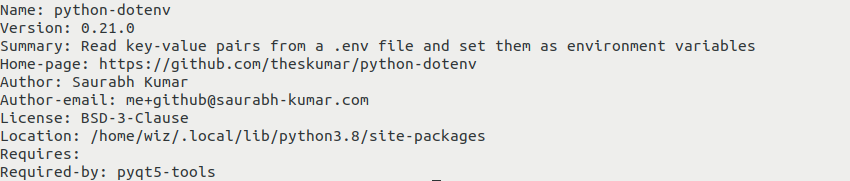
We can check whether python-dotenv is installed or not by the following command:-
pip show python-dotenvOR
pip3 show python-dotenvdepending upon the python version.
The output of the above command should be that the package is not installed or if it has been installed, then it must show some details like the name of the module, python version, its summary, author, GitHub repo link, license, location on the system, etc. As in the below diagram:-
If the problem persists, check which Python interpreter your IDE, notebook, or terminal is using. The package must be installed in that exact environment. If path confusion is the issue, our guide on how to get the current directory in Python can help you confirm where your script is running.
What to do if python-dotenv is not installed for our virtual environment:-
When using a virtual environment, activate it first and then install python-dotenv. Installing the package globally will not fix imports inside an isolated environment.
Create a virtual environment:-
python3 -m venv venvTo activate in Unix or Mac, write the following code:-
source venv/bin/activateTo activate in Windows from the command line, write:-
venv\Scripts\activate.batAfter that, install python-dotenv in it:
pip install python-dotenvWhat if we have declared a variable as dotenv:-
We must not declare a variable named ‘dotenv,’ as it will override the original dotenv module.
What if our module name is dotenv.py:-
Do not name your own file dotenv.py, because Python may import your local file instead of the installed package. If the issue remains after renaming the file and checking the environment, reinstall or upgrade the package with:
pip3 install python-dotenv --upgradeRelated Python environment and import fixes
For nearby setup problems, read these Python Pool guides next: fixing No Module Named Langchain, fixing No Module Named pip_autoremove, finding your Python virtualenv location, and removing a Python virtual environment safely.
FAQs
The “ModuleNotFoundError” is raised when Python is not able to locate the module which we are trying to import, it can occur when we either have forgotten to install the module, or we would have installed it incorrectly.
Environment variables in a separate ‘.env’ file help to keep our code clean and keep it safe from malicious access to the people who can misuse its access. We may even encrypt our environment variables. We can keep API keys to keep them secure.
Why should we use a virtual environment for our projects?
A virtual environment should be used for our project so that we should not break the compatibility for our earlier projects by upgrading the python version to make it compatible with the recent one.
Conclusion
These are the methods that we can apply to solve the “ModuleNotFoundError: No module named ‘dotenv’ ” error if it occurs with us in our code.


Match pip, Python, and the Project Environment
Installing a package into one interpreter does not make it available to every interpreter. Check the executable and package location from the same command used to run the application.
python -c "import sys; print(sys.executable)"
python -m pip install python-dotenv
python -c "from dotenv import load_dotenv; print(load_dotenv)"
In an activated virtual environment, prefer python -m pip over a bare pip command. In an IDE, select that same environment as the project interpreter.
Load .env Without Committing Secrets
Keep the environment file outside source control and add it to .gitignore. Call load_dotenv() near the application boundary, then read values with os.getenv() and validate required settings before starting the service.
import os
from dotenv import load_dotenv

load_dotenv()
api_key = os.getenv("API_KEY")
if not api_key:
    raise RuntimeError("API_KEY is required")
If the error continues, look for a local file named dotenv.py or a directory named dotenv that shadows the installed package, and print the interpreter path before reinstalling.
Frequently Asked Questions
How do I fix No module named dotenv?
Install python-dotenv into the interpreter that runs the script with python -m pip install python-dotenv, then use from dotenv import load_dotenv.
Why is the package called python-dotenv but imported as dotenv?
python-dotenv is the distribution name on the package index; dotenv is the import package name exposed to Python code.
Why does the error remain after installing python-dotenv?
pip may have installed into a different interpreter or virtual environment, or a local dotenv.py file may be shadowing the package. Check sys.executable and the module path.
Is it safe to commit a .env file?
Usually no. A .env file commonly contains secrets. Keep it out of version control, use a safe example file, and provide secrets through the deployment environment.