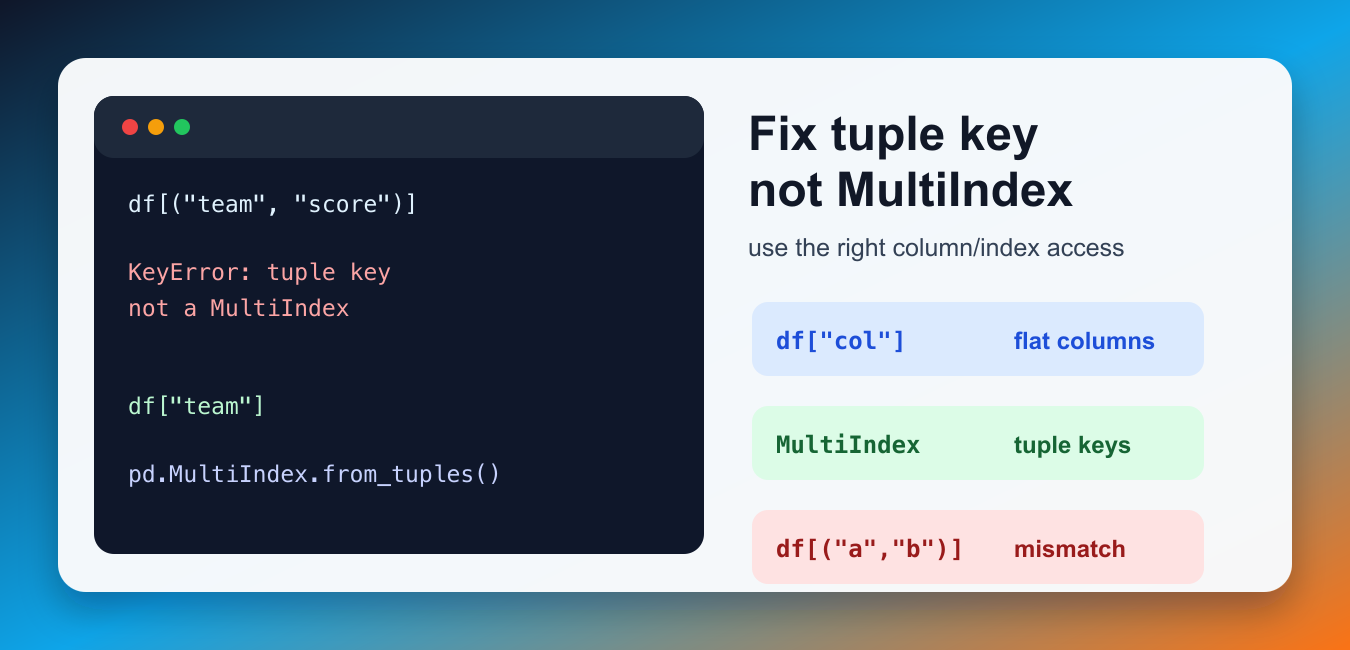
Quick answer: A tuple is a single hierarchical label in Pandas, not a shortcut for selecting several flat columns. Inspect df.columns and its type first: use a list of strings for flat columns, or create and select a real MultiIndex when the data is hierarchical.
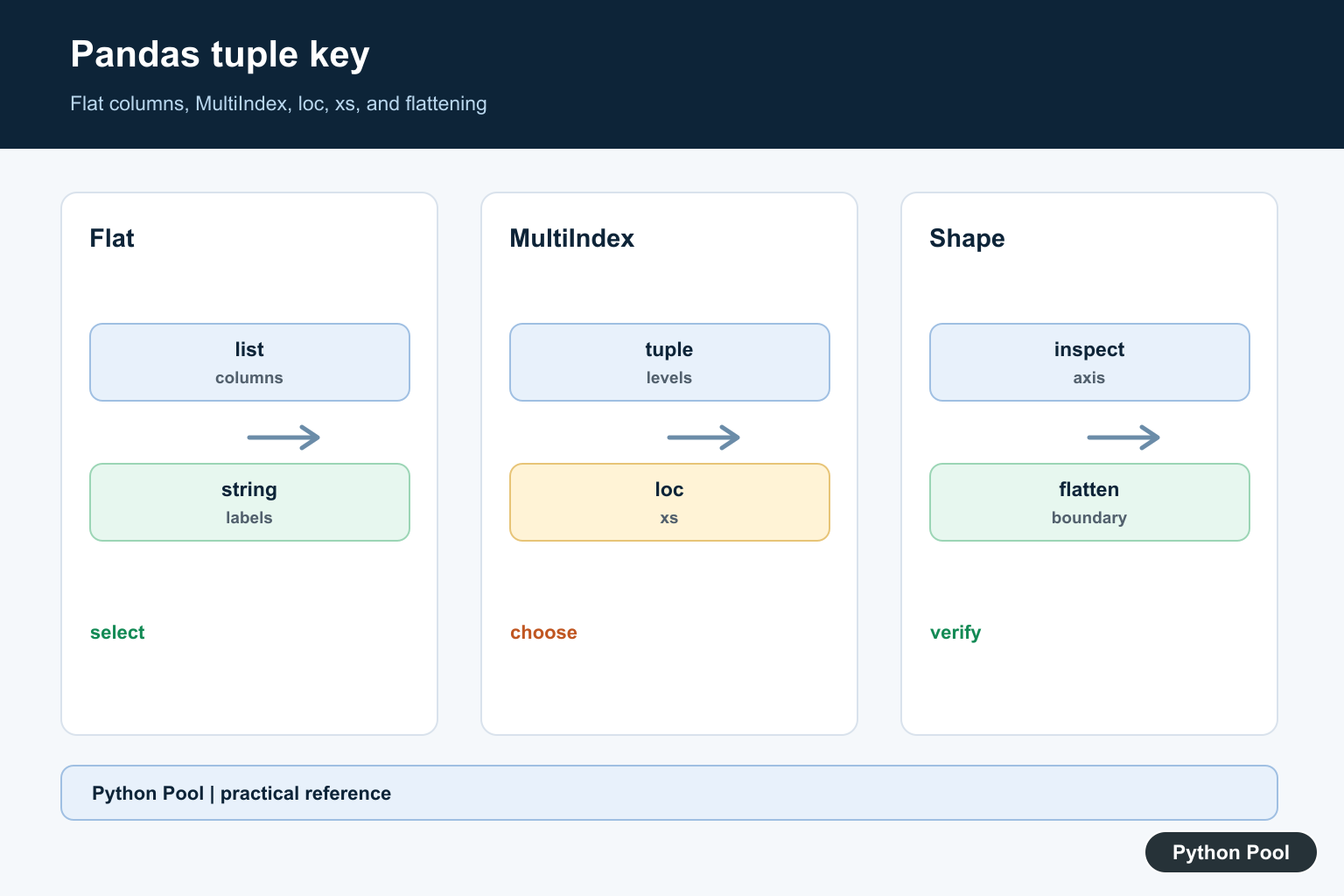
The Pandas error key of type tuple not found and not a MultiIndex appears when code uses a tuple such as ("team", "score") as a column or index key, but the DataFrame does not have a matching MultiIndex. Pandas can use tuple keys, but only when the axis is actually built with tuple-based levels.
The fix is to decide what your data structure really is. If your DataFrame has flat columns, select columns with strings or a list of strings. If your data is hierarchical, create a proper MultiIndex first and then use tuple keys deliberately. Guessing between those two shapes is what usually causes the error.
A useful rule is to treat a tuple as a real label only when you can see tuple labels in df.columns or df.index. If the printed columns are plain strings, fix the selector. If the printed columns contain pairs of labels, make sure the pair order matches the MultiIndex levels exactly.
Why the Error Happens
A tuple key has a special meaning in Pandas when the rows or columns are hierarchical. On a flat DataFrame, that tuple is just a label that does not exist. The example below shows the common mismatch: the columns are simple strings, but the lookup uses a tuple.
import pandas as pd

df = pd.DataFrame({
    "team": ["A", "B"],
    "score": [10, 12],
})

print(df[("team", "score")])
That lookup is not the same as asking for both columns. It asks for one column whose label is the tuple ("team", "score"). If that label is missing and the columns are not a MultiIndex, Pandas raises the tuple-key error.
Inspect the Column Index First
Before changing code, print the columns and check whether Pandas sees a MultiIndex. This quick check prevents you from applying a MultiIndex solution to a flat DataFrame or flattening columns that were intentionally hierarchical.
import pandas as pd

df = pd.DataFrame({
    "team": ["A", "B"],
    "score": [10, 12],
})

print(df.columns)
print(isinstance(df.columns, pd.MultiIndex))
If the second print returns False, use normal column access. If it returns True, tuple keys may be correct, but the tuple must match the exact level values.
Fix Flat Column Access
For a DataFrame with simple column names, select one column with a string and multiple columns with a list of strings. This is the most common fix because many examples accidentally use a tuple when they mean “two columns.”
import pandas as pd

df = pd.DataFrame({
    "team": ["A", "B"],
    "score": [10, 12],
})

print(df["team"])
print(df[["team", "score"]])
For position-based selection, use Pandas iloc. For label-based selection, use loc with labels that actually exist. The important point is that a tuple is not a shortcut for selecting several flat columns.
Create a Real MultiIndex When You Need Tuple Keys
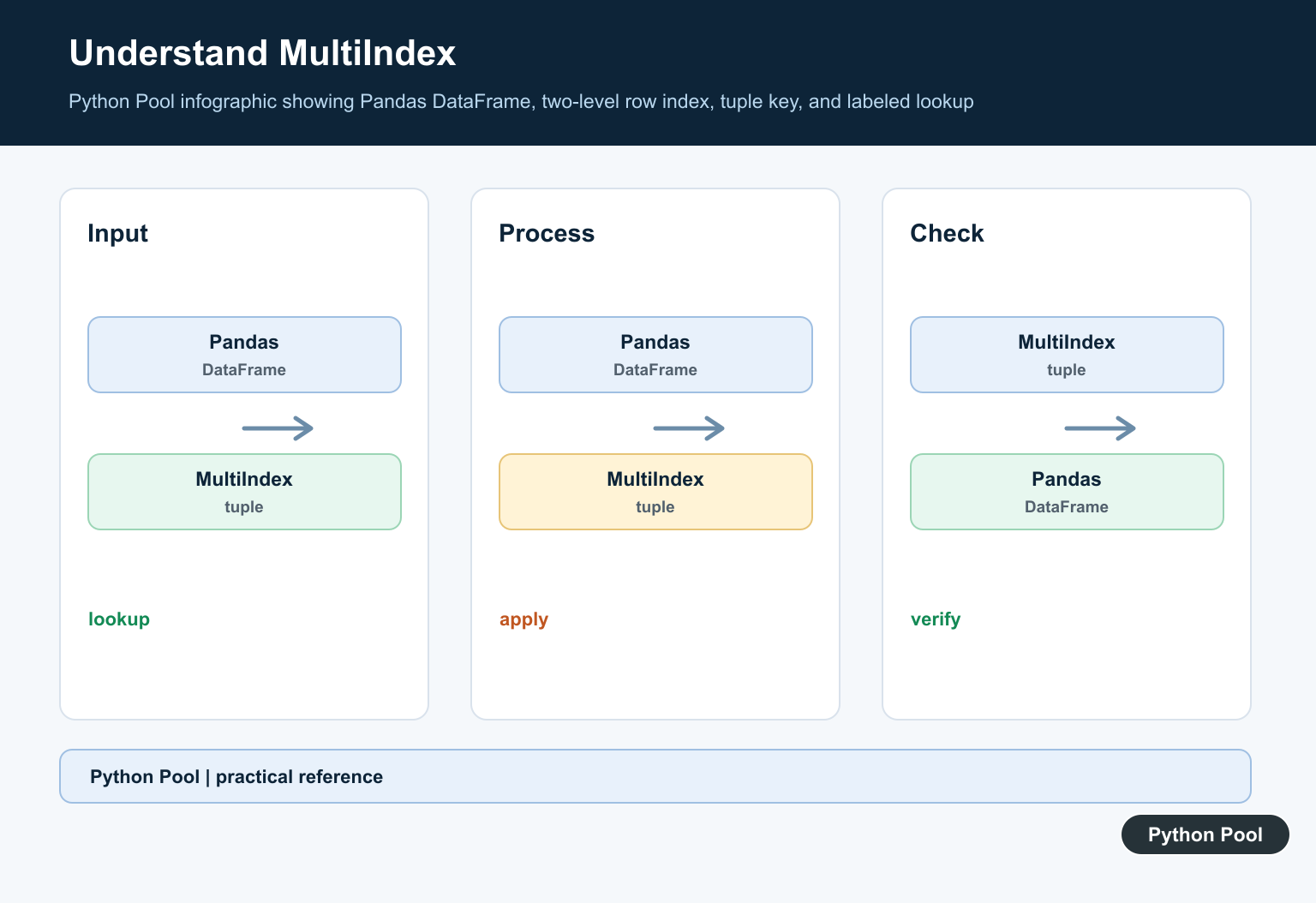
If the data is naturally hierarchical, build the columns as a MultiIndex. Then a tuple key is meaningful because each item in the tuple maps to one level of the column index.
import pandas as pd

columns = pd.MultiIndex.from_tuples([
    ("player", "name"),
    ("stats", "score"),
])

df = pd.DataFrame([["Ada", 91], ["Linus", 84]], columns=columns)

print(df[("stats", "score")])
The Pandas MultiIndex API reference and advanced indexing guide are the best references when you intentionally want hierarchical rows or columns.
Use loc or xs for MultiIndex Selection
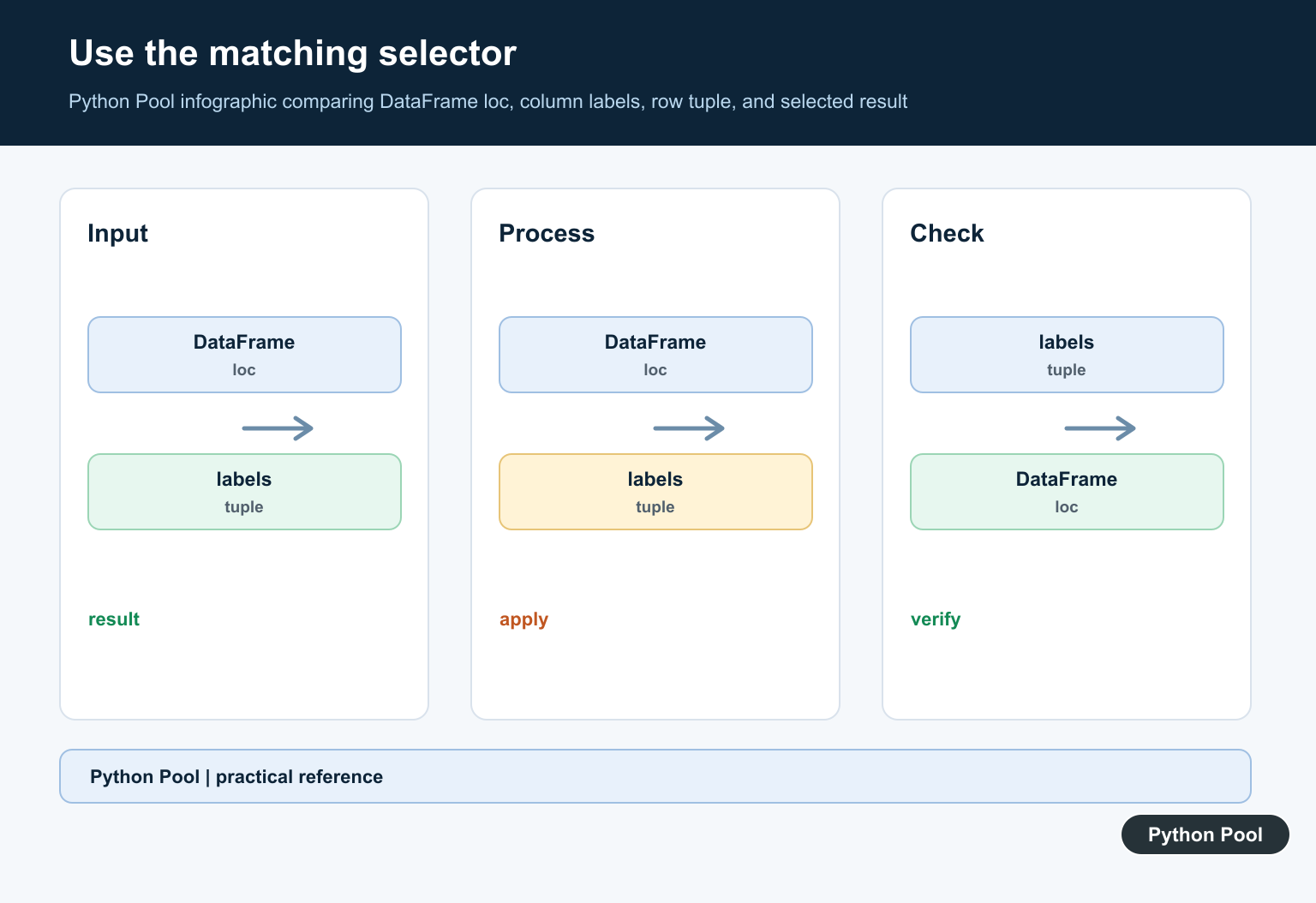
With a MultiIndex, loc is useful for exact label selection, while xs is useful for cross-sections at a specific level. These methods make the axis and level intent clearer than passing tuple keys around without context.
import pandas as pd

columns = pd.MultiIndex.from_tuples([
    ("player", "name"),
    ("stats", "score"),
])

df = pd.DataFrame([["Ada", 91], ["Linus", 84]], columns=columns)

score = df.loc[:, ("stats", "score")]
stats = df.xs("stats", axis=1, level=0)

print(score)
print(stats)
Use DataFrame.loc when you want label-based selection and DataFrame.xs when you want a cross-section from a MultiIndex.
Flatten Accidental Tuple Columns
Sometimes a CSV import, pivot, groupby aggregation, or spreadsheet export leaves columns that look hierarchical even though the rest of the code expects flat names. In that case, flatten the columns once and then use normal string labels everywhere.
import pandas as pd

df = pd.DataFrame({
    ("stats", "score"): [91, 84],
    ("stats", "rank"): [1, 2],
})

df.columns = [
    "_".join(map(str, column)).strip("_") if isinstance(column, tuple) else column
    for column in df.columns
]

print(df.columns)
After flattening, the columns become names such as stats_score and stats_rank. This is often easier for downstream code, especially when exporting results or combining with other flat DataFrames. If you flatten columns, do it immediately after loading or reshaping the data so every later selector uses the same naming style.
If you are working with plain Python tuples outside Pandas, these related guides on unpacking tuples and converting tuples to strings cover the base language behavior.
Quick Fix Checklist
- Print
df.columnsand check whether it is apd.MultiIndex. - Use
df[["a", "b"]], notdf[("a", "b")], for multiple flat columns. - Create a real
pd.MultiIndexbefore using tuple keys. - Use
locorxsfor clear MultiIndex selection. - Flatten accidental tuple columns if the rest of your code expects strings.
- When another Pandas error appears after filtering, this Pandas mask with NA/NaN guide covers another common indexing failure.
Treat The Axis As The Contract
The selector is only correct relative to the actual Index object. Print the axis, its levels, and a representative label before changing code. A tuple that looks reasonable to a human can still be absent or ordered differently in the DataFrame.
Distinguish A List From A Tuple
For flat columns, df[[‘team’, ‘score’]] requests two columns, while df[(‘team’, ‘score’)] requests one label whose value is a tuple. This small syntax difference is the usual cause of the error.
Select MultiIndex Levels Deliberately
When columns are hierarchical, use loc with an exact tuple or xs with a named level. Make the level names and order visible in the data-loading step so later selectors do not depend on an undocumented shape.
Flatten Only At A Boundary
Flattening can make exports and downstream APIs easier, but it discards some hierarchical structure. Perform it once after a pivot or aggregation, choose a collision-safe naming rule, and keep the resulting string labels consistent.
Check Reshaping Operations
pivot, groupby aggregation, concat, CSV imports, and spreadsheet exports can change the axis type. Recheck columns after each operation that may create tuple labels instead of assuming the original schema survived.
Test Both Data Shapes
Test flat columns, a real MultiIndex, a missing tuple, reordered levels, duplicate labels, and an empty result. Assert the axis type and selected shape so the failure cannot return after a refactor.
Use the official MultiIndex reference, advanced indexing guide, and DataFrame.xs reference. Related guidance includes pandas iloc and shape tests.
For related DataFrame shape decisions, compare position-based selection, DataFrame construction, and shape tests before changing a tuple selector.
Frequently Asked Questions
Why does Pandas say key of type tuple not found and not a MultiIndex?
The code uses a tuple label on a flat Index, or the tuple does not match the levels and values of the DataFrame’s actual MultiIndex.
How do I select multiple flat Pandas columns?
Use a list of strings such as df[[‘team’, ‘score’]], not a tuple such as df[(‘team’, ‘score’)].
How do I check whether Pandas has a MultiIndex?
Inspect df.columns or df.index and use isinstance(axis, pd.MultiIndex) before relying on tuple-based selection.
How can I fix accidental tuple columns?
Flatten tuple labels into deliberate string names after loading or reshaping the data, then use the same naming convention throughout the pipeline.