
Quick answer: NumPy’s np.convolve computes the discrete one-dimensional convolution of two sequences. Use full when every overlap matters, same when the result should align with the first input length, and valid when only complete overlaps are meaningful. Remember that same mode uses the first argument’s length, so swapping operands can change the shape even though the mathematical convolution is commutative.
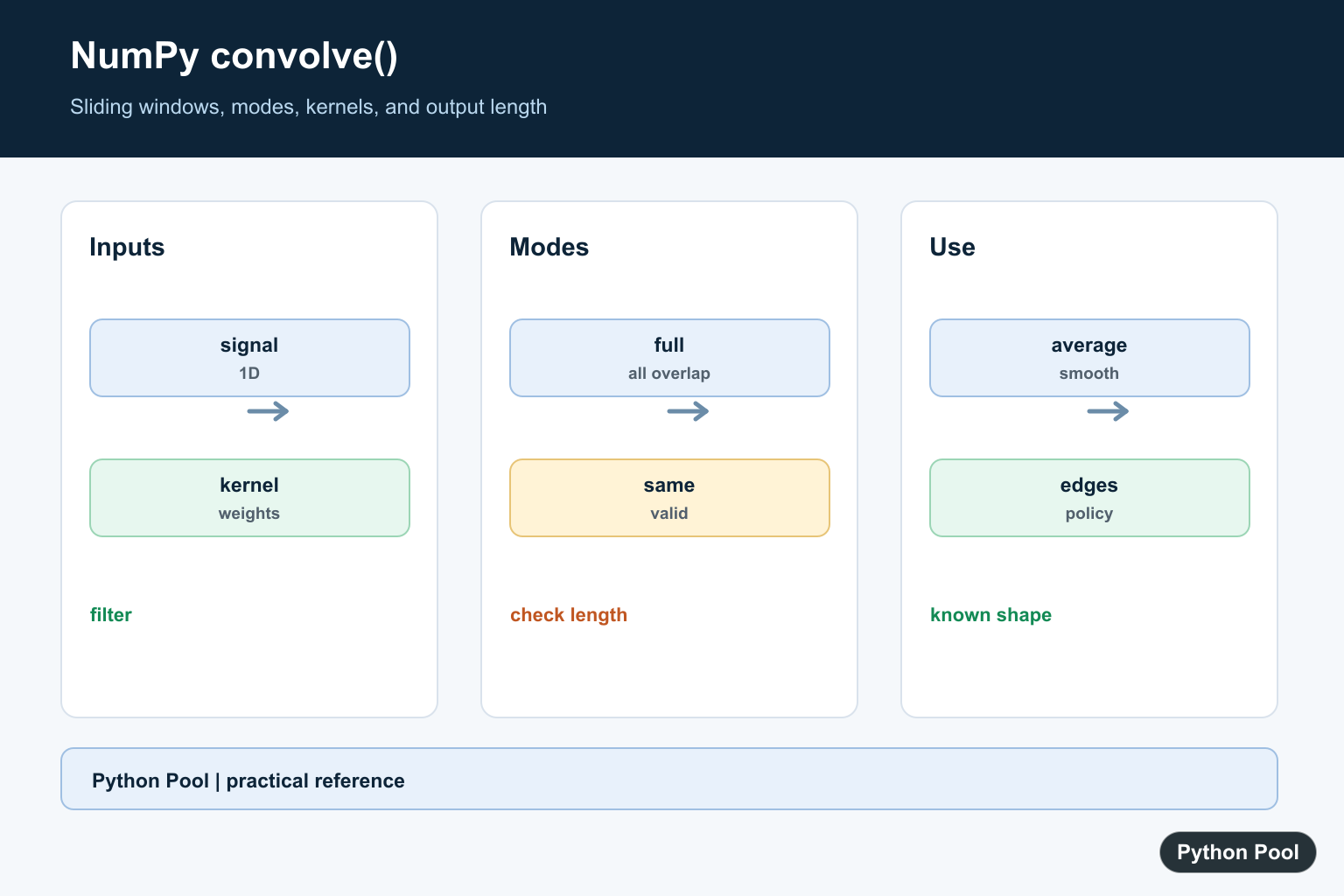
numpy.convolve() performs one-dimensional discrete convolution. It combines two sequences by sliding one sequence across the other and summing the overlapping products.
The official NumPy documentation covers numpy.convolve(), numpy.polymul(), and SciPy’s fftconvolve().
convolve() is for one-dimensional inputs. If either input has more dimensions, flatten or choose a tool designed for multidimensional signal processing.
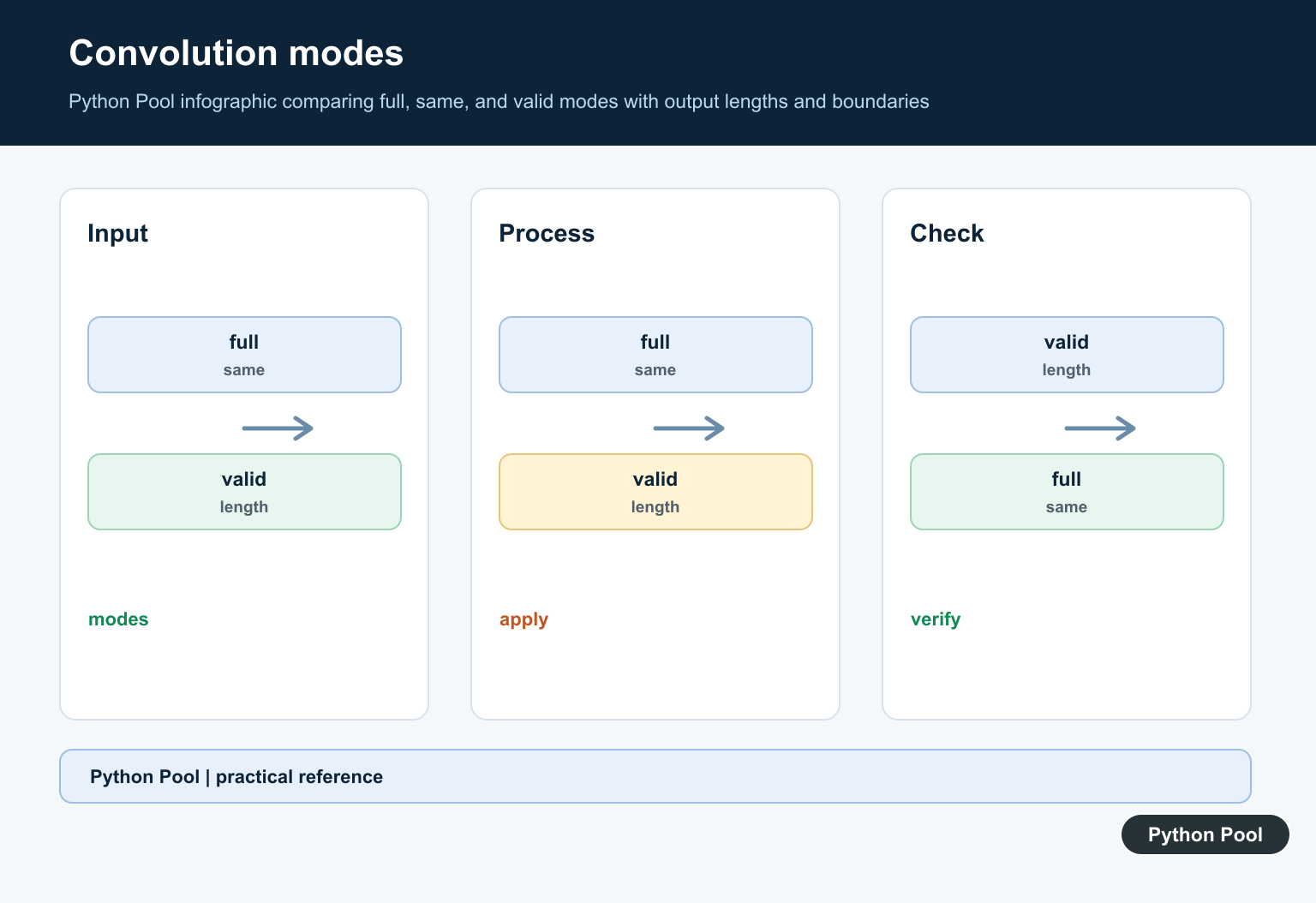
The mode argument controls output length and boundary behavior. The default full mode returns every overlap, including partial overlaps at the edges. same returns an output with length equal to the longer input. valid returns only positions where the inputs fully overlap.
Convolution is not the same as correlation. Convolution reverses one sequence before the sliding operation. That distinction matters for asymmetric kernels.
For very large inputs, direct convolution can be slower than FFT-based methods. SciPy’s fftconvolve() is often a better choice when the arrays are large and the dependency is available.
The order of the inputs usually does not change the full convolution result for numeric one-dimensional arrays, but it can change how you think about the operation. In signal examples, the longer array is often called the signal and the shorter array is often called the kernel or filter.
Before using convolution in a data pipeline, decide how edge values should be handled. The mode controls how much edge overlap appears in the output, and explicit padding can make boundary assumptions easier to audit.
Also keep dtype in mind. Integer inputs can produce integer outputs, while averaging kernels usually require floating-point values. If a kernel contains fractions, create it as a float array so the result reflects the intended math.
Run A Basic Convolution
The default mode is full.
import numpy as np

signal = np.array([1, 2, 3])
kernel = np.array([1, 1])

result = np.convolve(signal, kernel)

print(result)
This returns every overlap between the two one-dimensional arrays.
The output is longer than the input signal because full mode includes edge overlaps.
Use this mode when you need the complete convolution result.
For input lengths n and m, full mode has length n + m - 1. That predictable length is useful when validating examples.
Use same Mode
mode="same" returns an output with length equal to the longer input.
import numpy as np

signal = np.array([1, 2, 3, 4])
kernel = np.array([1, 0, -1])

result = np.convolve(signal, kernel, mode="same")

print(result)
This is convenient for filtering when you want the result length to match the signal length.
Edge values still depend on partial overlap, so boundary interpretation matters.
If edge behavior is important, inspect the first and last values carefully.
Same mode is convenient, but it does not mean the edge values are calculated from full windows. It means the output is centered and trimmed to a familiar length.
Use valid Mode
mode="valid" keeps only full-overlap positions.
import numpy as np

signal = np.array([1, 2, 3, 4, 5])
kernel = np.array([1, 1, 1])

result = np.convolve(signal, kernel, mode="valid")

print(result)
The output is shorter because partial edge overlaps are excluded.
Use this mode when only complete windows should be included.
This is common for sliding-window sums and simple finite impulse response filters.
For input lengths n and m, valid mode has length max(n, m) - min(n, m) + 1 when the longer input is at least as long as the shorter one.
Create A Moving Average
A normalized ones kernel creates a simple moving average.
import numpy as np

signal = np.array([2, 4, 6, 8, 10], dtype=float)
kernel = np.ones(3) / 3

average = np.convolve(signal, kernel, mode="valid")

print(average)
The kernel averages each group of three consecutive values.
valid mode avoids partial windows at the edges.
Use same mode only if edge estimates are acceptable for your workflow.
For a moving average, valid mode is often easier to explain because each output value uses the same number of input samples.
Understand Boundary Padding
Padding can make boundary handling explicit before convolution.
import numpy as np

signal = np.array([1, 2, 3, 4])
kernel = np.array([1, 1, 1])

padded = np.pad(signal, (1, 1), mode="edge")
result = np.convolve(padded, kernel, mode="valid")

print(result)
Padding repeats the edge values before the convolution.
This makes the boundary rule visible in the code.
Different padding modes can produce different first and last values.
Padding should be chosen for the domain, not just to make shapes line up. Repeating edges, adding zeros, and reflecting values all imply different assumptions about data outside the observed range.
Multiply Polynomial Coefficients
Convolution also appears when multiplying polynomial coefficient arrays.
import numpy as np

left = np.array([1, 2])
right = np.array([1, 3])

product = np.convolve(left, right)

print(product)
The output contains the coefficients of the product polynomial.
For polynomial-specific code, np.polymul() can make the intent clearer.
This connection is useful for understanding the operation, but signal-processing code should still name arrays according to their domain meaning.
In short, use np.convolve() for one-dimensional convolution, choose full, same, or valid based on output length and boundary needs, and use explicit padding when the edge rule should be visible.
Understand The Sliding Window
A convolution combines one sequence with a reversed sliding copy of the other. In signal work, the second sequence is often a short kernel such as a moving average. Keep the kernel’s meaning and normalization explicit.
import numpy as np

signal = np.array([2, 4, 6, 8])
kernel = np.array([0.25, 0.5, 0.25])
filtered = np.convolve(signal, kernel, mode="full")
print(filtered)
Compare full, same, And valid
The three modes describe which overlap positions are returned. full is longest, same has the first input length, and valid excludes positions where the shorter array only partially overlaps the longer one. Check lengths when downstream code expects alignment.
import numpy as np

left = np.array([1, 2, 3, 4])
right = np.array([1, 1])
for mode in ("full", "same", "valid"):
    result = np.convolve(left, right, mode=mode)
    print(mode, len(result), result)
Normalize A Moving Average
A kernel of ones adds a window; dividing by the window length turns it into an average. Edge values still depend on the chosen mode, so document whether the result is padded, centered, or shorter than the original signal.
import numpy as np

window = 3
signal = np.array([3, 6, 9, 12, 15])
kernel = np.ones(window) / window
smoothed = np.convolve(signal, kernel, mode="same")
print(smoothed)
Validate Inputs And Alignment
np.convolve expects one-dimensional array-like inputs. Flattening a matrix may hide a data-shape bug, so reject unexpected dimensions near the boundary and test a short known example before processing a large signal.
import numpy as np


def convolve_1d(signal, kernel, mode="same"):
    signal = np.asarray(signal)
    kernel = np.asarray(kernel)
    if signal.ndim != 1 or kernel.ndim != 1:
        raise ValueError("signal and kernel must be one-dimensional")
    return np.convolve(signal, kernel, mode=mode)

print(convolve_1d([1, 2, 3], [1, 0]))
NumPy documents np.convolve(), including its one-dimensional inputs, output modes, and commutative behavior. Related references include moving averages, NumPy differences, and array shape conversion.
For related signal-processing tasks, compare moving averages, NumPy differences, and array reshaping when preparing inputs and interpreting output length.
Frequently Asked Questions
What does NumPy convolve do?
It computes the discrete one-dimensional convolution of two sequences, often used for smoothing and filtering.
What is the difference between full same and valid?
full returns every overlap, same matches the first input length, and valid keeps only complete overlaps.
Does np.convolve commute?
For the mathematical convolution, swapping the inputs gives the same values, but same mode uses the first input to choose the output length.
How do I smooth a signal with convolve?
Normalize a moving-average kernel such as np.ones(window)/window and apply it with the mode that matches your edge policy.