Fix Error Displaying Widget: Model Not Found
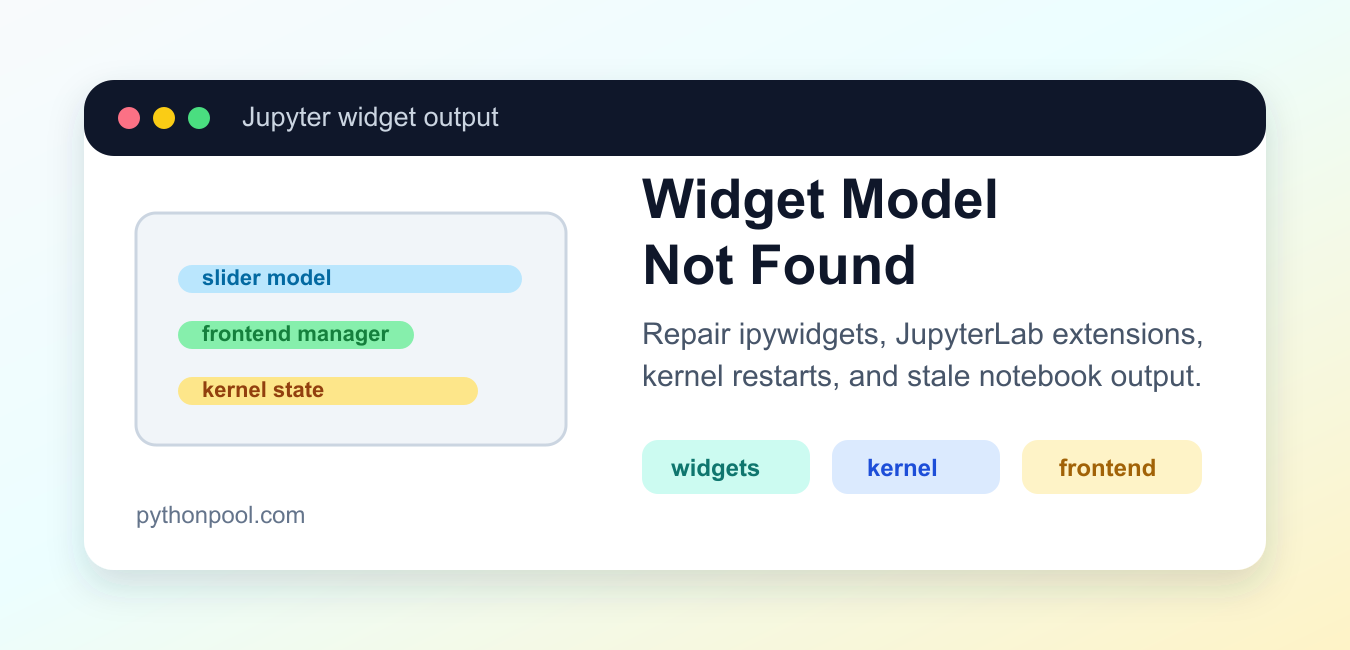
Fix Jupyter widget model-not-found errors by aligning ipywidgets, jupyterlab-widgets, frontend extensions, kernels, and browser caches.
Browse practical Python tutorials, error fixes, library guides, data science examples, and project ideas from Python Pool.
Fix Jupyter widget model-not-found errors by aligning ipywidgets, jupyterlab-widgets, frontend extensions, kernels, and browser caches.

Fix the dotenv import error by installing python-dotenv into the active interpreter, checking the environment, and avoiding local module shadowing.
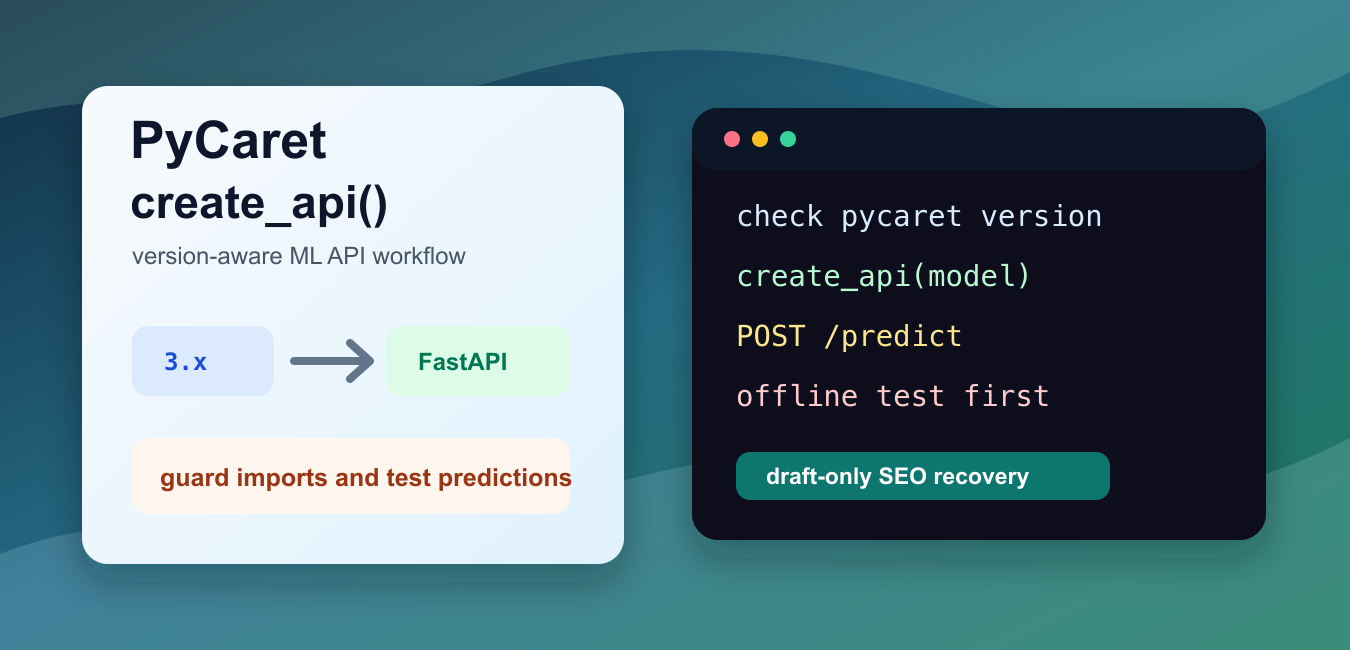
Use PyCaret create_api workflows carefully by checking module versions, saved models, request schemas, authentication, deployment settings, and API tests.

Understand Python __all__ for module exports, wildcard imports, package APIs, re-exports, naming, and maintainable public interfaces.
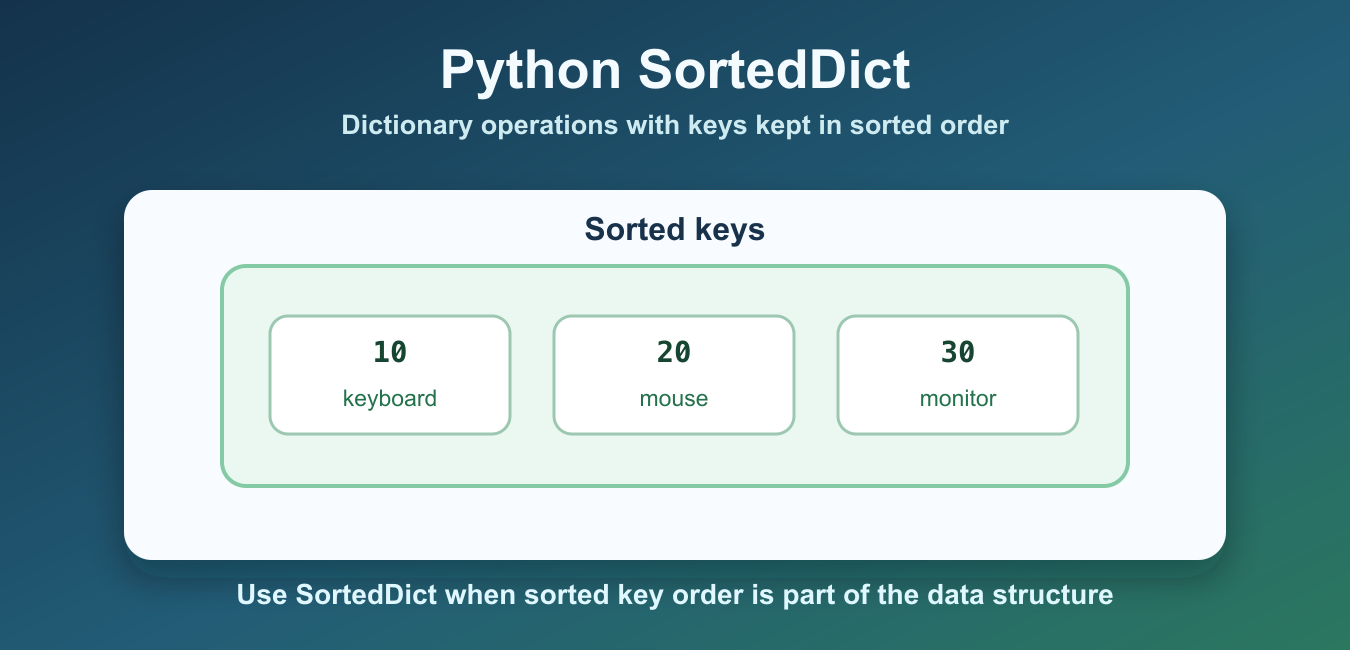
Use SortedDict from sortedcontainers for sorted keys, range-friendly access, updates, deletion, and a clear comparison with dict.
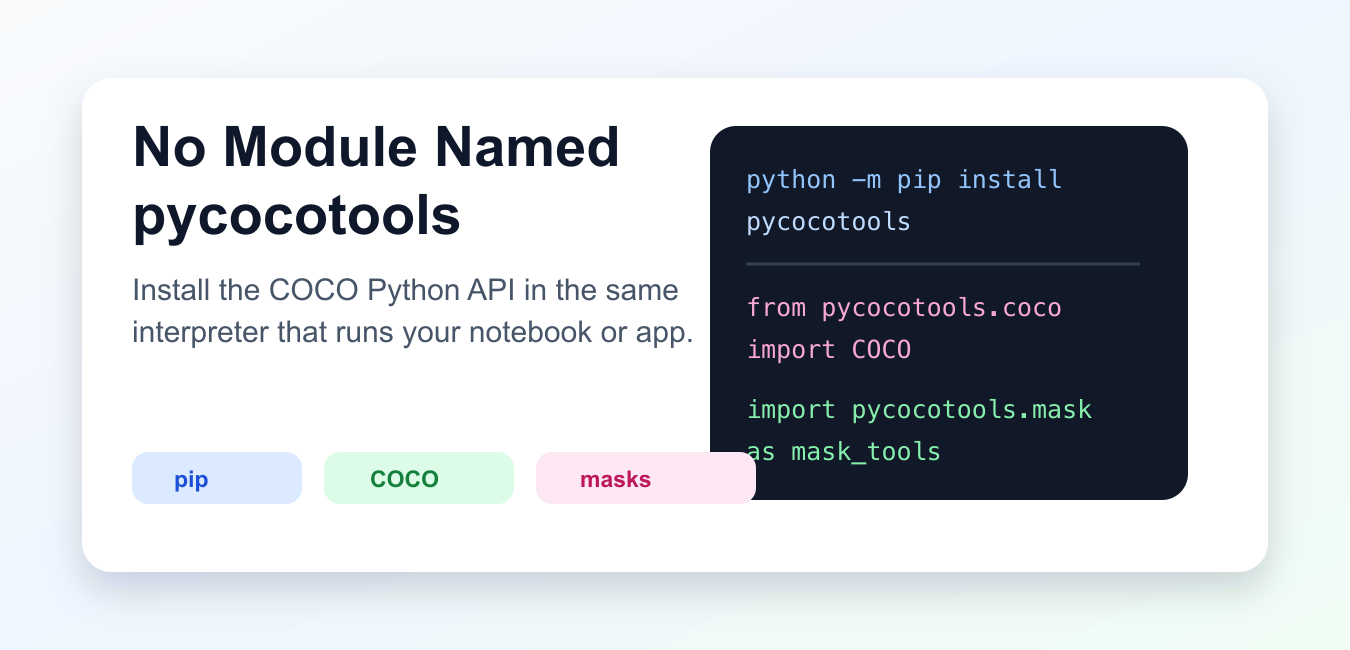
Fix ModuleNotFoundError for pycocotools by checking the package, interpreter, platform build, import path, and virtual environment.
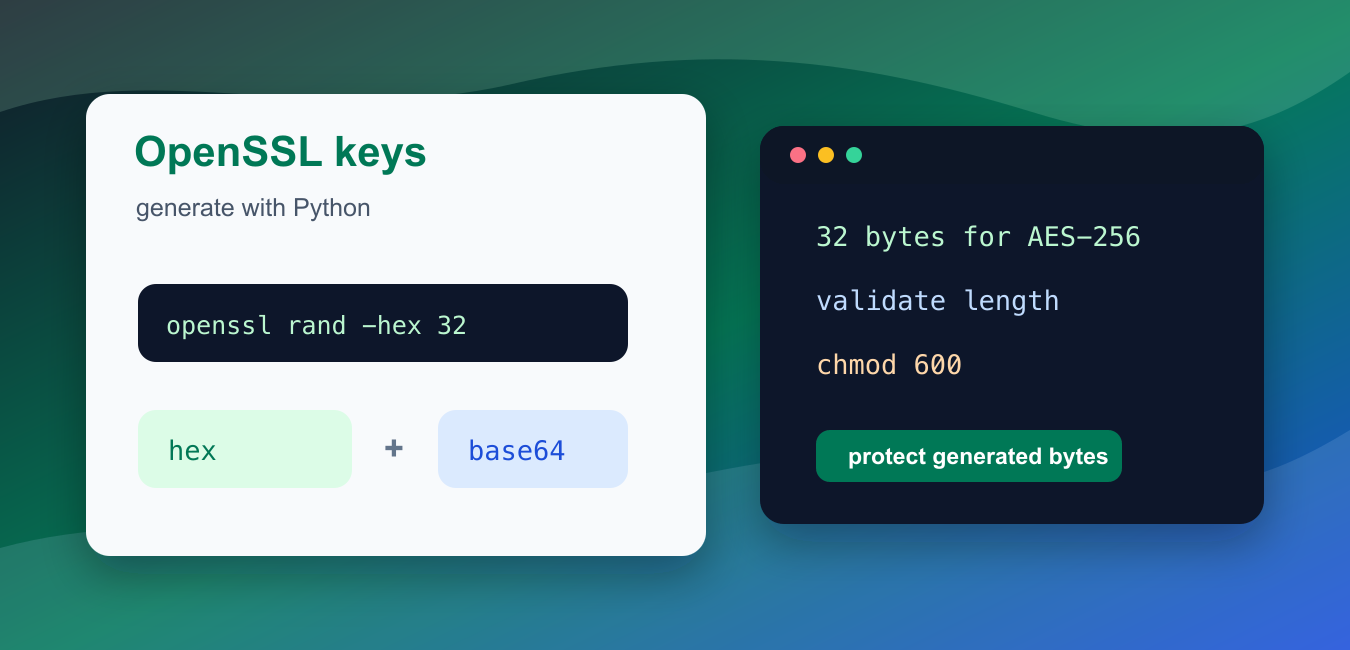
Generate and use symmetric keys with OpenSSL and Python while avoiding shell injection, protecting key material, handling nonces, and validating encryption workflows.
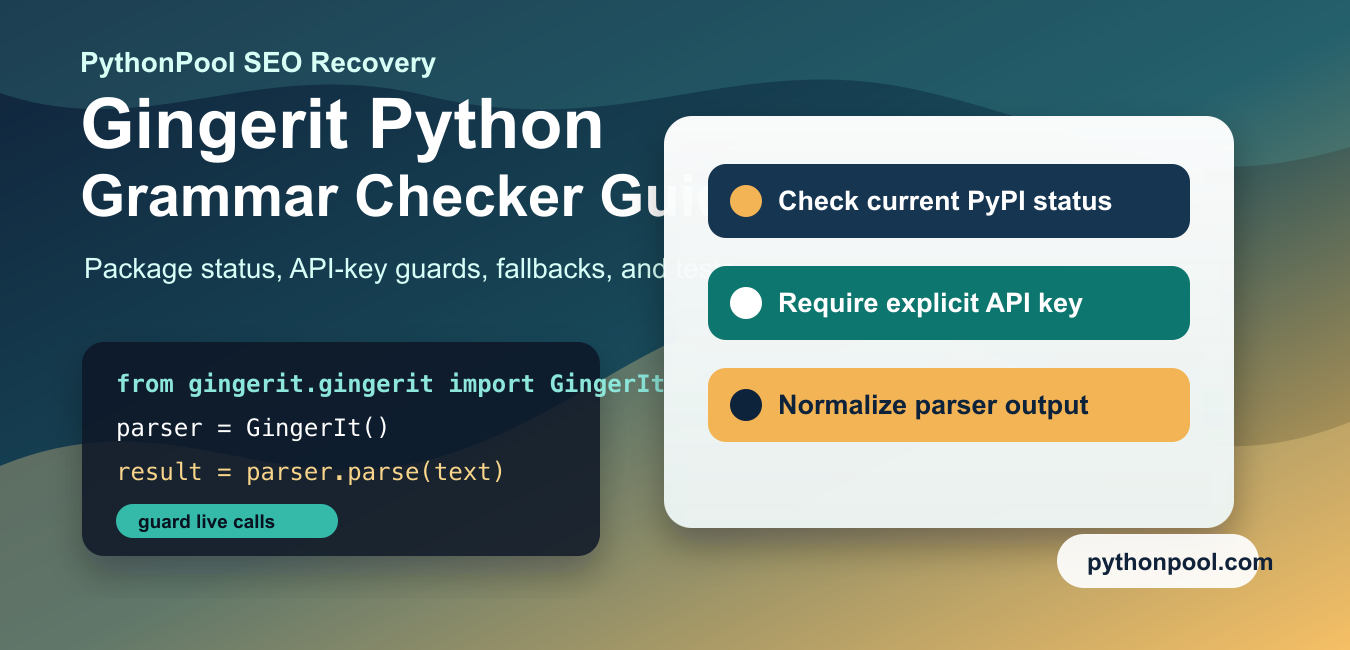
Use Gingerit-style grammar correction safely by checking the package status, protecting optional imports, and isolating external service calls.
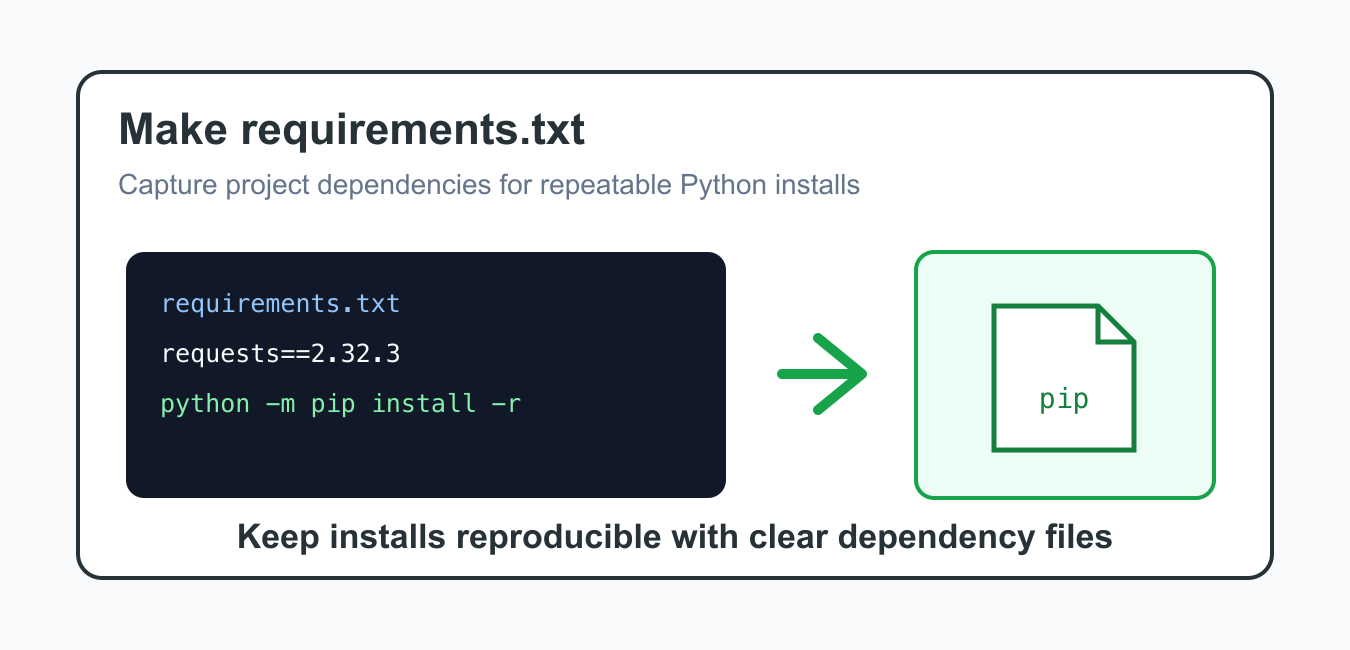
Create a useful Python requirements.txt with virtual environments, version constraints, pip freeze, reproducible installs, and safer project metadata.
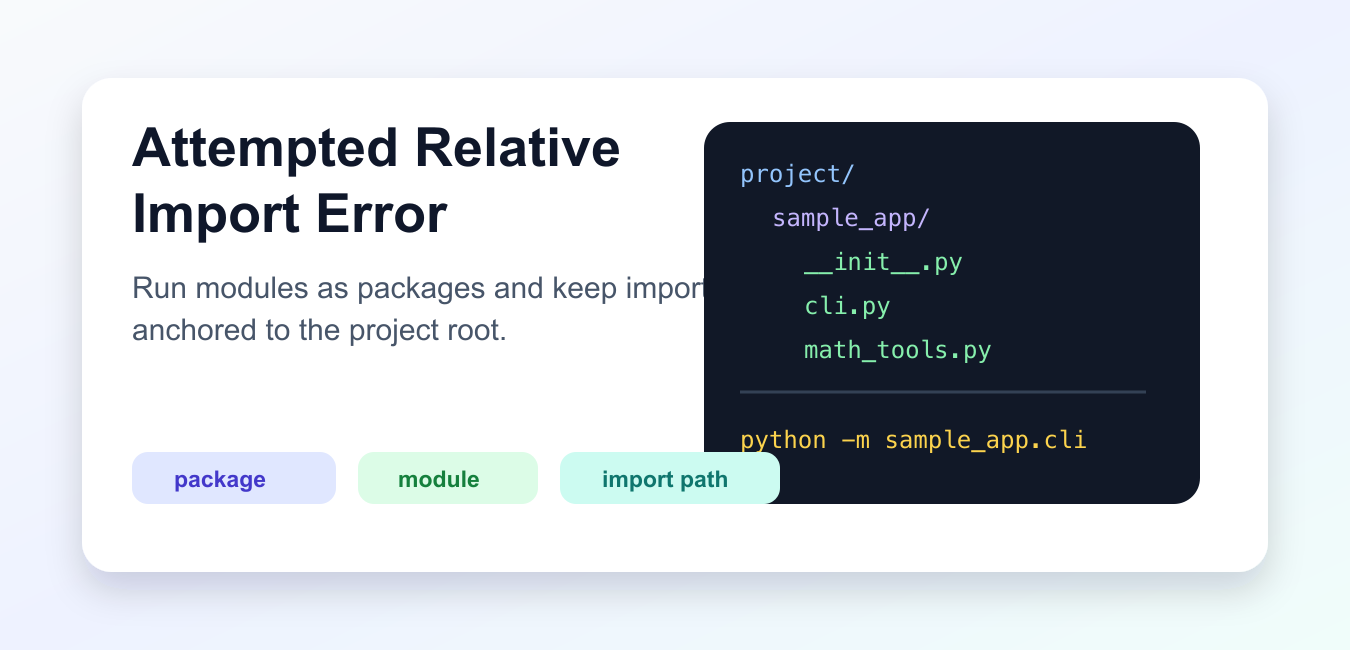
Fix attempted relative import errors by running modules with -m, using a real package layout, checking __package__, and avoiding fragile script execution paths.